Integrations
Kira is designed to operate alongside existing LMSs, curriculum and district infrastructure. The homepage states it can absorb more of the stack over time, but does not name specific integration partners or technical details.
AI system for schools: plan, assess and intervene in one place.

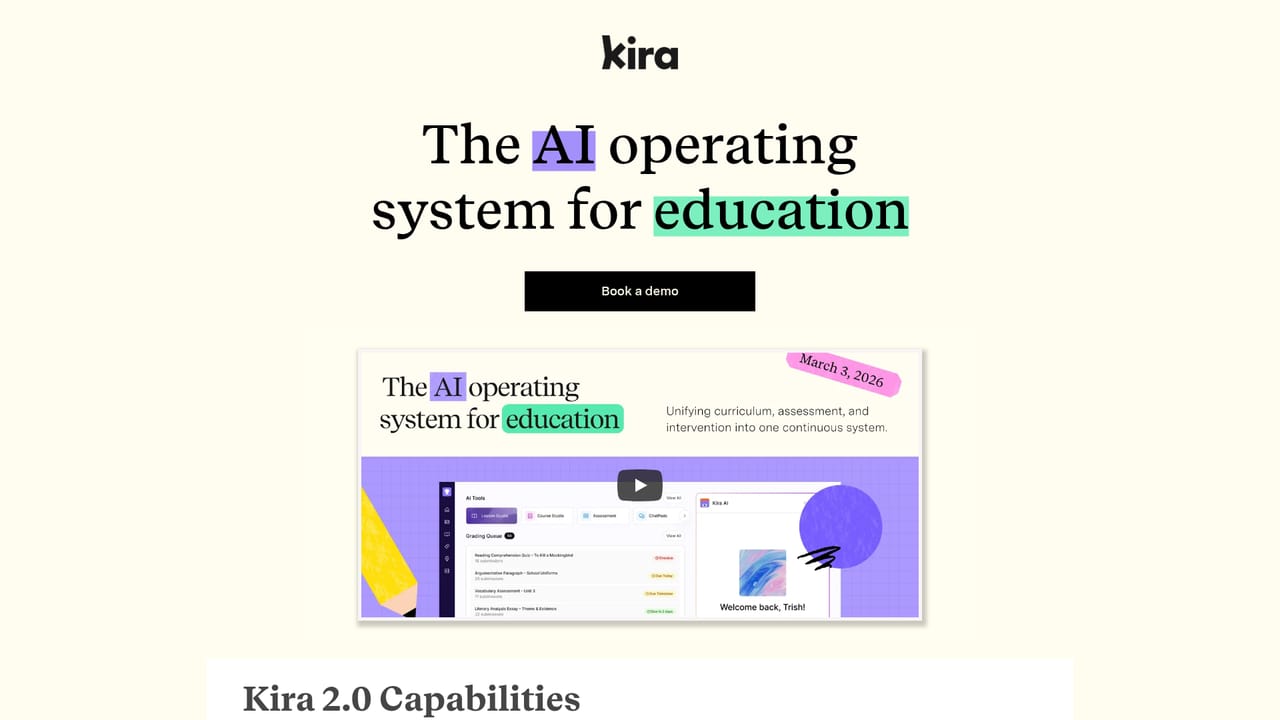
Kira is an AI operating system for schools that connects curriculum creation, assessment, and intervention. It generates standards-aligned courses, updates mastery continuously, and supports differentiation for IEPs and ELLs, with FERPA and COPPA compliance built in.
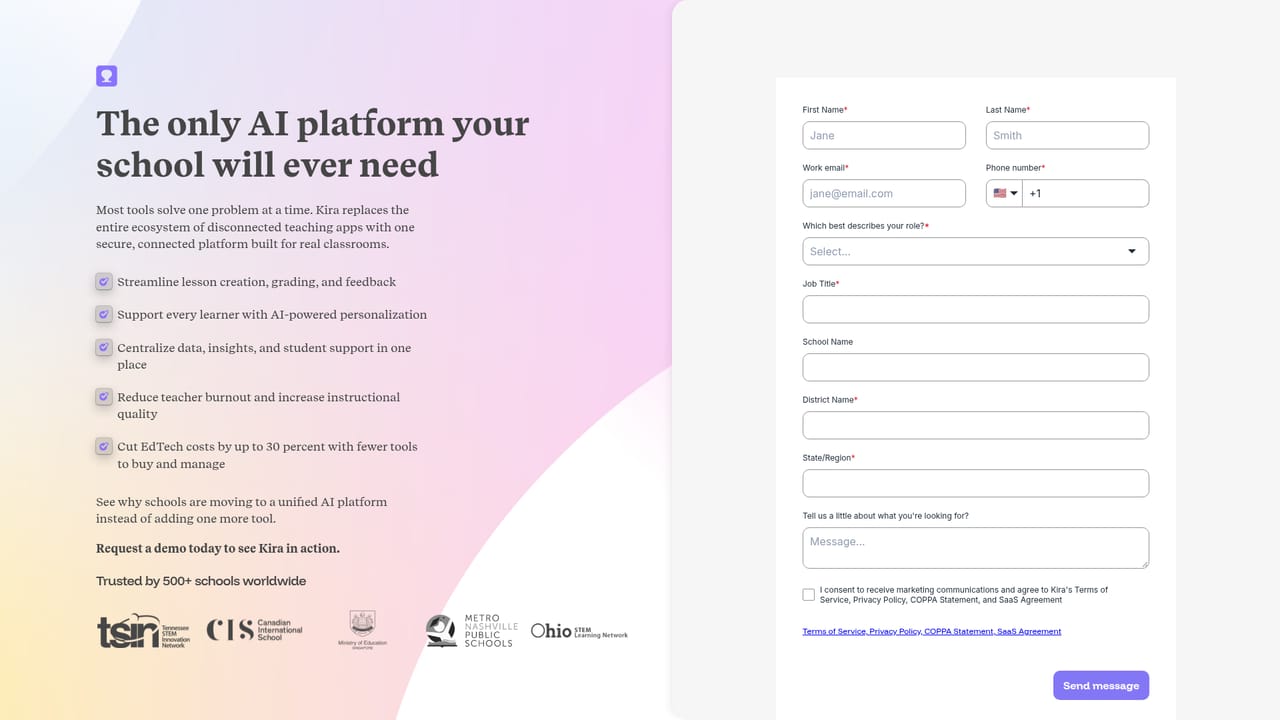
Kira is an AI platform built for schools rather than individual teachers. It positions itself as an operating system for education, linking lesson planning, assessment, and intervention so that standards, student work, and feedback stay connected. The core pitch is consolidation: instead of juggling a planning tool, a grading tool, and an intervention tracker, a school runs all three through Kira, with student responses feeding a live mastery model that informs what happens next. Curriculum and course creation is the headline capability, generating full standards-aligned courses for any subject or grade level in minutes, with the claim that lessons are ready to run rather than just drafted. In practice, Kira is aimed at districts and school leaders who want fewer subscriptions and a single source of truth. The system handles differentiation for diverse learners, including IEPs, English language learners, and MTSS interventions, without asking teachers to rebuild materials for each group. It also covers multilingual instruction, career and technical education pathways, and flexible models such as virtual programs and credit recovery. Teachers stay in control: content is reviewed before use, rubrics and adaptations are explainable, and student data remains under district ownership. Compliance with FERPA and COPPA is built in by default. Kira fits alongside existing LMS and curriculum infrastructure rather than demanding a rip and replace, and the company frames it as something that can absorb more of the stack over time. Compared with general-purpose AI writing assistants, Kira is narrower and heavier: it assumes an institutional buyer, a focus on standards alignment, and a workflow that spans planning through intervention. There is no published pricing or self-serve trial on the site, so evaluation runs through a sales conversation and a product preview.
Kira is designed to operate alongside existing LMSs, curriculum and district infrastructure. The homepage states it can absorb more of the stack over time, but does not name specific integration partners or technical details.
Core features include curriculum and course creation with standards alignment, assessment and a continuously updated mastery model, MTSS and intervention automation, differentiation for IEPs and ELLs, multilingual instruction, CTE and AI pathways, and support for virtual and credit recovery models. Teachers review all content, and rubrics and adaptations remain visible and explainable.
Learn more AI Angels400+ customizable AI girlfriends for NSFW chat, voice calls, and roleplay
 Candy AIExperience the future of companionship with AI friends who chat, role-play, and connect with you on a human level.
 ourdream.aiA vast AI roleplay platform with millions of characters for chat, images, video and voiceAI Angels400+ customizable AI girlfriends for NSFW chat, voice calls, and roleplayCandy AIExperience the future of companionship with AI friends who chat, role-play, and connect with you on a human level.ourdream.aiA vast AI roleplay platform with millions of characters for chat, images, video and voice


