Free trial
Up to 14 days of free trial with no credit card required. A free signup option is available from the homepage.
Learn moreAI-powered knowledge base for fast, self-service customer support.
Own KnowledgeBase AI? Verify ownership to get a dofollow link

KnowledgeBase AI is a hosted knowledge base and help center tool with AI article generation and QuickAnswer instant responses, aimed at support teams that want to deflect common questions and give agents fast access to answers. It supports multiple knowledge bases in one dashboard and offers a free trial with no credit card.
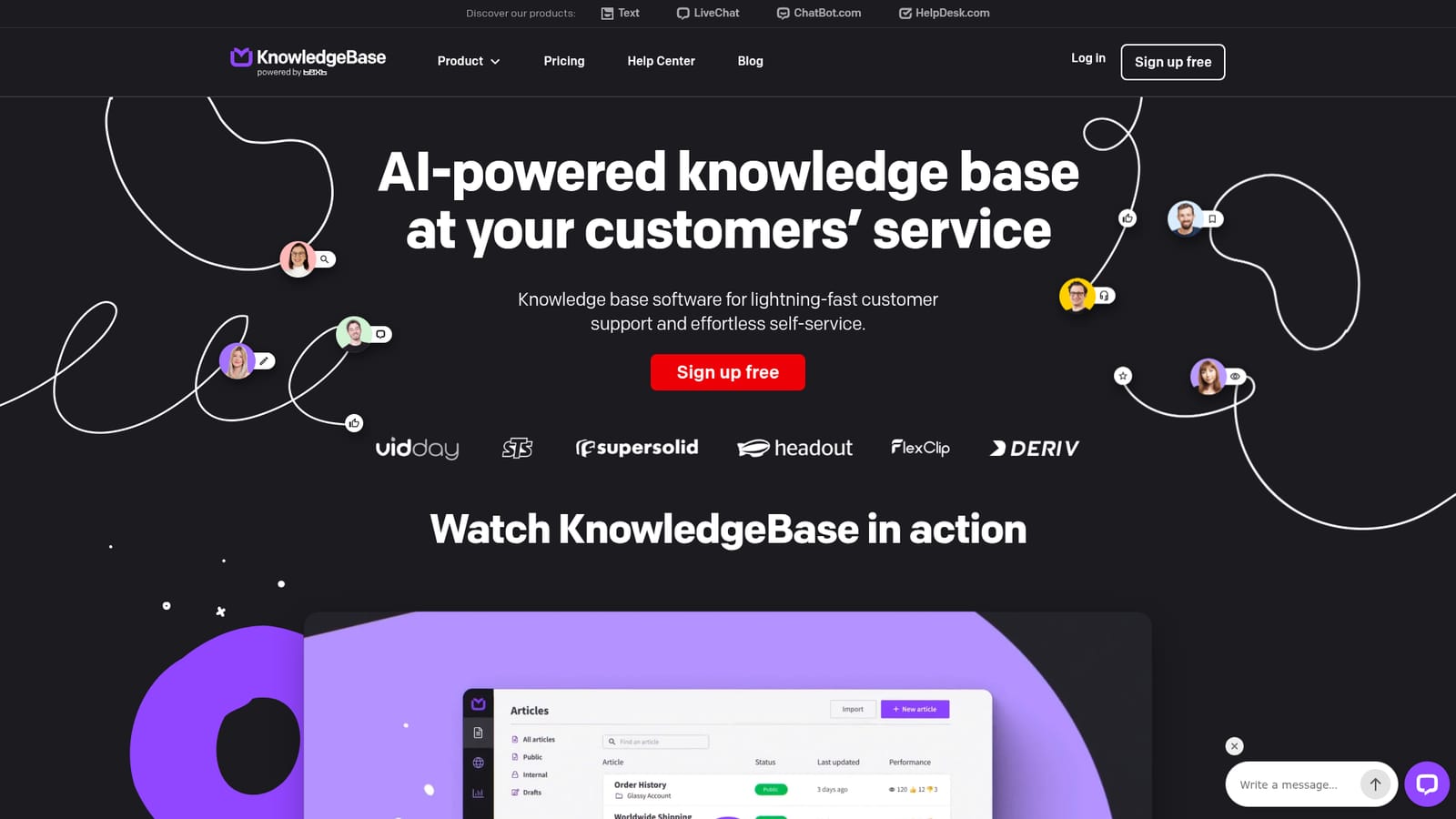
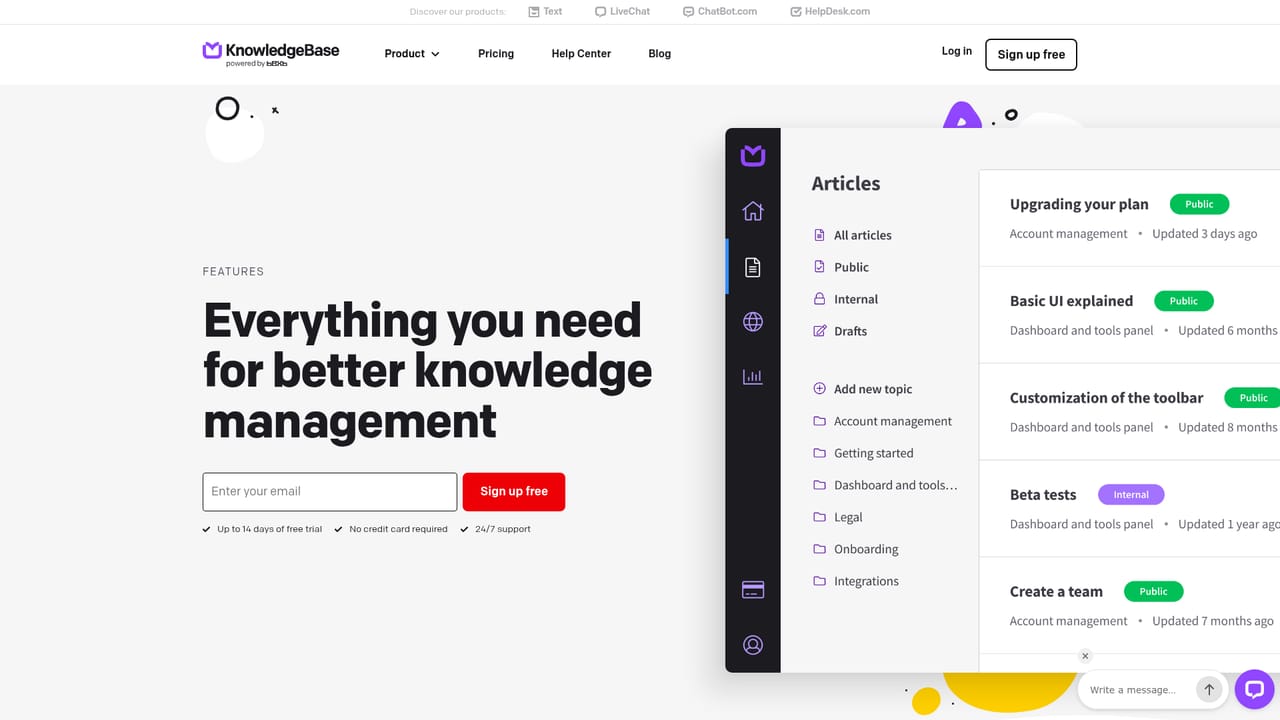
KnowledgeBase AI is a hosted knowledge base platform built for customer support and self-service. It bundles two core capabilities: a public help center where customers can find answers on their own at any hour, and an internal workspace where support agents can quickly reference the same information during live conversations. The platform is designed to reduce the load on support teams by deflecting common questions and shortening handling time for the ones that still need a human reply. The tool leans on AI to speed up content creation and retrieval. QuickAnswer gives customers a direct answer to their query without requiring them to open and scroll through an article, which matters when they are on a mobile device or in a hurry. Article generation can produce draft titles, body text and keywords in seconds, so editors start from a rough draft instead of a blank page. For teams that operate multiple products or brands, KnowledgeBase supports several knowledge bases inside one dashboard, keeping content separated without forcing a separate login or a second subscription. In practice, a team signs up, creates a workspace for customer self-service, and adds a second workspace for internal use if needed. Articles can be written manually or generated with AI, then organized into categories and subcategories. The public help center is hosted by KnowledgeBase, so no separate CMS or web developer is required. Branding options include a custom domain, logo and favicon, which helps the help center look like part of the main website rather than a third-party add-on. KnowledgeBase sits in the same space as dedicated help center tools and general-purpose documentation platforms. Its distinguishing angle is the combination of AI answer generation and article drafting inside a product that is clearly built around support workflows rather than engineering documentation. Teams that already use LiveChat have an obvious integration path, since the knowledge base can be accessed from the agent app. Buyers who need deep customization of the public site theme, a full developer API, or complex multilingual content trees will want to check the feature pages and trial before committing, because the homepage focuses on support use cases and does not detail every technical limit.
Up to 14 days of free trial with no credit card required. A free signup option is available from the homepage.
Learn more24/7 support is listed as part of the offering, and a LiveChat option is available on the site for direct questions.
KnowledgeBase is referenced as accessible from the LiveChat Agent app, letting agents look up answers during conversations. The homepage does not list other integrations.
Core features include QuickAnswer for instant AI responses to customer queries, AI article generation for titles, body text and keywords, and support for multiple knowledge bases within one dashboard. The platform provides a hosted public help center with branding options such as custom domain, logo and favicon, plus an internal workspace for agents. SEO-friendly structure and analytics are referenced on the homepage.
Learn more AI Angels400+ customizable AI girlfriends for NSFW chat, voice calls, and roleplay
 Candy AIExperience the future of companionship with AI friends who chat, role-play, and connect with you on a human level.
 ourdream.aiA vast AI roleplay platform with millions of characters for chat, images, video and voiceAI Angels400+ customizable AI girlfriends for NSFW chat, voice calls, and roleplayCandy AIExperience the future of companionship with AI friends who chat, role-play, and connect with you on a human level.ourdream.aiA vast AI roleplay platform with millions of characters for chat, images, video and voice


