Free trial
A free plan needs no credit card and covers 100 messages a month on one website. The homepage demo can also scan a site anonymously, with nothing stored.
Learn moreA support chatbot that answers visitors straight from your own pages.

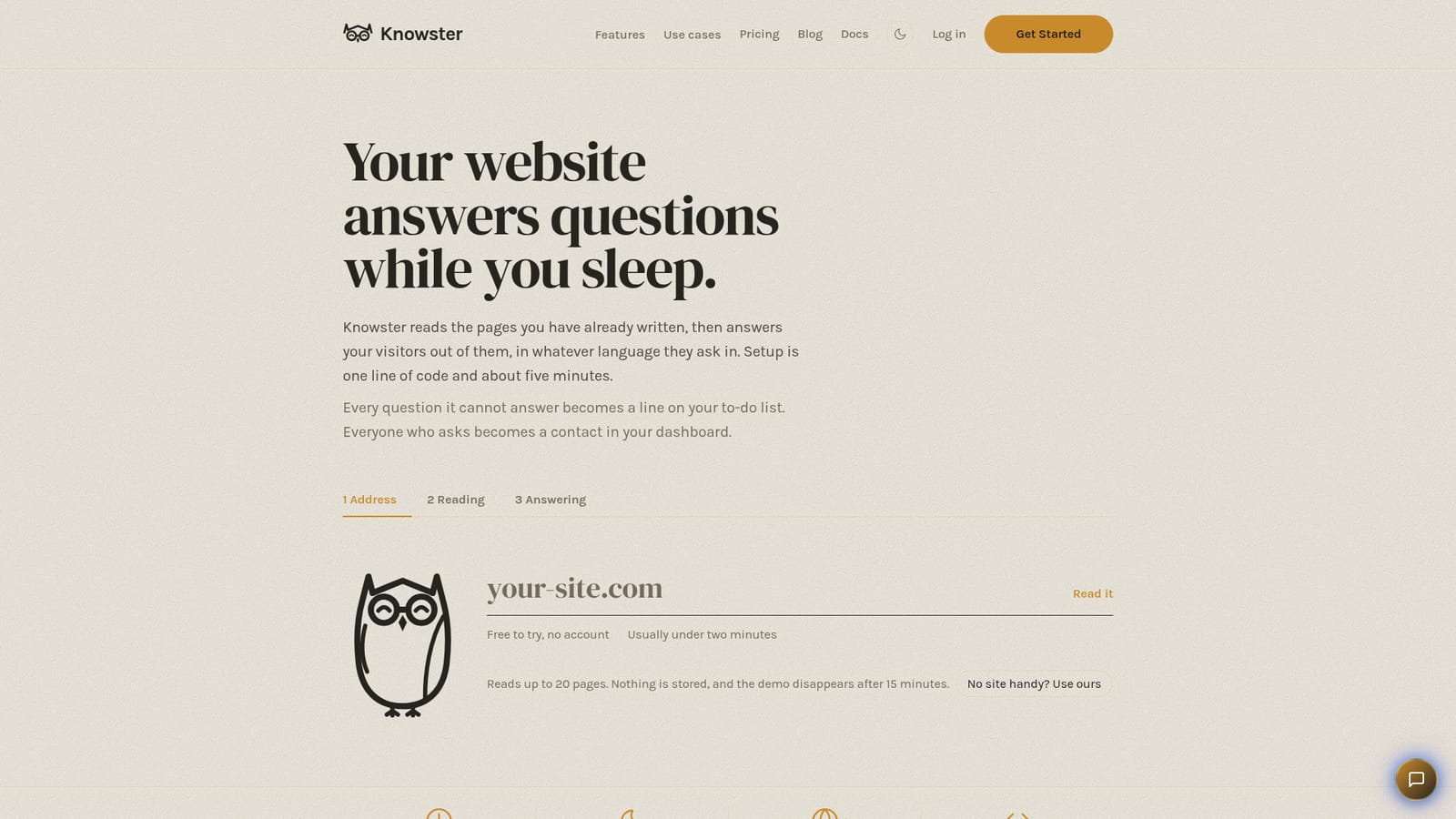
Knowster turns an existing website into a support chatbot: it reads your public pages, refreshes them on a schedule, and answers visitor questions in their own language from a single line of code. Extra facts can come from a read-only Google Drive folder or hand-written pinned answers, and unanswered questions become a to-do list.
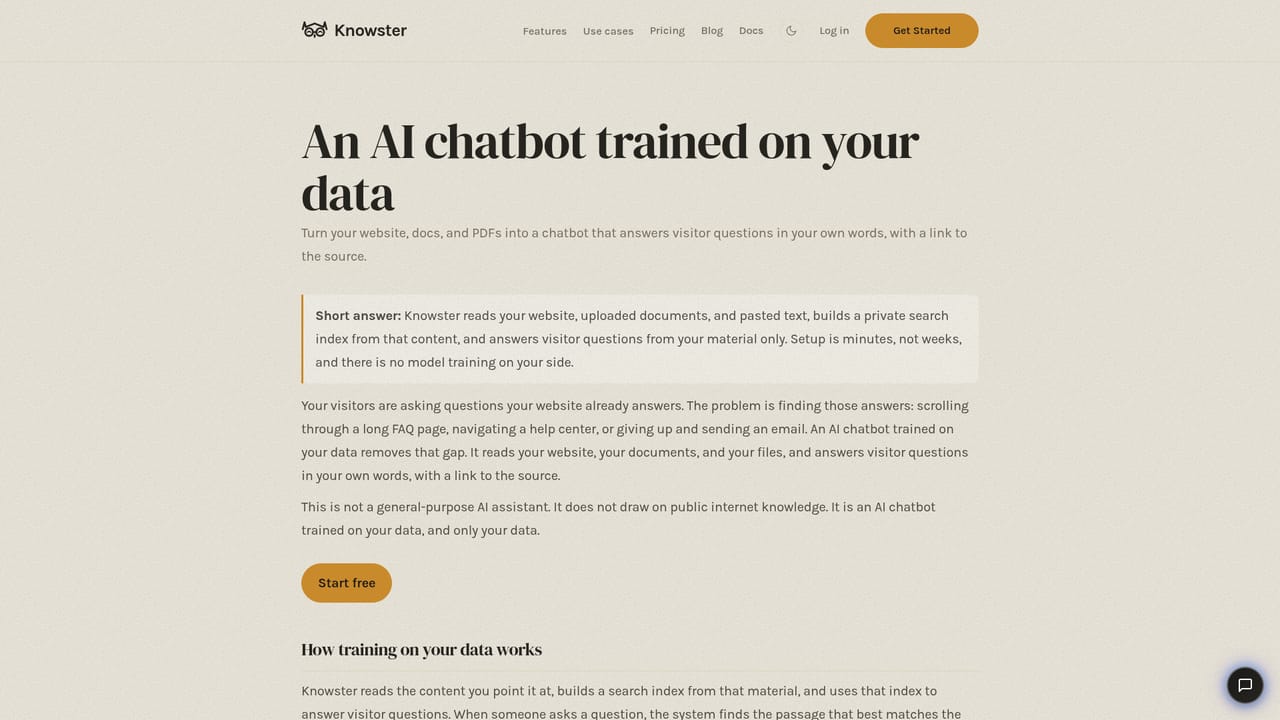
Knowster is a website chatbot built around a single idea: the answers your customers want are already written somewhere on your site, so the bot should read them rather than make you write a script. It crawls the public pages you point it at, builds a searchable index of their content, and answers visitor questions from that material in whatever language the visitor used. Setup is described as one line of script and roughly five minutes, with no plugin, migration or developer involved. The knowledge base is not limited to the site itself. A read-only Google Drive folder can be connected and is re-checked every ten minutes; it handles Google Docs, Sheets, plain text and markdown. Anything the site does not say out loud, such as holiday hours or work the business does not take on, can be written by hand as a pinned answer, and pinned answers are followed word for word instead of being paraphrased. Site pages are re-read on a schedule so an answer does not survive a page that has changed. In daily use the widget sits on the page, adopts the colours, corners and tone of the host site, and offers suggested prompts. Questions it cannot answer are logged as a to-do list, and visitors who ask about price or availability can hand over an email, which lands as a lead in the dashboard. Every plan carries lead capture; the analytics dashboard starts on Starter and white-labeling on Pro. The product is aimed squarely at small businesses without a support team: clinics, dealerships, cafes, law firms, clubs, cruise operators. Compared with a generic bot, the appeal is that its knowledge tracks the site automatically. Compared with a hand-built knowledge base tool, the tradeoff is depth of control. The free plan (100 messages a month, one website) exists to test whether it can answer at all, and paid tiers run from $39 to $299 a month.
A free plan needs no credit card and covers 100 messages a month on one website. The homepage demo can also scan a site anonymously, with nothing stored.
Learn moreFree forever: 100 messages a month, one website, 10 leads. Starter is $39 a month for 2,000 messages, three websites and 200 leads. Pro is $99 a month for 6,000 messages, ten websites, 1,000 leads and white-labeling. Scale is $299 a month for 20,000 messages, 50 websites and 5,000 leads. Enterprise is custom. Paid plans carry a 14-day refund policy and a one-off top-up is available.
Learn moreAny site that accepts a script tag: WordPress, Shopify, Wix, Squarespace, Webflow, Framer, Ghost, Drupal or plain HTML. One read-only Google Drive folder can be connected.
Reads up to 20 public pages per site in the demo, re-reads them on a schedule, and answers in any language. Additional knowledge comes from a read-only Google Drive folder (Docs, Sheets, text, markdown) checked every ten minutes, or from pinned answers followed verbatim. The widget matches site styling, captures leads on price and availability questions, and logs unanswered questions as a to-do list. Starts on one line of code.
Learn more AI Angels400+ customizable AI girlfriends for NSFW chat, voice calls, and roleplay
 Candy AIExperience the future of companionship with AI friends who chat, role-play, and connect with you on a human level.
 ourdream.aiA vast AI roleplay platform with millions of characters for chat, images, video and voiceAI Angels400+ customizable AI girlfriends for NSFW chat, voice calls, and roleplayCandy AIExperience the future of companionship with AI friends who chat, role-play, and connect with you on a human level.ourdream.aiA vast AI roleplay platform with millions of characters for chat, images, video and voice


