Free trial
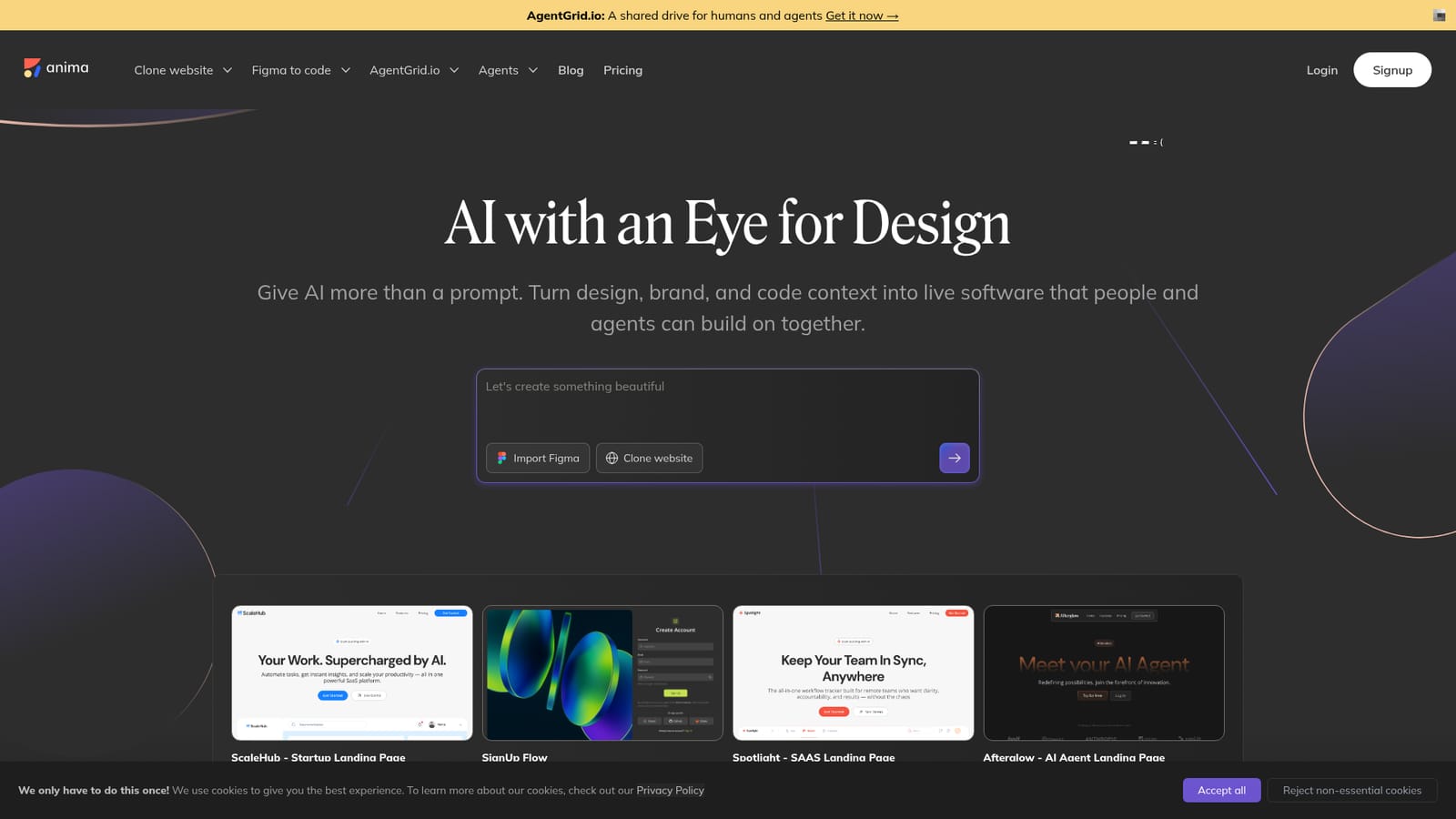
The homepage invites visitors to start free in the playground. No trial length, limits or credit terms are stated.
Learn moreDesign-aware AI agent that turns Figma files, URLs and images into live code.

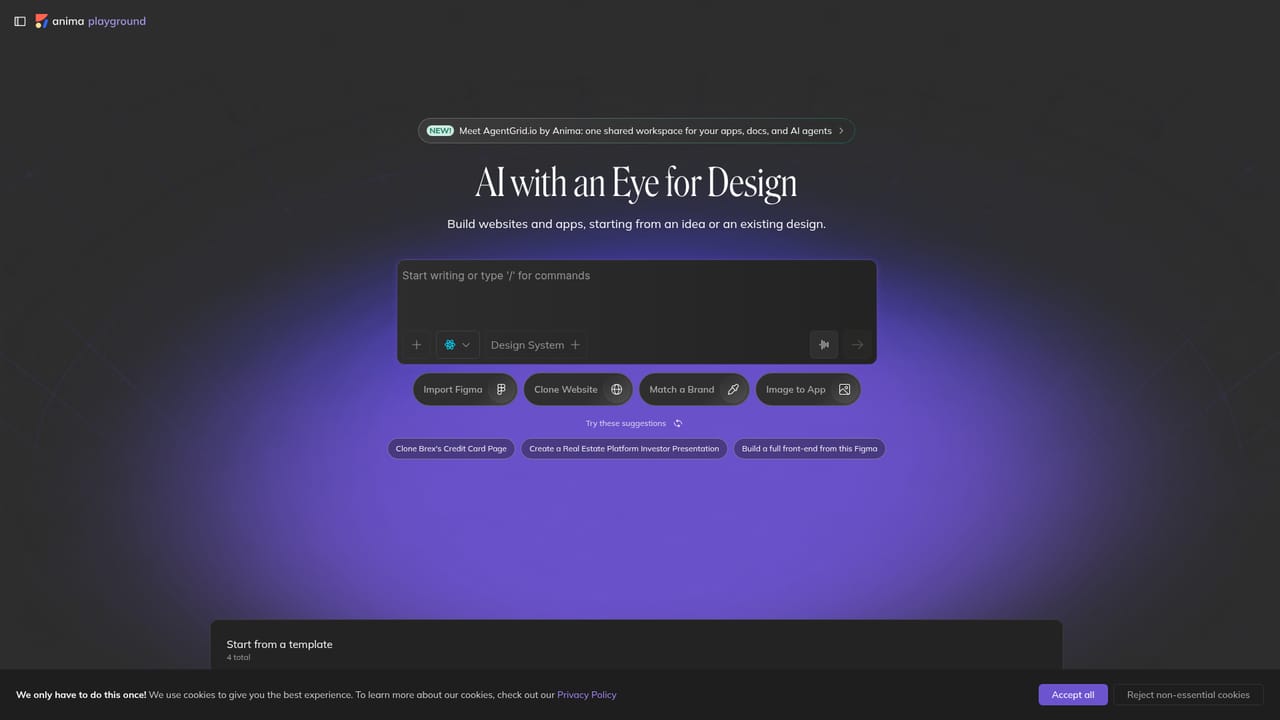
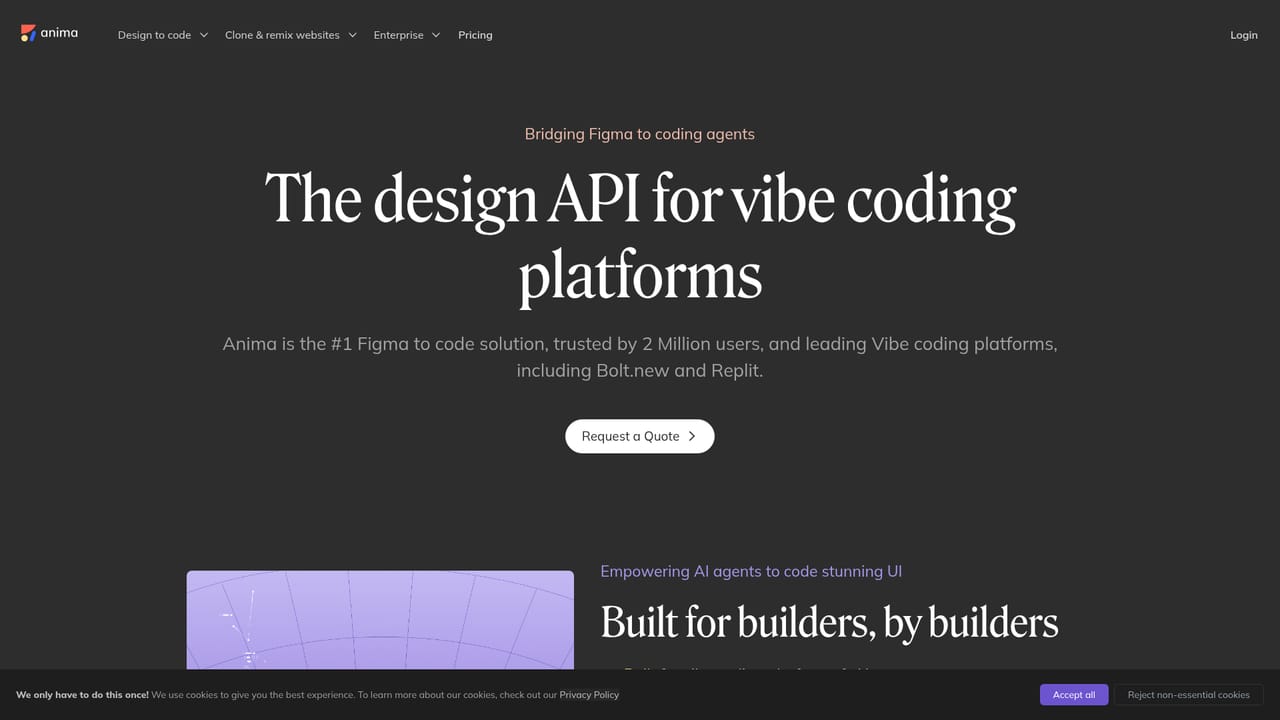
AnimaApp is an app creation tool. Anima converts Figma files, live URLs, screenshots and imported code into editable HTML or React apps using a design-aware AI agent. It supports on-brand builds through design systems and Design.md, offers database and authentication, and powers Bolt.new and Replit through its API.
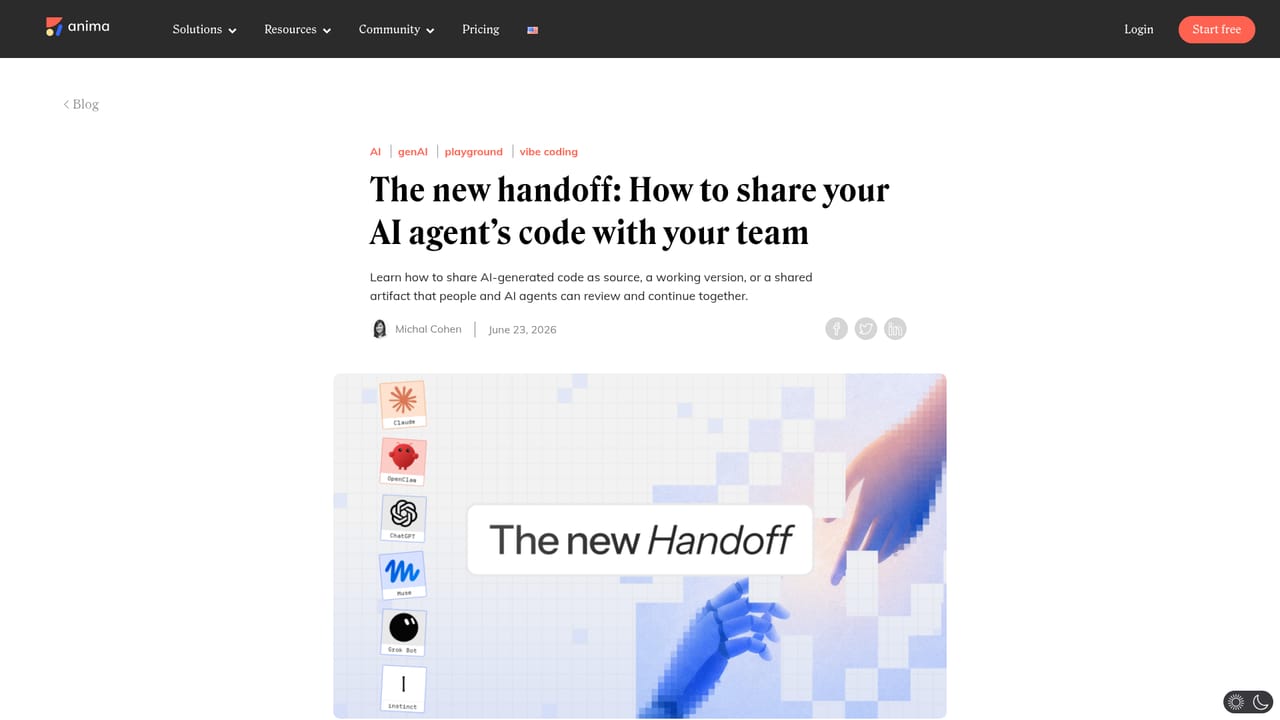
Anima is a design-to-code platform built around a design-aware AI agent. Rather than starting every build from a blank prompt, it lets teams bring real product context: a Figma file, a live website URL, a screenshot or mockup, an existing design system, or code exported from another AI tool. From that input Anima generates a working, editable HTML or React application that runs and previews in the browser. The tool supports several distinct starting points. Figma designs become responsive HTML or React with their structure, assets and visual details carried across, and the result can be copied back into Figma as iteration continues. A live website can be cloned across multiple pages, with routes and navigation already wired together. Screenshots, mockups and user flows can be turned into editable apps, and an artifact or code block produced by Claude or a similar assistant can be imported, run and then refined visually. Brand consistency is handled through imported design system components, brand matching from a URL, or a Design.md file. Output is configurable. HTML suits websites, landing pages, email templates and marketing experiences, while React fits products, dashboards, flows, slides and prototypes, with TypeScript or JavaScript, a preferred UI library, and clean CSS, Tailwind or inline styles. Builds can add a database and authentication, restore any earlier version, then be published, exported or handed off. Anima is aimed at product teams that want to build directly from design context, and at coding platforms that integrate the engine through the API. It already powers Bolt.new and Replit, and an MCP server exposes Figma-to-code, design systems and project context to external coding agents. Compared with pure prompt-based builders, it wins on fidelity to existing designs and brand, though teams wanting deep framework control may find the generated code a starting layer rather than a finished product.
The homepage invites visitors to start free in the playground. No trial length, limits or credit terms are stated.
Learn moreThe homepage offers no support details. Documentation exists at docs.animaapp.com, and API access and pricing enquiries go to a sales email address.
Figma import and copy back to Figma, the Anima API (already powering Bolt.new and Replit), and the Anima MCP server for connecting coding agents. Imports from Claude and other AI tools are supported.
Learn moreFigma to responsive HTML or React with structure, assets and visual details preserved; multi-page website cloning with routes and navigation; image or mockup to app; brand and design system context via components, URL matching or Design.md; import of code or AI artifacts; HTML and React output with TypeScript or JavaScript, choice of UI library and Tailwind, clean CSS or inline styles; database and authentication; version restore; publish, export and handoff.
 AI Angels400+ customizable AI girlfriends for NSFW chat, voice calls, and roleplay
 Candy AIExperience the future of companionship with AI friends who chat, role-play, and connect with you on a human level.
 ourdream.aiA vast AI roleplay platform with millions of characters for chat, images, video and voiceAI Angels400+ customizable AI girlfriends for NSFW chat, voice calls, and roleplayCandy AIExperience the future of companionship with AI friends who chat, role-play, and connect with you on a human level.ourdream.aiA vast AI roleplay platform with millions of characters for chat, images, video and voice