Free trial
Three free videos are included, and no credit card is needed to start.
Learn moreTemplate-driven faceless short videos with scripts, voice and auto-posting
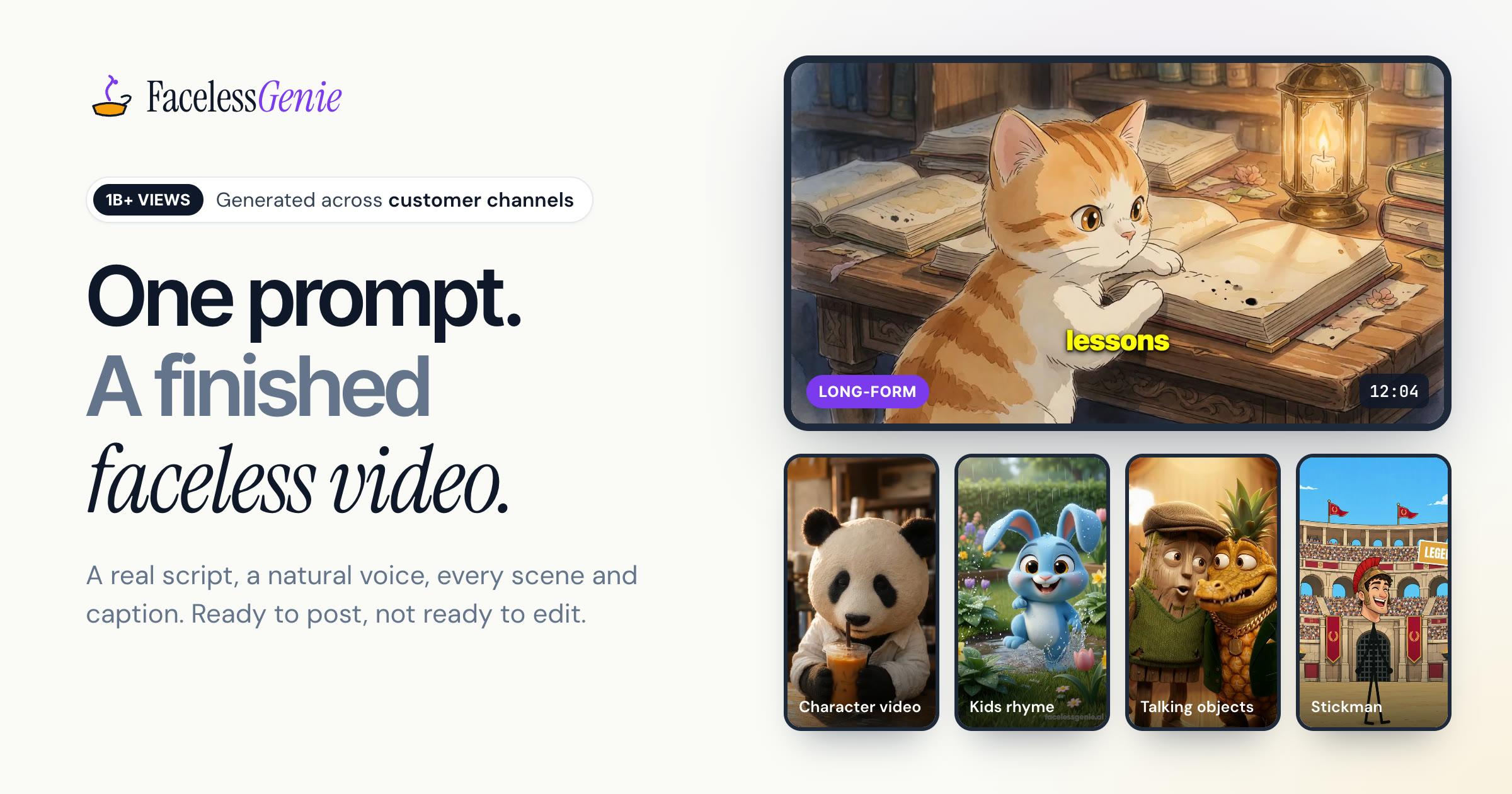
Korpi AI generates faceless vertical videos for TikTok, Shorts and Reels from 154 niche templates, handling script, voiceover, captions and rendering, with optional scheduled auto-posting. Three videos are free without a card.
Korpi AI is a web-based video generator built for creators who run faceless channels on TikTok, YouTube Shorts and Instagram Reels. Instead of a timeline editor, the workflow starts with a niche. The site offers 154 templates, with new ones added every week, covering formats such as Stickman History, AI Fruit Story and Replace Anything. Once a niche is chosen, the platform writes the script, produces a voiceover, adds captions and renders the scenes into a finished vertical video. An AI Agent can also pick the niche on the user's behalf, which suits people who want output without deciding on a format first. Around the core generator sit several separate modes. A tools section lists Replace Anything, clippers and a caption remover as free utilities. An automation area lets users set up campaigns that render and publish on a schedule, so a channel can post daily without manual uploads. A kids mode targets toddler-safe stories for family channels, and a marketing studio turns a product into UGC-style clips and video ads for testing. The site also carries model pages for engines such as Sora 2, Veo 3.1, Seedance 2, Kling v3 Turbo, Grok Imagine 1.5, Gemini Omni and PixVerse v5, plus an MCP page for connecting outside agents. The audience is solo creators, channel operators and small marketing teams who care more about posting volume than about frame-level control. New accounts can make three videos for free without entering a card, which is enough to judge whether a template format suits a channel. Pricing beyond that allowance is not stated on the homepage. Among alternatives, Korpi AI sits between timeline editors, which demand footage and editing skill, and raw text-to-video models, which output clips but leave scripting, narration, captions and scheduling to the user. The trade-off is creative control: output follows the chosen template, so channels using the same popular niches may end up looking alike.
Three free videos are included, and no credit card is needed to start.
Learn moreThe homepage states only that new users can make 3 videos free with no card needed. Paid plan names and prices are not given on the homepage.
Learn moreThe site lists model pages for Sora 2, Veo 3.1, Seedance 2, Kling v3 Turbo, Grok Imagine 1.5, Gemini Omni and PixVerse v5, and has an MCP page. Posting targets are TikTok, YouTube Shorts and Instagram Reels.
Learn more154 niche templates with weekly additions, AI script generation, voiceover, captions and scene rendering into vertical video, an AI Agent that picks niches, free tools (Replace Anything, clippers, caption remover), scheduled automation campaigns, kids mode and a marketing studio for UGC and AI ads.
Learn more AI Angels400+ customizable AI girlfriends for NSFW chat, voice calls, and roleplay
 Candy AIExperience the future of companionship with AI friends who chat, role-play, and connect with you on a human level.
 ourdream.aiA vast AI roleplay platform with millions of characters for chat, images, video and voiceAI Angels400+ customizable AI girlfriends for NSFW chat, voice calls, and roleplayCandy AIExperience the future of companionship with AI friends who chat, role-play, and connect with you on a human level.ourdream.aiA vast AI roleplay platform with millions of characters for chat, images, video and voice