Free trial
Seven days of free practice, described as a trial rather than a permanent free tier. The subscription starts after the trial unless cancelled, and the site states cancel anytime with no questions asked.
Learn moreText a patient AI buddy in your target language, get corrected as you chat

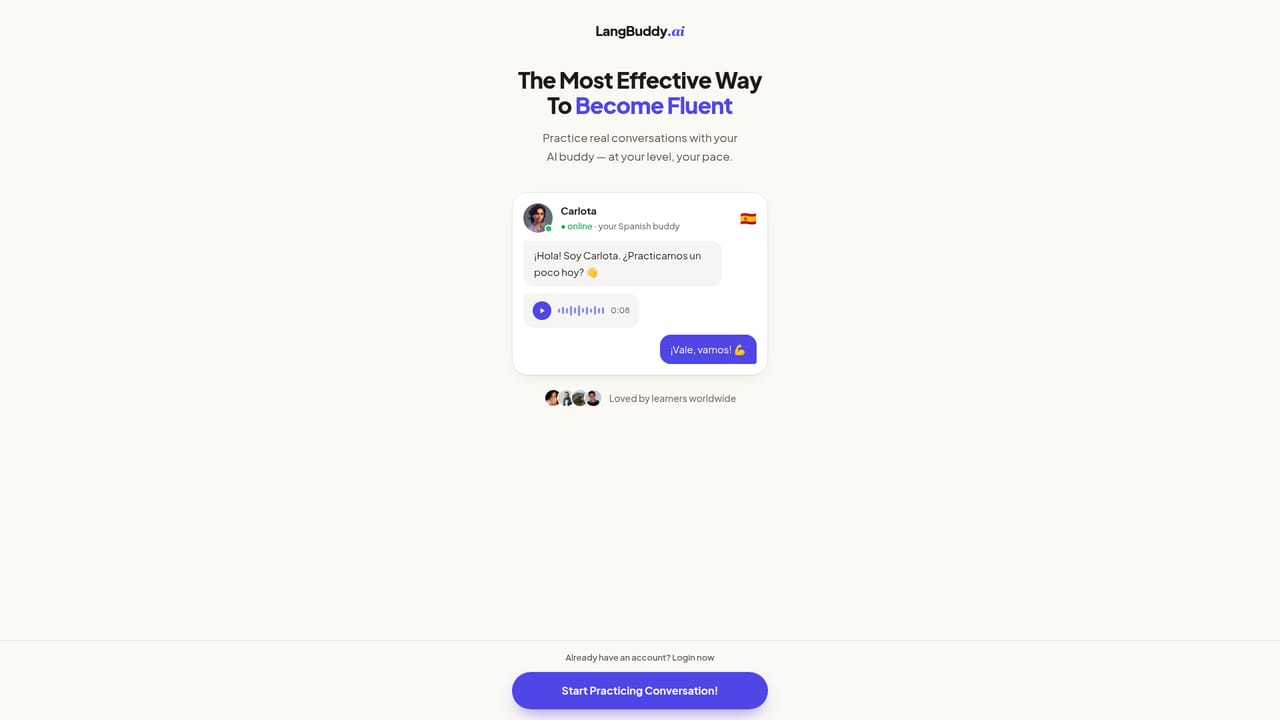
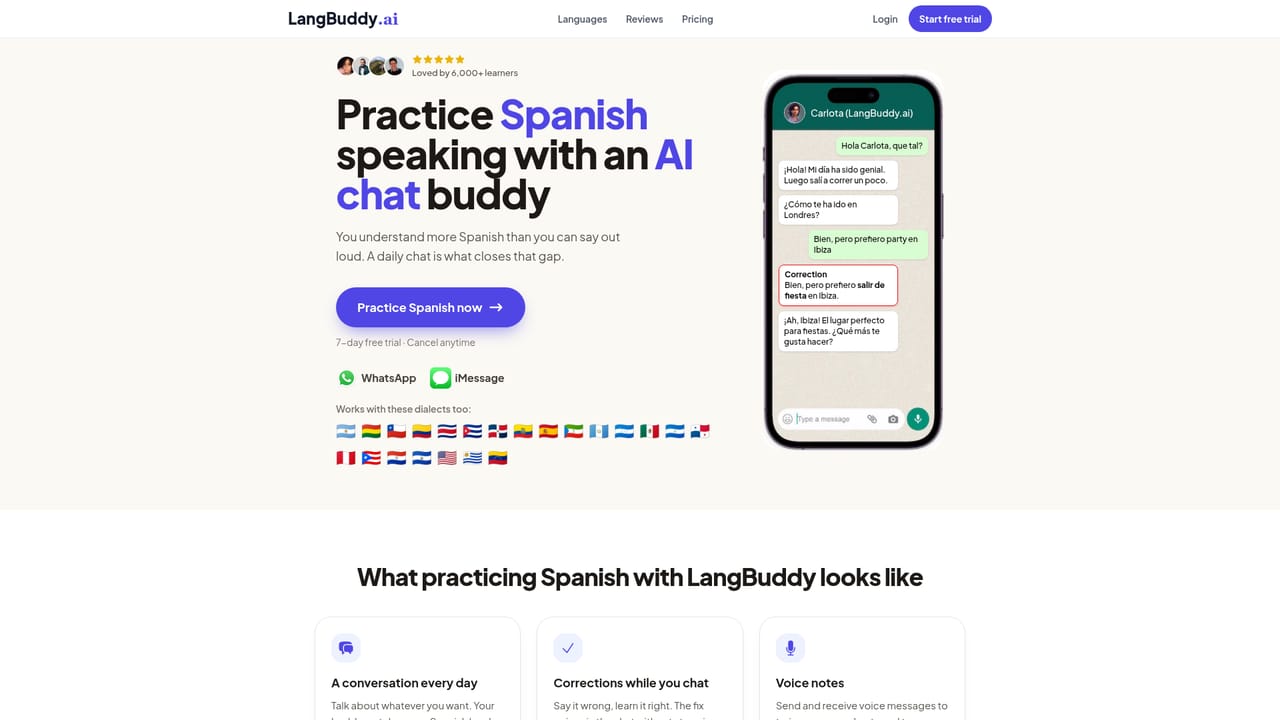
LangBuddy is an AI chat bot tool. A conversational AI language partner that lives in WhatsApp and iMessage. It chats in your target language, corrects mistakes inline with a short explanation, and sends voice notes for listening practice, across 300+ languages.
LangBuddy turns language practice into an ordinary text thread. Instead of opening a separate study app, learners message an AI character who replies like a friend: asking about the day, reacting to what was said, and slipping a correction into the conversation when a phrase comes out wrong. The correction arrives inline with a one line note on why the wording was off (for example, boy should be voy), and then the chat keeps moving. There is no red pen moment and no lesson to sit through. Practice runs through messaging channels people already use. The buddy lives inside WhatsApp and iMessage, so no app install, no new password, and no reminder to dismiss. Voice notes are part of the exchange: the AI sends spoken messages at natural pace and in a real accent, and the learner listens whenever convenient and replies by text. Conversations can also be started by the buddy rather than the learner, which removes the blank screen problem for people who freeze when asked to speak first. Language coverage is the headline claim: more than 300 languages plus regional dialects, with dedicated practice pages for a long list that runs from English, Spanish and Japanese through to Swahili, Bengali, Lithuanian and Catalan. Separate pages exist for regional variants such as Mexican and European Spanish, Brazilian and European Portuguese, and American and British English. That breadth makes it useful for less common target languages where mainstream apps offer little or nothing. The tool suits self directed learners who want low friction speaking and writing reps rather than a structured curriculum. Where Duolingo gamifies vocabulary drills and tutors charge by the hour, LangBuddy occupies the casual daily conversation slot: a few minutes of messaging, corrected in context. Pricing is a paid subscription with a seven day trial, and the site claims a community of more than 6,000 learners.
Seven days of free practice, described as a trial rather than a permanent free tier. The subscription starts after the trial unless cancelled, and the site states cancel anytime with no questions asked.
Learn moreOne plan shown on the homepage: US$159 billed annually, which works out at US$13.25 per month against a listed US$29 monthly rate (a stated 54% saving). The plan includes unlimited messages, unlimited corrections, voice notes and AI started conversations. No charge is taken on the first day.
Learn moreRuns through WhatsApp and iMessage. The homepage lists no other integrations, and no API is mentioned.
Conversational chat with an AI language buddy inside WhatsApp and iMessage. Inline mistake correction with a brief explanation of the fix, voice notes spoken at natural speed and in a real accent, 24/7 availability, unlimited messages and corrections, fast replies, and the option for the buddy to start the conversation. Coverage spans 300+ languages and regional dialects.
 AI Angels400+ customizable AI girlfriends for NSFW chat, voice calls, and roleplay
 Candy AIExperience the future of companionship with AI friends who chat, role-play, and connect with you on a human level.
 ourdream.aiA vast AI roleplay platform with millions of characters for chat, images, video and voiceAI Angels400+ customizable AI girlfriends for NSFW chat, voice calls, and roleplayCandy AIExperience the future of companionship with AI friends who chat, role-play, and connect with you on a human level.ourdream.aiA vast AI roleplay platform with millions of characters for chat, images, video and voice


