Integrations
The homepage mentions 21 integrations and full API access on all plans, plus an SDK, CLI and MCP server for connecting translation to other tools and workflows.
Professional AI translation for text, files, images and audio.
Own Lara Translate? Verify ownership to get a dofollow link

Lara Translate is a professional AI translation platform with text, document, image, audio and live interpreter modes, 200+ languages, style controls, glossaries, incognito mode and optional human review.
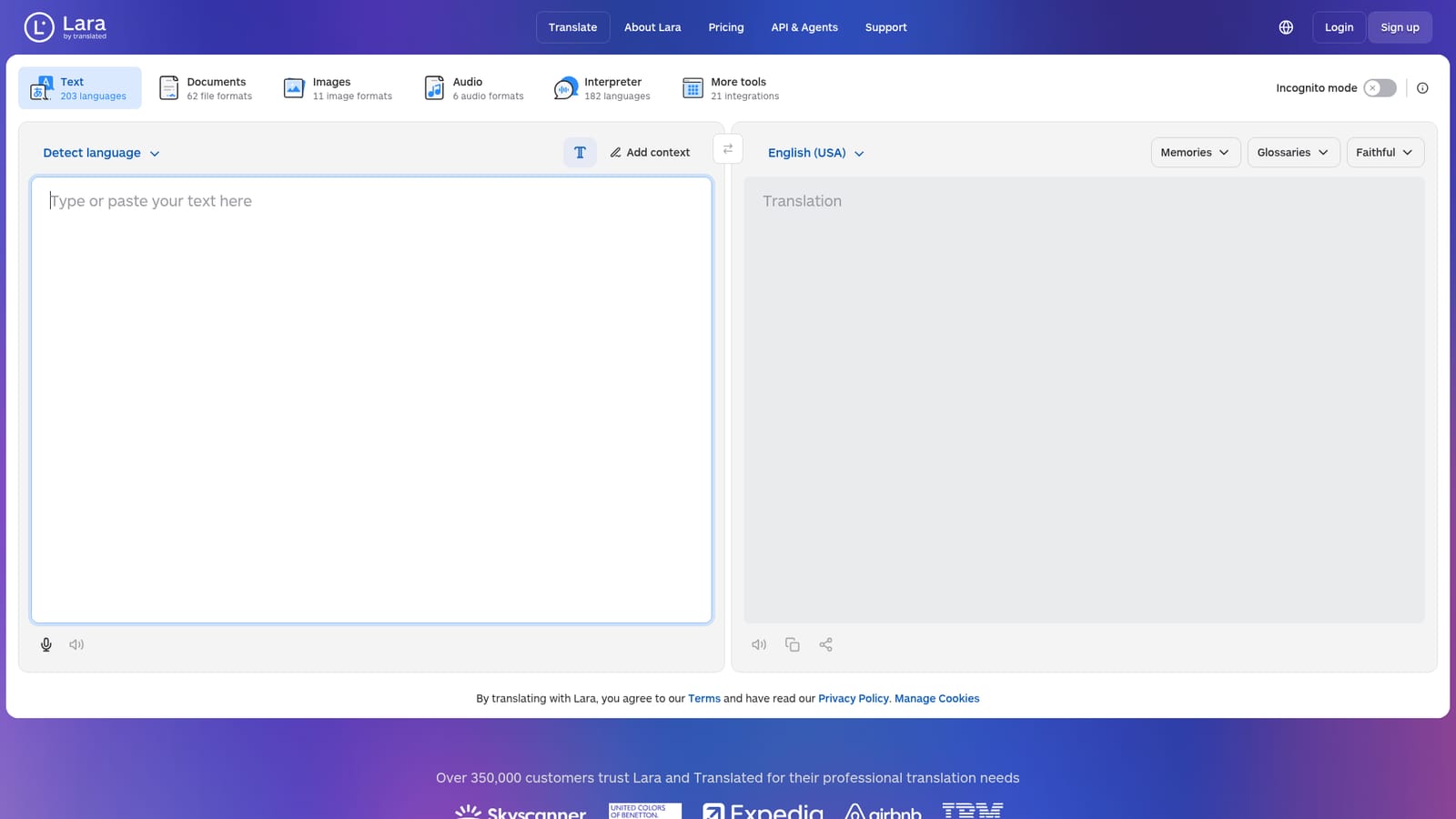
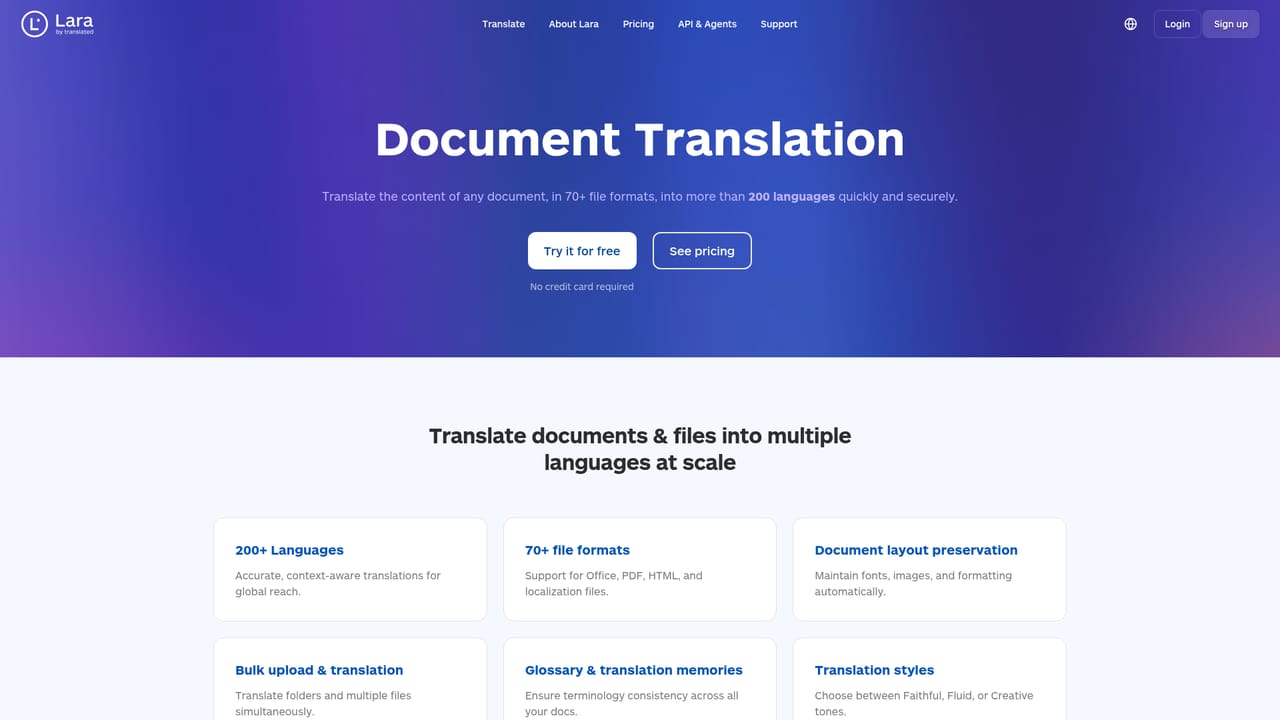
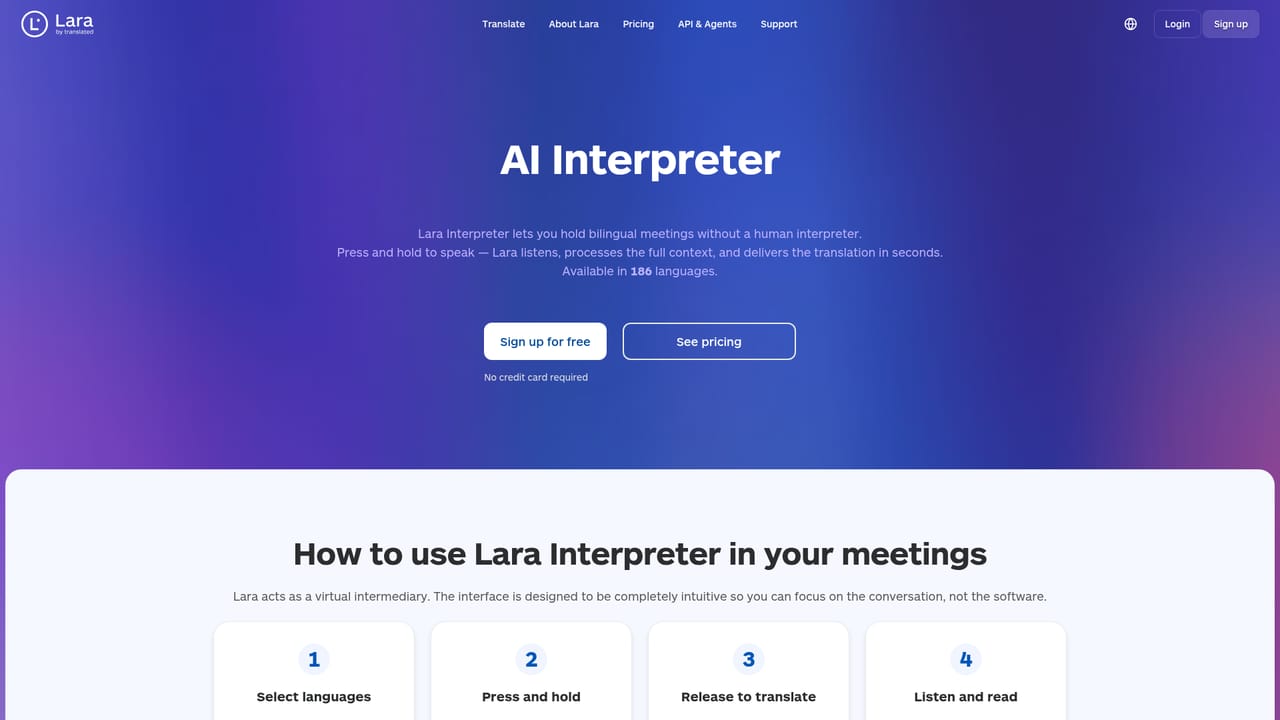
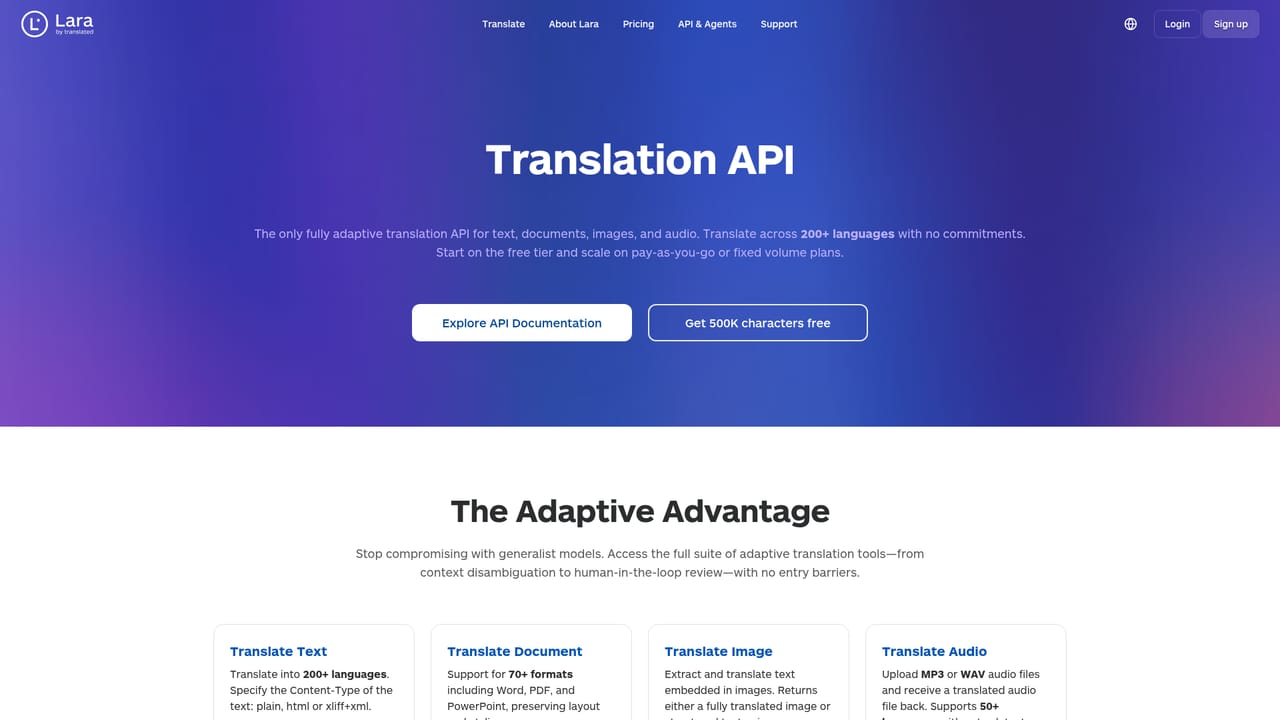
Lara Translate is a professional translation platform built by Translated, a company that has worked in machine translation since 1999. The core product is a text translator covering 203 languages, but the same engine extends to documents in 62 file formats, images in 11 formats, audio in 6 formats, and a live voice interpreter supporting 182 spoken languages. Translations are available through the web app, iOS and Android apps, an API, a command line tool and an MCP server, and output can be tuned with faithful, fluid or creative styles. The platform is aimed at teams and individuals who need more than a consumer translator. Documents keep their original layout, terminology can be pinned with glossaries and memories, and extra context can be added to steer accuracy. Incognito mode promises that content is never stored, logged or used for training, which matters for legal, financial and confidential material. For sensitive work, an optional human review step puts professional linguists over the AI output. Against general purpose chatbots, Lara argues its edge is training on millions of real professional translations rather than scraped web text, and it adapts to corrections over time. In practice, a user picks a mode (text, documents, images, audio or interpreter), sets the source and target language, and for text pastes content into the editor. Documents are uploaded as files, images are replaced with translated versions in place, and audio comes back as a translated recording. Bulk file translation handles batches, and the API and CLI cover high volume or automated pipelines. Lara Free covers the basics, while paid plans unlock more capacity and features; enterprise buyers can add human validation or custom integrations through sales.
The homepage mentions 21 integrations and full API access on all plans, plus an SDK, CLI and MCP server for connecting translation to other tools and workflows.
Text translation in 203 languages with faithful, fluid and creative styles and alternative translations; document translation for 62 formats with layout preserved; image and audio translation; a live interpreter in 182 languages; glossaries, memories, context controls and incognito mode; bulk file translation; API, SDK, CLI and MCP access; optional human review.
 AI Angels400+ customizable AI girlfriends for NSFW chat, voice calls, and roleplay
 Candy AIExperience the future of companionship with AI friends who chat, role-play, and connect with you on a human level.
 ourdream.aiA vast AI roleplay platform with millions of characters for chat, images, video and voiceAI Angels400+ customizable AI girlfriends for NSFW chat, voice calls, and roleplayCandy AIExperience the future of companionship with AI friends who chat, role-play, and connect with you on a human level.ourdream.aiA vast AI roleplay platform with millions of characters for chat, images, video and voice