Free trial
The homepage promotes a free start through the onboarding flow and states the product is free to try, but does not publish a trial length or any usage limits.
Learn moreAI agents that clean up and enrich ecommerce product catalogs
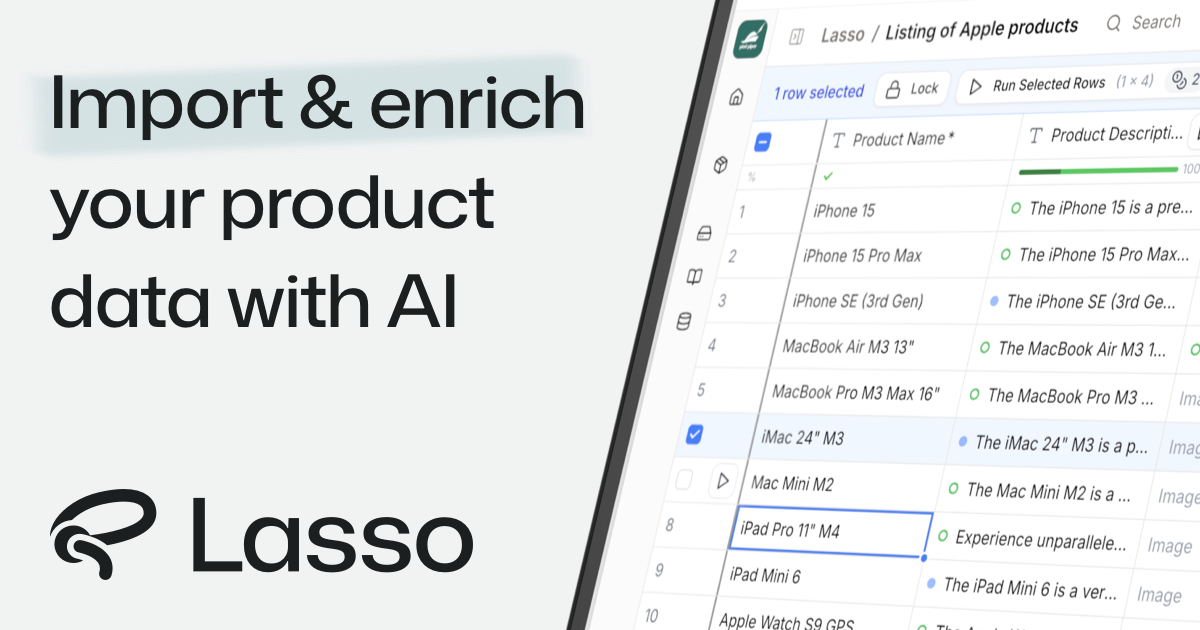
Lasso is an AI-native PIM for ecommerce: agents ingest supplier files, enrich attributes and descriptions, generate SEO copy and images, and monitor competitors, with an API and SDK for custom pipelines.
Lasso is a product information management system rebuilt around AI agents rather than manual entry. The pitch is straightforward: ecommerce teams drown in supplier spreadsheets, incomplete attributes, and thin descriptions, and Lasso runs thousands of specialized agents across the catalog to fill in the gaps. It handles attribute enrichment, SEO description writing, image work, supplier file processing, and competitor monitoring from a single workspace. In practice the workflow starts with ingestion. A supplier file of any format goes in, and the system recognizes patterns, maps columns, and pulls out attributes, with the vendor claiming a two minute turnaround even for unstructured data. From there agents enrich missing fields by consulting the web and supplier sites, following whatever content rules are configured, and the output is positioned as SEO optimized and free of invented facts. Monitoring agents then track competitor pricing, stock, and product discovery across arbitrary websites, with results surfaced in the app or through an API. The product is aimed at ecommerce operations, catalog managers, and data teams handling high volumes and messy supplier input. Lasso claims support for up to 10,000 attributes in a customer's own database structure and more than 50,000 products enriched per day, plus collaboration features, audit logs, workflows, and access rules. It markets itself as usable by both developers and spreadsheet-first operators, and publishes compliance claims around GDPR and the EU AI Act with a stated policy of not training on customer data. The competitive frame is the PIM category plus scraping and enrichment point tools. Lasso bundles those jobs into one system and leans on AI search visibility as the business case, arguing that richer product data lifts rankings in both traditional and assistant-driven search. Teams already standardized on an established PIM may see it as an enrichment layer rather than a replacement.
The homepage promotes a free start through the onboarding flow and states the product is free to try, but does not publish a trial length or any usage limits.
Learn moreSupport includes premium live help, pre-recorded training, in-person workshops, and the option to have the team handle setup. A customer quote mentions responsive help over Slack.
Learn moreNative integrations are said to cover most ecommerce platforms, with an open API and SDK for anything else, plus MCP support and optional setup handled by the vendor team.
Learn moreCore capabilities include agent-driven attribute enrichment, SEO description and image generation, automatic processing of supplier files in any format, competitor price and stock monitoring, translation glossaries, product schemas, and an in-app AI Hub for onboarding, automations, and monitoring. Real-time collaboration, audit logs, workflows, access rules, MCP, and an SDK are listed as platform features.
 AI Angels400+ customizable AI girlfriends for NSFW chat, voice calls, and roleplay
 Candy AIExperience the future of companionship with AI friends who chat, role-play, and connect with you on a human level.
 ourdream.aiA vast AI roleplay platform with millions of characters for chat, images, video and voiceAI Angels400+ customizable AI girlfriends for NSFW chat, voice calls, and roleplayCandy AIExperience the future of companionship with AI friends who chat, role-play, and connect with you on a human level.ourdream.aiA vast AI roleplay platform with millions of characters for chat, images, video and voice