Free trial
New users can try PicTools.AI with a limited free allowance. The exact amount is shown in the app for each account.
Learn moreText-to-image generation with a long list of style presets
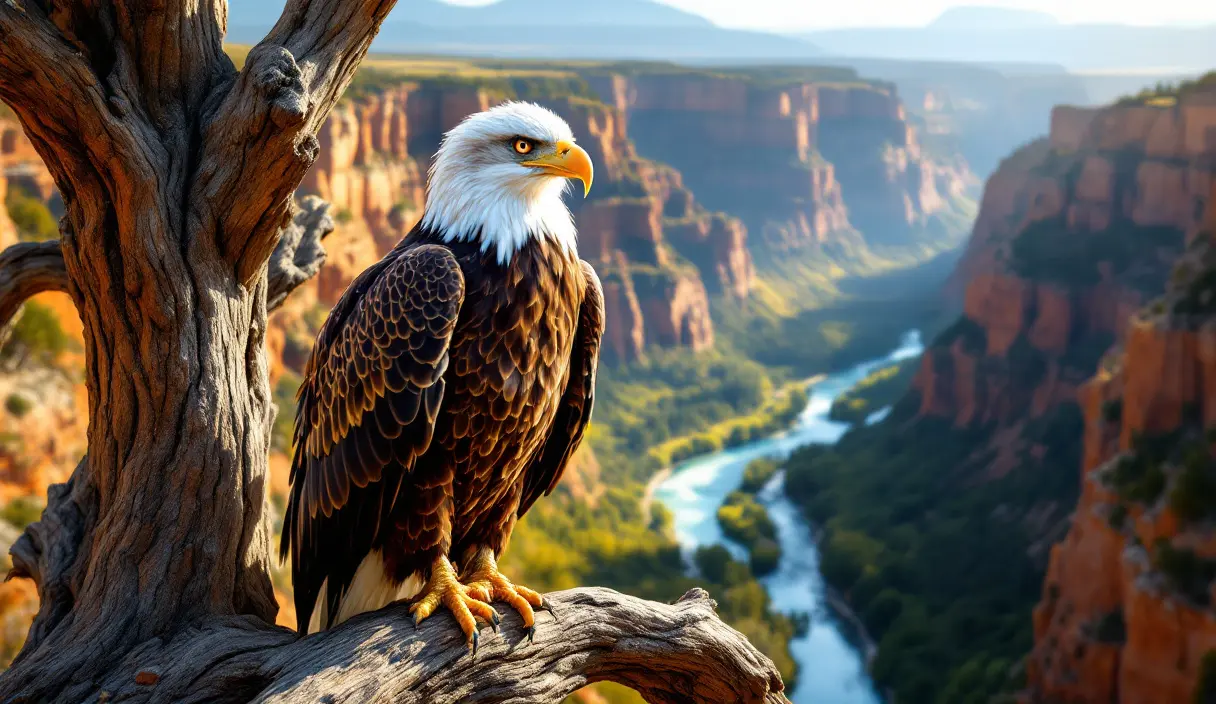
PicTools.AI is a web text-to-image generator that converts prompts into images in seconds, with dozens of style presets such as cyberpunk, Van Gogh and logo. A limited free allowance is offered, with credit packs or a subscription beyond it.
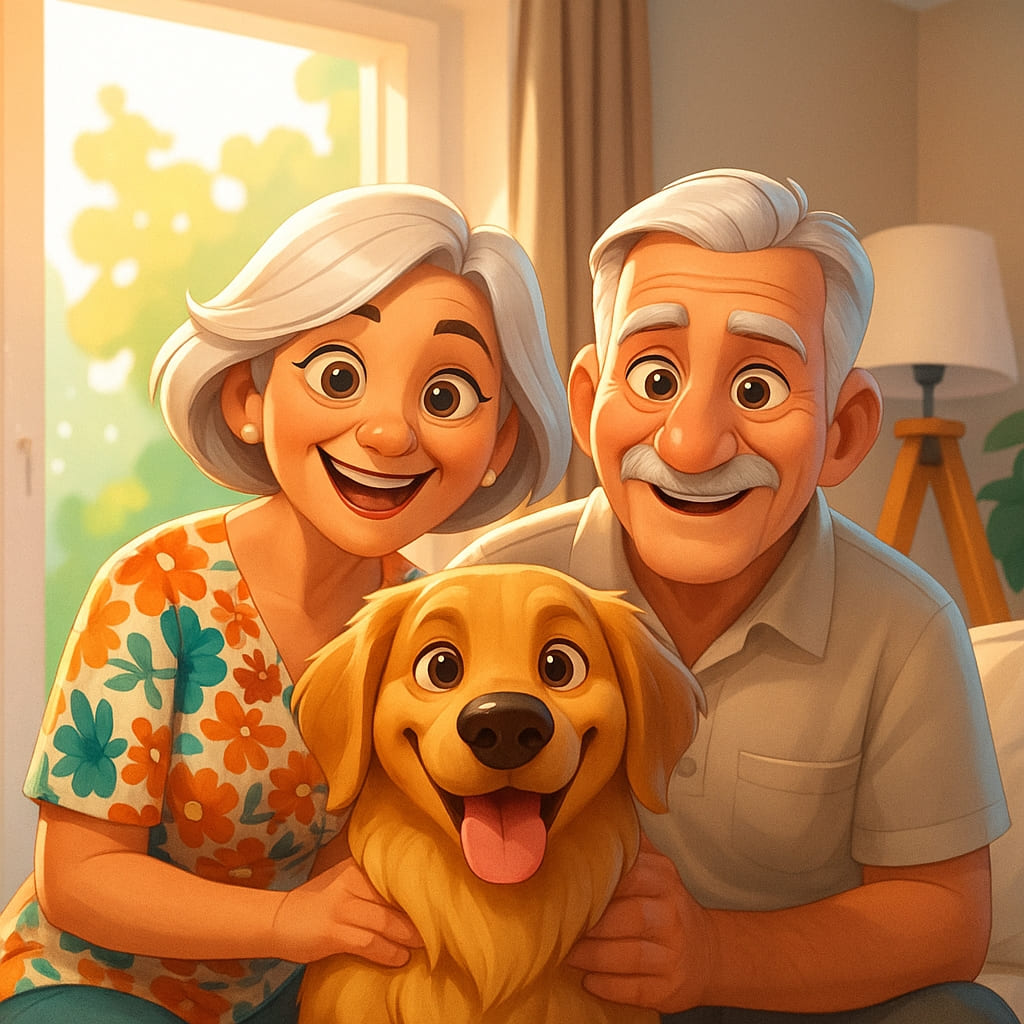
PicTools.AI is a text-to-image generator that turns a written prompt into a finished picture within seconds. The page reviewed here is the entry point for its image generation workspace: a visitor describes what they want, and the generation itself happens in the PicTools.AI app, which opens from the "Create an image" button. The site states that no design skills are needed, and it shows a credit cost before each generation so users can see what a render will consume. The tool targets people who need visuals but do not draw or design for a living. The FAQ names portraits, product mockups, concept art and illustrations as typical output, and points to marketing, social media and storytelling as common uses. Generated images can be used in commercial projects such as websites and campaigns without attribution, provided the user follows applicable laws and respects third-party rights. A distinguishing feature is the catalog of style landing pages. More than two dozen presets cover looks such as realistic portrait, cyberpunk, dark fantasy, Van Gogh, acrylic painting, vaporwave photographs, tattoo art in black-white or color, game characters, logo and coloring page. Each has its own page, which gives users a quick way to see what a given aesthetic looks like before writing a prompt of their own. A gallery of sample renders on the main page shows the range, from wildlife and landscapes to cinematic and anime-styled portraits. On access, PicTools.AI offers a limited free allowance that varies by account, and further generation requires either a credit pack or a subscription. The exact allowance is checked inside the app rather than published on this page. Compared with larger general-purpose generators, PicTools.AI is a lighter option aimed at quick, style-driven results, and it suits users who prefer choosing a preset look over tuning model parameters. Details about model names, resolution limits and editing controls are not stated on the page.
New users can try PicTools.AI with a limited free allowance. The exact amount is shown in the app for each account.
Learn moreA limited free allowance is available, and the amount depends on the account. More generations require a credit pack or a subscription. Specific prices are not stated on the page.
Learn moreText-to-image generation from a written prompt, results in seconds, credit cost shown before generating, and 26 style presets including realistic portrait, cyberpunk, dark fantasy, Van Gogh, tattoo art, logo and coloring page. Commercial use is allowed without attribution.
 AI Angels400+ customizable AI girlfriends for NSFW chat, voice calls, and roleplay
 Candy AIExperience the future of companionship with AI friends who chat, role-play, and connect with you on a human level.
 ourdream.aiA vast AI roleplay platform with millions of characters for chat, images, video and voiceAI Angels400+ customizable AI girlfriends for NSFW chat, voice calls, and roleplayCandy AIExperience the future of companionship with AI friends who chat, role-play, and connect with you on a human level.ourdream.aiA vast AI roleplay platform with millions of characters for chat, images, video and voice