Free trial
No card is required to join, and new accounts receive free credits to get started. The free plan is a permanent tier rather than a timed trial.
Learn moreDescribe an assistant in plain English, run it on any model, on your own knowledge
Own LaunchLemonade? Verify ownership to get a dofollow link

LaunchLemonade is an AI chat bot tool. A UK-hosted, no-code builder for AI assistants that use your own documents and instructions, run on any major model, and can be shared, embedded or scheduled. Audit trails, role-based access and PII masking are built in for teams handling sensitive client data.
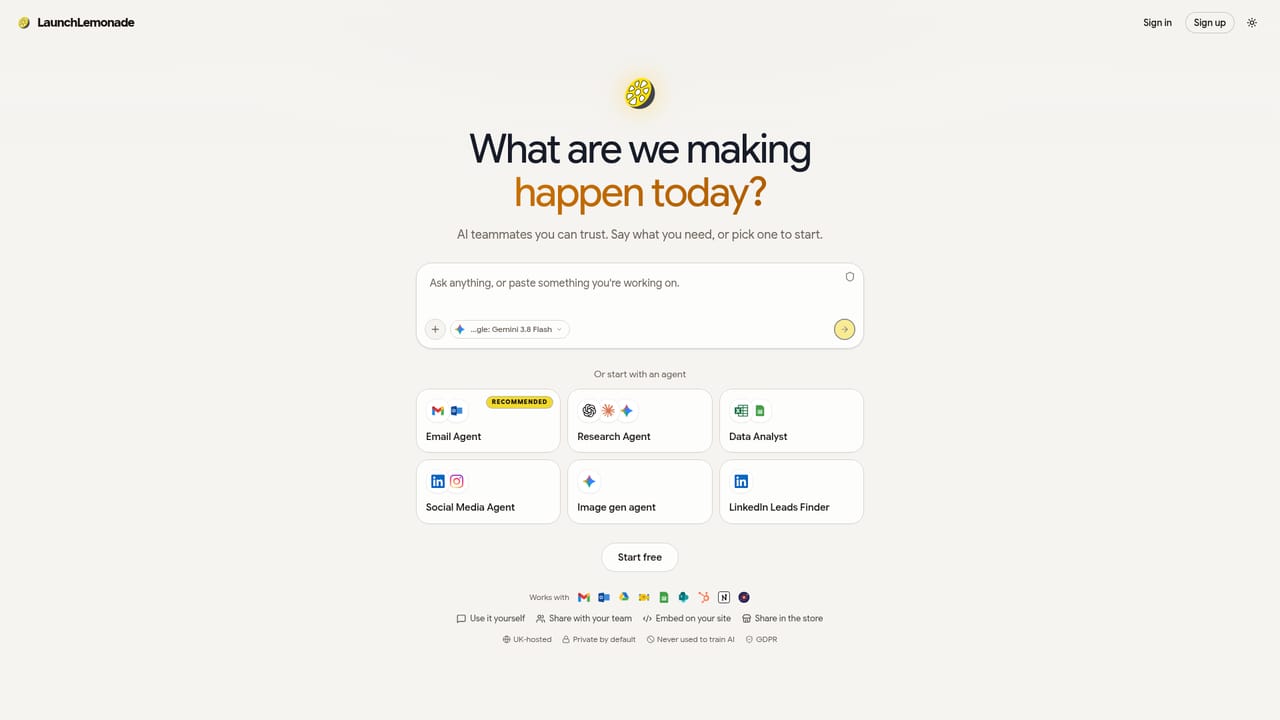
LaunchLemonade is a no-code platform for building AI assistants that carry your business context. You describe the job in plain English, attach the documents and web pages the assistant should search, and add short standing instructions (the site calls them skills) that set tone and rules on every reply. The assistant runs on your choice of model, drawn from a list that includes OpenAI, Anthropic, Google, Meta, Mistral, DeepSeek, Grok, Qwen, NVIDIA, Perplexity, Kimi, MiniMax and Z.ai. Models can be switched mid-conversation without losing the thread, and a second model can be asked to review an answer before anyone acts on it. In practice the build is quick, but the platform expects you to bring the raw material. Knowledge attachments get searched only when relevant, so a policy PDF, a product catalogue and a customer FAQ page stay out of the way until a question touches them. Assistants can be scheduled to run unattended, chatted with by voice, and connected to email, calendar and messaging tools so they read, draft, schedule and file rather than just advise. A workspace dashboard keeps every assistant, chat and run in one place. The second half of the product is distribution. A finished assistant can be shared with colleagues under role-based permissions, with approvals required before sensitive actions such as sending email. It can be embedded on a website or put on a physical stand with a QR code, free to enable. A store for selling assistants is announced as opening to builders soon, with pricing and revenue terms not yet published. Governance is the differentiator the team leads with: UK hosting on Google Cloud, encryption at rest, audit trails, per-agent access controls, optional PII masking before text reaches a model, and a commitment not to train on customer data. That places it closer to a private agent workspace than to a general chatbot, and it is aimed at professionals and small teams, including those with client confidentiality obligations, who find ChatGPT, Copilot and Zapier each cover only part of the job.
No card is required to join, and new accounts receive free credits to get started. The free plan is a permanent tier rather than a timed trial.
Learn moreA Free plan at £0 is confirmed, giving hands-on access to mid-tier models including Kimi K2, Qwen and DeepSeek, with free credits and no card required at signup. Paid tiers, per-seat costs and store revenue terms are not published on the homepage.
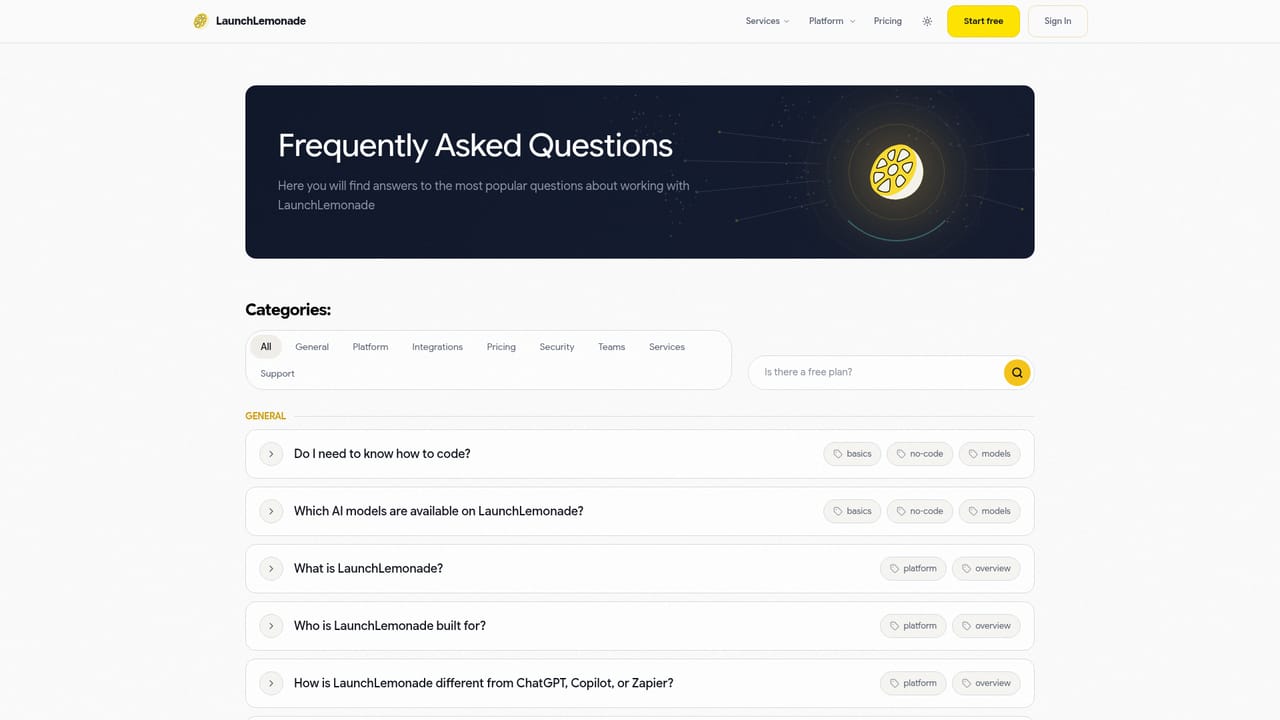
Learn moreA FAQs page covers plans, data handling and comparisons. Paid training workshops and hands-on consulting builds are offered separately for teams that want guided adoption.
Learn moreAssistants can act inside Gmail, Slack, Google Calendar, Google Drive, Notion, HubSpot, Microsoft Teams and Office, and Fireflies for meeting notes, rather than only referencing them.
Assistant building from a plain English brief, with reusable skills applied on every reply and searchable knowledge from documents and web pages. Any major model with mid-chat switching and second opinions, voice chat, scheduled runs, a unified workspace, team sharing with roles and approvals, website embeds and QR stands, audit trails, per-agent access controls, PII anonymisation and UK-hosted infrastructure.
 AI Angels400+ customizable AI girlfriends for NSFW chat, voice calls, and roleplay
 Candy AIExperience the future of companionship with AI friends who chat, role-play, and connect with you on a human level.
 ourdream.aiA vast AI roleplay platform with millions of characters for chat, images, video and voiceAI Angels400+ customizable AI girlfriends for NSFW chat, voice calls, and roleplayCandy AIExperience the future of companionship with AI friends who chat, role-play, and connect with you on a human level.ourdream.aiA vast AI roleplay platform with millions of characters for chat, images, video and voice


