Integrations
The Layerpath Agent works inside Slack, ChatGPT and Claude, so walkthroughs can be requested and revised in existing conversations. A ChatGPT integration page is published on the site.
Learn moreTurn screenshots and recordings into interactive walkthroughs and training videos

Layerpath is a courses tool that turns screenshots and recordings into interactive walkthroughs and training videos. Product education platform that converts screenshots, screen recordings and existing videos into interactive tours, step-by-step guides, narrated video and training paths, with an Agent that drafts and updates walkthroughs from Slack, ChatGPT or Claude.
Layerpath is product education software for teams that keep answering the same support and onboarding questions. It takes material a company already has, whether that is a set of annotated screenshots, a screen recording, a Loom clip, a Zoom session or an existing training video, and converts it into a structured walkthrough with numbered steps. Those steps can then be published in several formats from a single build: a clickable interactive tour for people who prefer to explore, a written step-by-step guide for skimmers, a narrated video for watchers, and a training path with completion tracking for internal teams. The practical workflow has two entry points. The first is recording a screen while performing a real task; Layerpath captures the process and splits it into discrete steps with hotspots, zooms, annotations and redaction strokes. The second is the Layerpath Agent, which accepts uploaded screenshots or a pasted recording and drafts the walkthrough automatically, then revises it when asked for edits such as blurring private details or switching language. The Agent can be reached from Slack, ChatGPT or Claude, so a support rep can drop two screenshots into a thread and receive a shareable tour without leaving the conversation. When a product changes, individual steps can be updated rather than rebuilding the entire asset. The core audience is customer education and enablement work rather than general video production: customer support teams deflecting repeated how-to questions, onboarding specialists building first-run experiences, product marketers producing demos, and internal L&D groups assembling training paths. Because the same source produces both a link and an embeddable code snippet, output fits knowledge bases, help centres and in-app guidance. The comparison set is crowded. Screen recorders like Loom stop at the video; interactive demo builders produce clickable tours but usually not synced guides and video from one build; documentation platforms excel at written articles but not at motion. Layerpath's bet is consolidation plus fast revision. Buyers should verify how much manual cleanup the generated steps need and whether the publishing and personalisation depth matches their stack before committing.
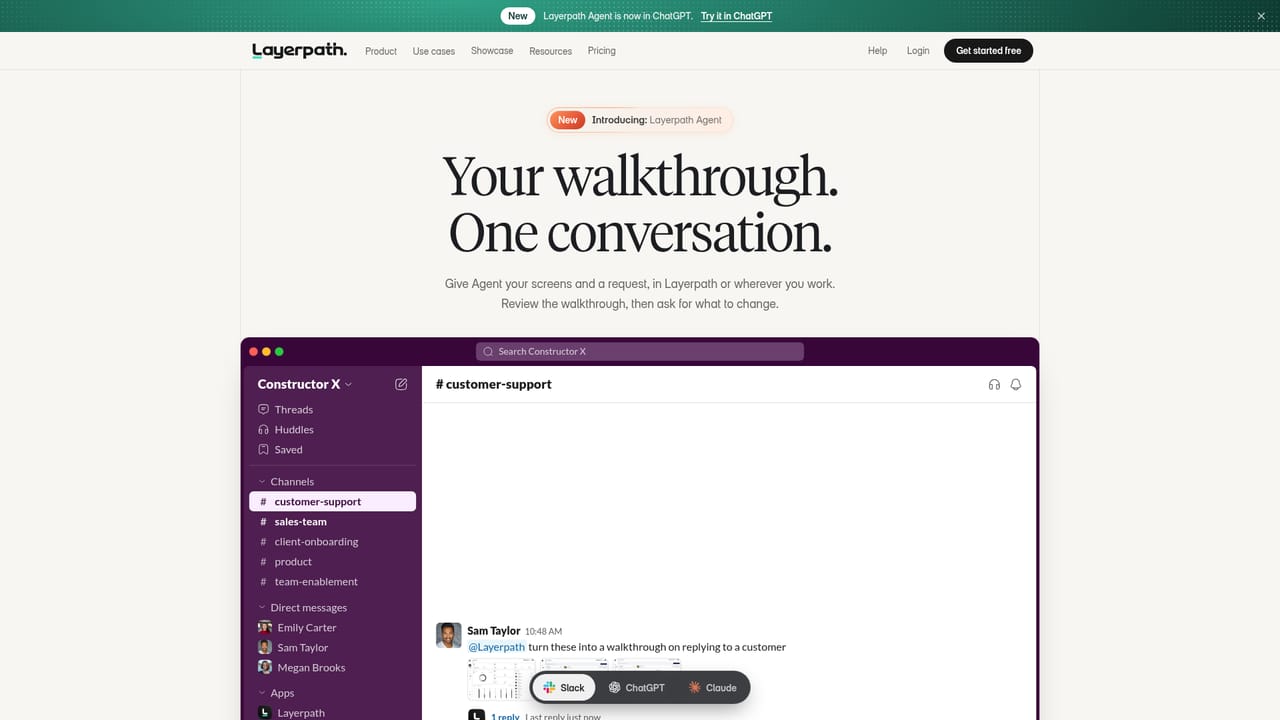
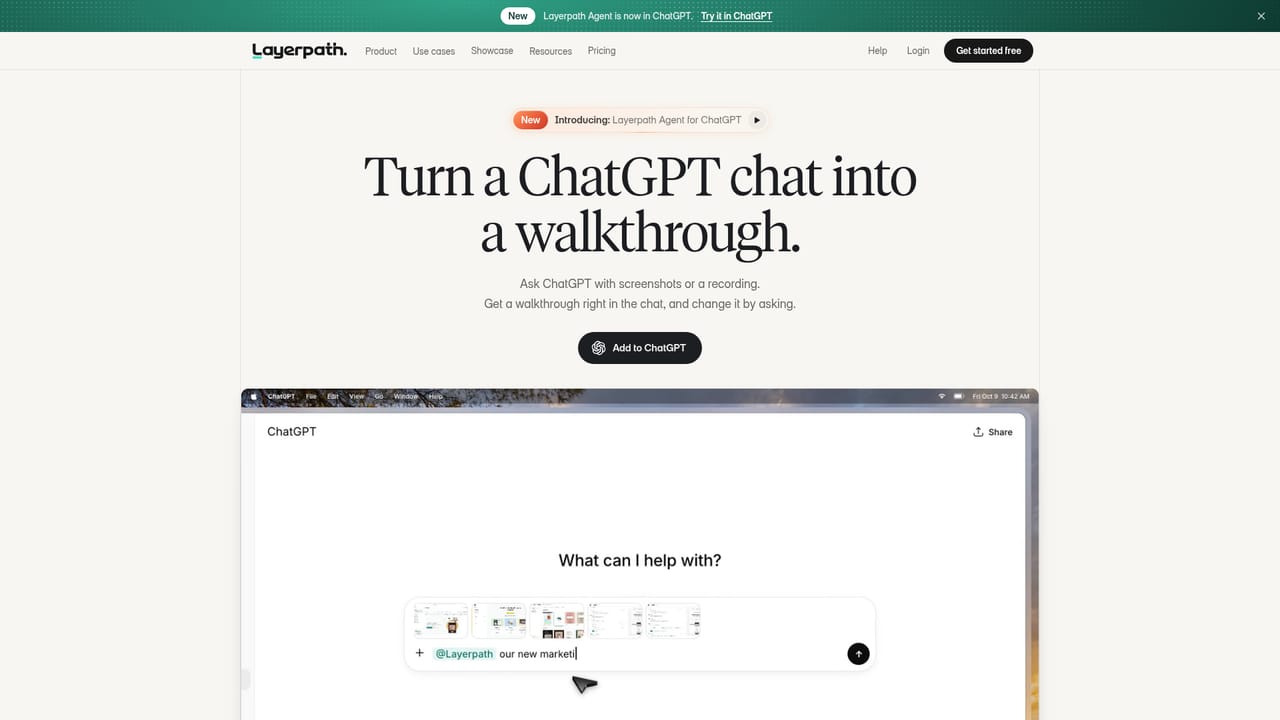
The Layerpath Agent works inside Slack, ChatGPT and Claude, so walkthroughs can be requested and revised in existing conversations. A ChatGPT integration page is published on the site.
Learn morePublishes one walkthrough as an interactive clickable tour, a step-by-step written guide, a narrated video (up to 4K with adjustable frame rate) and a training path. Editing tools cover hotspots, zoom, annotations, redaction, screens, sections, narration voices and language switching. The Layerpath Agent turns screenshots or recordings into a first draft and applies requested changes.
Learn more AI Angels400+ customizable AI girlfriends for NSFW chat, voice calls, and roleplay
 Candy AIExperience the future of companionship with AI friends who chat, role-play, and connect with you on a human level.
 ourdream.aiA vast AI roleplay platform with millions of characters for chat, images, video and voiceAI Angels400+ customizable AI girlfriends for NSFW chat, voice calls, and roleplayCandy AIExperience the future of companionship with AI friends who chat, role-play, and connect with you on a human level.ourdream.aiA vast AI roleplay platform with millions of characters for chat, images, video and voice


