LeadHunt AI

Find verified business leads by domain and role in seconds.

Beginner API
Screenshot of LeadHunt AI, Find verified business leads by domain and role in seconds

What is LeadHunt AI?

LeadHunt AI is a lead generation tool that finds verified business leads by domain and role in seconds. LeadHunt AI finds verified business emails and local business contacts using AI driven crawling, with real time verification, API access and CSV export for outreach teams.

LeadHunt AI is a lead generation tool that combines AI and search engine crawling to surface business email addresses for outreach. It targets sales teams, marketers, recruiters and small business owners who need contact data without spending hours on manual research. The core product, Email Lead Finder, locates verified emails by domain, job title, industry and region. A second tool, Local Business Leads, focuses on phone numbers, emails, addresses, ratings and operating hours for local businesses. The workflow is straightforward: users sign up, choose a plan, enter search criteria such as domain, location, title or industry, and receive a list of leads that can be exported for campaigns. Email addresses are verified in real time to reduce bounce rates, and the data is drawn from sources beyond LinkedIn, which helps reach decision makers who are not active on professional networks. Local Business Leads adds one click Excel and CSV export for location based prospecting. LeadHunt AI is aimed at users who need speed and coverage, but it is not a full CRM. It is a discovery layer: find the contact, verify it, download it, then push it into an existing outreach stack. The API supports integration with other platforms, and a 14 day refund policy lowers the risk of trying a paid tier. For teams weighing it against database heavy incumbents, the appeal is a narrower, lower cost tool that does one job quickly.

How do you use LeadHunt AI?

  1. 1Create your account
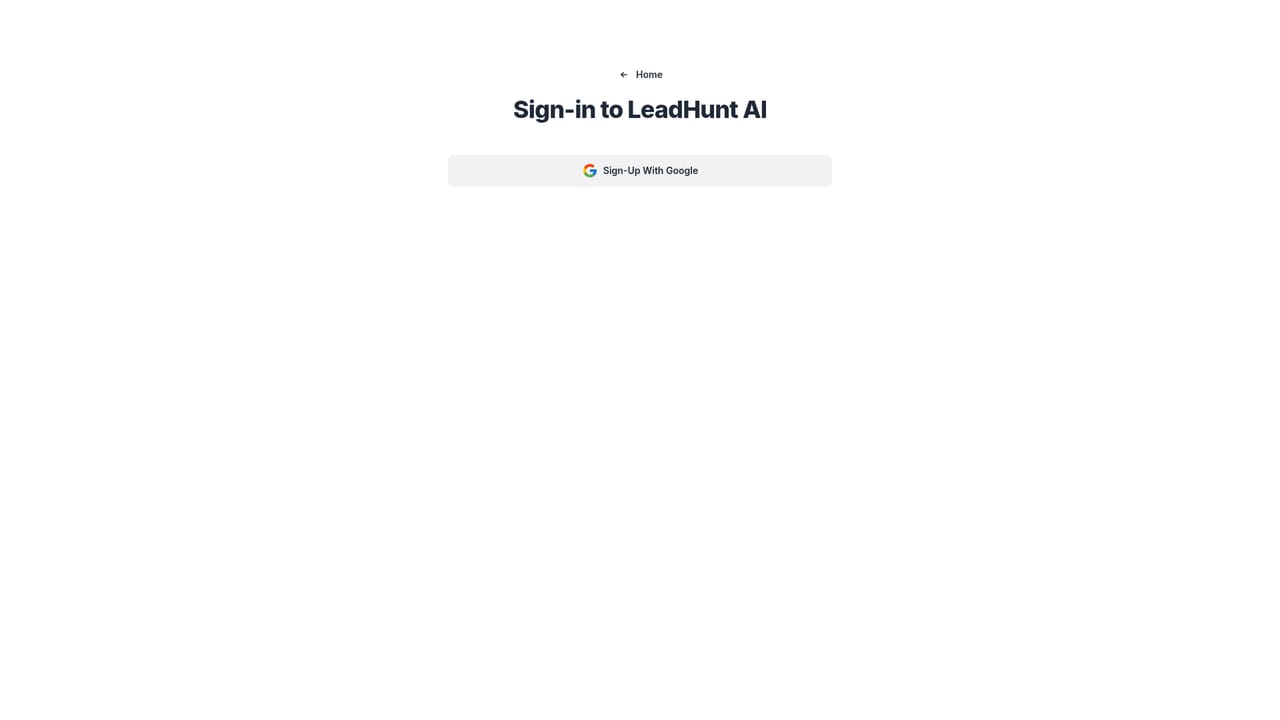
    Open the sign in page and register with your email to access the lead generation dashboard. New users choose a subscription plan during onboarding before running searches.
    LeadHunt AI — Create your account
  2. 2Set your search criteria
    Enter a target domain, job title, industry or region in the Email Lead Finder interface. The tool uses these inputs to crawl the web for matching addresses.
  3. 3Review verified results
    Inspect the returned list of email addresses, which are checked in real time for validity. Filter or sort the results to focus on the contacts that fit your campaign.
  4. 4Export your leads
    Download the selected contacts as a file for use in your email platform or CRM. Local Business Leads supports one click Excel and CSV export.
  5. 5Connect via API
    Use the API to pull lead data into your own tools and automate the handoff from discovery to outreach. API access is available on paid plans.

Pros and cons

Pros

  • Real time email verification reduces invalid contacts before export.AI
  • Search filters cover domain, job title, industry and region.AI
  • Non LinkedIn data sources widen reach beyond professional networks.AI
  • Local Business Leads adds phone, address and hours data with one click export.AI
  • 14 day refund window limits risk on paid plans.AI

Cons

  • No free tier is listed, so testing requires a paid subscription.AI
  • Pricing jumps from about $33 to $210 per month, leaving a gap for mid sized teams.AI
  • Accuracy depends on publicly available web data, which can be incomplete or stale.AI
  • Local Business Leads is hosted on a separate gmapsscraper.io domain, adding a second product to manage.AI

How much does LeadHunt AI cost?

Pricing

Three monthly subscription tiers are listed: Starter at $21.99 (from $39), Advanced at $32.99 (from $69) with 24/7 support, and Pro at $210 (from $399) billed yearly with unlimited leads and priority support. No free plan is mentioned; refunds are available within 14 days of purchase.

Learn more

Support

Support is offered by email, live chat and a knowledge base, with 24/7 support on the Advanced tier and priority support on Pro. Direct contact is available at support@leadhuntai.com.

Integrations

API access is mentioned for integrating LeadHunt AI with other tools and platforms. Specific named integrations are not listed on the homepage.

Features

LeadHunt AI provides an Email Lead Finder for verified business emails by domain, job title, industry and region, plus a Local Business Leads tool for phone numbers, emails, addresses, ratings and hours. Both support real time verification and export, and API access is available for integration.

Frequently asked questions about LeadHunt AI

  • How much does LeadHunt AI cost?
    Three monthly subscription tiers are listed: Starter at $21.99 (from $39), Advanced at $32.99 (from $69) with 24/7 support, and Pro at $210 (from $399) billed yearly with unlimited leads and priority support. No free plan is mentioned; refunds are available within 14 days of purchase.
  • Does LeadHunt AI have an API?
    Yes, LeadHunt AI offers an API.
  • How do you use LeadHunt AI?
    The walkthrough on this page covers 5 steps: 1. Create your account 2. Set your search criteria 3. Review verified results 4. Export your leads 5. Connect via API.
  • What platforms does LeadHunt AI support?
    LeadHunt AI is available on Web App.
  • What does LeadHunt AI integrate with?
    API access is mentioned for integrating LeadHunt AI with other tools and platforms. Specific named integrations are not listed on the homepage.
  • What are the limitations of LeadHunt AI?
    No free tier is listed, so testing requires a paid subscription. Pricing jumps from about $33 to $210 per month, leaving a gap for mid sized teams. Accuracy depends on publicly available web data, which can be incomplete or stale.

Status

StatusActive
Views0
Outbound clicks0
Added10/21/2026

Platforms

Web App

Pricing

PaidSubscription