Free trial
The first return is free with no credit card required, which lets a firm run a real client trial balance through mapping and export before committing.
Learn moreTurn a client trial balance into a tax-ready import in minutes.

Ledger IQ is an accounting journal entries tool that turns a client trial balance into a tax-ready import in minutes. Ledger IQ maps client trial balances to tax lines and exports import-ready files for Lacerte, UltraTax CS, and Drake Tax.
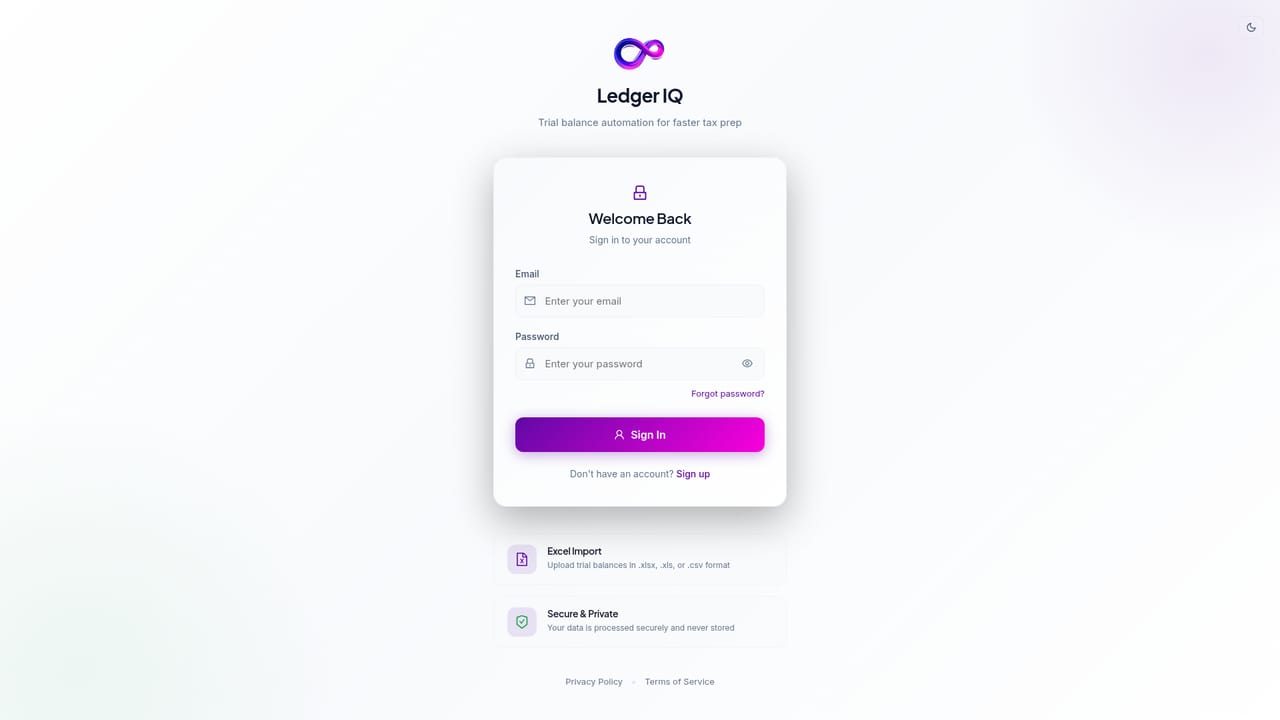
Ledger IQ is trial balance and tax workpaper software built for CPA firms that prepare business returns. It takes a client trial balance exported as Excel or CSV (typically straight out of QuickBooks), lets you review AI-suggested mappings to tax lines, and produces an import-ready file for Intuit Lacerte, Thomson Reuters UltraTax CS, or Drake Tax. The pitch is narrow and practical: replace hours of manual re-keying and spreadsheet tabs with one workpaper where debits and credits are proven to tie at every stage. The workflow runs in three moves. Upload the spreadsheet and confirm the column mapping, then accept or dismiss suggested tax line assignments. Suggestions combine the firm's own mapping history, deterministic CPA rules, and AI classification, and nothing exports until a person has reviewed it. From there, adjust balances with AJEs and RJEs, record book-tax modifications as TJEs, and export. The Working Trial Balance shows unadjusted, adjusted, tax adjustment, tax balance, and tax line columns side by side, with a totals row confirming the tie-out. A journal entry register keeps numbered entries filterable by type, and each account is clickable in both directions. Beyond the export itself, Ledger IQ adds return tie-out and net income proof. After importing into the tax software, you key the as-filed figures against each tax line and the tool flags every line that disagrees, grouped by return area. Net income is derived at each column, with unclassified accounts reported rather than silently dropped. Year-over-year rollforward carries last season's mappings and prior balances forward for comparison. The intended audience is small to mid-size tax practices handling 1065, 1120, and 1120S returns, especially firms tired of rebuilding the same Excel workpaper each season. It competes less with full write-up suites than with manual spreadsheet mapping and the data entry step inside tax software. Anyone needing direct QuickBooks sync or bank feeds will not find it here, by design: upload is the only path in, which is also the security argument. CCH Axcess and ProSystem fx users have to wait.
The first return is free with no credit card required, which lets a firm run a real client trial balance through mapping and export before committing.
Learn moreTwo options: per-return pricing from $10 to $25 depending on volume, with purchased returns never expiring, or an unlimited plan at $1,200 covering every return the firm prepares through 2027. The first return is free without a credit card.
Learn moreSecurity and data handling questions can be sent in writing to privacy@ledgeriq.ai for IT or risk reviewers. No other support channels are described on the homepage.
Export files are built for Intuit Lacerte, UltraTax CS, and Drake Tax. CCH Axcess and CCH ProSystem fx are listed as coming soon. There is no direct QuickBooks connection; spreadsheets are uploaded manually.
Smart trial balance import with column confirmation, AI mapping suggestions reviewed by the preparer, AJE/RJE/TJE journal entry register, a Working Trial Balance that ties at every column, year-over-year rollforward, return tie-out and net income proof, multi-company dashboard for 1065, 1120, and 1120S returns, and exports to tax software plus Excel and PDF workpapers.
 AI Angels400+ customizable AI girlfriends for NSFW chat, voice calls, and roleplay
 Candy AIExperience the future of companionship with AI friends who chat, role-play, and connect with you on a human level.
 ourdream.aiA vast AI roleplay platform with millions of characters for chat, images, video and voiceAI Angels400+ customizable AI girlfriends for NSFW chat, voice calls, and roleplayCandy AIExperience the future of companionship with AI friends who chat, role-play, and connect with you on a human level.ourdream.aiA vast AI roleplay platform with millions of characters for chat, images, video and voice