LedgerUp

AI billing teammate that carries invoices from signed contract to cash

Intermediate API
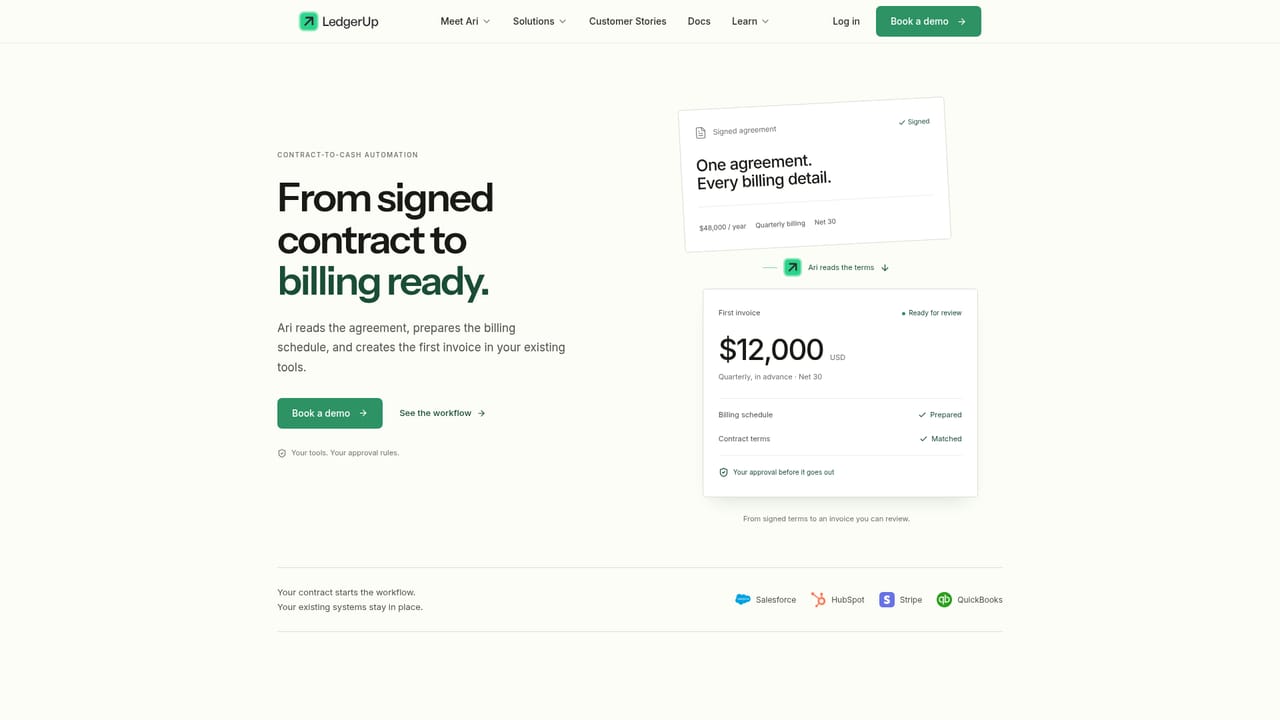
Screenshot of LedgerUp, AI billing teammate that carries invoices from signed contract to cash

What is LedgerUp?

LedgerUp is an accounting journal entries tool. LedgerUp provides an AI billing teammate called Ari that reads signed contracts, drafts and submits invoices, chases overdue payments, files documents into procurement portals, answers billing inbox requests, and reconciles incoming payments against open invoices across existing finance systems.

LedgerUp is a financial operations platform built around Ari, an AI billing teammate that handles the manual accounts receivable work left over after billing systems finish their part. The core idea is narrow and practical: signed contracts, customer emails, procurement portals, and bank payments all contain information that someone has to read, retype, and reconcile. LedgerUp assigns that reading and retyping to an agent, while the finance team keeps control of the decisions. In practice Ari covers five connected workflows. It reads signed agreements and turns terms into billing schedules and invoice drafts, including quarterly or multi-part arrangements. It drafts overdue follow-ups after checking the open balance and prior customer correspondence. It submits invoices and supporting purchase order documents into portals such as Coupa and Ariba and stores the submission receipt. It reads the billing inbox, applies context to requests like PO changes, and prepares revised invoices as replies. Finally it matches incoming payments to open invoices across accounting and billing systems and updates the records. The product is aimed at finance and accounting teams at growing companies, particularly controllers and billing operations staff who are issuing volume invoices and spending hours on exceptions. LedgerUp is explicit that this is not a full replacement for an ERP or a subscription billing engine. It sits on top of HubSpot, Salesforce, Stripe, QuickBooks, NetSuite, DocuSign, Chargebee, Sage, Slack, and similar systems, and the homepage states that 50 or more integrations are supported alongside custom connectors for any API-accessible system. The control model is the distinguishing feature. Teams choose a mode: draft for review, approve key actions, or run within set rules. Mismatches, such as a remit-to address that differs between a purchase order and an invoice draft, get escalated with context rather than silently resolved. Every action and source document is logged for later audit. LedgerUp publishes comparison pages against Stripe Billing, Tabs, Upflow, HighRadius, and Maxio, which positions it as a layer rather than a swap for those tools. Onboarding is claimed to take about a week for a first workflow.

How do you use LedgerUp?

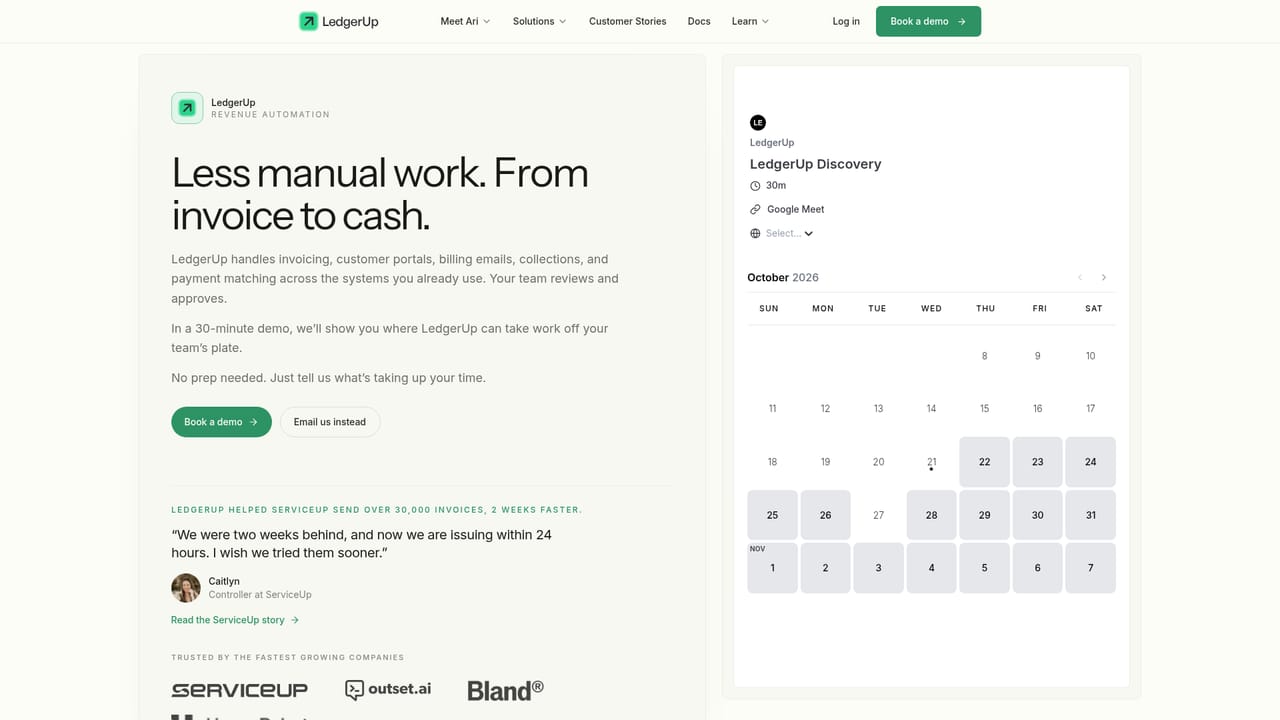
  1. 1Book a demo to scope the first workflow
    Start with a demo conversation to identify which billing or AR task consumes the most hours. LedgerUp positions a single workflow as the typical entry point, with most teams live in about a week.
    LedgerUp — Book a demo to scope the first workflow
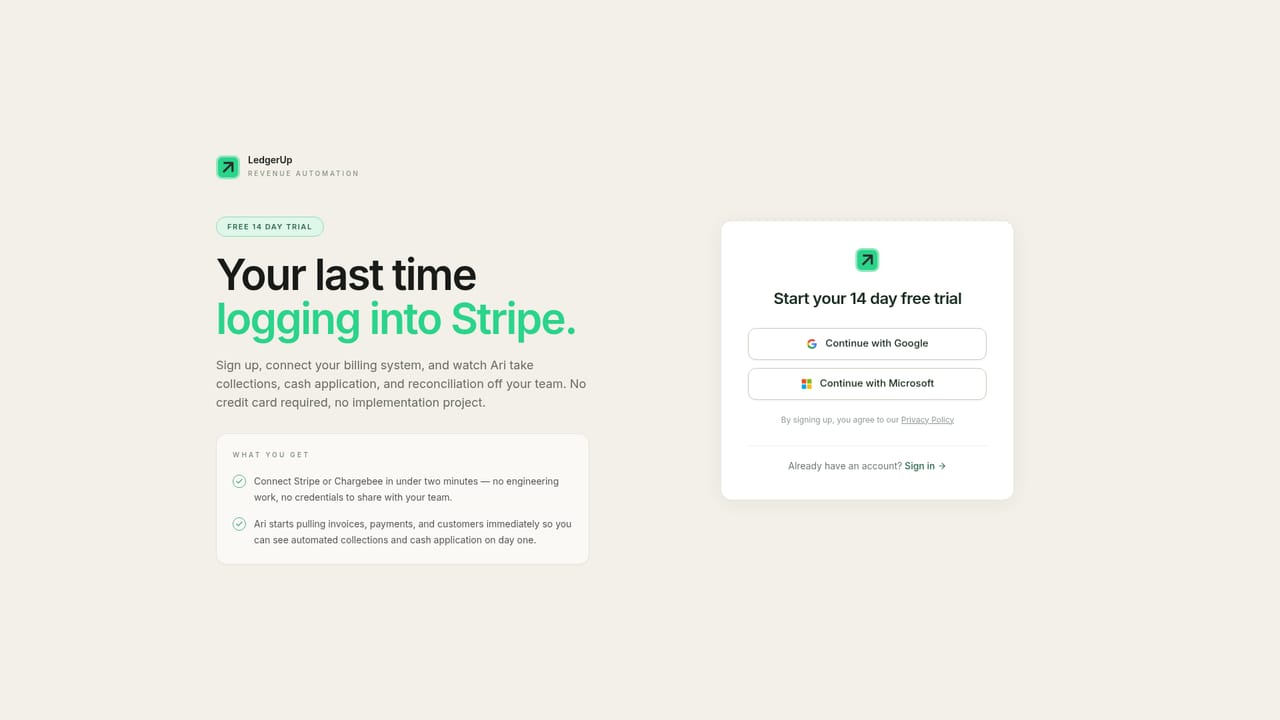
  2. 2Create an account
    Sign up through the web app to begin setup. This is where workspace and user access are established before connecting systems.
    LedgerUp — Create an account
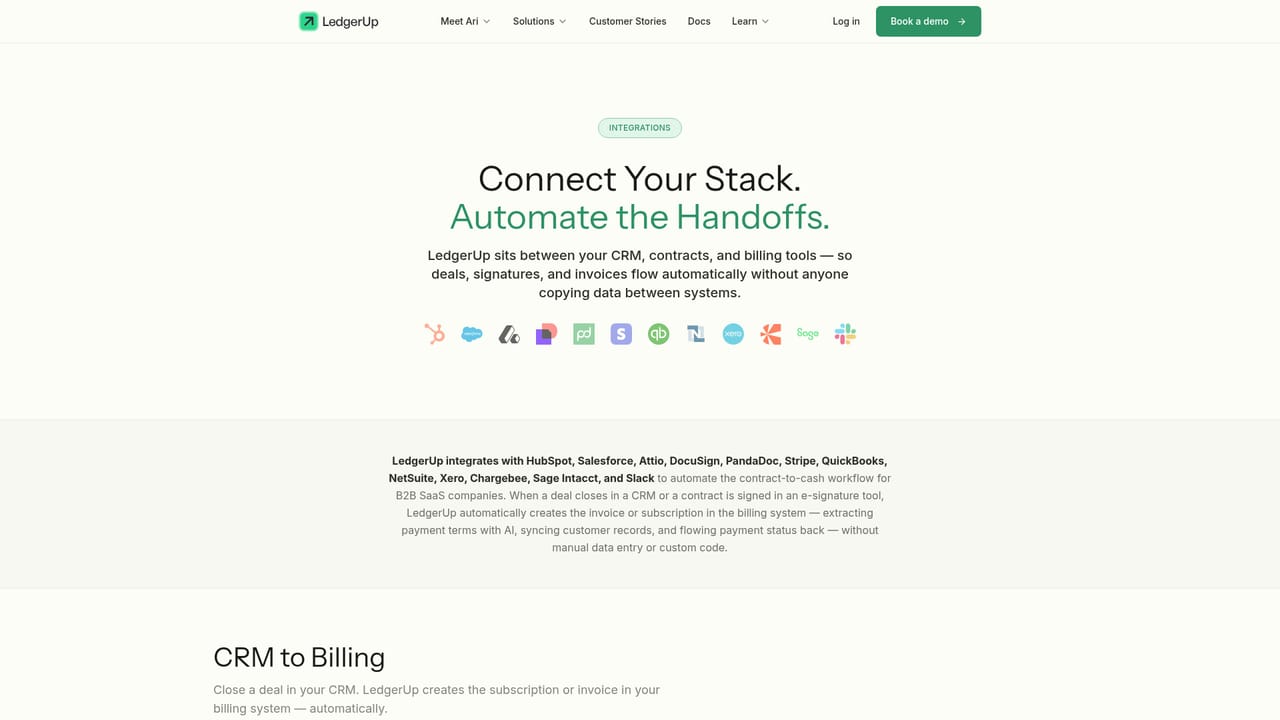
  3. 3Connect your finance and billing systems
    Link the CRM, billing engine, accounting ledger, signature tool, and messaging systems your team already uses. LedgerUp lists over 50 supported integrations plus custom connectors for API-accessible systems.
    LedgerUp — Connect your finance and billing systems
  4. 4Review the contract-to-cash workflow
    Read how Ari turns signed terms into a billing schedule and invoice draft. This makes it easier to decide whether invoicing or collections should be the first workflow you hand over.
    LedgerUp — Review the contract-to-cash workflow
  5. 5Set approval rules and control mode
    Choose whether Ari drafts everything for review, handles routine work while key actions need sign-off, or runs approved workflows end to end. Rules for permissions and exception escalation are configured at this stage.
  6. 6Work through the documentation by workflow
    Use the docs to configure automated invoicing, dunning, cash application, usage-based billing, or revenue recognition in detail, and to understand where each step can be reviewed or changed.

Pros and cons

Pros

  • Covers a connected chain of AR work rather than one isolated task, from contract terms through invoicing, portal submission, dunning, and cash applicationAI
  • Graduated control modes (draft for review, approve key actions, run within rules) let a finance team widen the agent's scope at its own paceAI
  • Escalation design surfaces mismatches like remit-to discrepancies with the source documents attached, instead of guessingAI
  • Works alongside existing ERP, CRM, billing, and signature tools rather than demanding a replacementAI
  • Published customer stories report concrete outcomes, including a 15-day close reduced to 3 days at ServiceUpAI

Cons

  • Pricing is not published on the homepage, so buyers must book a demo to learn cost or contract termsAI
  • The value depends on clean connections to accounting and billing systems; partial or custom setups could limit how much Ari can reconcileAI
  • Heavy focus on accounts receivable and billing operations means general ledger, expense, and full ERP accounting are out of scopeAI
  • Outcome figures come from vendor-selected case studies, and no independent benchmarks are offered on the siteAI
  • Teams that need to compare detailed plan limits or self-serve trials will not find that information before contacting salesAI

How much does LedgerUp cost?

Support

Support is reachable through a demo booking and a documentation hub that covers automated invoicing, dunning, cash application, usage-based billing, and revenue recognition. No support channel details or service levels are stated on the homepage.

Learn more

Integrations

The homepage states 50 or more integrations plus custom connectors for API-accessible systems. Named systems include Salesforce, HubSpot, Stripe, QuickBooks, Chargebee, DocuSign, Snowflake, Supabase, Sage, Slack, and the Coupa and Ariba procurement portals.

Learn more

Features

Ari reads signed contracts and builds billing schedules and invoice drafts, drafts collection follow-ups with full customer context, submits invoices and purchase orders into portals like Coupa and Ariba with traceable receipts, handles billing inbox requests such as PO changes, and reconciles received payments against open invoices. Teams set approval rules, exception escalation, roles and permissions, and keep a full audit trail of every action and source document.

Learn more

Frequently asked questions about LedgerUp

  • Does LedgerUp have an API?
    Yes, LedgerUp offers an API.
  • How do you use LedgerUp?
    The walkthrough on this page covers 6 steps: 1. Book a demo to scope the first workflow 2. Create an account 3. Connect your finance and billing systems 4. Review the contract-to-cash workflow 5. Set approval rules and control mode 6. Work through the documentation by workflow.
  • What platforms does LedgerUp support?
    LedgerUp is available on Web App.
  • What does LedgerUp integrate with?
    The homepage states 50 or more integrations plus custom connectors for API-accessible systems. Named systems include Salesforce, HubSpot, Stripe, QuickBooks, Chargebee, DocuSign, Snowflake, Supabase, Sage, Slack, and the Coupa and Ariba procurement portals.
  • What are the limitations of LedgerUp?
    Pricing is not published on the homepage, so buyers must book a demo to learn cost or contract terms. The value depends on clean connections to accounting and billing systems; partial or custom setups could limit how much Ari can reconcile. Heavy focus on accounts receivable and billing operations means general ledger, expense, and full ERP accounting are out of scope.

Status

StatusActive
Views0
Outbound clicks0
Added10/21/2026

Platforms

Web App

Pricing

Paid