Free trial
Start with 30 free credits, no credit card required. Try the extraction and categorization features before upgrading.
Learn moreAI receipt scanner that automates expense tracking and bookkeeping.

ReceiptsAI automates expense tracking by extracting data from receipts, invoices, and bank statements using AI, then categorizing and organizing them for tax-ready bookkeeping.
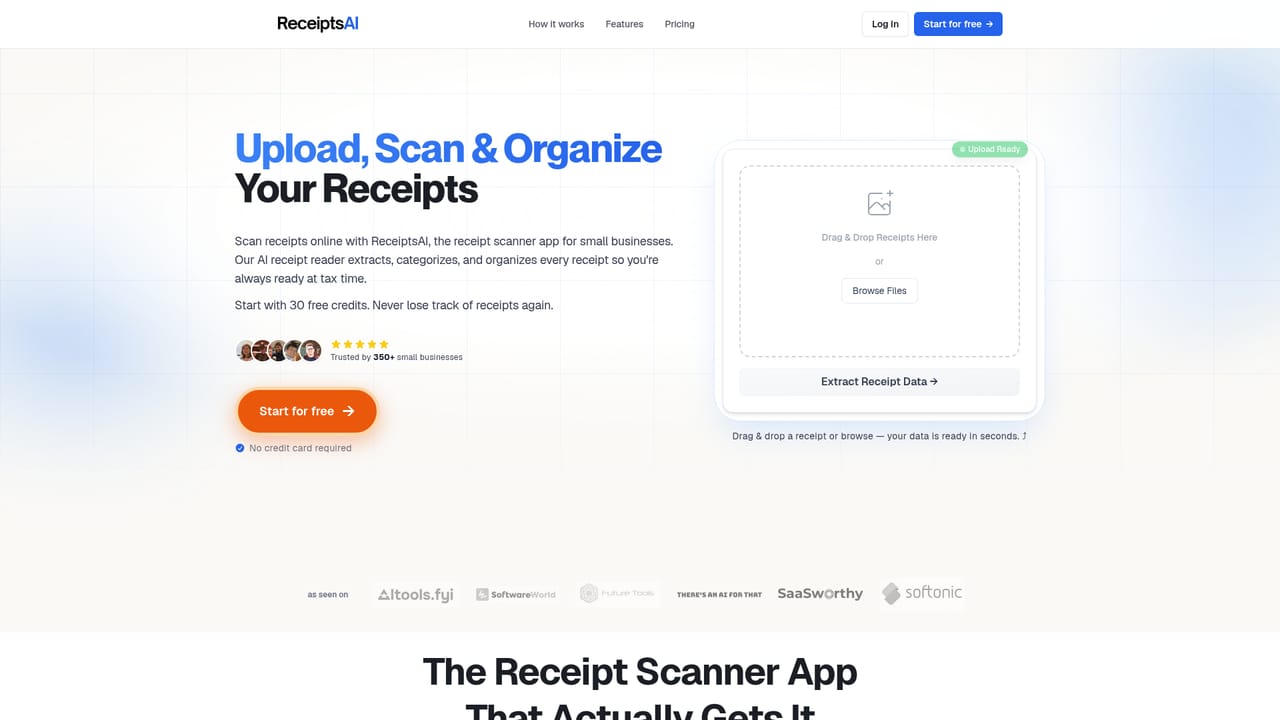
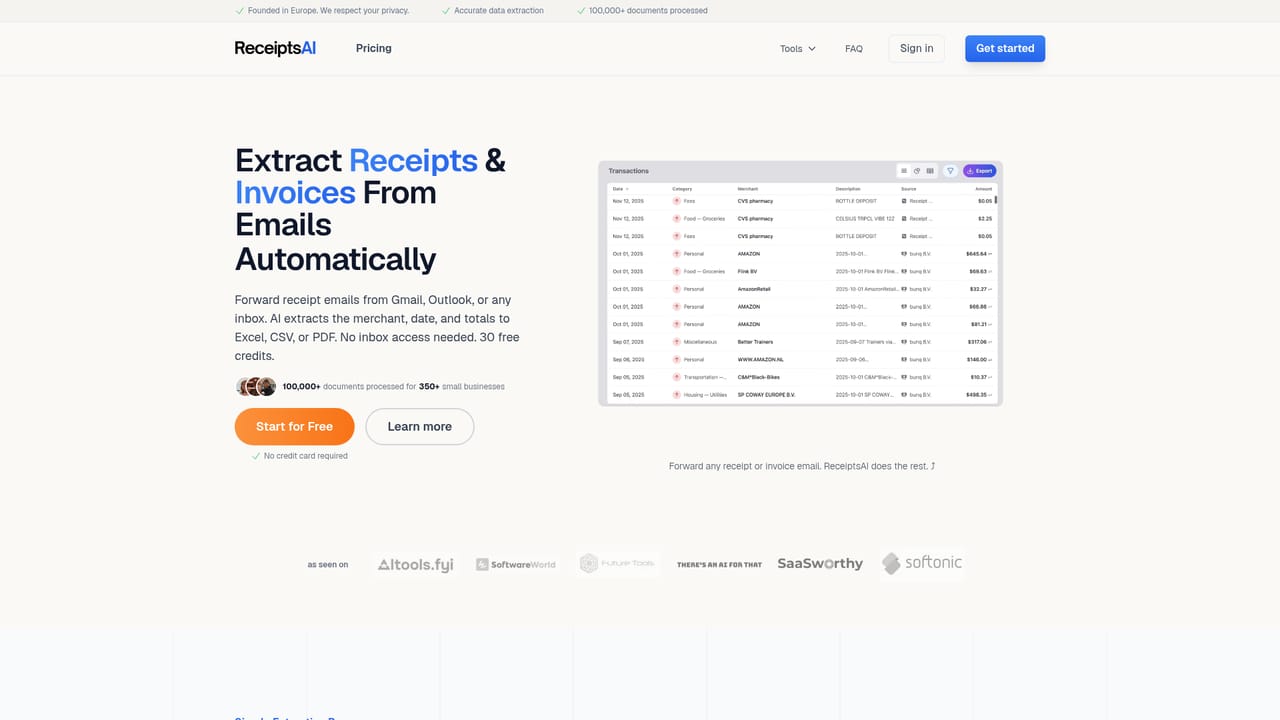
ReceiptsAI is a bookkeeping automation tool that uses AI to extract and categorize data from receipts, invoices, bank statements, and emails. It is designed for freelancers, small business owners, and accountants who want to keep their books current without manual data entry. The tool works by accepting documents through multiple channels: you can snap a photo and send it via WhatsApp, forward emails to a dedicated address, or upload files directly to the web app. The AI then identifies each document and captures key details such as merchant names, dates, amounts, taxes, and currencies. These transactions are automatically sorted into categories using default or custom rules. Receipts can also be matched to bank transactions for reconciliation, and duplicate detection helps keep records clean. In practice, ReceiptsAI replaces the scattered shoebox of receipts with a single organized workspace. Users can invite team members to send receipts in, connect mailboxes for automatic forwarding, and export data to Excel, CSV, or PDF for tax preparation or accountant review. The platform supports multiple workspaces for separating business and personal finances, and includes features like privacy redaction and historical currency conversion. Compared to traditional bookkeeping software, ReceiptsAI focuses on the front end of the process: capturing and organizing the raw paperwork. It complements accounting suites by providing clean, structured data that can be imported elsewhere. While it does not offer full double-entry accounting, it fills a specific need for small operations that need to stay tax-ready without hiring a bookkeeper for data entry.
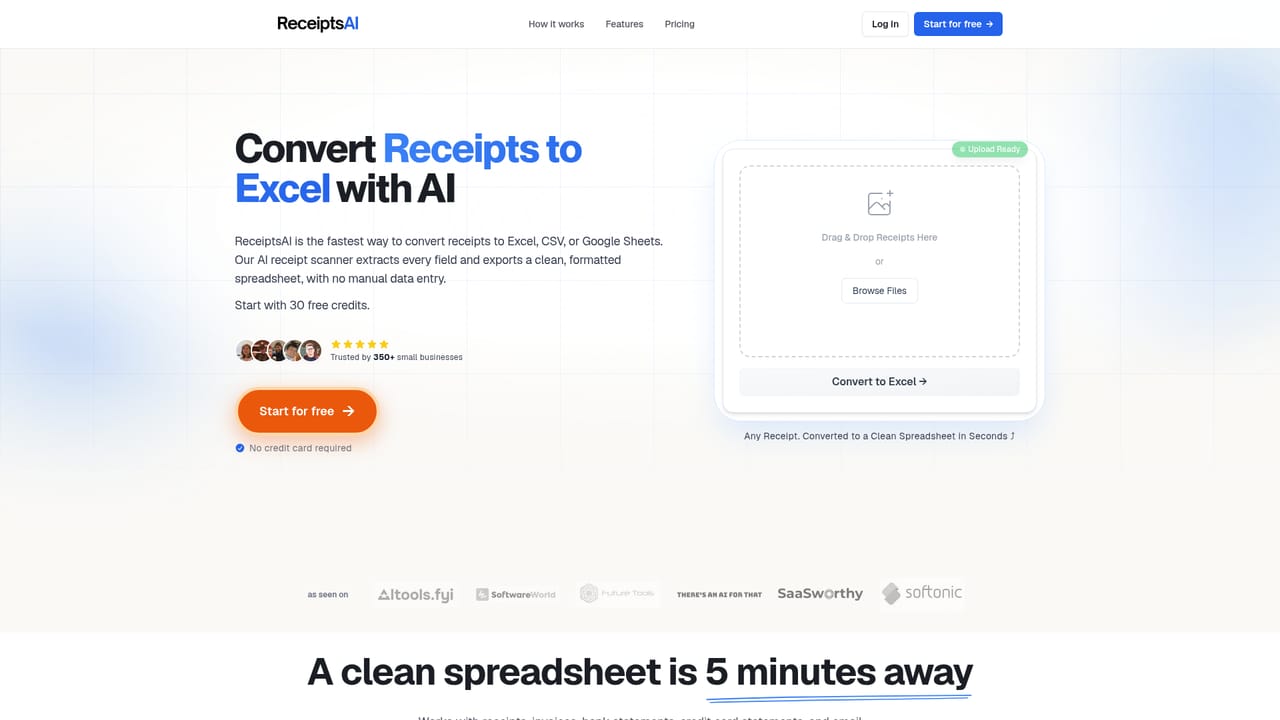
Start with 30 free credits, no credit card required. Try the extraction and categorization features before upgrading.
Learn moreFree plan with 30 one-time credits. Paid plans start at $12/mo (Freelancers), $24/mo (Small Business), and $39/mo (Growing Teams) when billed annually. Monthly billing available. 30-day money-back guarantee on paid plans.
Learn moreEmail support available on all plans. Responsive team noted in user reviews.
Learn moreConnect Gmail or Outlook mailboxes for automatic receipt forwarding. Capture via WhatsApp and email. Export to Excel, CSV, and PDF.
Learn moreReceipt capture via WhatsApp, email, and upload; AI extraction of merchant, date, amount, tax, currency; auto-categorization with custom rules; receipt matching and duplicate detection; multi-currency with historical FX; expense reports; exports to Excel, CSV, PDF; workspaces for team collaboration; privacy redaction.
Learn more AI Angels400+ customizable AI girlfriends for NSFW chat, voice calls, and roleplay
 Candy AIExperience the future of companionship with AI friends who chat, role-play, and connect with you on a human level.
 ourdream.aiA vast AI roleplay platform with millions of characters for chat, images, video and voiceAI Angels400+ customizable AI girlfriends for NSFW chat, voice calls, and roleplayCandy AIExperience the future of companionship with AI friends who chat, role-play, and connect with you on a human level.ourdream.aiA vast AI roleplay platform with millions of characters for chat, images, video and voice