LetsView Chat

A credit-based AI chat tool with switchable assistants and an inspiration library.

Beginner
Screenshot of LetsView Chat, A credit-based AI chat tool with switchable assistants and an inspiration library

What is LetsView Chat?

LetsView Chat is a free-to-start AI chat tool that lets users switch between assistants, browse an Inspiration Library of prompts, and track usage with a credit system.

LetsView Chat is a browser-based AI chat interface built around switching between different assistants. Visitors land on a chat window with a persistent prompt box and an assistant switcher, then sign in with a Google account to keep sessions tied to a profile. The product bundles conversation with a few surrounding features: a Recommended and Common prompt shelf, an Inspiration Library of prewritten prompts, and a credit counter that governs use of the more demanding assistants. The intended audience is broad rather than specialist. A student drafting an essay, a marketer sketching campaign angles, and a casual user looking for a quick answer can all work from the same window because the assistant switch swaps the underlying model or role without a page reload. The Inspiration Library lowers the blank-page problem: instead of inventing a prompt, a new user copies a curated one and edits it. For teams evaluating chat tools, LetsView Chat sits in the consumer chat segment alongside general assistants, with a lighter learning curve than terminal or API-first tools. In practice, the workflow is: log in, optionally pick an assistant from the switcher, type into the chat, and check the remaining credit count in the header. When credits run out, the account page is where balances are reviewed and a Pro upgrade is offered. The interface is clean and beginner friendly, with a visible New Chat control that resets context. The trade-off is depth: there is no exposed prompt library management beyond the built-in shelves, no documented API, and no public pricing table on the homepage, so cost planning relies on the in-app credit display.

How do you use LetsView Chat?

  1. 1Sign in with Google
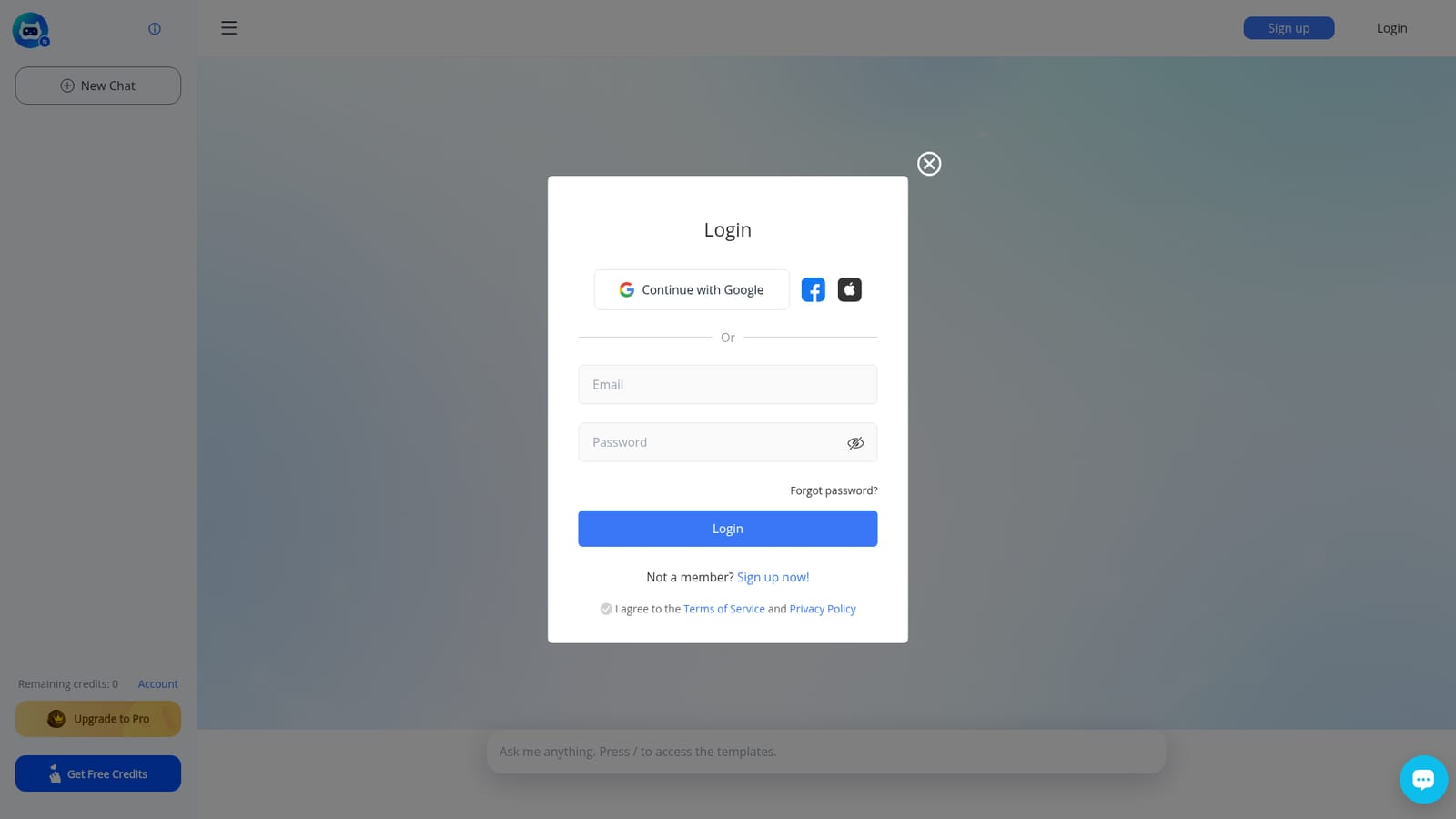
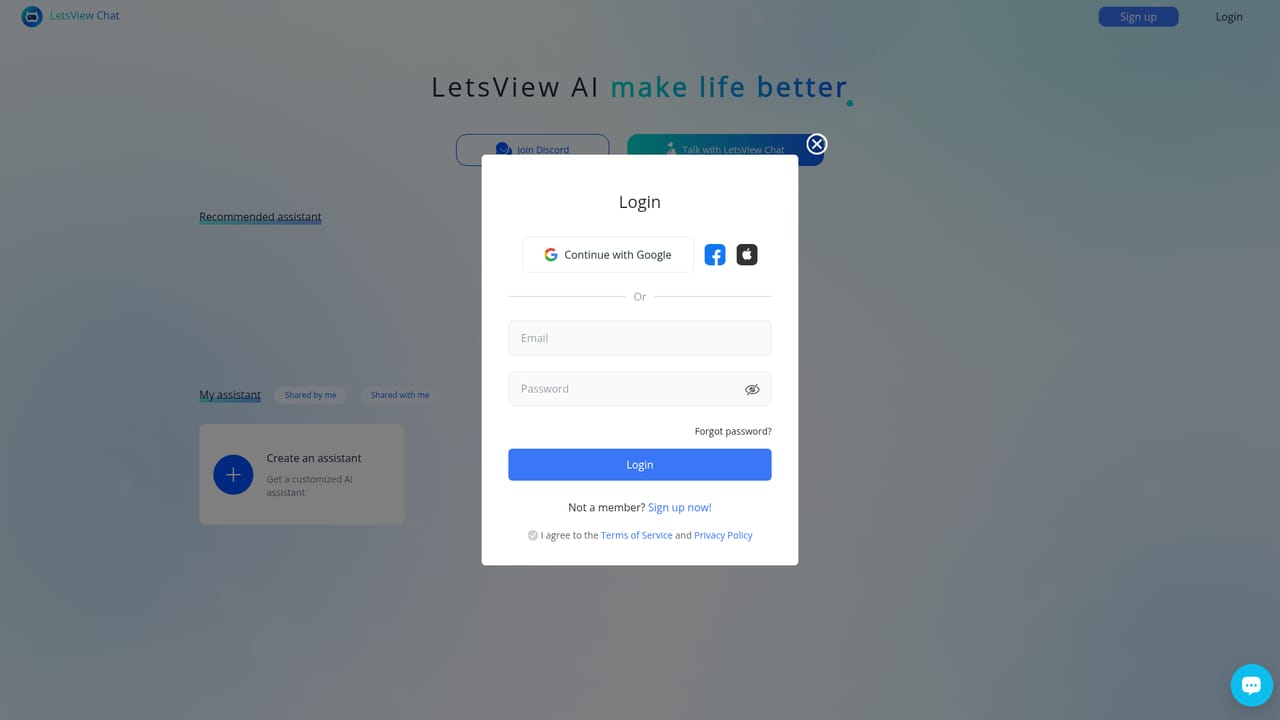
    Open the site and choose Continue with Google to create or access your profile. Agree to the terms and privacy policy to proceed.
    LetsView Chat — Sign in with Google
  2. 2Check your remaining credits
    The header shows a Remaining credits figure. Note the number before you start, since usage of certain assistants consumes it.
  3. 3Switch to a suitable assistant
    Use the Switch assistant link to open the roles list and pick the one that matches your task, then return to the chat.
    LetsView Chat — Switch to a suitable assistant
  4. 4Start a new chat
    Choose New Chat to open a fresh conversation with no prior context. Type your prompt in the message box and send it.
  5. 5Try a prompt from the Inspiration Library
    Browse the Recommended and Common prompts on the landing view and click one to populate the input, then edit it to fit your case.
  6. 6Review your account and upgrade options
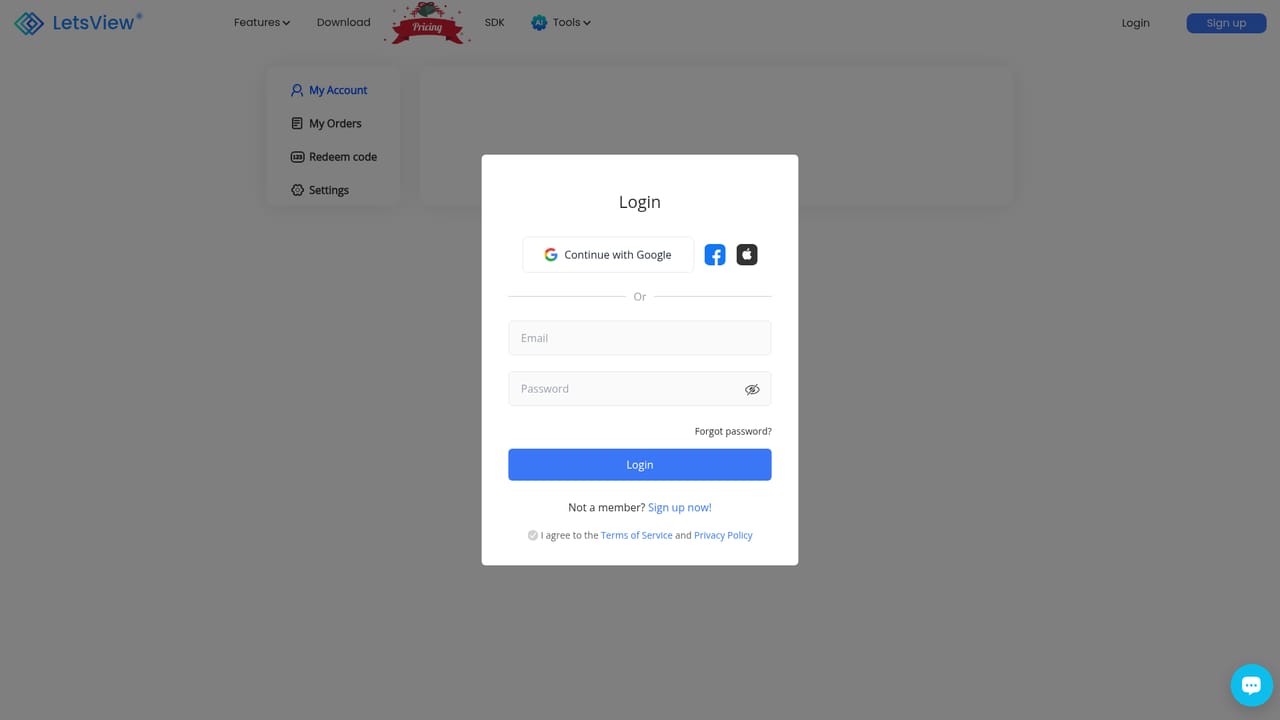
    Open My account from the user menu to see your profile and credits. The Upgrade to Pro option is offered from the same area.
    LetsView Chat — Review your account and upgrade options

Pros and cons

Pros

  • Assistant switcher lets users move between roles without leaving the chat windowAI
  • Inspiration Library provides ready-made prompts for users who are new to promptingAI
  • Google sign-in keeps onboarding short with a single credentialAI
  • Clear credit counter in the header makes usage visible during a sessionAI

Cons

  • No public pricing table on the homepage, so Pro upgrade costs are only visible after signing inAI
  • Credit system adds a usage ceiling that heavy users will hit and must manageAI
  • No documented API, which rules it out for developers building on top of itAI
  • Support channels and response times are not described anywhere on the homepageAI

How much does LetsView Chat cost?

Pricing

The homepage shows a credit-based model: accounts display Remaining credits, users can Get Free Credits, and an Upgrade to Pro option appears in the chat header and account area. No public prices or plan tiers are listed on the homepage.

Learn more

Integrations

Google sign-in is the only integration described on the homepage. No other third-party connectors or APIs are mentioned.

Features

Core features include a chat window, an assistant switcher linking to a list of AI roles, a Recommended and Common prompt shelf, an Inspiration Library, Google sign-in, a credit counter, New Chat for context resets, a Pro upgrade path, and an account page.

Frequently asked questions about LetsView Chat

  • How much does LetsView Chat cost?
    The homepage shows a credit-based model: accounts display Remaining credits, users can Get Free Credits, and an Upgrade to Pro option appears in the chat header and account area. No public prices or plan tiers are listed on the homepage.
  • How do you use LetsView Chat?
    The walkthrough on this page covers 6 steps: 1. Sign in with Google 2. Check your remaining credits 3. Switch to a suitable assistant 4. Start a new chat 5. Try a prompt from the Inspiration Library 6. Review your account and upgrade options.
  • What platforms does LetsView Chat support?
    LetsView Chat is available on Web App.
  • What does LetsView Chat integrate with?
    Google sign-in is the only integration described on the homepage. No other third-party connectors or APIs are mentioned.
  • What are the limitations of LetsView Chat?
    No public pricing table on the homepage, so Pro upgrade costs are only visible after signing in. Credit system adds a usage ceiling that heavy users will hit and must manage. No documented API, which rules it out for developers building on top of it.

Status

StatusActive
Views0
Outbound clicks0
Added10/21/2026

Platforms

Web App

Pricing

Freemium