Support
The homepage states the team keeps close contact with its community and offers almost 24/7 support alongside extended support options, plus a Discord community.
Broadcast, HUD and observing toolkit for competitive esports production

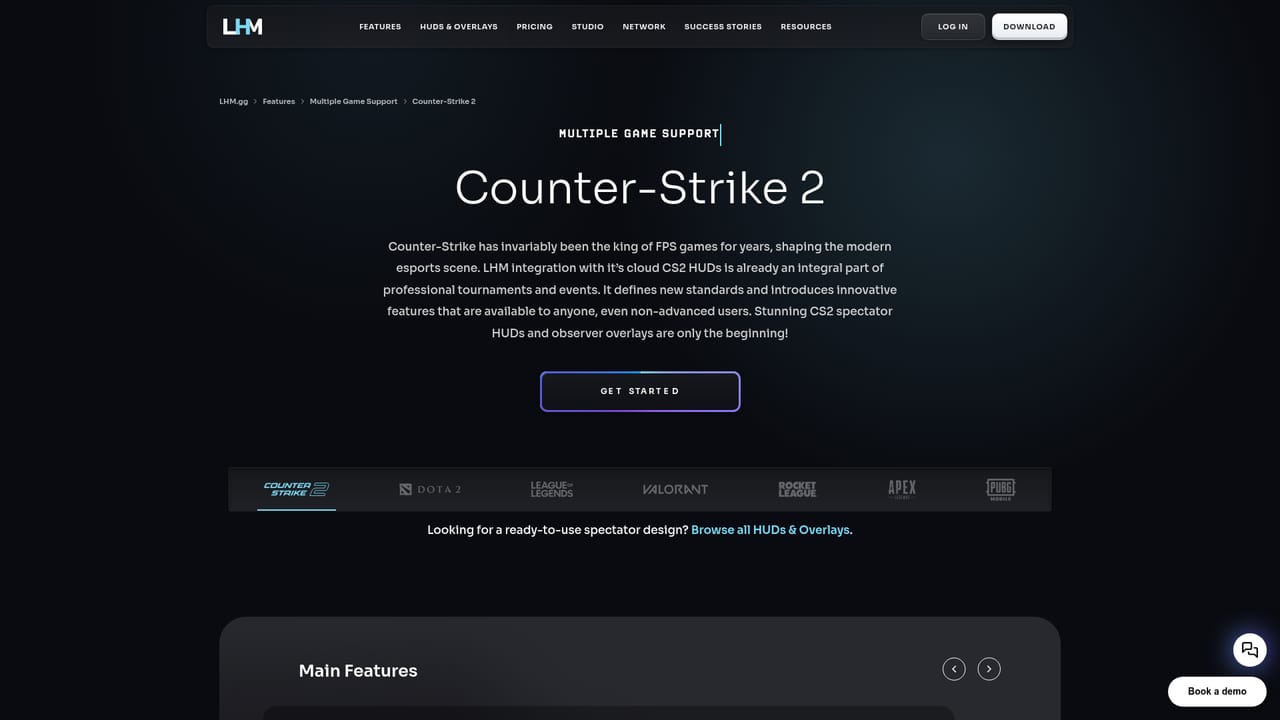
LHM.gg is an esports production platform that combines HUD and overlay management, observing tools, automated replays and an AI match observer for CS2, Dota 2, League of Legends, Valorant, Rocket League and Apex Legends. It targets broadcast crews and tournament organizers who want less manual work during live shows.
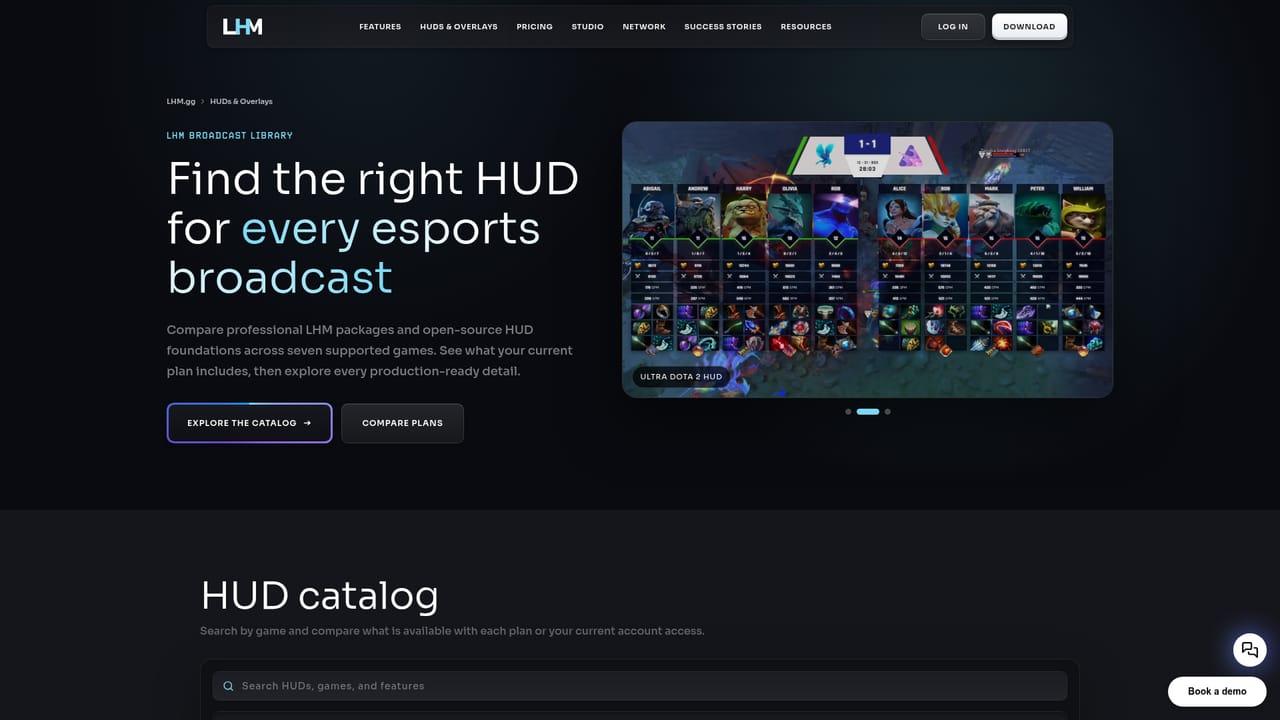
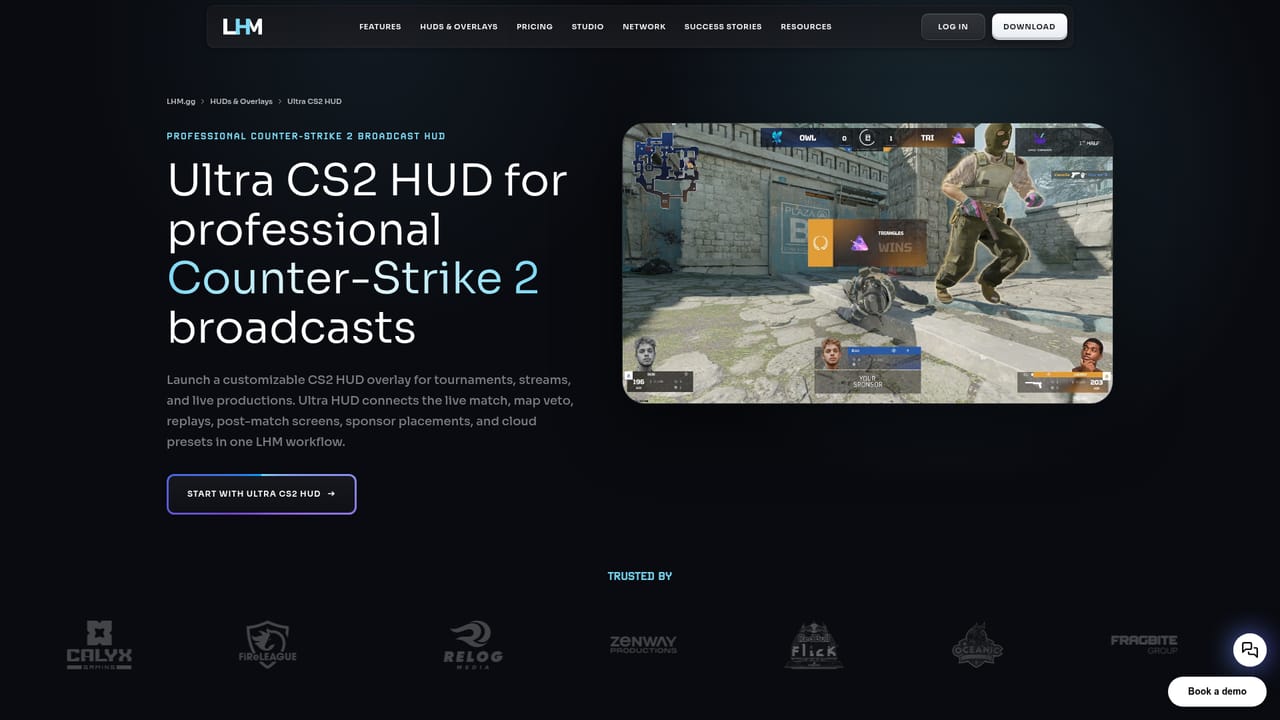
LHM.gg is a production platform built for esports broadcasts rather than for players. It bundles HUD and overlay management, observing and spectating tools, tournament management, replays and match analytics into one workspace, and the homepage lists support for CS2, Dota 2, League of Legends, Valorant, Rocket League and Apex Legends, with PUBG Mobile also referenced in the site metadata. The core proposition is automation. LHM claims it can automate up to 80 percent of Counter-Strike 2 production work, which in practice means the software handles the repetitive parts of a live show: pulling match data, driving the HUD, following key events and assembling replays. Scout AI is the most distinctive piece, described as an advanced match observer that captures important moments on its own, adds cinematics and predicts results without human input. LHM Replays works from criteria you define and pushes clips to your stream through vMix or OBS. The Ultra CS2 HUD and other packaged overlays are customizable in the cloud and applied with a few clicks. Setup follows a five stage path: install, manage, display, automate and sync. The desktop client connects to supported games without manual integration, then HUDs, player cameras, killfeeds and radars are controlled from a shared interface. Remote HUD access, cloud storage for assets and settings, Stream Deck support and a CG mode round out the control surface. A public API is offered for developers who want to build addons or wire LHM into an existing pipeline. This is a tool for production companies, tournament organizers and esports broadcast crews, not for casual viewers. The learning curve is shaped by broadcast vocabulary, and the strongest features are concentrated in CS2, so teams running other titles get a narrower version of the product. Relative to assembling OBS scenes, a separate data feed and manual observers, LHM trades flexibility for consistency and speed when events run back to back. The homepage names Relog Media, Red Bull Flick, Oceanic Esports, Fragbite Group, ChallengerMode and FiReLEAGUE among its users. Pricing tiers are not published on the homepage, so cost has to be confirmed directly with the vendor.
The homepage states the team keeps close contact with its community and offers almost 24/7 support alongside extended support options, plus a Discord community.
The desktop client connects to supported games without manual integration. LHM Replays broadcasts through vMix and OBS, Stream Deck control is supported, and backend APIs are offered for addons.
HUD and overlay management with cloud customization, multiple HUD support, observing and spectating controls, a custom player camera system, remote HUD access, cloud asset storage, Stream Deck integration, CG mode, LHM Signals, automated LHM Replays pushed to vMix or OBS, and Scout AI for event capture, cinematics and result prediction. Tournament management and match analytics are included, with the deepest features in CS2.
Learn more AI Angels400+ customizable AI girlfriends for NSFW chat, voice calls, and roleplay
 Candy AIExperience the future of companionship with AI friends who chat, role-play, and connect with you on a human level.
 ourdream.aiA vast AI roleplay platform with millions of characters for chat, images, video and voiceAI Angels400+ customizable AI girlfriends for NSFW chat, voice calls, and roleplayCandy AIExperience the future of companionship with AI friends who chat, role-play, and connect with you on a human level.ourdream.aiA vast AI roleplay platform with millions of characters for chat, images, video and voice


