Jenova AI

A platform of hundreds of specialized agents for creative work and everyday life

Beginner
Screenshot of Jenova AI, A platform of hundreds of specialized agents for creative work and everyday life

What is Jenova AI?

Jenova AI is a games tool. Jenova bundles hundreds of specialized AI agents across creative writing, comics and manga, worldbuilding, game design and personal entertainment. Pick an agent, work inside its scope, and build your own if the presets fall short.

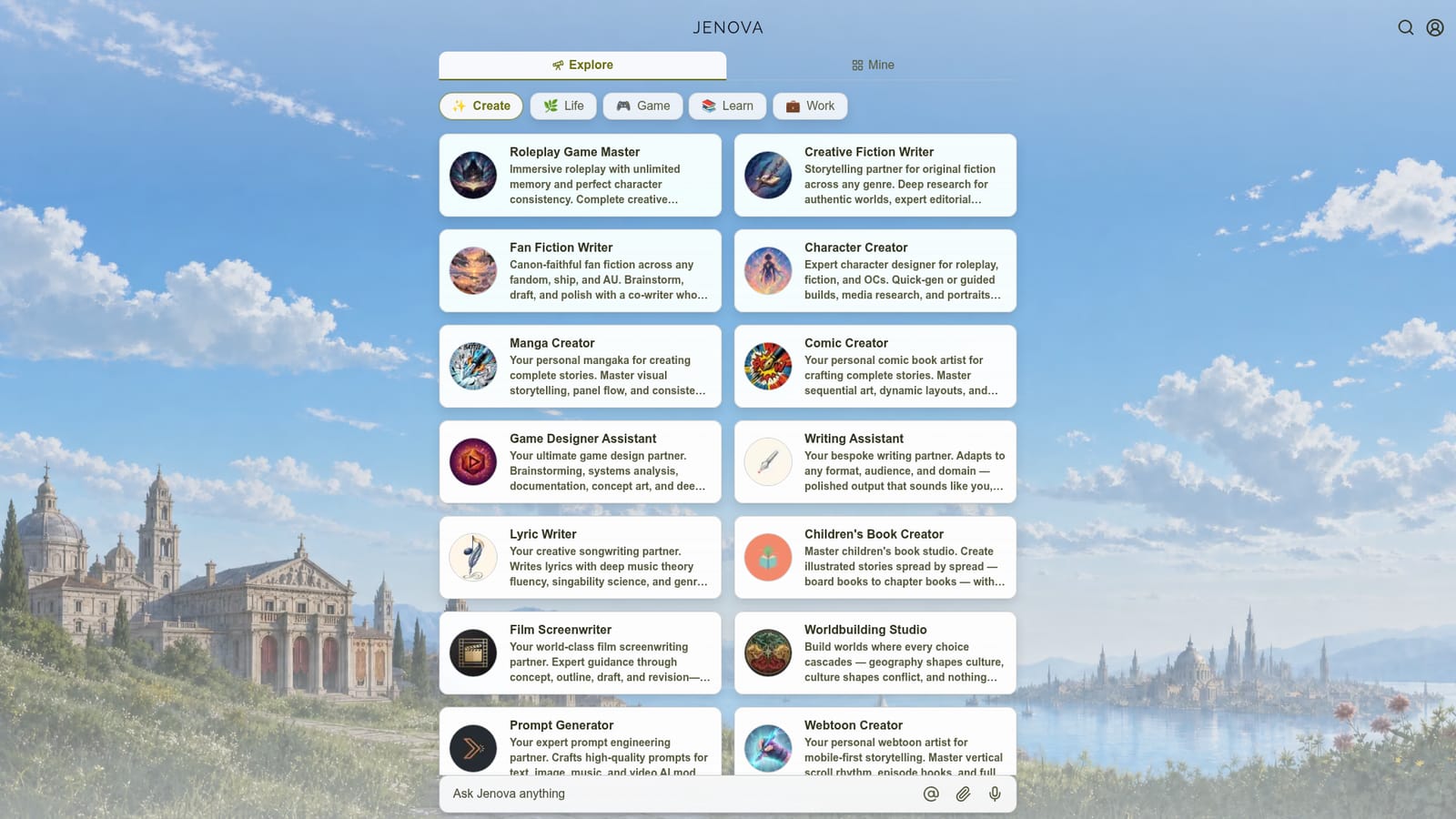
Jenova is an AI agent platform built around a large library of named, single-purpose agents rather than one general chatbot. The catalogue splits into five folders (Create, Life, Game, Learn and Work), and the creative shelf alone carries more than twenty distinct tools: a Manga Creator for panel flow and serialized art, a Comic Creator for sequential layouts, a Webtoon Creator tuned to vertical scroll rhythm, a Visual Novel Creator that produces branching routes and export-ready Ren'Py scripts, plus Concept Art, Logo and Prompt generators. Writing agents cover fiction, fan fiction, screenplays, microdrama seasons, lyrics, children's books and worldbuilding. The Life folder shows how far Jenova stretches beyond creative production. It holds a Personal Companion with configurable personality and backstory, a Relationship Advisor, a Personal Therapist, a Personality Analyzer, and a cluster of divination agents including tarot, palm, aura, face, numerology and BaZi readings. Game and work agents sit alongside: a Roleplay Game Master with long-memory character consistency, a Board Game Creator that outputs playable prototypes and rulebooks, a Game Designer Assistant, and a Football Betting Analyst. In practice you pick an agent, describe what you want, and work back and forth inside that agent's scope. Several accept uploads (a selfie for an aura reading, photos of both palms, a picture of a tea cup) and return narrative interpretations or generated portraits. The platform also advertises the ability to build your own agent, which matters if the preset library does not cover a niche. Compared with single-model writing or image tools, Jenova's value is breadth and pre-tuned role framing: you skip prompt engineering because each agent already carries a voice and a method. The trade-off is depth and portability. Outputs stay inside the platform, there is no visible integration layer for external design or publishing software, and the mix of serious craft agents with entertainment readings means buyers should judge it category by category rather than as one product.

How do you use Jenova AI?

  1. 1Open the agent directory and pick a folder
    The homepage groups agents under Create, Life, Game, Learn and Work. Start with the folder closest to your task instead of browsing the full list.
    Jenova AI — Open the agent directory and pick a folder
  2. 2Choose the agent that matches your output format
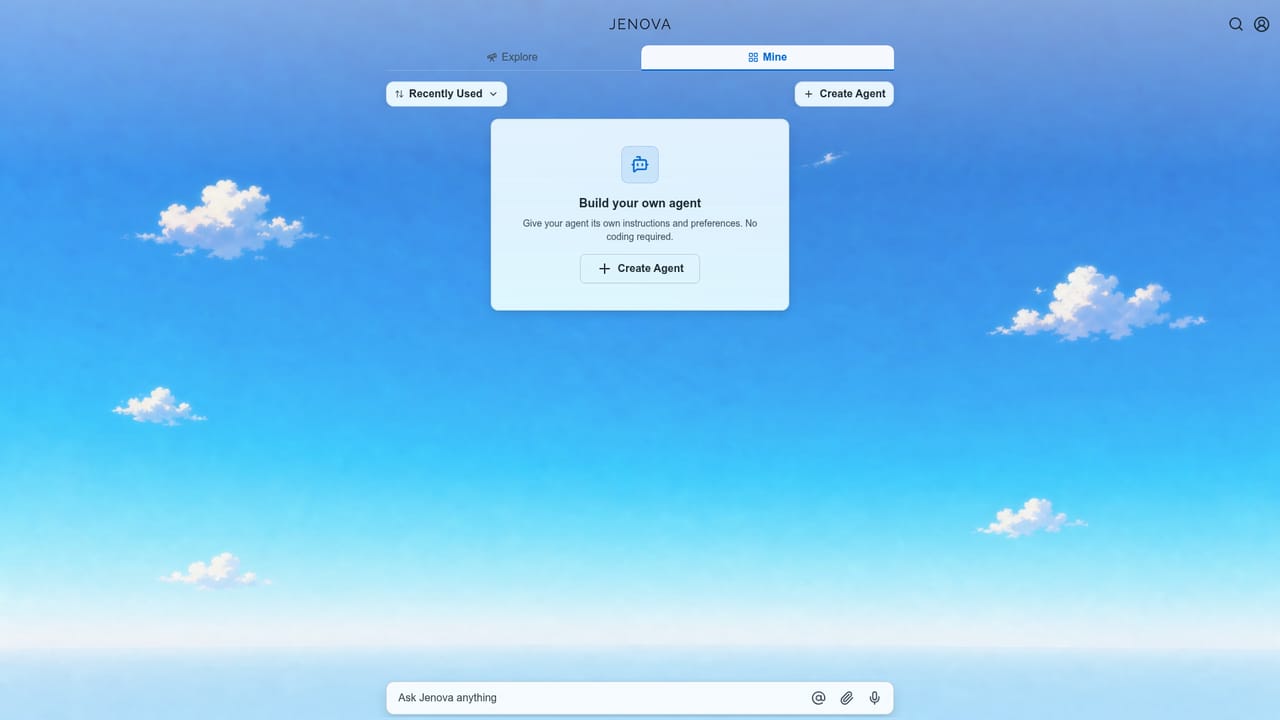
    Writing a serialized comic is a different job from drafting a screenplay. Select Manga Creator, Webtoon Creator or Film Screenwriter accordingly and read the agent card first.
    Jenova AI — Choose the agent that matches your output format
  3. 3Set up your project brief in the first message
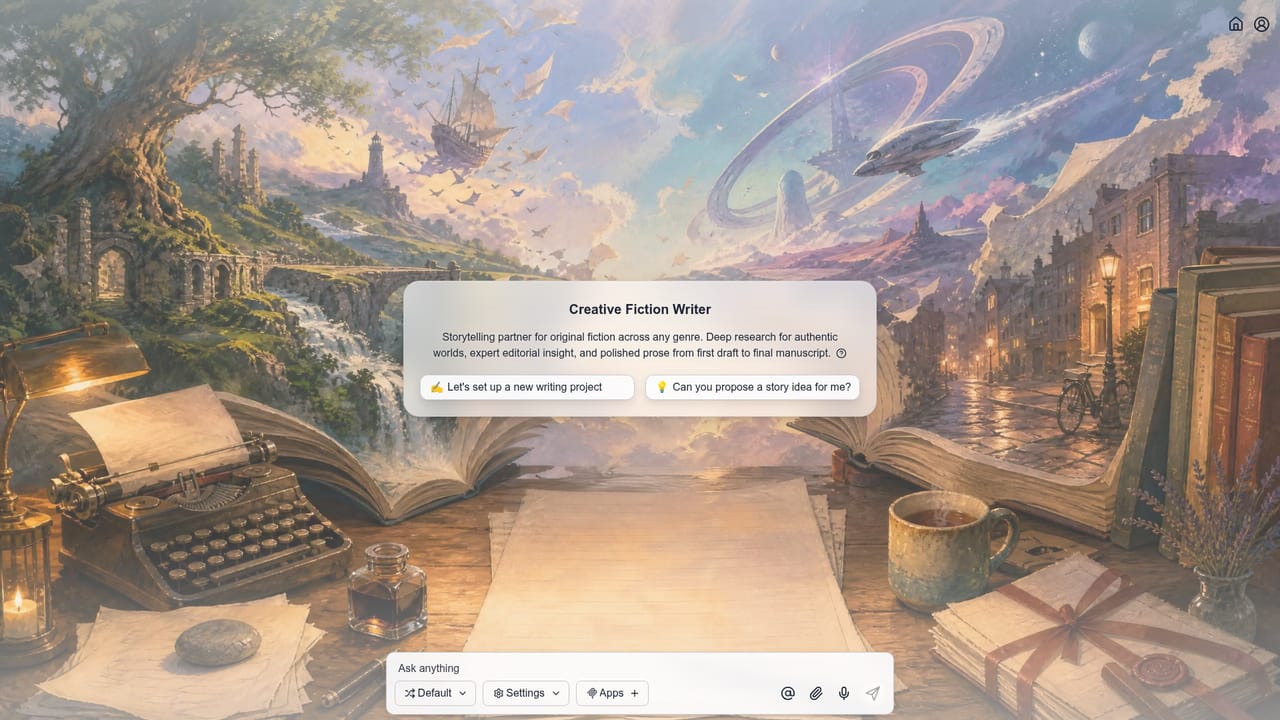
    Give genre, audience, tone and length up front. Agents like Creative Fiction Writer use that context for research and editorial feedback later in the thread.
    Jenova AI — Set up your project brief in the first message
  4. 4Upload reference material where the agent expects it
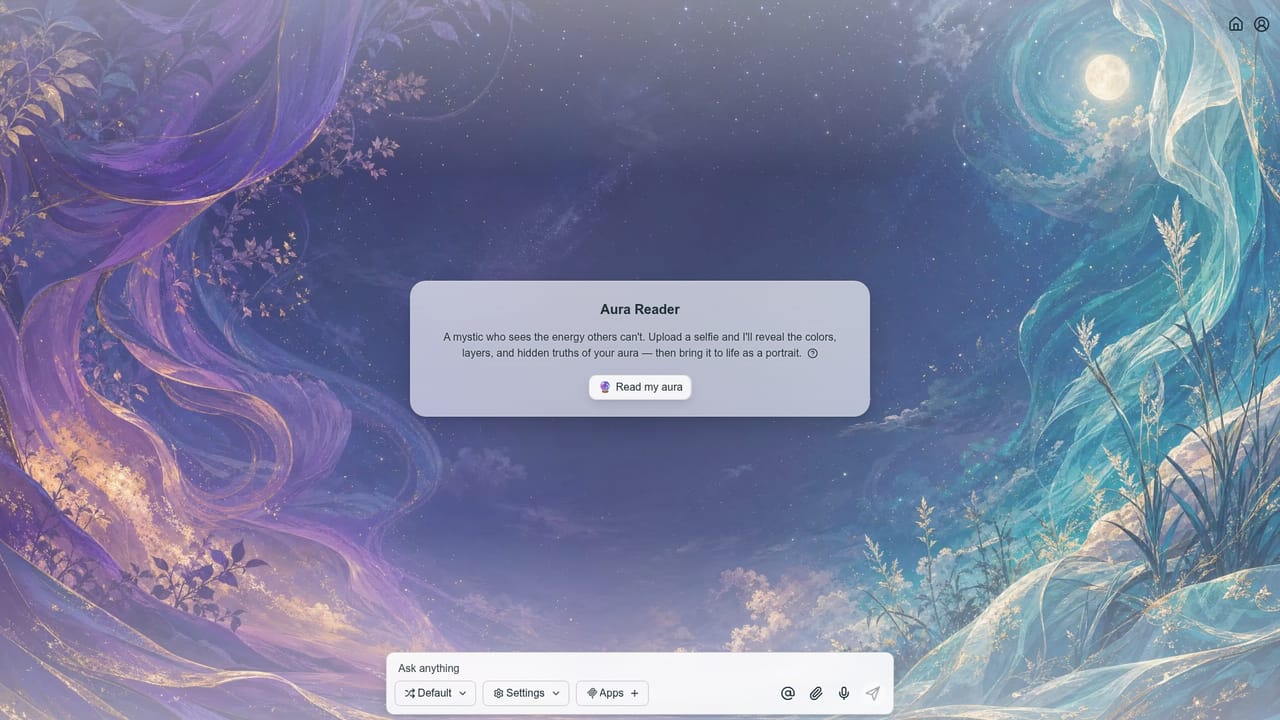
    Readings such as Aura Reader or Palm Reader work from an uploaded photo, while art agents work from a written brief. Attach the file in the conversation when the agent asks for it.
    Jenova AI — Upload reference material where the agent expects it
  5. 5Iterate scene by scene or beat by beat
    Treat the first output as a draft. Ask for specific revisions on panels, dialogue or chapter beats rather than restarting the thread.
  6. 6Install the mobile app for ongoing projects
    Jenova points iPhone users to its App Store listing for what it calls the best experience, which suits long roleplay and serialized writing sessions.

Pros and cons

Pros

  • Large named-agent library means far less prompt engineering before you start producingAI
  • Creative shelf is deep on sequential art: manga, comic, webtoon and visual novel agents with format-specific guidanceAI
  • Several agents accept image uploads and return both interpretation and generated visualsAI
  • Roleplay Game Master is built for long sessions with character consistency and unlimited memoryAI
  • Covers both production work and entertainment, so one subscription spans several hobbiesAI

Cons

  • No visible integrations with design suites, publishing tools or game engines, so finished assets must be exported manuallyAI
  • The catalogue mixes professional craft agents with novelty readings, which makes quality uneven across categoriesAI
  • Agent skill claims are self-described on the site with no published benchmarks or output samples to verify depthAI
  • Homepage does not state plan limits, generation quotas or per-agent restrictions, so cost is hard to forecastAI
  • Building a custom agent is mentioned but its tooling and limits are not documented on the homepageAI

How much does Jenova AI cost?

Features

Hundreds of preconfigured agents across creative writing, comics, manga, webtoons, visual novels, concept art, logos, songwriting, screenwriting, worldbuilding and children's books, alongside life agents (companion, therapist, relationship advisor, divination readers), game agents (Roleplay Game Master, Board Game Creator, Game Designer Assistant) and a Prompt Generator. Custom agent building is advertised.

Learn more

Frequently asked questions about Jenova AI

  • How do you use Jenova AI?
    The walkthrough on this page covers 6 steps: 1. Open the agent directory and pick a folder 2. Choose the agent that matches your output format 3. Set up your project brief in the first message 4. Upload reference material where the agent expects it 5. Iterate scene by scene or beat by beat 6. Install the mobile app for ongoing projects.
  • What platforms does Jenova AI support?
    Jenova AI is available on Web App and iOS.
  • What are the limitations of Jenova AI?
    No visible integrations with design suites, publishing tools or game engines, so finished assets must be exported manually. The catalogue mixes professional craft agents with novelty readings, which makes quality uneven across categories. Agent skill claims are self-described on the site with no published benchmarks or output samples to verify depth.

Status

StatusActive
Views0
Outbound clicks0
Added10/21/2026

Platforms

Web AppiOS

Pricing

FreeSubscription