Lingually

Build language fluency through short daily writing exercises

Beginner
Screenshot of Lingually, Build language fluency through short daily writing exercises

What is Lingually?

Lingually is a grammar checker tool that builds language fluency through short daily writing exercises. A language learning tool that centres on short daily writing prompts, instant correction of submitted paragraphs, and AI generated review cards that reinforce the mistakes a learner actually made.

Lingually is a language learning tool built around a single, focused habit: short daily writing exercises. Rather than drilling vocabulary lists or tapping through multiple choice screens, learners compose a brief paragraph on a set topic in their target language, then submit it for correction. The homepage example uses a learner of Italian writing about a morning routine, which shows the intended scale: one small piece of writing per day, not an essay. The feedback loop is the core of the product. A button press highlights the mistakes in a submitted paragraph, so corrections arrive while the exercise is still fresh and the learner can compare what they wrote against what was expected. From that writing, Lingually generates review cards automatically. These act as AI powered flashcards, surfacing the vocabulary and structures a learner actually struggled with instead of a generic deck, which is the mechanism the product claims supports long term retention. In practice the workflow is narrow and repeatable: open the writing area, respond to a prompt, request a correction, then work through the resulting review cards. That makes it a reasonable fit for independent learners at an intermediate stage who can already produce sentences but need regular output practice and someone to catch errors. Complete beginners have little to write about, and advanced learners may find the short format too small to stretch them. Compared with conversation based language apps, Lingually trades speaking practice for written accuracy and review. It complements tools that focus on listening and speech rather than replacing them. The site presents a straightforward entry point: a Start Learning button leading to the writing page, and a separate login for returning users.

How do you use Lingually?

  1. 1Open the writing page
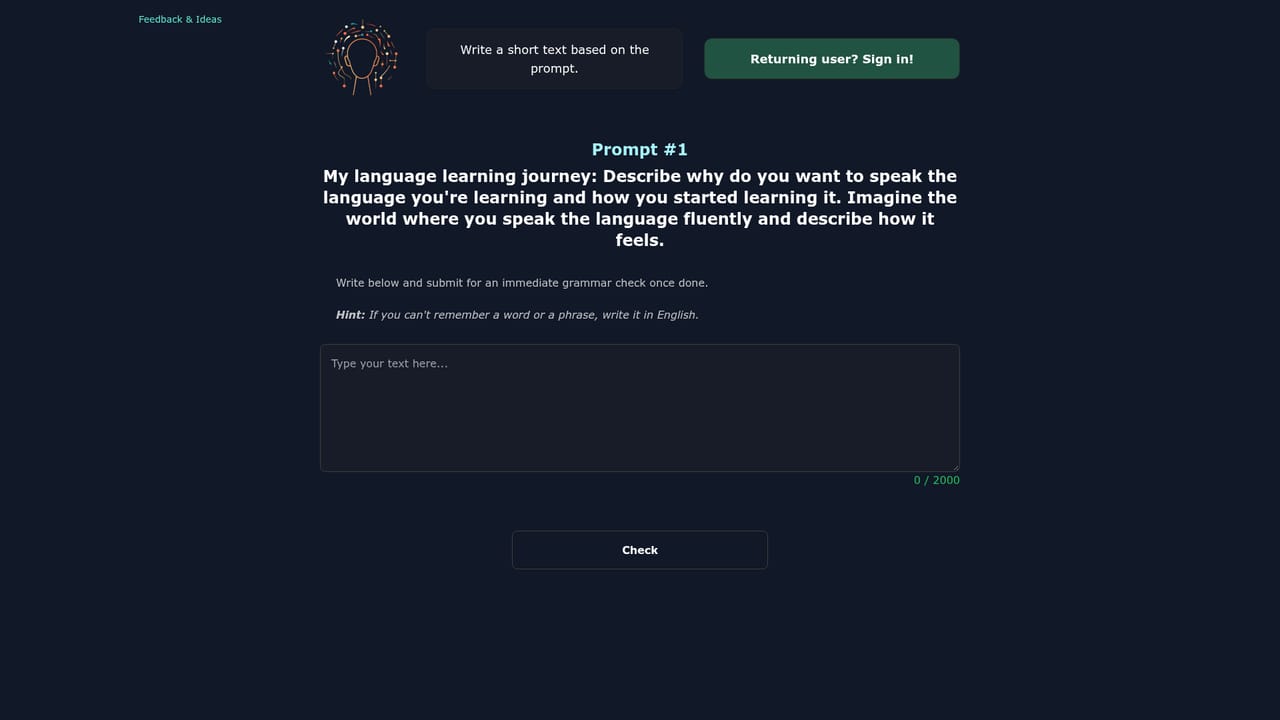
    Select Start Learning from the homepage to reach the exercise area and see the day's writing task.
    Lingually — Open the writing page
  2. 2Write a short paragraph on the prompt
    Compose a few sentences in your target language on the given topic. The homepage example uses a morning routine theme.
  3. 3Request a correction
    Submit the paragraph and trigger the check. Mistakes are highlighted in the text so you can review each one in place.
  4. 4Review the generated cards
    Work through the AI generated review cards built from your writing to reinforce the words and structures you missed.
  5. 5Return and log in
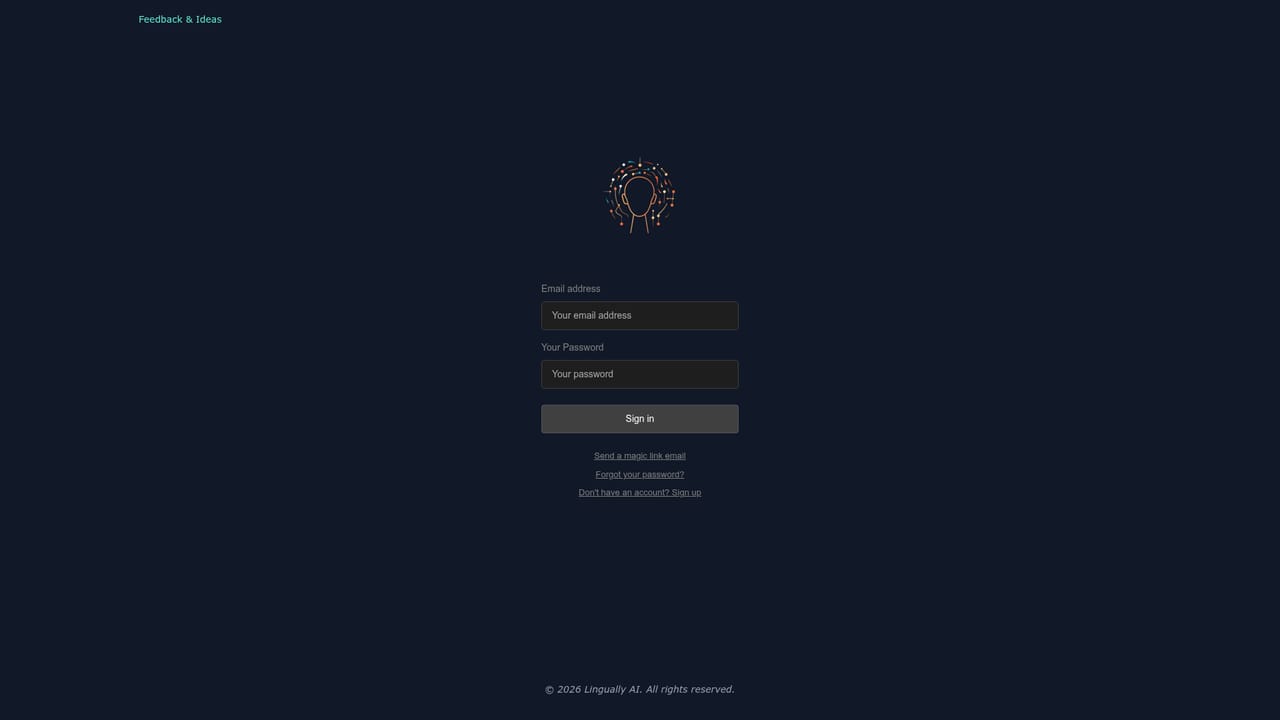
    Come back for the next daily exercise and sign in to keep your practice going on the same account.
    Lingually — Return and log in

Pros and cons

Pros

  • Daily writing prompts give learners a concrete, low friction practice habitAI
  • Corrections highlight mistakes directly in the submitted paragraphAI
  • Review cards are generated from the learner's own writing rather than a fixed deckAI
  • Simple workflow with a clear path from the homepage into the writing exerciseAI

Cons

  • No speaking, listening or pronunciation practice is described on the homepageAI
  • The short paragraph format may feel limiting for advanced learnersAI
  • No detail on how many languages are supported or which onesAI
  • Pricing and plan information is not stated, so cost cannot be assessed before signing upAI

How much does Lingually cost?

Features

Three features are presented: daily writing practice with short exercises on set topics, immediate feedback that highlights mistakes in a submitted paragraph at the press of a button, and AI review cards generated automatically to reinforce learning over time.

Frequently asked questions about Lingually

  • How do you use Lingually?
    The walkthrough on this page covers 5 steps: 1. Open the writing page 2. Write a short paragraph on the prompt 3. Request a correction 4. Review the generated cards 5. Return and log in.
  • What platforms does Lingually support?
    Lingually is available on Web App.
  • What are the limitations of Lingually?
    No speaking, listening or pronunciation practice is described on the homepage. The short paragraph format may feel limiting for advanced learners. No detail on how many languages are supported or which ones.

Status

StatusActive
Views0
Outbound clicks0
Added10/21/2026

Platforms

Web App

Pricing

Free