Free trial
The site advertises a free start with no card required and links to a member download page, but plan tiers and what each includes are not detailed on the homepage.
Learn moreLinkedIn outreach automation with AI drafting inside a desktop app
Own Linked Helper? Verify ownership to get a dofollow link

Linked Helper is a lead generation tool. A desktop LinkedIn automation platform with 30+ actions, sequenced campaigns that stop on reply, bulk export and a native CRM. Built-in AI qualifies leads against your ICP, drafts personalized messages, writes contextual post comments and suggests inbox replies.
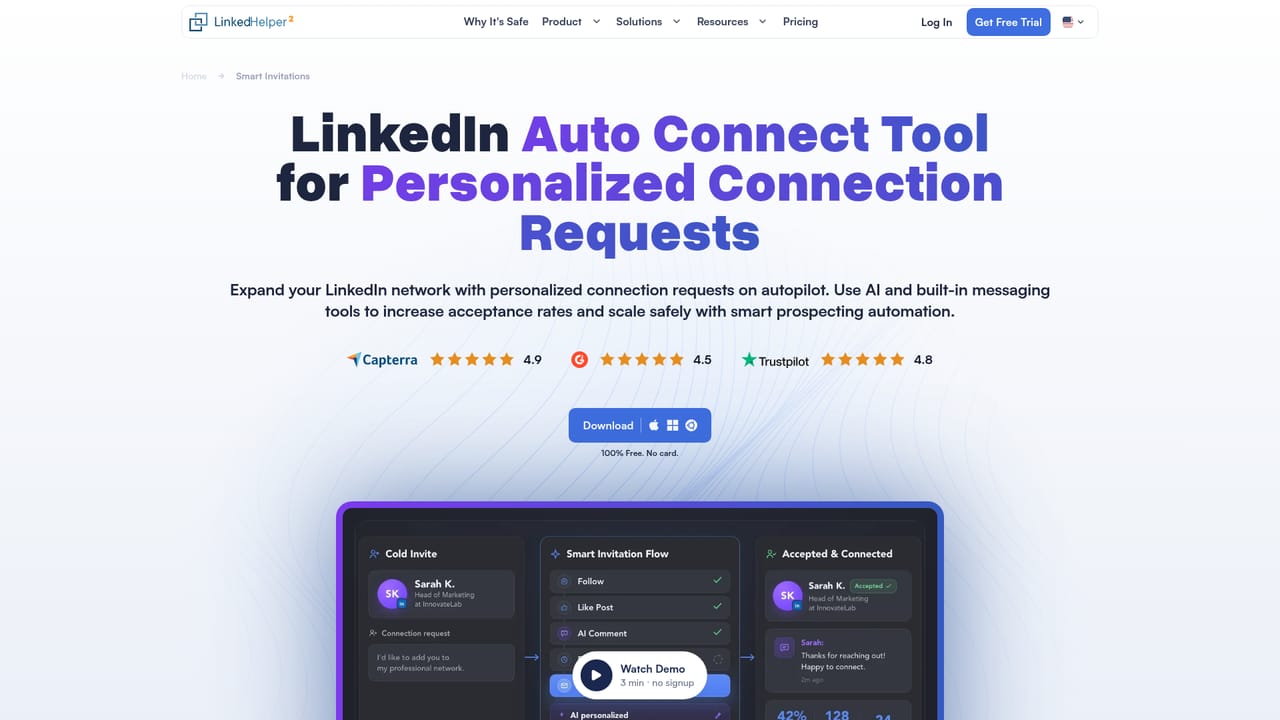
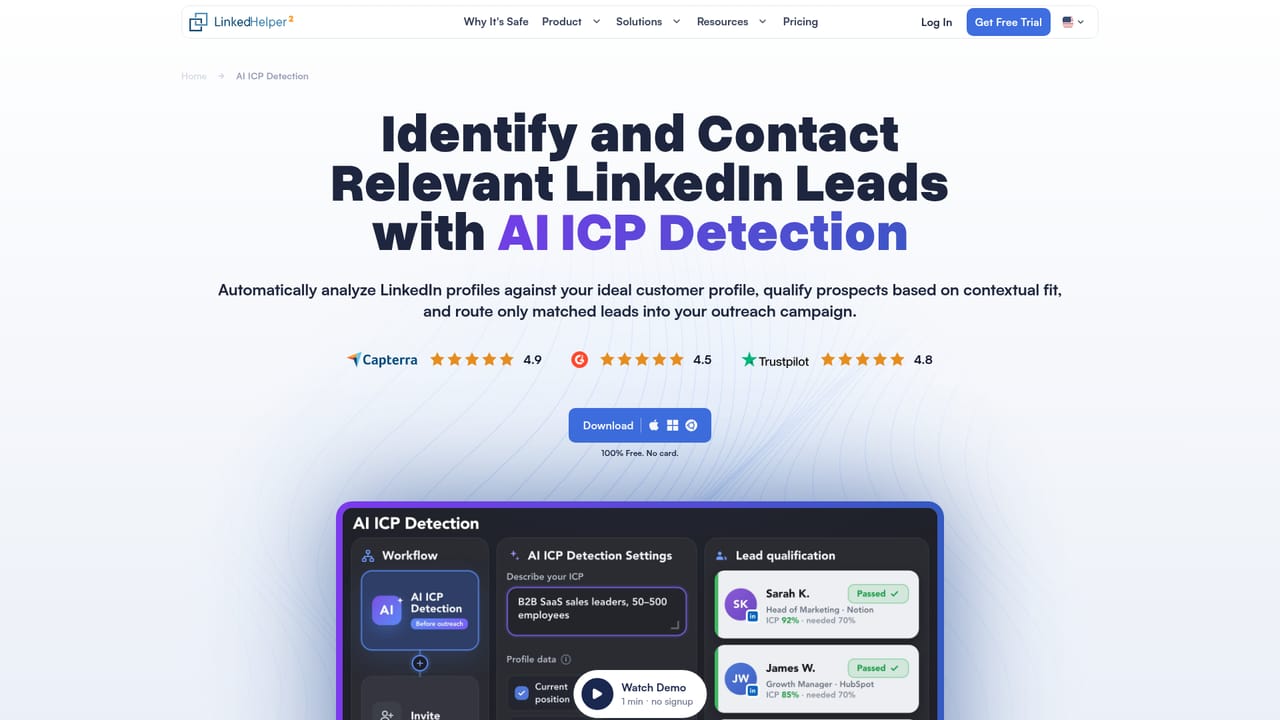
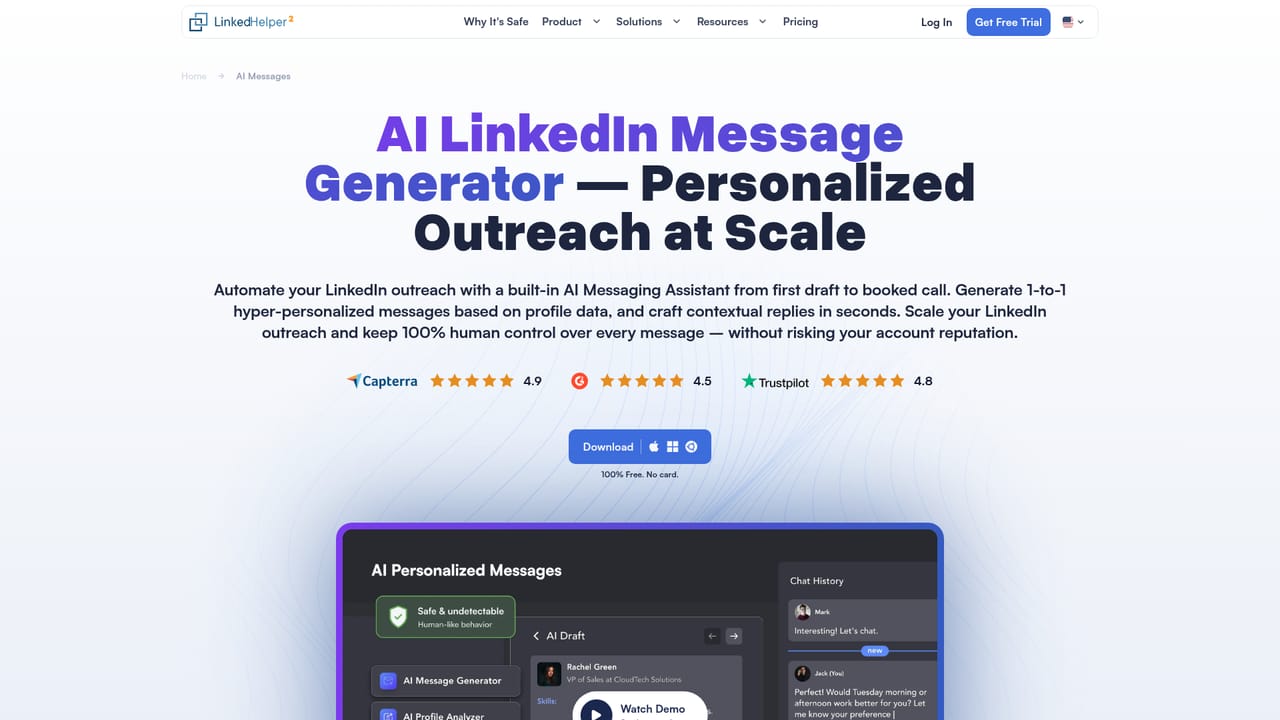
Linked Helper is a desktop application for automating LinkedIn outreach, built around profile collection, sequenced messaging and data export. Rather than running as a browser extension that injects code into LinkedIn pages, it works as a standalone app with separate instances per account, unique browser fingerprints and one dedicated proxy per profile. The feature set covers more than 30 automated actions: connection requests, InMails, messages to 1st connections, profile and organization scraping, skill endorsements, post likes and comments, event and group invitations, Company page follower invites, plus tools for accepting, withdrawing or removing connections. Campaigns are built as chains. A typical funnel might visit a profile, send an invite, then deliver follow-up messages with variables and IF-THEN-ELSE logic, and the sequence halts as soon as the lead replies. A native CRM inside the app lets users sort and filter leads by tags, position, company or email, and collected data can go to CSV or straight into an external CRM. Safety controls include rolling 24-hour caps, weekday and hour schedules, randomized delays, mouse movement imitation and a proxy health check with risk scoring. The AI layer is the newer part of the product. AI ICP Detection takes a plain-language description of the ideal customer and filters collected profiles against it, pushing mismatches to a separate list before outreach spend is used. AI Messages reads each lead's profile (summary, experience, skills, mutual connections) and writes an invite or follow-up aimed at the campaign goal, with drafts queued for review or auto-approve. AI Comments warms prospects up with context-aware post comments in a chosen tone, and an AI Reply Assistant suggests responses inside the inbox. AI credits are included. The tool suits recruiters, agencies, sales teams and founders running high-volume LinkedIn lead generation, especially those managing several accounts where isolation matters. It competes with browser-based automation tools on safety architecture and breadth of actions, and with dedicated data providers on enrichment. The Data Enricher turns a profile URL into verified emails, phone numbers and 50+ fields without touching LinkedIn, billed only for the fields selected. Linked Helper runs on its own desktop client and works with any LinkedIn subscription, from free Basic through Premium, Sales Navigator, Recruiter and Talent. The vendor reports 500,000+ users across 180 countries, a 10-year track record and 24/7 support.
The site advertises a free start with no card required and links to a member download page, but plan tiers and what each includes are not detailed on the homepage.
Learn moreThe vendor advertises 24/7 support with issues resolved within 20 minutes, backed by a public help centre of how-to articles.
Learn moreLeads can be exported to CSV or pushed to external CRMs, with webhook sending and support for collecting from Sales Navigator, Recruiter and Talent. Specific third-party CRM names are not listed on the homepage.
Learn more30+ automated actions (invites, InMails, messages, scraping, endorsements, post likes and comments, event and group invites, connection cleanup), chain campaigns that stop on reply, native CRM, Data Enricher, smart daily limits, proxy isolation, and built-in AI for ICP filtering, message drafting, comments and inbox replies.
Learn more AI Angels400+ customizable AI girlfriends for NSFW chat, voice calls, and roleplay
 Candy AIExperience the future of companionship with AI friends who chat, role-play, and connect with you on a human level.
 ourdream.aiA vast AI roleplay platform with millions of characters for chat, images, video and voiceAI Angels400+ customizable AI girlfriends for NSFW chat, voice calls, and roleplayCandy AIExperience the future of companionship with AI friends who chat, role-play, and connect with you on a human level.ourdream.aiA vast AI roleplay platform with millions of characters for chat, images, video and voice


