Free trial
A free trial with free credits is offered, no credit card required, and it covers every feature. Bulk limits differ between upload and API routes.
Learn moreTurn LinkedIn profiles into verified emails and direct dials in bulk
Own linkfinder ai.? Verify ownership to get a dofollow link

linkfinder ai. is a lead generation tool that turns LinkedIn profiles into verified emails and direct dials in bulk. A bulk enrichment tool that takes LinkedIn profiles, Sales Navigator exports or CRM records and returns verified business emails, direct dials and firmographics.
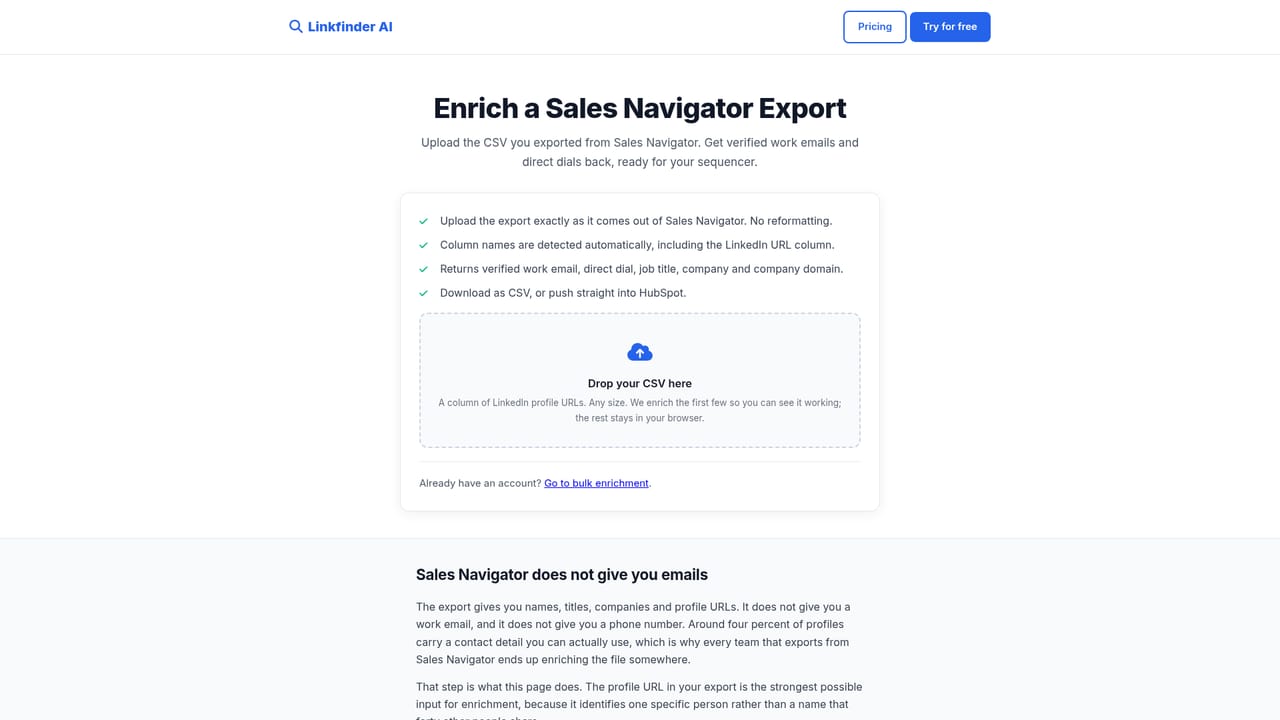
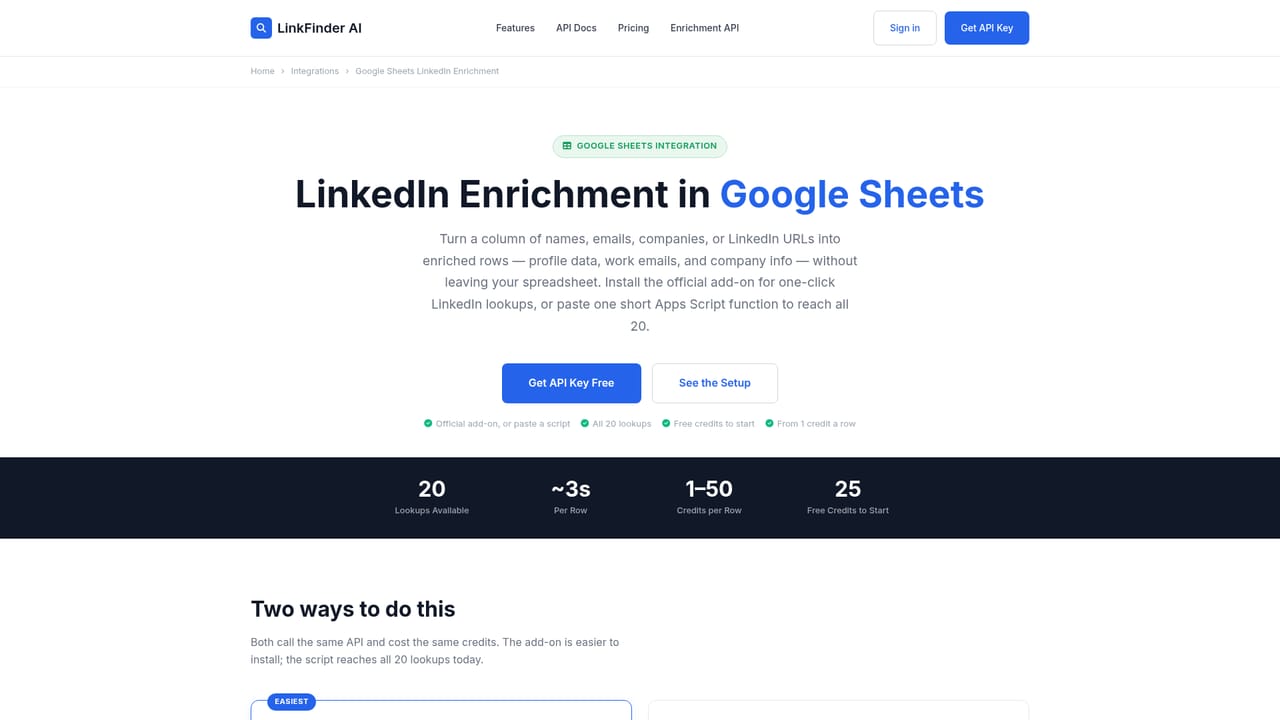
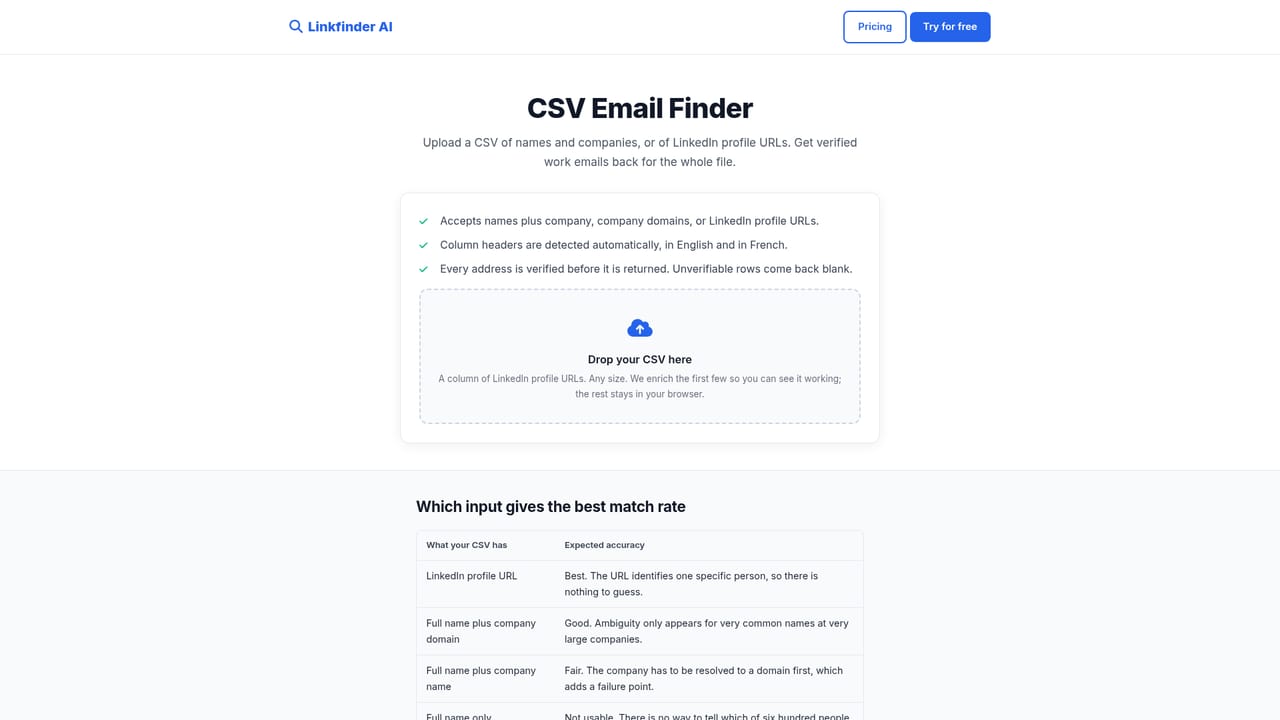
LinkFinder AI is a contact and company enrichment service built around a simple premise: most teams already have the list, they just cannot act on it. The shortlist, the Sales Navigator export, the CRM segment full of LinkedIn URLs with no email or phone attached. LinkFinder takes those rows and adds verified business emails, direct dials, role, seniority and firmographic context, preserving the original columns and writing the new values alongside them. The product is sold to three audiences. Recruiting teams arrive with candidate pipelines, sales teams with prospecting lists, and RevOps teams with a CRM that has decayed in place. Each has a dedicated starting path on the site, and the CRM route includes a HubSpot sync that writes back without creating duplicates while returning each contact's current employer, so a single run doubles as a job change report. Volume is generous: up to 25,000 rows per run, with bulk uploads capped at 10,000 rows and API-driven enrichment running without manual uploads at all. In practice the tool meets teams wherever the list already lives. A Google Sheets add-on runs a LINKFINDER() formula directly in the cell, which means spreadsheet based sourcing pipelines stay intact. An n8n node, Make and Zapier templates and a REST API with a published OpenAPI spec cover the automation route, with credits reported in the response headers. There is also a reverse lookup that starts from a name, company or LinkedIn URL and filters by seniority, plus a company data call that resolves website, phone, business email, headcount and LinkedIn page from a name alone. Compared with legacy contact databases, LinkFinder positions itself as enrichment rather than a place to browse contacts, which suits teams that already know who they want. The site cites over 95,000 enrichments, GDPR compliance, TLS 1.3 encryption, a registered French business and a 14-day money-back guarantee.

A free trial with free credits is offered, no credit card required, and it covers every feature. Bulk limits differ between upload and API routes.
Learn moreThe homepage does not publish plan tiers or prices. It states that all paid plans include full API access, that free credits are available without a credit card, and that new customers get a 14-day money-back guarantee on their first payment.
Learn moreSupport runs by email, including refund requests under the 14-day guarantee. The homepage points to Trustpilot for independent reviews and to a privacy policy covering data opt-out requests.
n8n node, Make and Zapier templates, a Google Sheets add-on, HubSpot sync, an MCP server and a REST API with a published OpenAPI spec. The site also lists Clay, Pipedrive and Airtable among connected tools.
Learn moreBulk enrichment of LinkedIn profiles and company records with verified business emails, direct dials, role, seniority and firmographics. Includes a Google Sheets add-on with in-cell formula, HubSpot write-back without duplicates, a name or company search filtered by seniority, company data lookup, scheduled runs, and access to the full REST API on paid plans.
Learn more AI Angels400+ customizable AI girlfriends for NSFW chat, voice calls, and roleplay
 Candy AIExperience the future of companionship with AI friends who chat, role-play, and connect with you on a human level.
 ourdream.aiA vast AI roleplay platform with millions of characters for chat, images, video and voiceAI Angels400+ customizable AI girlfriends for NSFW chat, voice calls, and roleplayCandy AIExperience the future of companionship with AI friends who chat, role-play, and connect with you on a human level.ourdream.aiA vast AI roleplay platform with millions of characters for chat, images, video and voice


