Free trial
No time limited trial, but a permanent free tier provides two AI-generated posts and access to the standalone free tools without an account.
Learn moreAI LinkedIn ghostwriter that learns your voice and schedules your posts

LinkGenie writes LinkedIn posts in your own voice, suggests hooks, schedules them at peak hours through the official LinkedIn integration and reports on impressions, likes and comments. It suits founders, coaches and job seekers who want consistent posting without spending hours in the editor.
LinkGenie is a LinkedIn-focused writing and scheduling tool built around one idea: consistent posting should cost minutes, not hours. The product learns how you write by analysing a handful of your past posts or a short questionnaire, then produces drafts that mirror your sentence length, emoji habits and opening lines. From there you pick from more than 30 idea and hook suggestions tuned to your niche, refine the draft in an editor with a live LinkedIn preview, and queue it for publication at the times your audience is most active. The tool covers the full posting loop rather than just generation. Scheduling and publishing run through the official LinkedIn integration, and a Chrome extension lets you write without leaving the platform. Analytics track impressions, likes and comments per post, with weekly and monthly digests that indicate which topics actually move your audience. Content repurposing is another strand: a voice memo, a screenshot or an old blog post can be reformatted into something that reads natively on LinkedIn. LinkGenie suits founders, coaches, job seekers and consultants who sell or hire through personal visibility, as well as creators who already post but want to protect their time. Testimonials on the site come mostly from people balancing LinkedIn against a full-time job. It fits best as a single replacement for the usual stack of idea generators, schedulers and analytics dashboards, and it is deliberately narrower than general writing assistants: everything is optimised for one platform and one format. Pricing starts at a free tier with two generated posts, then moves through Starter at $19 monthly (50 posts), Pro at $26 monthly (200 posts plus scheduling, analytics and the Chrome extension) and Premium at $36 monthly for unlimited posts and full reporting. Yearly billing cuts roughly 20 percent.
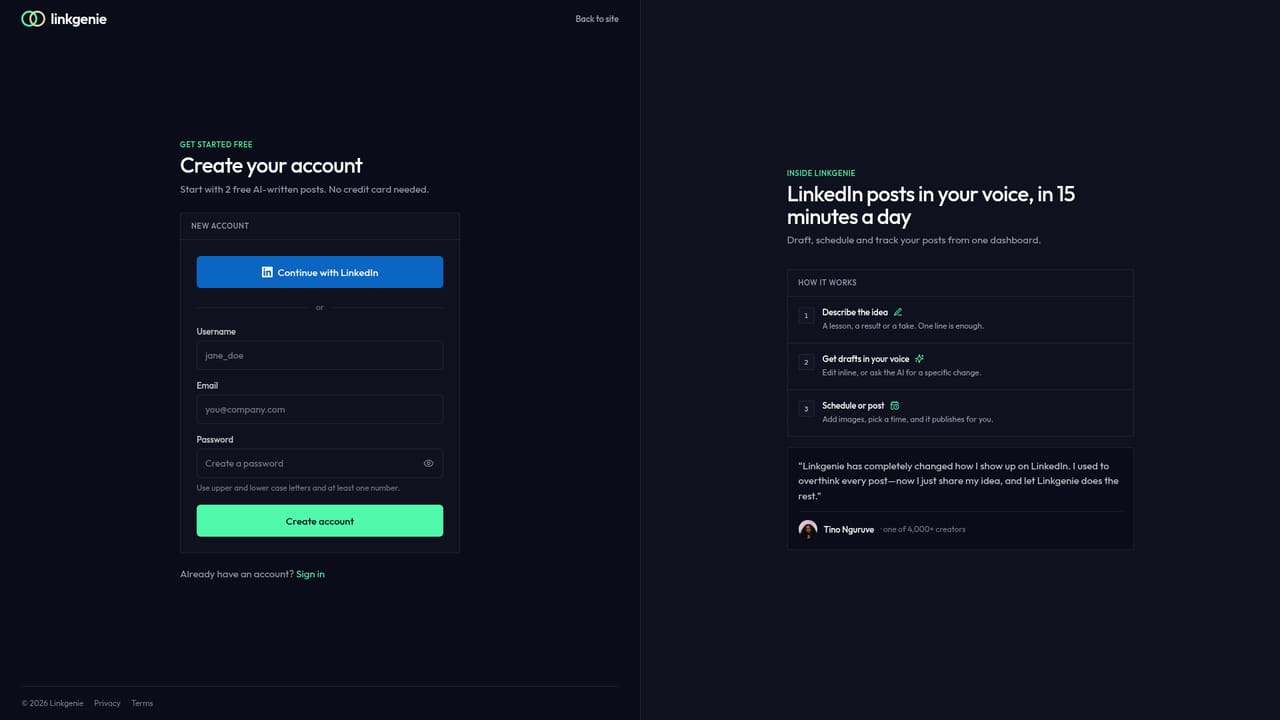

No time limited trial, but a permanent free tier provides two AI-generated posts and access to the standalone free tools without an account.
Learn moreFree tier with 2 AI posts and no card required. Starter is $19 per month (or $15.20 billed yearly) for 50 posts. Pro is $26 per month (or $20.80 yearly) for 200 posts plus scheduling, analytics and the Chrome extension. Premium is $36 per month (or $28.80 yearly) for unlimited posts and reporting.
Learn moreSupport is handled by email at fari@linkgenie.one, as listed in the FAQ section of the homepage. No help centre or live chat is documented.
Publishing and scheduling run through the official LinkedIn integration, and a Chrome extension brings the writing tools into the LinkedIn interface. No other connectors are listed.
Voice matching from your past posts, 30+ niche idea and hook suggestions, a LinkedIn-format editor with live preview, repurposing from audio, screenshots or blog posts, scheduling via the official LinkedIn integration, per-post analytics with weekly and monthly digests, trend research, and a Chrome extension.
Learn more AI Angels400+ customizable AI girlfriends for NSFW chat, voice calls, and roleplay
 Candy AIExperience the future of companionship with AI friends who chat, role-play, and connect with you on a human level.
 ourdream.aiA vast AI roleplay platform with millions of characters for chat, images, video and voiceAI Angels400+ customizable AI girlfriends for NSFW chat, voice calls, and roleplayCandy AIExperience the future of companionship with AI friends who chat, role-play, and connect with you on a human level.ourdream.aiA vast AI roleplay platform with millions of characters for chat, images, video and voice


