Free trial
A free plan is offered with no card required. The homepage does not mention a separate time limited trial.
Learn moreAI-assisted backlink submission and monitoring inside Chrome

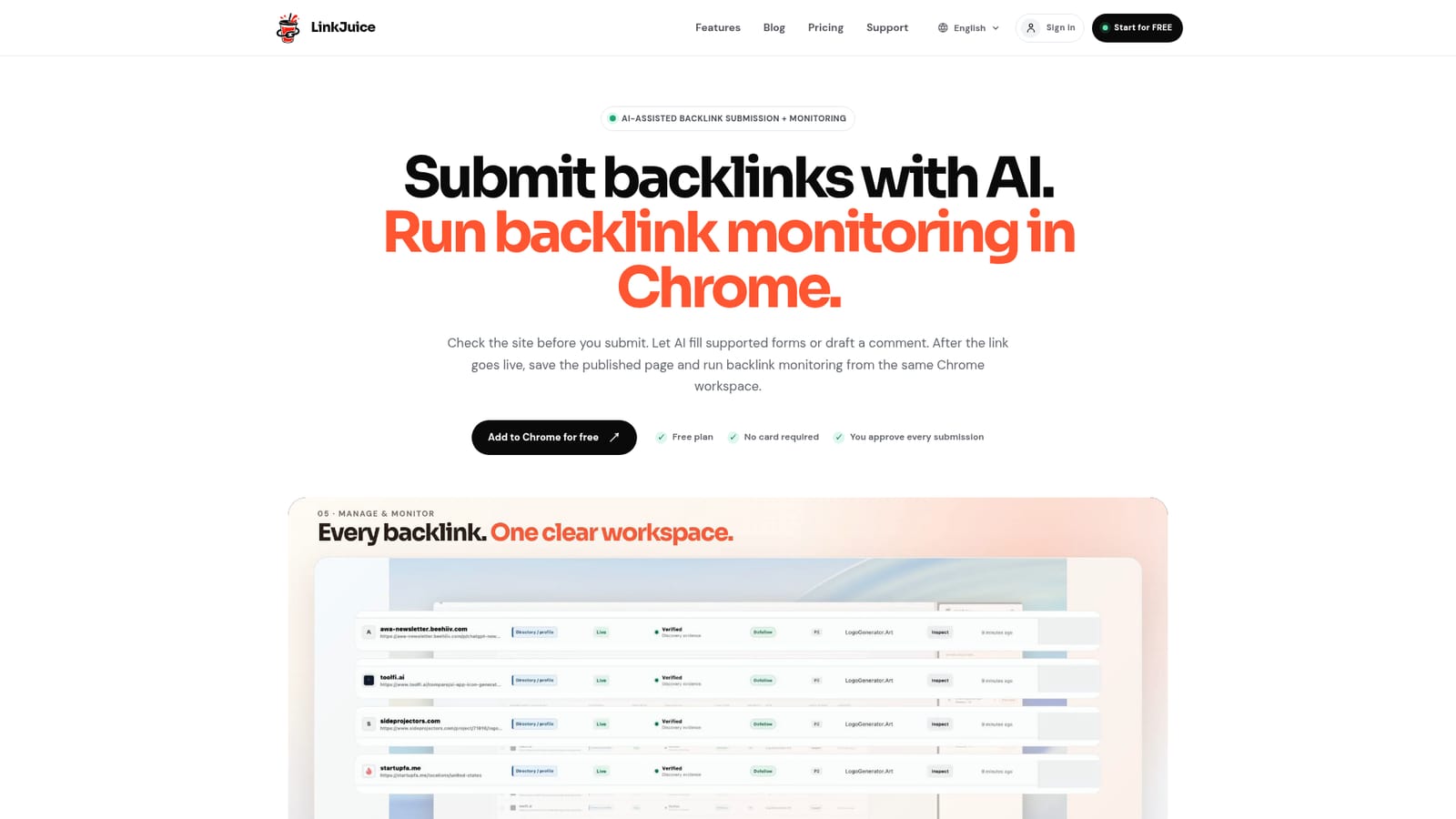
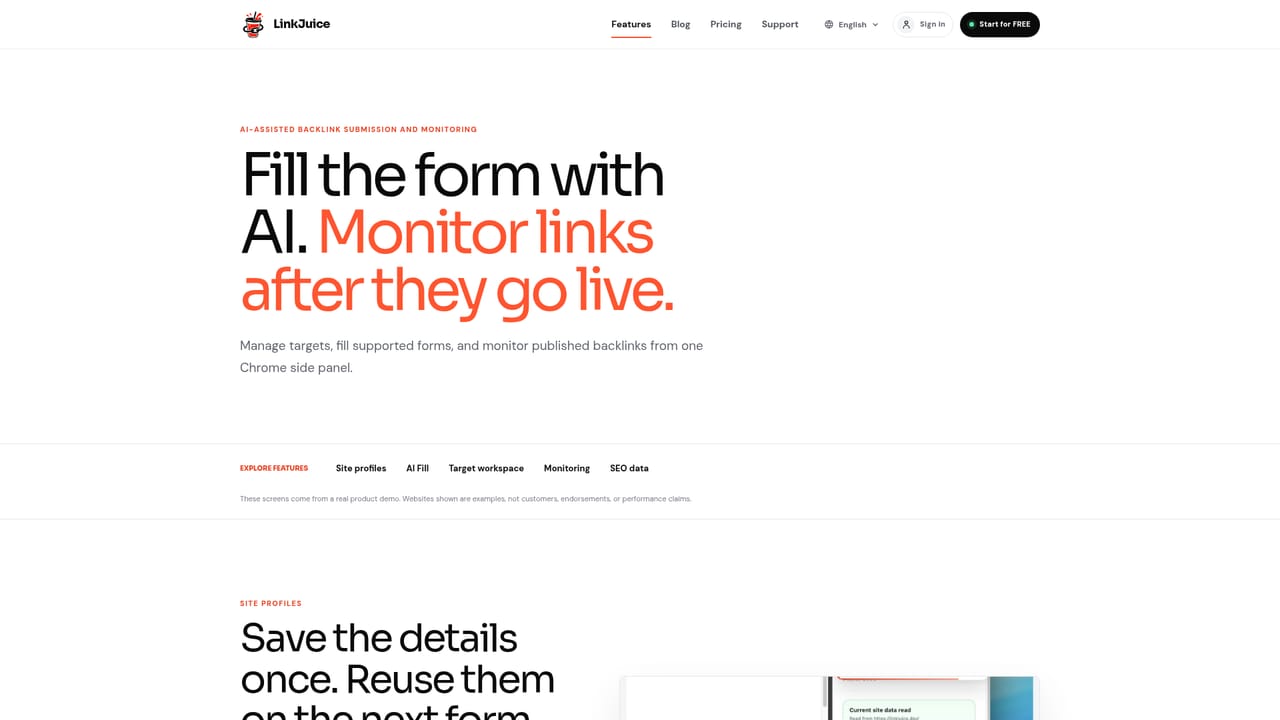
LinkJuice is a lead generation tool. A Chrome side panel for manual link building: it reuses saved site details to fill backlink forms with AI assistance, then stores published URLs in a workspace where selected records can be re-checked for live, changed or missing links.
LinkJuice is a Chrome extension that bundles two chores of link building into one side panel: filling out backlink submission forms and tracking whether the resulting links stay live. The extension opens beside whatever page is in the active tab, so a directory listing, a profile page or a resource list can be reviewed, filled and logged without switching to a separate dashboard. The submission side leans on saved site details. A user stores product information, links, logos and screenshots once, then LinkJuice reuses that material whenever a supported form appears. Recognized fields are filled first; unfamiliar fields go through AI. The tool only writes into empty inputs, leaves existing answers untouched, and never clicks Next, Publish or Submit, so the person in the tab still handles CAPTCHAs, custom editors and the final decision. Targets can be imported from a CSV or saved while browsing, and relevant article discussions can start from an AI-drafted comment that is meant to be rewritten in the user's own voice. The monitoring half exists because a submission is not the same thing as a published link. After a page goes live, the URL is saved to a record that keeps the target, the source page and the latest check together. Verification does not run on a schedule or in the background: the user selects records, confirms, and LinkJuice reports how many referring domains and queries the pass will cover before starting. Results come back as found, changed, missing or temporarily unavailable, which makes link rot easier to spot than reopening every page by hand. An SEO metrics panel is included for triage, with scale and check time shown per metric. The homepage is explicit that these numbers are estimates, may be unavailable, and are meant to shorten a list rather than replace reading the page. Link building teams, indie founders and SEO freelancers doing manual outreach are the natural audience; anyone wanting automated submissions or scheduled monitoring should look elsewhere.
A free plan is offered with no card required. The homepage does not mention a separate time limited trial.
Learn moreThe homepage names a free plan with no card required and links a pricing page for full plan comparison. Paid tiers and their limits are not described in the homepage copy, so check the pricing page before committing a large target list.
Learn moreAI Fill completes recognized empty fields on supported submission forms and falls back to AI for unfamiliar ones, without overwriting existing answers. Saved site details, logos and screenshots are reused across targets. Targets arrive by CSV import or get saved while browsing, and published URLs are stored as records. Verify All re-checks selected records and returns found, changed, missing or unavailable results, alongside an estimated SEO metrics panel with scale and check time.
Learn more AI Angels400+ customizable AI girlfriends for NSFW chat, voice calls, and roleplay
 Candy AIExperience the future of companionship with AI friends who chat, role-play, and connect with you on a human level.
 ourdream.aiA vast AI roleplay platform with millions of characters for chat, images, video and voiceAI Angels400+ customizable AI girlfriends for NSFW chat, voice calls, and roleplayCandy AIExperience the future of companionship with AI friends who chat, role-play, and connect with you on a human level.ourdream.aiA vast AI roleplay platform with millions of characters for chat, images, video and voice


