LMStudio

A local-first agent for documents, code, and voice, powered by open models

Intermediate
Screenshot of LMStudio, A local-first agent for documents, code, and voice, powered by open models

What is LMStudio?

LMStudio is a casual chatting tool. LM Studio Bionic is a desktop agent from the LM Studio team that runs open language models locally for document creation, coding, automation, and live voice transcription, with an option to use frontier open models through zero data retention cloud services.

LM Studio Bionic is the agent-oriented edition of the LM Studio desktop app. It pairs a conversational agent with local language models that download directly inside the application, so conversations, document edits, and speech transcription can run on the user's own machine. The runtime underneath is the LM Studio engine, built on MLX and llama.cpp, which is what lets the same interface drive small models on a laptop and frontier open models for harder jobs. In daily use the agent works across three kinds of tasks. It creates and edits documents, slides, PDFs, and code, with every change saved automatically so a session can be left and resumed without manual file management. It reads existing project files before acting, which is how the demo builds a landing page by reusing the components already in a repository. It also handles automations and computer control, and real-time voice input is transcribed on the device, in multiple languages, without the audio being sent anywhere. The audience is broad but technically comfortable: developers who want an agent that touches real files, writers and analysts who prefer local processing, and privacy-conscious teams that cannot route drafts through a hosted chatbot. Users who need heavier reasoning can switch to frontier open models such as GLM 5.2, Kimi K3, or DeepSeek V4 Pro, which the site describes as cloud services with Zero Data Retention across the board. That dual setup is where Bionic sits among alternatives. Fully hosted assistants offer convenience but keep data on someone else's servers, and bare local runners offer privacy but no agent layer. Bionic tries to hold both: local by default, with an opt-in path to stronger open models and an explicit retention policy. The trade-off is that the experience depends on the hardware it runs on and on the user's willingness to choose and manage models rather than accept one fixed default.

How do you use LMStudio?

  1. 1Download and install LM Studio Bionic
    Grab the build linked from the homepage and install it on your machine. The listing on the site at the time of writing points to the Linux x64 package.
  2. 2Create an account
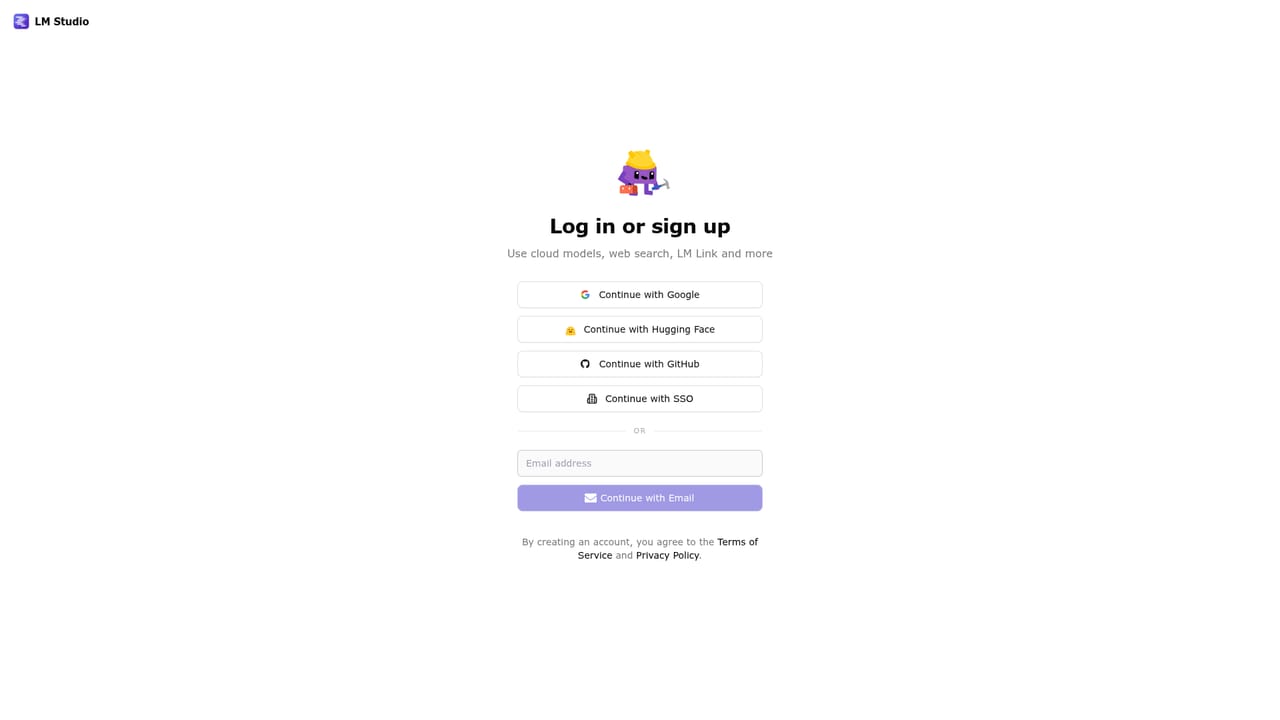
    Sign up for an LM Studio account, which is the route to the frontier open models and the associated cloud services.
    LMStudio — Create an account
  3. 3Pick a model
    Browse the models available inside the app, download a local one for everyday chats, or select a frontier open model for heavier tasks.
  4. 4Start a task in the workspace
    Open the workspace and ask Bionic to draft a document, edit files in a project, or build something from a repository that already exists.
  5. 5Review changes and ask for revisions
    Changes are saved automatically, so review the result in the preview and follow up in plain language to adjust copy, layout, or code.
  6. 6Read the Bionic docs
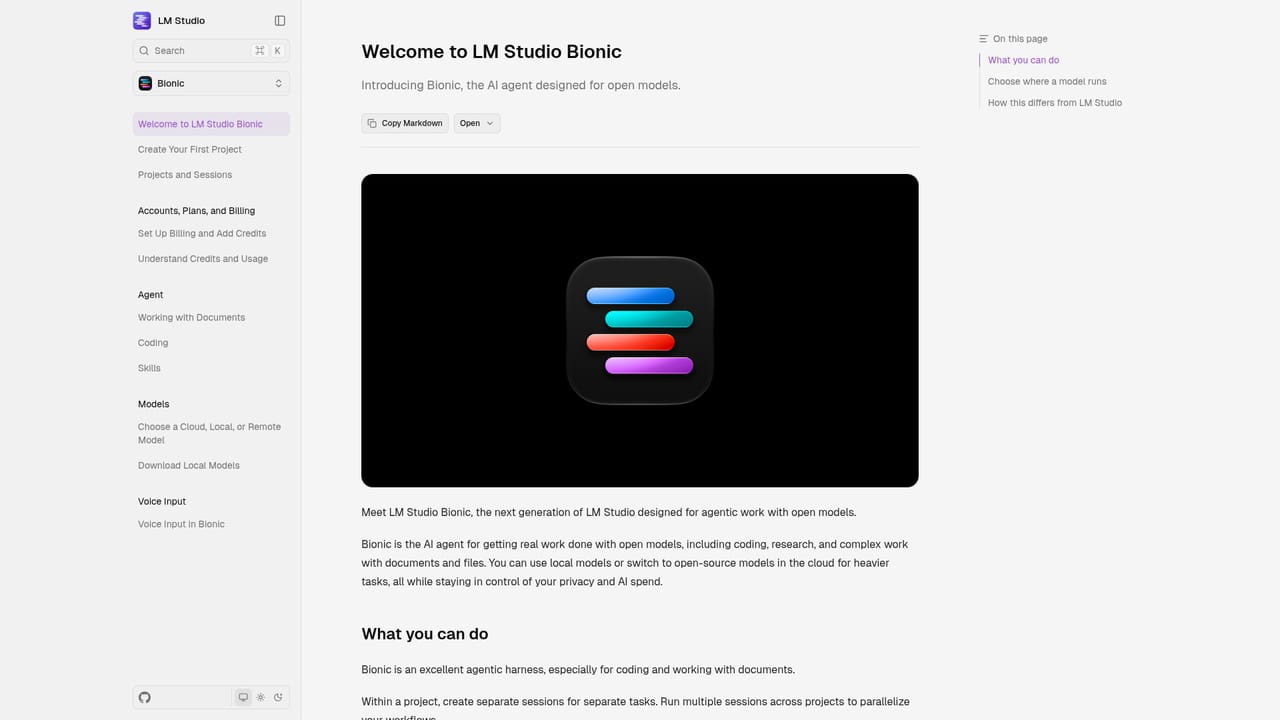
    The documentation covers the agent's capabilities and configuration in more depth than the marketing pages.
    LMStudio — Read the Bionic docs

Pros and cons

Pros

  • Runs models on the user's own hardware, so chats, drafts, and audio stay on the device by defaultAI
  • Agent reads and edits real project files, with automatic saving of every changeAI
  • Voice transcription happens locally and covers multiple languagesAI
  • Same app scales from small local models to frontier open models like GLM 5.2 and Kimi K3AI
  • Cloud services are described as Zero Data Retention, which is a clear stance rather than vague privacy languageAI

Cons

  • Performance is tied to the user's machine, and the largest open models will be impractical on modest laptopsAI
  • No published pricing on the homepage, so the cost of cloud model access is unclear before signing upAI
  • Requires comfort with choosing and managing models, which is more setup than a hosted chatbotAI
  • Only the Linux x64 download is offered on the homepage, and document, slide, and PDF output is claimed without detail on export fidelityAI
  • No mention of team collaboration, shared workspaces, or admin controlsAI

How much does LMStudio cost?

Features

Bionic combines a conversational agent with a local model runtime. It builds and edits documents, slides, PDFs, and code, reads existing project files before making changes, and saves work automatically. It also supports coding, automations, and computer control, plus real-time voice transcription in multiple languages processed on the device. Models download inside the app and run on MLX and llama.cpp, with frontier open models available for demanding work.

Learn more

Frequently asked questions about LMStudio

  • How do you use LMStudio?
    The walkthrough on this page covers 6 steps: 1. Download and install LM Studio Bionic 2. Create an account 3. Pick a model 4. Start a task in the workspace 5. Review changes and ask for revisions 6. Read the Bionic docs.
  • What platforms does LMStudio support?
    LMStudio is available on Linux, Windows and MacOS.
  • What are the limitations of LMStudio?
    Performance is tied to the user's machine, and the largest open models will be impractical on modest laptops. No published pricing on the homepage, so the cost of cloud model access is unclear before signing up. Requires comfort with choosing and managing models, which is more setup than a hosted chatbot.

Status

StatusActive
Views0
Outbound clicks0
Added10/21/2026

Platforms

LinuxWindowsMacOS

Pricing

Freemium