Pricing
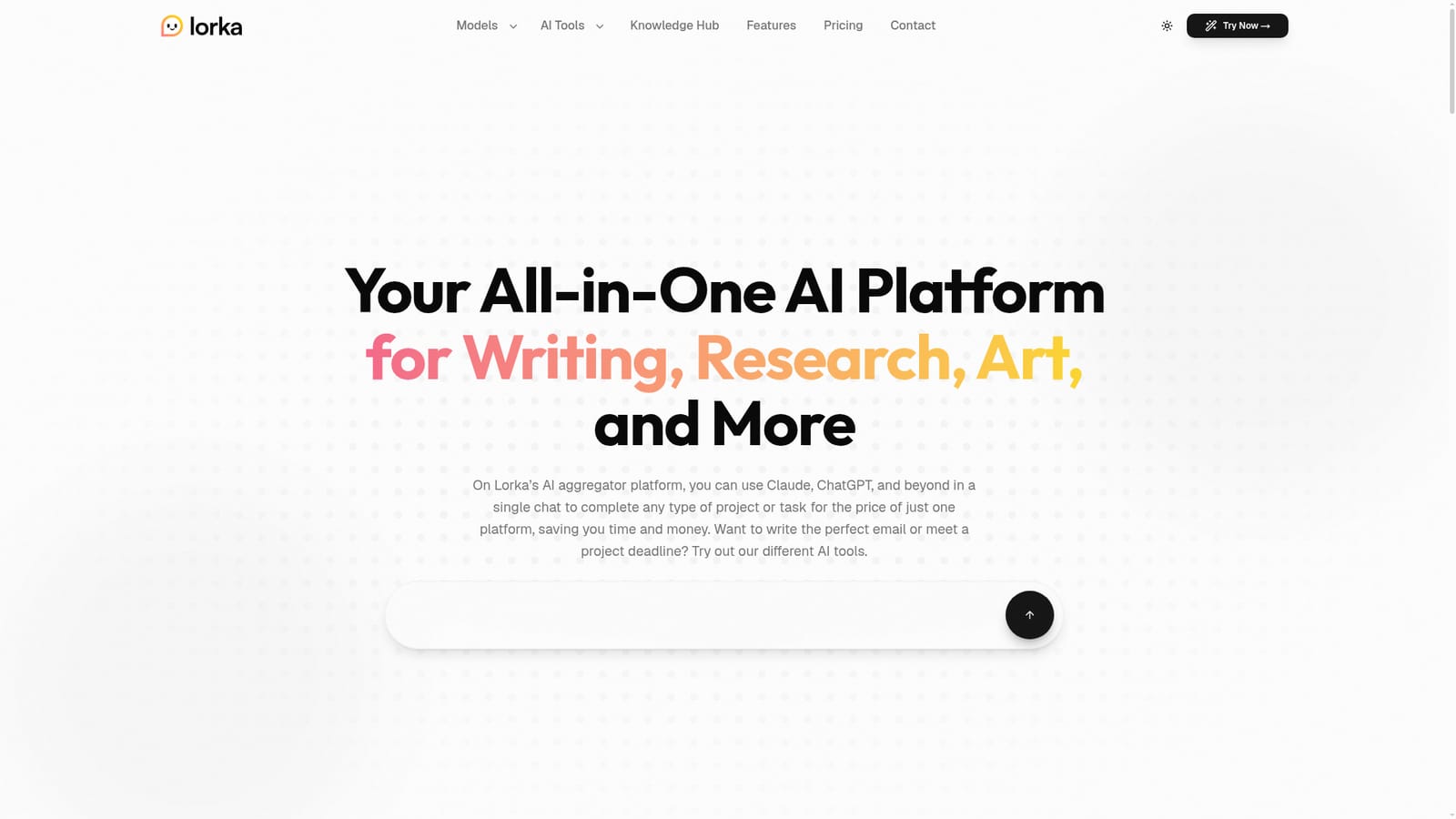
The homepage promises access to multiple AI models for the price of one platform in a single subscription, but it lists no plan names, prices or usage limits.
Learn moreChat with Claude, GPT, Gemini and more under one subscription

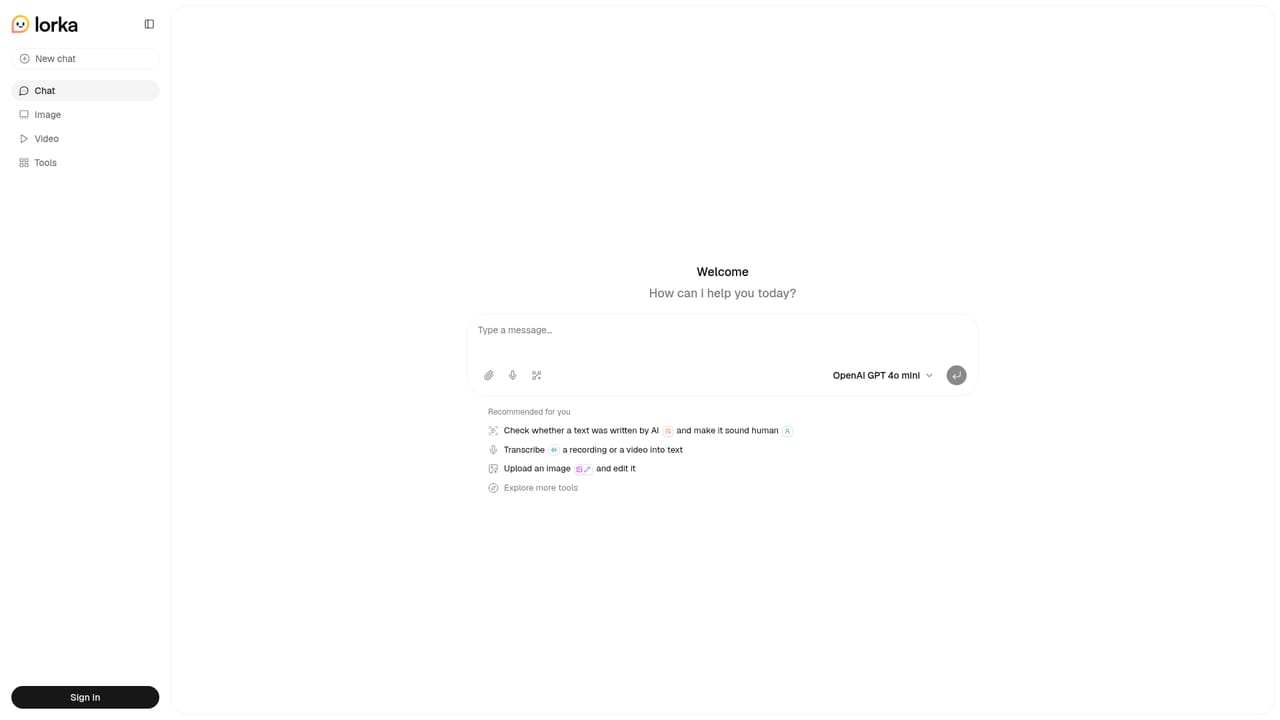
Lorka AI is a chat tool that chats with Claude, GPT, Gemini and more under one subscription. Lorka AI combines models such as Claude, ChatGPT, Gemini, Grok, Qwen and DeepSeek in one chat with web search, image tools, a translator, a humanizer and Chat with PDF, all under a single subscription.
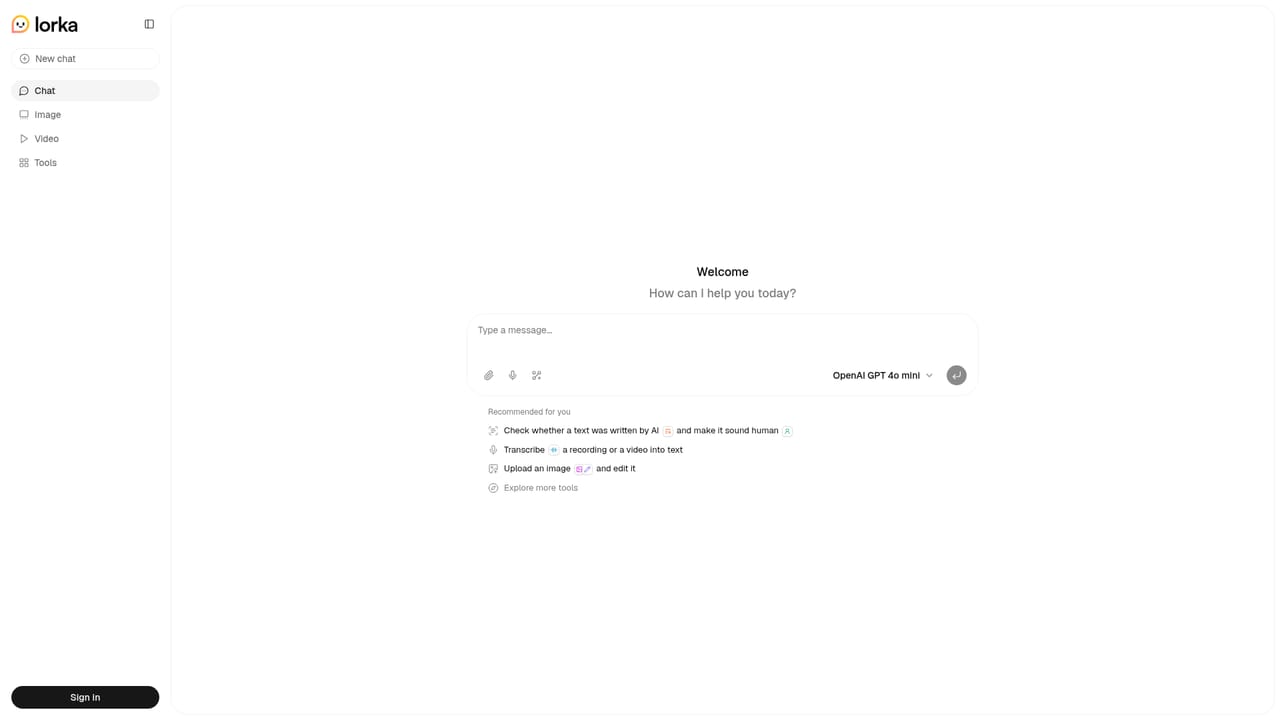
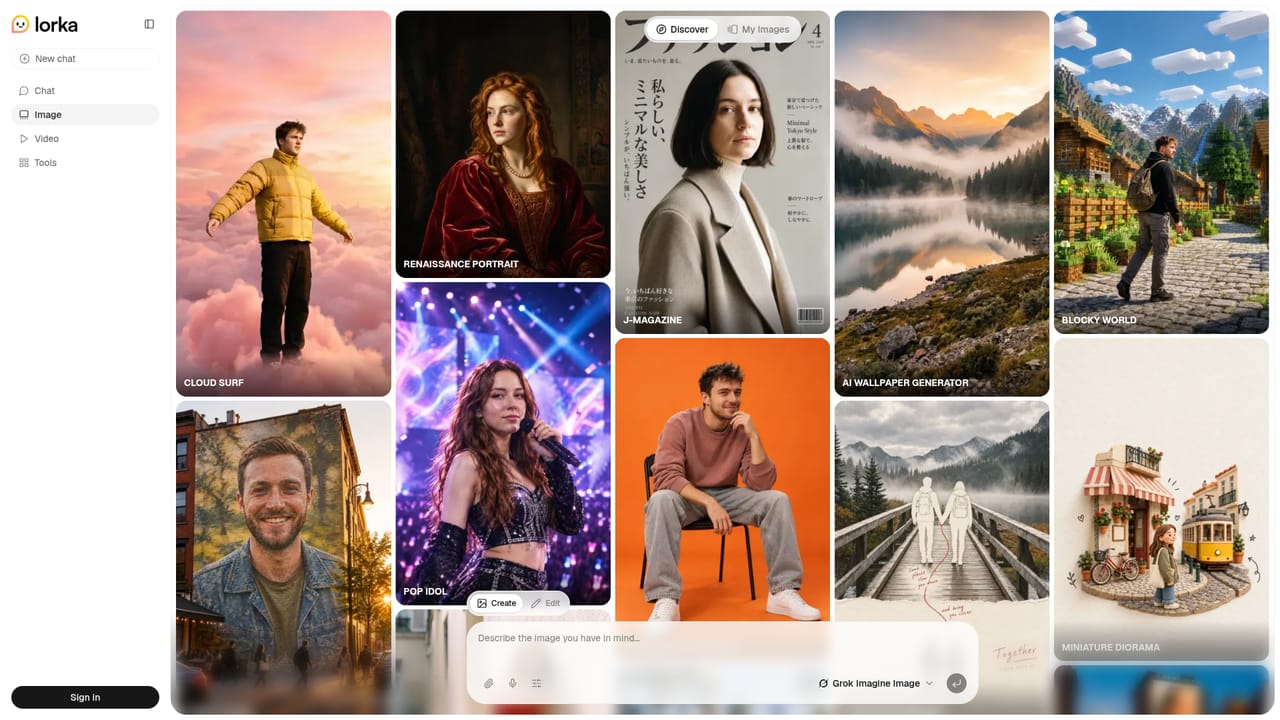
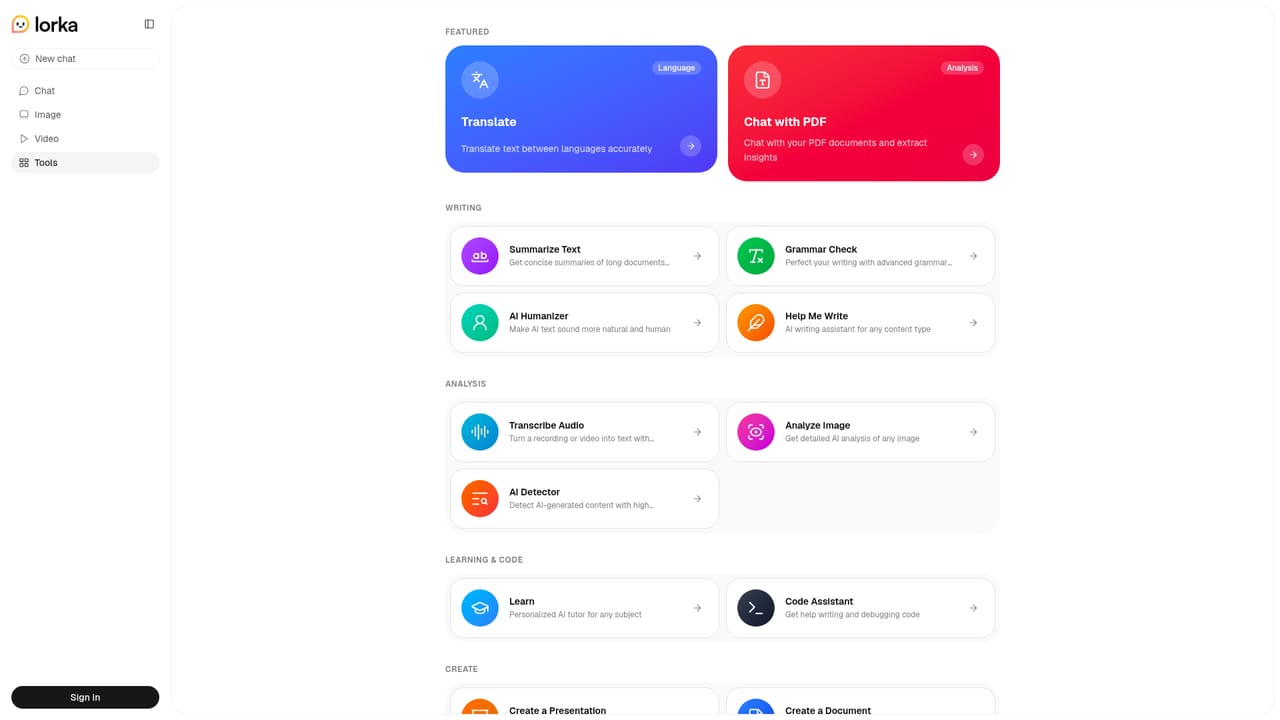
Lorka AI is a multi-model aggregator that puts several leading language models behind a single chat interface and a single subscription. The model list on the homepage includes Claude Sonnet 5, ChatGPT-5.6, Grok 4.5, Gemini 3.6, Qwen 3.8 and DeepSeek V4-Pro, with a wider provider roster that also names Kimi, Meta, Mistral, Perplexity, Minimax and Cohere. The pitch is simple: stop paying for and switching between separate AI accounts, and pick whichever model suits the task at hand. Beyond chat, the platform bundles a set of task-specific tools. These include AI web search that returns summarized answers, an image generator and editor driven by text prompts, a translator, a humanizer for rewriting text in a more natural tone, a Chat with PDF function for pulling insights out of documents, and a voice mode for speaking prompts instead of typing. Each model also has its own landing page describing the work it is suited to, such as Claude for explaining dense material, Gemini for coding questions, Qwen for multilingual and PDF work, and DeepSeek for data-heavy analysis. In practice, a user opens the chat, chooses a model from the list, and can move between models within a workflow, for example drafting with one and checking the result with another. Testimonials on the site describe students, researchers, developers, content strategists and small business owners using it for essays, code refactoring, captions, customer emails and competitor whitepaper summaries. Those are the vendor's own quotes, so they show intended use more than independent proof. Lorka fits between single-vendor chatbots and heavier workspace products. It suits people who already juggle several AI subscriptions and want one place to compare outputs, without building their own API setup. Those who need deep integration with other software, team administration or a specific model's full native feature set may find a dedicated provider app a better match. The homepage does not publish plan details, so cost and usage limits need to be confirmed on the site before committing.
The homepage promises access to multiple AI models for the price of one platform in a single subscription, but it lists no plan names, prices or usage limits.
Learn moreMulti-model chat (Claude, ChatGPT, Grok, Gemini, Qwen, DeepSeek), AI web search, image generation and editing, AI translator, AI humanizer, Chat with PDF and a voice mode for hands-free prompts.
Learn more


