Free trial
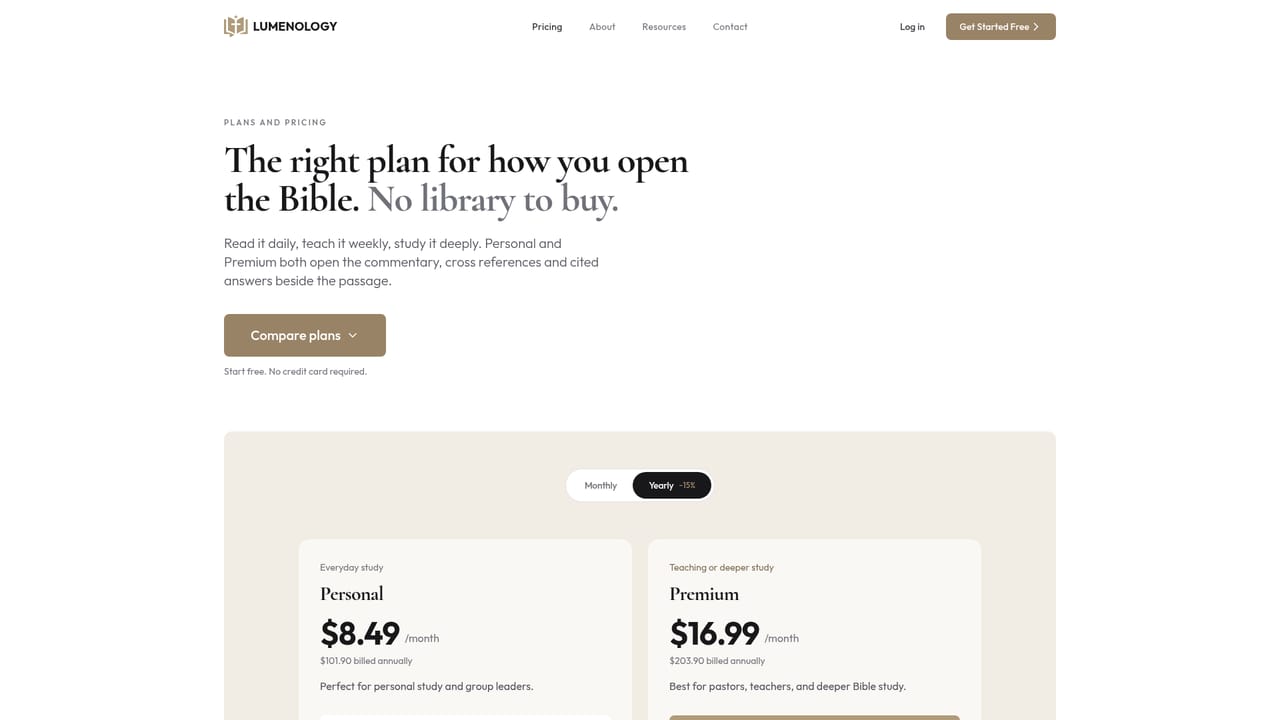
Signup is described as free with no credit card required, and the call to action is Get Started Free. No separate time limited trial is mentioned.
Learn moreChapter commentary, Greek and Hebrew, and cross references in one study view

Lumenology is an academic research tool. A Bible study app that places commentary, early church interpretation, cross references, and Greek and Hebrew word studies beside every chapter, with an AI research assistant that cites its sources for each claim.
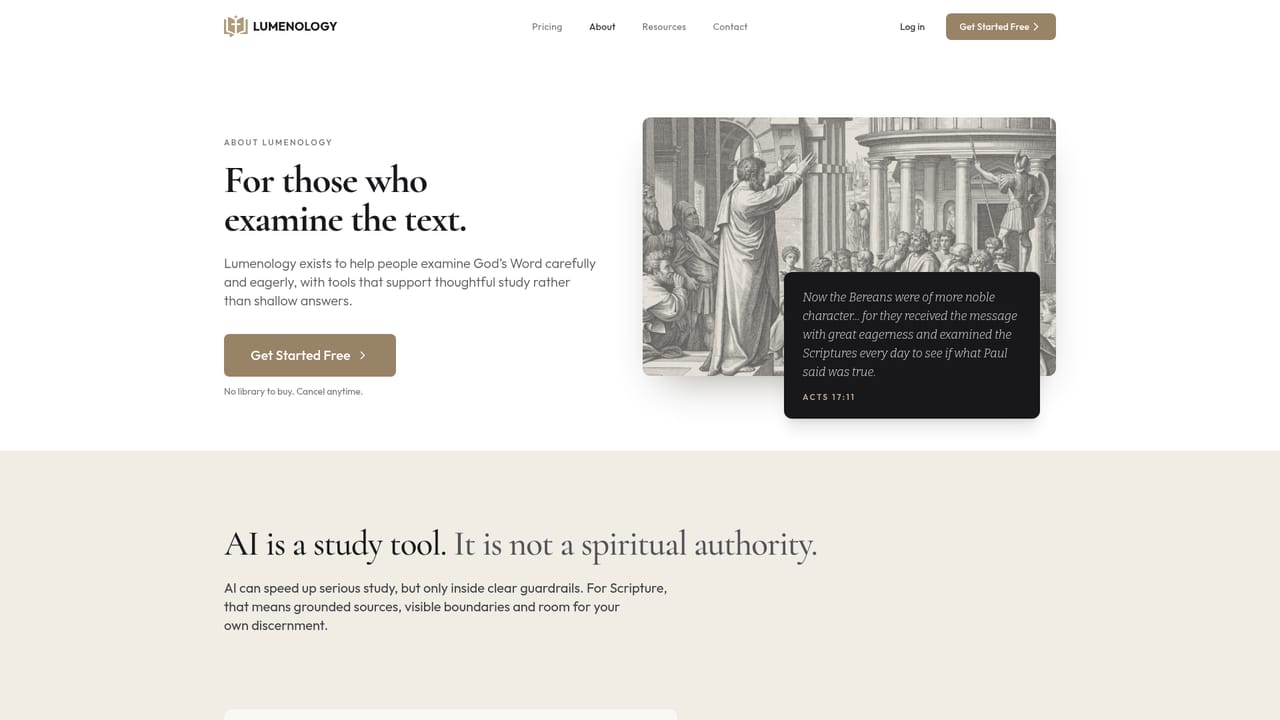
Lumenology is a Bible study workspace built around a single idea: whatever you are reading, the reference material should sit next to the text rather than in another tab. Open any chapter and eight study panels load beside the passage: an overview of how the chapter is structured, the themes running through it, a timeline placing events in sequence, commentary from trusted writers, historical commentary from the early church, cross references, and a word study for the Greek or Hebrew behind a verse. A research assistant sits alongside for open questions. The assistant is designed around verifiability rather than fluent answers. Each claim carries a numbered citation linked to its origin, so an answer about the Bereans in Acts 17 points back to the passage, to a dictionary entry in the library, or to an external site. Users choose whether the assistant draws only from trusted study sources or also from the open web. Questions can be typed in ordinary language, which matters for readers who have no training in the biblical languages and no interest in acquiring one to look up a single word. The library that ships with the app is curated rather than scraped: the Open Study Bible, the Tyndale Open Bible Dictionary, Calvin's Commentaries, the Treasury of Scripture Knowledge, Keil and Delitzsch, and classics such as Athanasius and Augustine. Seven translations are available for reading and side by side comparison. A separate topic search returns relevant verses first and a short summary after, so reading Scripture stays the main activity instead of reading a generated essay about it. Lumenology sits between free Bible apps that stop at the text and academic software that assumes seminary training. The homepage explicitly pitches it at both ends: a daily reader for someone new to Scripture, and a sermon preparation desk for pastors. Doctrine history essays on justification, atonement, baptism, and predestination are free to read and double as a sample of how the tool approaches contested material.

Signup is described as free with no credit card required, and the call to action is Get Started Free. No separate time limited trial is mentioned.
Learn moreThe homepage states that you can start free with no credit card required and directs readers to a pricing page to see what each plan includes. No specific tiers, prices, or usage limits are listed on the homepage itself.
Learn moreEight study panels beside every chapter: overview, themes, timeline, commentary, early church historical commentary, cross references, and Greek or Hebrew word study. A research assistant answers plain language questions with numbered citations, and source scope can be limited to trusted study sites or opened to the web. Seven translations are available for reading and comparison, plus topic search and a curated library.
Learn more AI Angels400+ customizable AI girlfriends for NSFW chat, voice calls, and roleplay
 Candy AIExperience the future of companionship with AI friends who chat, role-play, and connect with you on a human level.
 ourdream.aiA vast AI roleplay platform with millions of characters for chat, images, video and voiceAI Angels400+ customizable AI girlfriends for NSFW chat, voice calls, and roleplayCandy AIExperience the future of companionship with AI friends who chat, role-play, and connect with you on a human level.ourdream.aiA vast AI roleplay platform with millions of characters for chat, images, video and voice


