Free trial
Free to start with no credit card required. The site states you can build your video in the editor before paying anything, that output carries no watermarks, and that you keep all rights. Cancel anytime.
Learn moreAI lyric video maker built for songs, not ads

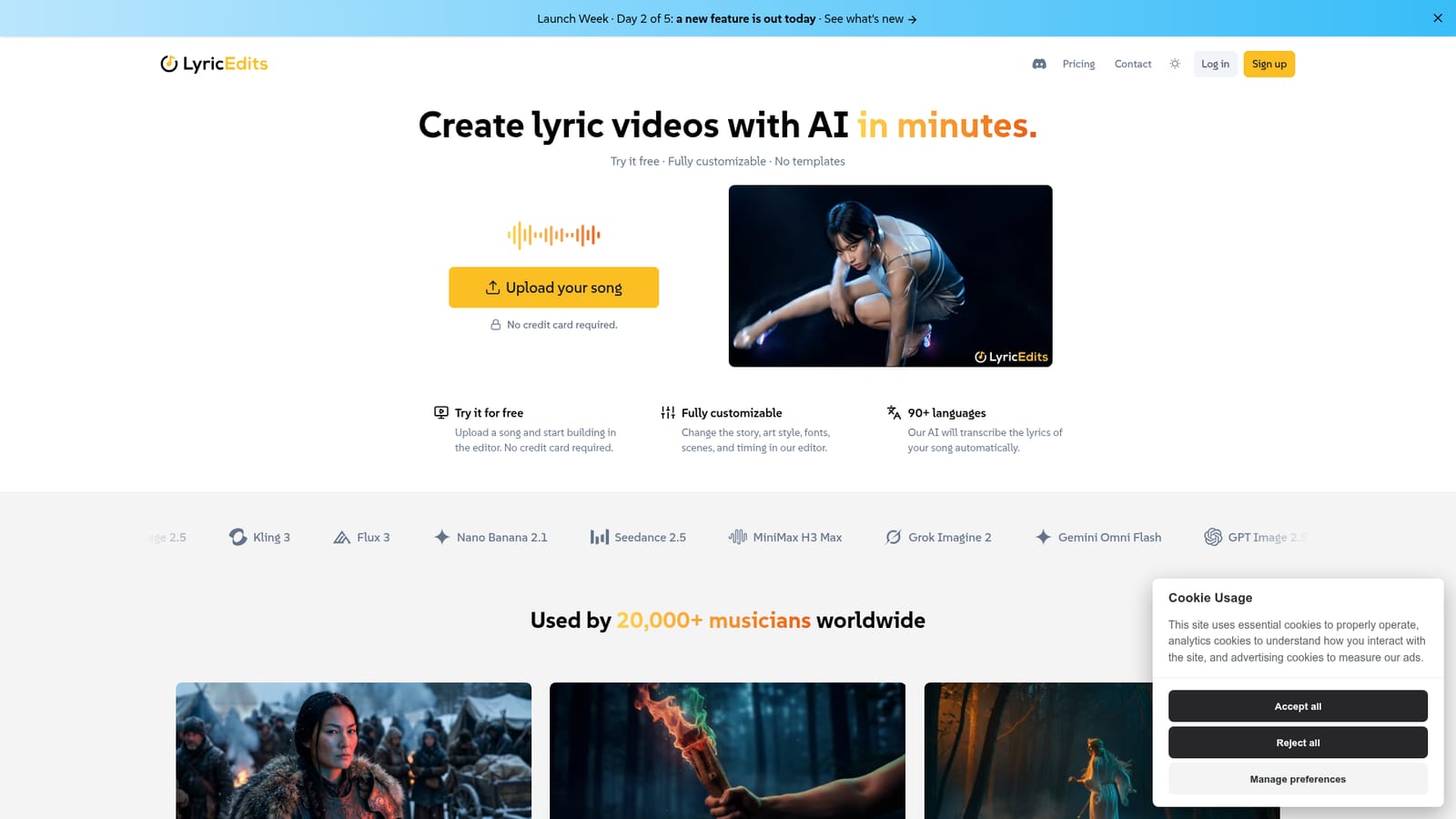
LyricEdits is an audio to video tool. An AI lyric video generator built for songs rather than ads. Upload a track, get automatic lyric transcription in 90+ languages, AI generated visuals synced to the music, and a real time editor for story, fonts, colors and timing.
LyricEdits is a web based lyric video generator aimed squarely at music releases rather than general social video. The homepage makes the distinction explicit: most AI video tools are tuned for ads and short reels, while this one is built around a finished song. A creator uploads a track, the AI transcribes the lyrics automatically across 90+ languages, and then generates imagery that reflects the meaning of the words. Those images are animated and synchronized to the rhythm and mood of the music to produce a first cut. The product is positioned as a starting point, not a one click finish. After the AI pass, every element moves into a real time editor where the story, characters, fonts, images, video clips, colors, lyrics and pacing can be changed. The stated intent is to combine machine generation with human direction, so a musician can keep what works and rewrite what does not. No video editing background is assumed, and there are no fixed templates to pick from. For artists who want more control, projects export to DaVinci Resolve, Premiere Pro or Final Cut Pro for finishing work, which makes LyricEdits a plausible first stage in a conventional post production pipeline. The company reports 20,000+ music creators and labels and over 90,000 lyric videos made with the tool, which suggests adoption across independent artists and small labels rather than a single niche. Rights sit with the user, so videos can be posted to YouTube, Instagram or TikTok and used commercially provided the uploader owns the song or has the artist's permission. The site flags that some platforms impose minimums on moving image content, so platform rules still need checking. Compared with general purpose AI video generators, LyricEdits trades breadth for song specific transcription, beat aware pacing and a lyric focused editor. It suits solo musicians, producers and label teams who need a release ready visual quickly without hiring an editor.
Free to start with no credit card required. The site states you can build your video in the editor before paying anything, that output carries no watermarks, and that you keep all rights. Cancel anytime.
Learn moreA contact form is available for questions, and a published guide walks through making a lyric video with AI.
Project export to DaVinci Resolve, Adobe Premiere Pro and Final Cut Pro for advanced editing. No other third party integrations are listed on the homepage.
Learn moreAutomatic lyric transcription across 90+ languages, AI image generation driven by lyric meaning, animation synced to rhythm and mood, and a real time editor for story, characters, fonts, images, video, colors, lyrics and pace. Projects export to DaVinci Resolve, Premiere Pro and Final Cut Pro.
 AI Angels400+ customizable AI girlfriends for NSFW chat, voice calls, and roleplay
 Candy AIExperience the future of companionship with AI friends who chat, role-play, and connect with you on a human level.
 ourdream.aiA vast AI roleplay platform with millions of characters for chat, images, video and voiceAI Angels400+ customizable AI girlfriends for NSFW chat, voice calls, and roleplayCandy AIExperience the future of companionship with AI friends who chat, role-play, and connect with you on a human level.ourdream.aiA vast AI roleplay platform with millions of characters for chat, images, video and voice