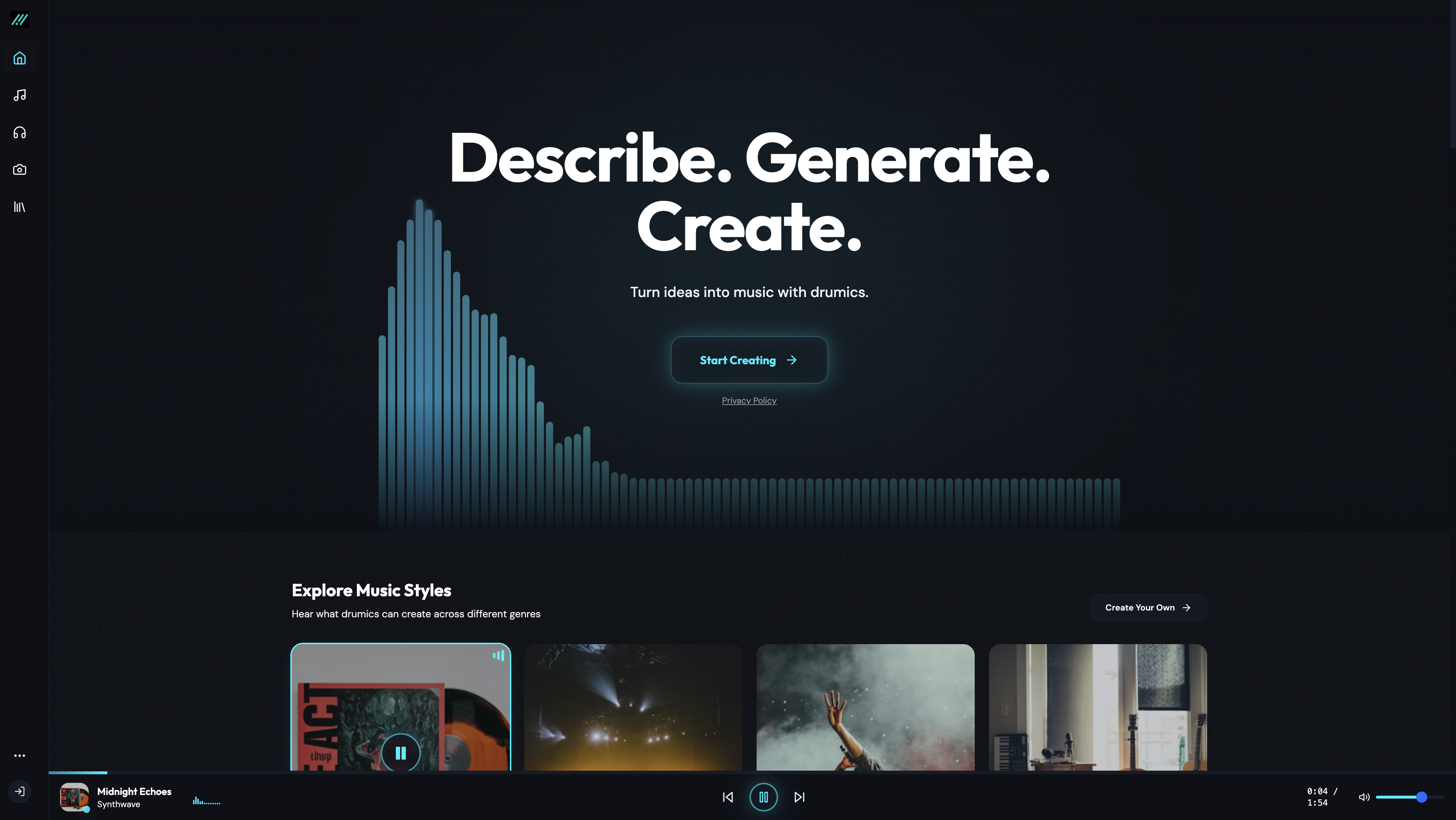
Free trial
The site invites users to start creating for free and mentions a free trial before subscribing, but it does not state how many credits or songs the free allowance includes.
Learn morePaste your lyrics and get a full song with vocals and instruments
Own Lyrics to Song AI? Verify ownership to get a dofollow link

Lyrics to Song AI converts pasted lyrics into complete songs with vocals, instruments and mixing. Two quality modes, style controls, an instrumental toggle and an AI lyrics helper feed a credit based system with subscription plans and one-time credit packs.
Lyrics to Song AI is a web based music generator that turns written lyrics into finished tracks with vocals, instrumentation and mixing handled by the model. The premise is narrow and clear: you bring the words, the platform supplies melody, harmony, arrangement and a sung performance. It sits in the same territory as other text to music services, but the input is deliberately lyric first, so the tool is built around verses and choruses rather than short descriptive prompts. The workflow starts on the site's dashboard. You paste lyrics into a field capped at 3000 characters, and the help text suggests two or three verses for the best results. A Custom Mode exposes style, title and generation parameters, with a styles field of up to 200 characters for genre, mood, voice and tempo, plus preset mood chips such as joy, sadness, anger, romantic and calmness. Two music models are offered: Basic Mode, described as standard quality with a maximum of four minutes, and Pro Mode, described as premium quality with a maximum of eight minutes. An instrumental toggle produces music without vocals, and an AI Lyrics button generates text for users who arrive without any. Each generation costs 5 credits. The audience spans songwriters sketching demos before studio time, producers testing arrangements, and content creators who need original background music or theme songs without licensing fees. The site also pitches marketing teams on custom jingles and brand themes. Commercial rights are tied to paid tiers rather than the free entry point, which matters for anyone planning to publish or monetise output. In practice it is a fast ideation tool rather than a replacement for a mixing engineer. The public gallery shows user tracks in genres like gothic rock, dark pop punk and cinematic synth work, typically with female vocals, which gives a realistic sense of the current range. Compared with prompt driven generators, the lyric input gives more structural control but less flexibility for purely instrumental composition.
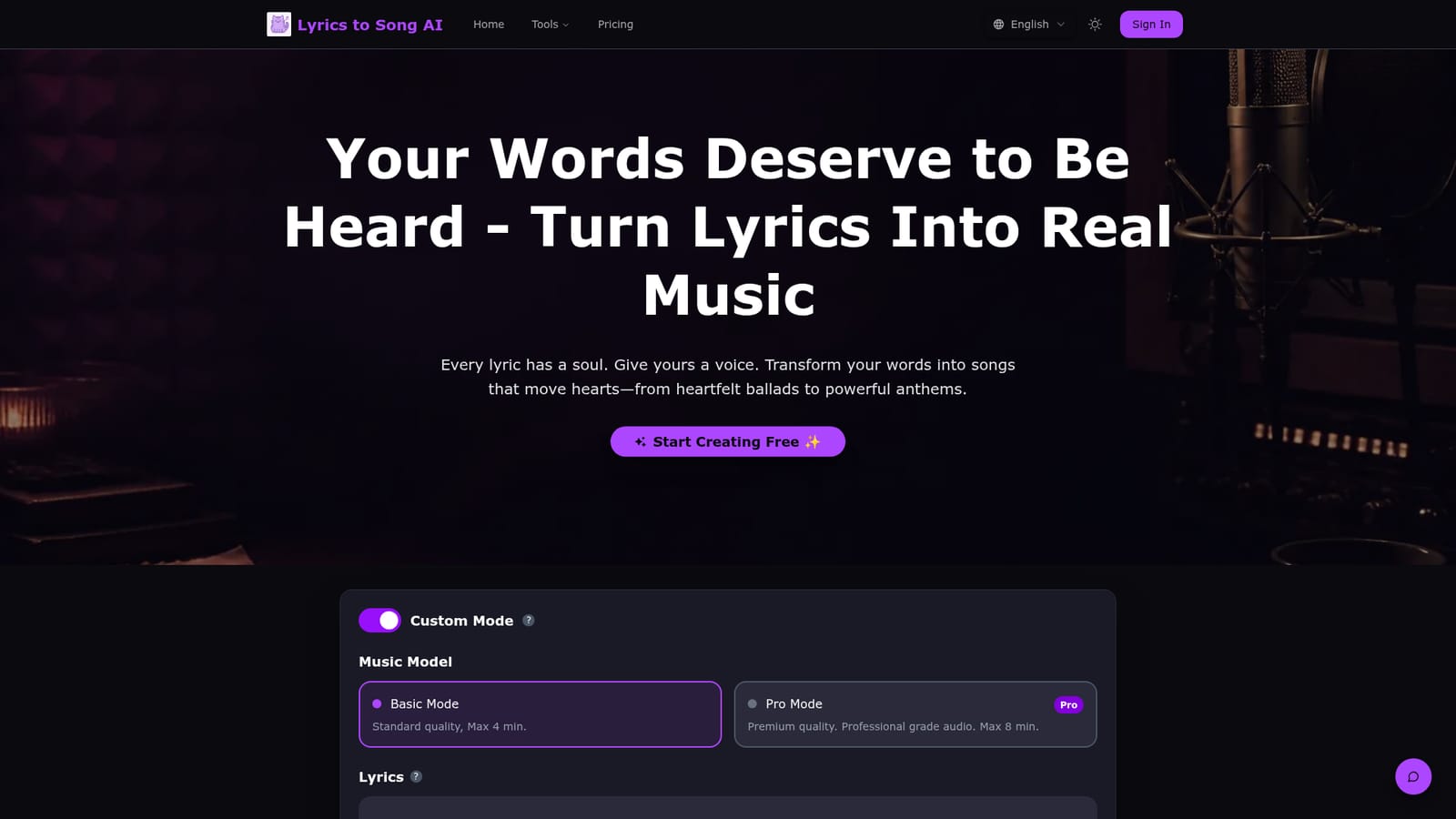
The site invites users to start creating for free and mentions a free trial before subscribing, but it does not state how many credits or songs the free allowance includes.
Learn moreThree monthly subscriptions: Basic at $12.9 (listed from $25.8) with 400 credits and 160 songs, Pro at $24.9 (from $49.8) with 1000 credits, MP3 download and commercial license, and Ultra at $49.0 (from $98.0) with 2000 credits and permanent storage. Yearly billing saves 50 percent. One-time packs offer 1000 credits for $34.9 or 2000 for $69.0 and never expire.
Learn moreA contact link labelled Need help appears next to the credit packs and a FAQ section answers common questions, but no dedicated help centre, email address or live chat is described.
Lyrics to song conversion with generated vocals and instruments, Basic and Pro quality modes with four and eight minute limits, Custom Mode for title and style, mood presets, a 3000 character lyrics field, an AI lyrics writer, an instrumental toggle, credit based generation at 5 credits per song, MP3 downloads on paid plans and commercial licensing.
 AI Angels400+ customizable AI girlfriends for NSFW chat, voice calls, and roleplay
 Candy AIExperience the future of companionship with AI friends who chat, role-play, and connect with you on a human level.
 ourdream.aiA vast AI roleplay platform with millions of characters for chat, images, video and voiceAI Angels400+ customizable AI girlfriends for NSFW chat, voice calls, and roleplayCandy AIExperience the future of companionship with AI friends who chat, role-play, and connect with you on a human level.ourdream.aiA vast AI roleplay platform with millions of characters for chat, images, video and voice