Free trial
A 7-day free trial of the premium features is offered, and the Starter plan remains free afterwards.
Learn moreAn AI workspace that keeps your research threads connected

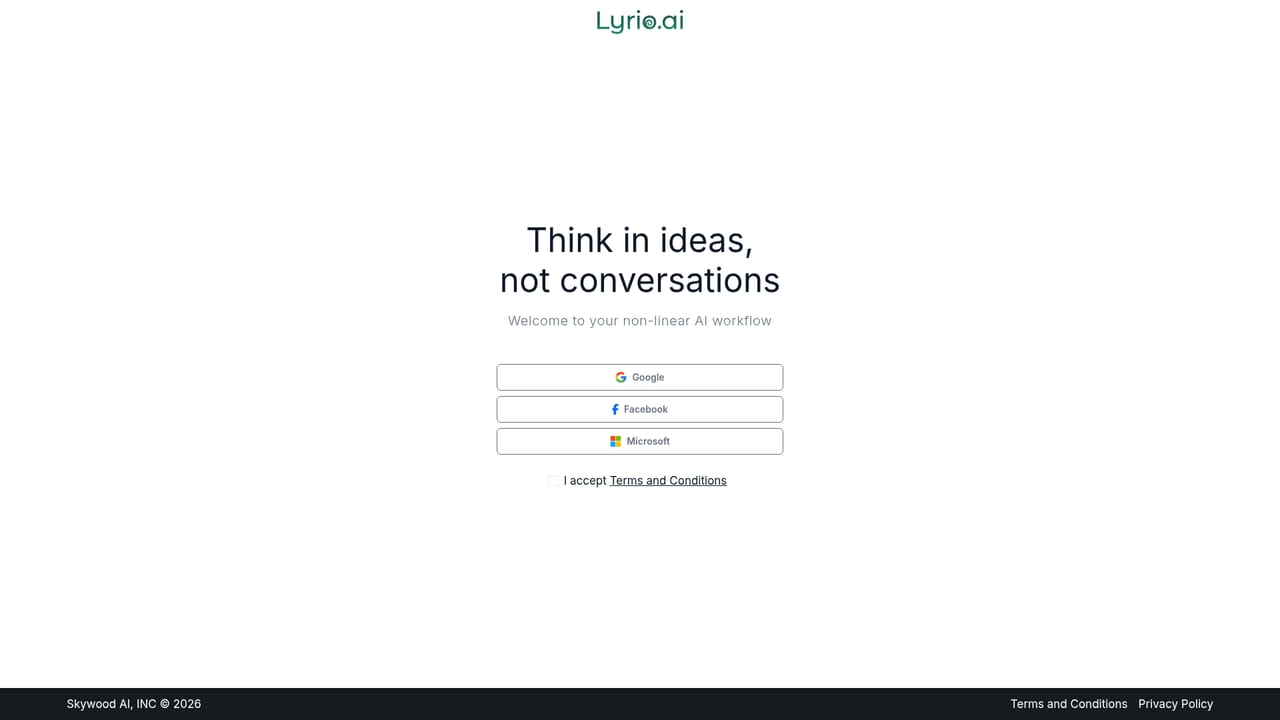
Lyrio AI is an AI aggregators tool. Lyrio is an AI workspace from Skywood.AI that replaces linear chat with branched threads, pinned insights and a canvas for turning research into documents. It supports model switching between ChatGPT, Gemini and Grok, and targets researchers, consultants, product managers and writers.
Lyrio is a structured AI workspace for people whose thinking does not fit into a single scrolling chat. Instead of one long conversation, it organises work into threads: separate spaces for separate questions, each carrying its own context. A thread can be branched into parallel directions when a topic needs to be explored from more than one angle, and the surrounding context travels with the branch. Key messages get pinned into collections that can be shared, reused or turned into a final deliverable later. The canvas is where threads end up. Research collected across threads can be synthesised into a structured document without leaving the workspace, then exported with a custom prompt applied and edits made in place. Every saved version is retained, so earlier drafts are not lost. Users pick the model behind each task, switching between ChatGPT, Gemini and Grok while context remains intact, and responses can be regenerated, shortened, extended or converted into bullet points. An Exploration Mode offers curated threads and a structured overview for anyone who wants a starting point rather than a blank box. The tool is aimed at product managers, consultants, analysts, architects and writers: roles where the trail of reasoning matters as much as the output. The pitch against general chat assistants is architectural rather than cosmetic. Lyrio argues that a chronological transcript buries context as it grows and drops unresolved questions entirely, while a relational workspace keeps both visible and searchable. Files, images and folders round out the organisation side. It is a young product from Skywood.AI, a company founded by Matt Brown, and the free tier is deliberately narrow: ten threads, ten pins and thirty messages a day. Anyone whose research runs across weeks rather than hours will hit those ceilings quickly and should treat Lyrio as a paid consideration, weighing it against simply keeping better notes next to a chat assistant they already use.
A 7-day free trial of the premium features is offered, and the Starter plan remains free afterwards.
Learn moreStarter is free with 10 threads per chat, 10 pins, one file and five images per day, 30 messages per day and flash models. Premium is $15 per month for unlimited threads and pins, 10 files and 10 images per day, unlimited flash model messages and 100 reasoning model messages per month. Premium Pro is $25 per month with 20 files and 20 images per day and unlimited messages.
Learn moreThreaded research with branching into parallel directions, pinning of key messages into collections, folders, synthesis into canvas documents with versioned export, guided Exploration Mode, and model switching across ChatGPT, Gemini and Grok. Responses can be regenerated, shortened, extended, bulleted or deleted.
 AI Angels400+ customizable AI girlfriends for NSFW chat, voice calls, and roleplay
 Candy AIExperience the future of companionship with AI friends who chat, role-play, and connect with you on a human level.
 ourdream.aiA vast AI roleplay platform with millions of characters for chat, images, video and voiceAI Angels400+ customizable AI girlfriends for NSFW chat, voice calls, and roleplayCandy AIExperience the future of companionship with AI friends who chat, role-play, and connect with you on a human level.ourdream.aiA vast AI roleplay platform with millions of characters for chat, images, video and voice


