Support
Support runs through community channels: X, LinkedIn, Discord and a Reddit community, linked from the site footer. No email help desk or documentation portal is described on the homepage.
A personal AI agent built for daily life rather than office work

Macaron is a personal AI agent for lifestyle tasks, building custom tools and planners from plain requests and keeping context through a Deep Memory layer. It also bundles reading, study, wardrobe and free calculator utilities.
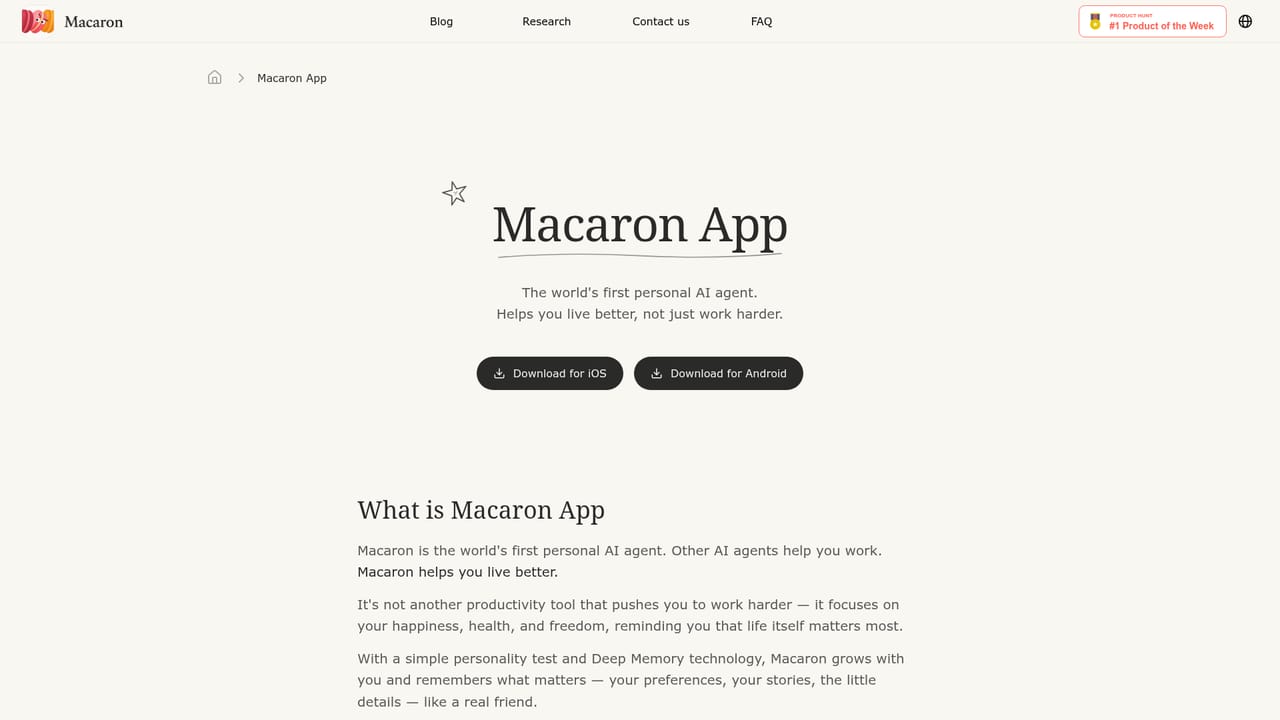
Macaron is a consumer-facing AI agent positioned around lifestyle support rather than work productivity. Where most assistants pitch themselves at meetings, code and documents, Macaron aims at the ordinary texture of a week: planning a semester, learning to cook, tracking hobbies, finding a book, managing a wardrobe or sorting out travel. The pitch is that a single plain-language request should produce a working tool rather than a chat reply, so the agent assembles course helpers, club finders, journals and planners on the spot. Two mechanisms carry most of the product. The first is a personal test that seeds an initial profile, and the second is a memory layer the company calls Deep Memory, which carries context forward between sessions. Macaron's own user stories lean on this: recalling a cat's name from a week earlier, or shifting tone from formal to conversational when asked. Over time the agent is meant to become more specific to one person, which is the main differentiator against general-purpose chatbots that reset with every conversation. The site also exposes a broader content and utility layer around the agent. There is a reading section covering online free novels and AI-generated stories, a set of consumer assistants for life planning, study planning and wardrobe decisions, and a free calculator collection spanning math, construction, finance and date-time tasks. Those free tools work as entry points and as evidence that the agent can output concrete utilities, not just prose. A templates area called Playbook and a research section called MindLab round out the public side. Macaron suits individuals handling personal logistics, students building study routines, and readers who want recommendations and story tools in one place. It is a poor fit for teams needing shared workspaces or enterprise controls; nothing on the homepage suggests those exist. Pricing, trial terms and integration details are not stated on the homepage, so buyers should confirm them directly before committing.
Support runs through community channels: X, LinkedIn, Discord and a Reddit community, linked from the site footer. No email help desk or documentation portal is described on the homepage.
Core features include a personal AI agent that builds custom lifestyle tools on request, a personal test for initial setup, Deep Memory for carrying context across sessions, and adjustable conversational tone. Surrounding utilities cover AI life planning, study planning and wardrobe assistance, online and AI-generated novel reading, a template library and a set of free calculators for math, construction, finance and date-time tasks.
Learn more AI Angels400+ customizable AI girlfriends for NSFW chat, voice calls, and roleplay
 Candy AIExperience the future of companionship with AI friends who chat, role-play, and connect with you on a human level.
 ourdream.aiA vast AI roleplay platform with millions of characters for chat, images, video and voiceAI Angels400+ customizable AI girlfriends for NSFW chat, voice calls, and roleplayCandy AIExperience the future of companionship with AI friends who chat, role-play, and connect with you on a human level.ourdream.aiA vast AI roleplay platform with millions of characters for chat, images, video and voice


