Free trial
The free tier provides three runs of the plugin, enough to test output quality before committing to the monthly plan.
Learn moreFills Figma layers with real copy instead of dummy text

FigCopy is a copywriting tool. A Figma plugin that replaces dummy text with written copy. Select a layer, add context about your product, and get real headlines and body text without leaving the design file. Free tier covers three runs; a monthly plan removes the cap.
FigCopy is a Figma plugin that swaps placeholder text in a design for written copy. The workflow is narrow and deliberate: pick a layer, supply context about the product or service, and the plugin returns copy that fits the layout instead of the usual lorem ipsum. It is built for the moment late in a design review when a polished mockup is still carrying filler text and someone asks what the headline will actually say. The plugin installs from the Figma Community into the design file, and access runs through an API key issued after purchase. Two plans sit on Gumroad: a free tier that covers three runs of the plugin, and a monthly Unlimited trials plan that removes the run cap. The key is delivered on purchase, so the plugin itself is never separately activated through a dashboard; the commercial relationship lives entirely on the Gumroad listing. In practice the tool serves designers who want to show stakeholders realistic screens without waiting on a copywriter, and copywriters who want to draft inside the canvas rather than pass text back and forth. It also suits freelancers presenting mockups to clients, where concrete headlines land better than Latin. The stated intent includes personalising copy per product or service and impressing clients or managers with the results, which frames it as a presentation aid as much as a writing tool. Compared with reaching for a general chat assistant and pasting text back into Figma, FigCopy keeps the loop inside the design file, though it does less. A/B testing of copy variants and a template library are listed as coming soon, not shipped. Anyone needing structured brand voice controls, tone libraries or team-wide copy governance will find this too thin; it is a single-purpose replacement for placeholder text rather than a copy platform.
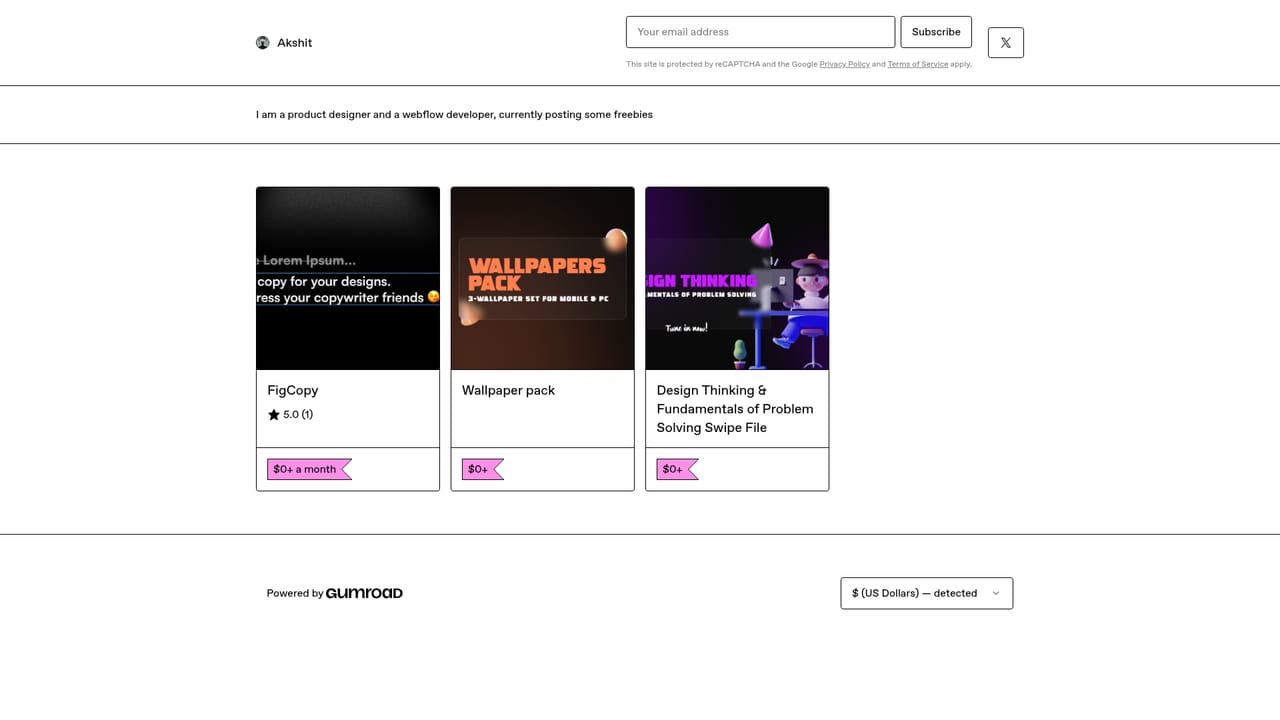
The free tier provides three runs of the plugin, enough to test output quality before committing to the monthly plan.
Learn moreTwo Gumroad options: a free tier with three plugin runs, and an Unlimited trials plan at $10 a month that removes the run cap. Gumroad emails a renewal reminder one day before each monthly charge.
Learn moreWorks as a plugin inside Figma, installed from the Figma Community. Purchase, licensing and key delivery run through Gumroad.
Converts dummy text in Figma layers into real copy, with a context input for tailoring output to a specific product or service. Access is via an API key issued at purchase. A/B testing and a template library are listed as coming soon.
Learn more AI Angels400+ customizable AI girlfriends for NSFW chat, voice calls, and roleplay
 Candy AIExperience the future of companionship with AI friends who chat, role-play, and connect with you on a human level.
 ourdream.aiA vast AI roleplay platform with millions of characters for chat, images, video and voiceAI Angels400+ customizable AI girlfriends for NSFW chat, voice calls, and roleplayCandy AIExperience the future of companionship with AI friends who chat, role-play, and connect with you on a human level.ourdream.aiA vast AI roleplay platform with millions of characters for chat, images, video and voice


