
Free trial
A free tier exists: you can build a bot and share it with teammates before paying. No credit card is required, according to the FAQ.
Learn moreTrain a chatbot on your own documents and website content
Own MagicAI Chatbots? Verify ownership to get a dofollow link
MagicAI Chatbots is an AI chat bot tool. A no-code chatbot builder that turns uploaded documents, cloud files and scraped website pages into a ChatGPT style assistant. Bots can be shared with teammates as an internal knowledge base or embedded publicly as a website support chat.
MagicAI Chatbots is a retrieval-style chatbot builder for teams and website owners who want answers grounded in their own material rather than in a general model's training data. The premise is simple: gather documents, web pages and connected cloud files in one workspace, then let a chat interface answer questions from that corpus. The product positions itself as an AI team mate that "knows everything" about your projects and company, and the same engine powers both an internal knowledge assistant and an embeddable customer support bot. Setup is aimed at non-technical users. Documents can be dragged and dropped, Google Drive files can be connected directly, and the platform converts the material into a ChatGPT style chat experience. A separate path scrapes a website and builds a bot from its pages, which can then be embedded on the site or shared through a public link so visitors can ask their own questions. Team members can be invited to help train and use a bot, which makes it a shared knowledge base rather than a single person's private tool. The stated use cases split into four groups: teams consolidating internal know-how, website owners deflecting repetitive support questions, students and teachers who want to query a pile of course material, and researchers who need to search across papers quickly. File support covers PDF, Word, Excel, PowerPoint, Markdown, Notion pages, Google Docs and Google Slides, plus plain web pages. The company says bots can be trained in any major language and that uploaded data is encrypted and accessible only to the owner and invited team members. Against dedicated RAG platforms and the native assistants bundled with Notion or Google Workspace, MagicAI's pitch is breadth of sources plus a public-facing bot in one product, with no coding required. The trade-off is depth: the homepage makes no claims about model choice, chunking controls, analytics or handoff to a human agent, which are the features teams usually graduate to once a support bot starts getting real traffic. The free tier is enough to build a bot and share it with colleagues; business use is expected to move to a paid plan. A signup discount code is promoted on the homepage banner.
A free tier exists: you can build a bot and share it with teammates before paying. No credit card is required, according to the FAQ.
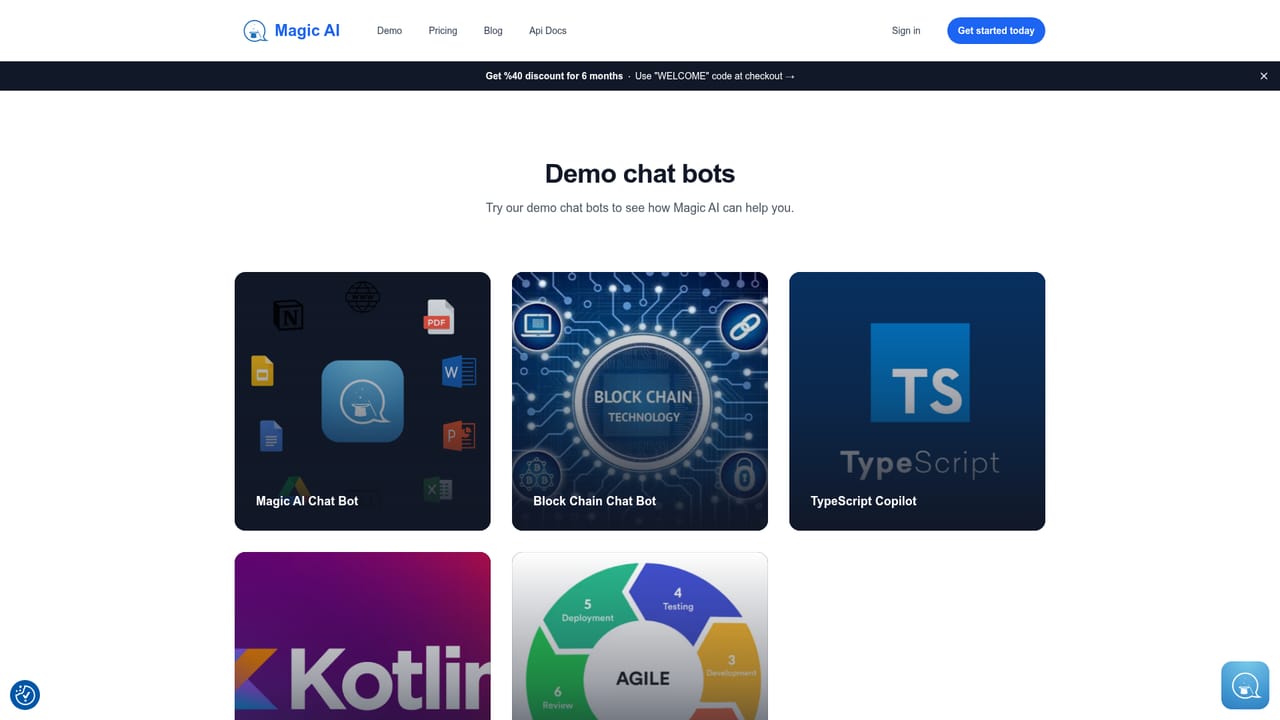
Learn moreFree to get started with no credit card required, and a paid upgrade is offered for business use. Specific tiers, limits and prices are not listed on the homepage; the plans page holds the current numbers. A promotional banner advertises a 40 percent discount for six months with the code WELCOME.
Learn moreSupport is handled by email at support@magicai.ai. The homepage does not describe live chat, phone support or service level commitments.
Google Drive, Google Docs, Google Slides, Notion pages, web pages, and document formats such as PDF, Word, Excel, PowerPoint and Markdown. Website embedding and public chat links are also supported.
Document upload and Google Drive connection convert files into a ChatGPT style chat bot. Supported sources include PDF, Word, Excel, PowerPoint, Markdown, Notion, Google Docs, Google Slides and web pages. Website scraping builds an embeddable support bot, public links let outsiders chat, and team invites allow shared training. Multilingual bots and encrypted storage are stated; no-code throughout.
 AI Angels400+ customizable AI girlfriends for NSFW chat, voice calls, and roleplay
 Candy AIExperience the future of companionship with AI friends who chat, role-play, and connect with you on a human level.
 ourdream.aiA vast AI roleplay platform with millions of characters for chat, images, video and voiceAI Angels400+ customizable AI girlfriends for NSFW chat, voice calls, and roleplayCandy AIExperience the future of companionship with AI friends who chat, role-play, and connect with you on a human level.ourdream.aiA vast AI roleplay platform with millions of characters for chat, images, video and voice


