Free trial
A 14 day free trial is offered with no credit card required and cancel anytime. The homepage does not state what the trial includes or which plan it maps to.
Learn moreAn AI filter and digest layer that keeps only the mail you need

MailWizard is an AI layer for Gmail and Outlook that keeps urgent and important messages in your inbox and bundles the rest into scheduled, summarized digests, including audio versions. It uses plain language workflows and custom rules to label, skip or move mail, and runs on EU hosted infrastructure with a 14 day free trial.
MailWizard is an inbox triage tool that sits on top of your existing mailbox and keeps urgent or important messages in view while everything else is bundled into scheduled summaries. Rather than replacing Gmail or Outlook, it works as an AI layer over them: messages that clear your relevance bar land in the inbox, and marketing blasts, notifications and CC-all threads are grouped and condensed in the background. The product promises at least 35 minutes saved per day, which puts typical inbox time in the 5 to 10 minute range. The core mechanism is a rules engine driven by plain language. You describe what matters in ordinary sentences, such as mail from your manager or urgent client threads, and MailWizard turns those statements into workflows. Those workflows can skip the inbox, apply labels or move messages into folders, and the actions execute directly inside Gmail or Outlook, so no separate client is required. A custom rule layer sits underneath for people who want tighter control over what gets filtered and how. The second half of the product is the digest. Filtered mail is summarized in counts and categories, and each message gets its own short AI summary so you can judge it without opening it. Delivery is on your schedule, whether that is every morning, one day a week or after lunch on Friday, and summaries can be delivered as audio for commutes and walks. That combination of filtering plus scheduled reading suits founders, consultants, sales staff and anyone else with a high-volume external inbox. The positioning is privacy first. The company is European, keeps infrastructure and storage inside the EU, anonymizes personal data before processing, and states that AES-256 encryption covers data in transit and at rest, with multi factor authentication and access controls. It describes its security program as aligned with SOC 2 and ISO 27001 frameworks, while noting that formal certification is still on the roadmap. Competitors in this space tend to be US hosted assistants or full email clients, so MailWizard's differentiator is EU data residency plus the audio digest format rather than original email composition.
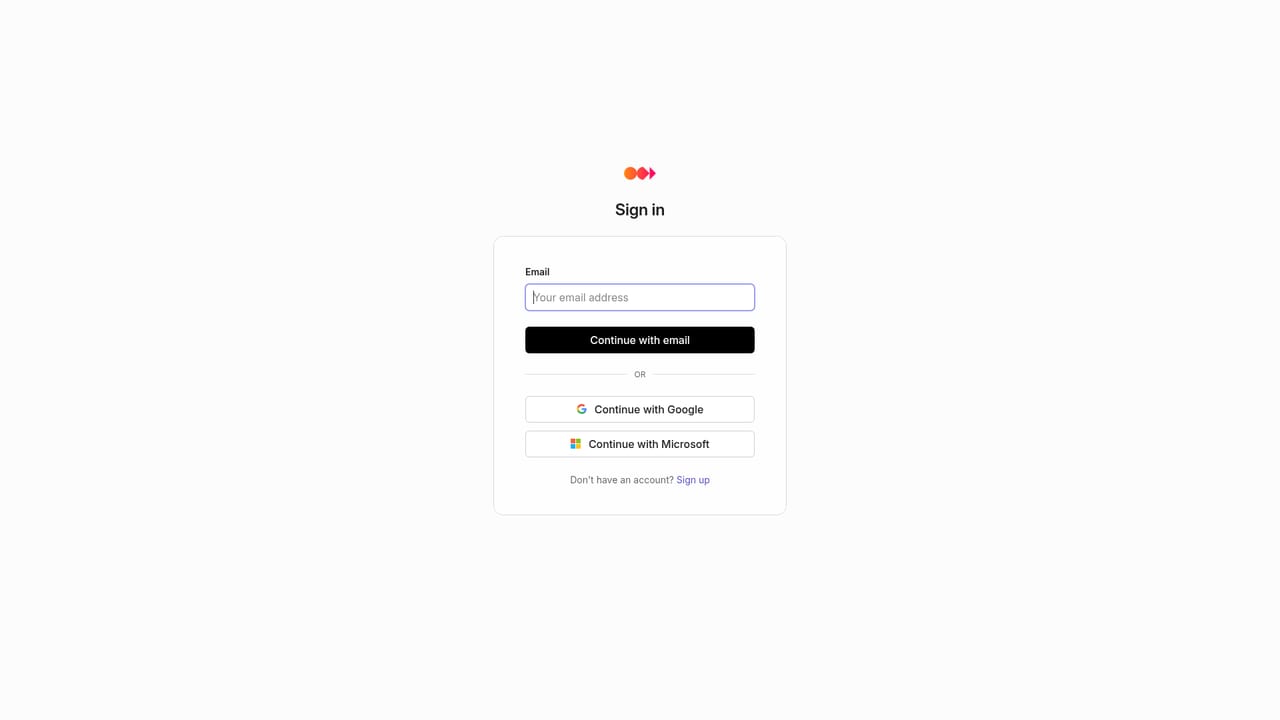
A 14 day free trial is offered with no credit card required and cancel anytime. The homepage does not state what the trial includes or which plan it maps to.
Learn moreThe homepage offers an FAQ covering mailbox access, workflow consent, setup time, email limits and what happens on cancellation. No help center, chat or contact channel is listed.
MailWizard works with Gmail and Outlook, applying filters and cleanup actions directly inside those clients. The homepage does not list any other integrations.
Intelligent filtering built from plain language rules, one click cleanup that skips the inbox, adds labels or moves mail in Gmail and Outlook, and a custom rule engine for fine control. Filtered mail arrives as scheduled digests with per-message AI summaries, category counts and optional audio playback, delivered on a schedule you choose.
 AI Angels400+ customizable AI girlfriends for NSFW chat, voice calls, and roleplay
 Candy AIExperience the future of companionship with AI friends who chat, role-play, and connect with you on a human level.
 ourdream.aiA vast AI roleplay platform with millions of characters for chat, images, video and voiceAI Angels400+ customizable AI girlfriends for NSFW chat, voice calls, and roleplayCandy AIExperience the future of companionship with AI friends who chat, role-play, and connect with you on a human level.ourdream.aiA vast AI roleplay platform with millions of characters for chat, images, video and voice