Support
Support is handled through a contact page linked in the site footer. No help centre or documentation is listed on the homepage.
Learn moreChatGPT powered assistant that lives in your Gmail inbox

RioGPT is a ChatGPT powered email assistant for Gmail that summarizes messages and documents, drafts replies with AI writing, and adds AI search plus a chat mode, delivered through a menu bar app.
RioGPT is a ChatGPT powered bot built around the inbox rather than around a blank chat box. The product positions itself as an email app for Gmail, adding instant summaries of emails and documents, AI assisted writing, and AI search directly alongside your mail. Instead of copying a thread into a separate chatbot tab, the assistant sits in a menu bar app and works on the correspondence you already have open. The core workflows are narrow and practical. A long thread or attached document can be condensed into a short summary so you can catch up before replying. Drafting is handled by the AI writing function, which helps compose responses without leaving the mail context. AI search lets you query what is in your mailbox rather than paging through results manually. A chat mode is also offered for open ended questions beyond the inbox. It suits people who live in Gmail and want a lighter layer of automation than a full help desk suite: founders answering their own support mail, sales and operations staff clearing shared threads, freelancers handling client correspondence, and support teams that need faster first replies. The menu bar framing suggests a deliberately small footprint, aimed at individuals and small teams rather than enterprise deployments with routing rules and SLA reporting. Among alternatives, RioGPT differentiates by being inbox first. General chat assistants such as ChatGPT handle drafting but require context to be pasted in, and dedicated customer support platforms bundle ticketing, macros and analytics that this tool does not advertise. RioGPT occupies the middle ground: an email resident assistant for summarizing, writing and searching, with the contact page as the main published route for questions. Pricing, plan tiers, and any integrations beyond Gmail and the menu bar are not stated on the homepage, so those details should be confirmed directly before committing a team to it.
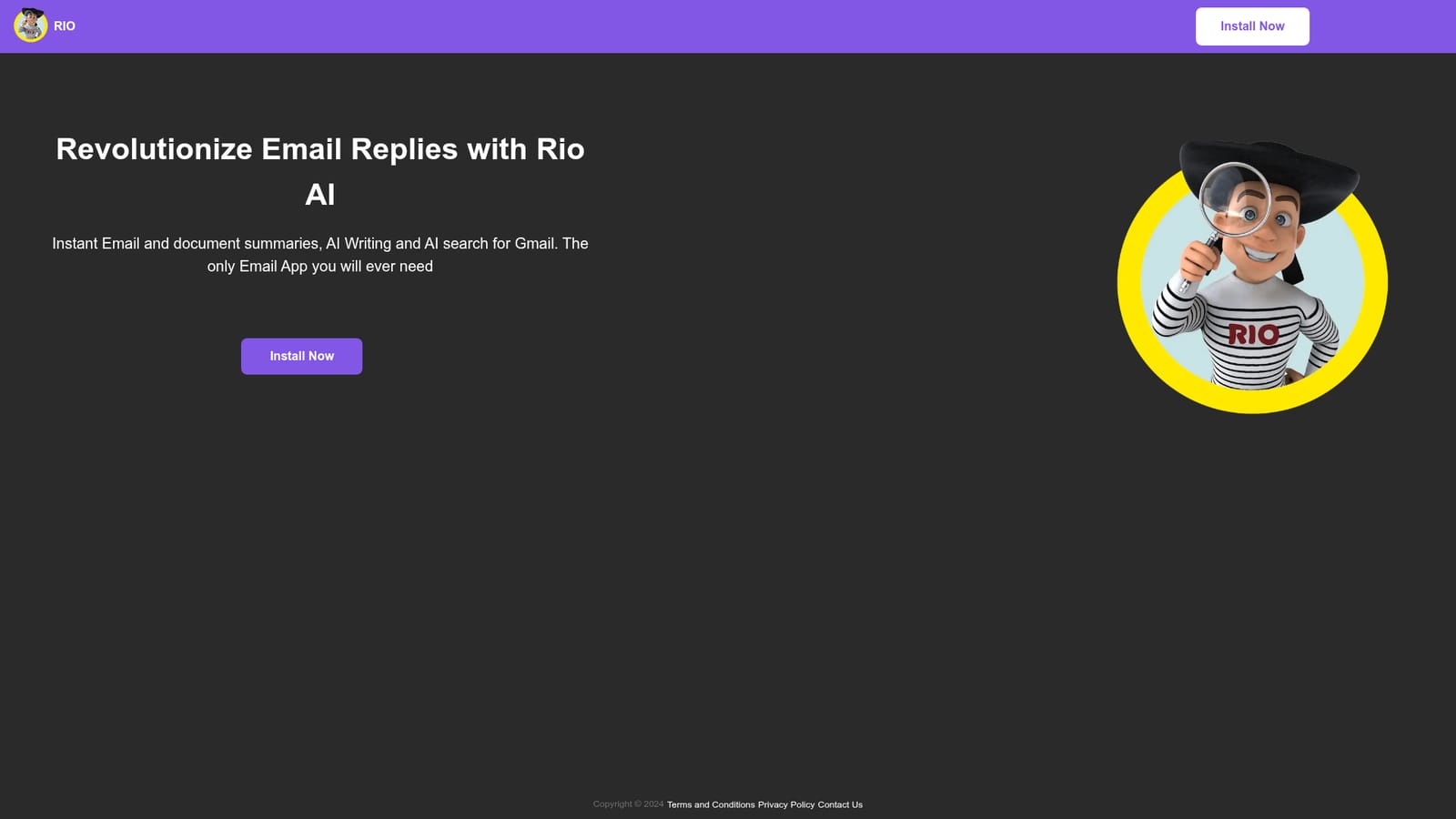
Support is handled through a contact page linked in the site footer. No help centre or documentation is listed on the homepage.
Learn moreGmail is the only service named on the homepage. The product is delivered as a menu bar app, and no other integrations are described.
The homepage lists instant email and document summaries, AI writing for replies, AI search across your mail, and a chat mode, all delivered through a menu bar app and framed as a Gmail email app. No feature documentation or plan breakdown is published on the site.
 AI Angels400+ customizable AI girlfriends for NSFW chat, voice calls, and roleplay
 Candy AIExperience the future of companionship with AI friends who chat, role-play, and connect with you on a human level.
 ourdream.aiA vast AI roleplay platform with millions of characters for chat, images, video and voiceAI Angels400+ customizable AI girlfriends for NSFW chat, voice calls, and roleplayCandy AIExperience the future of companionship with AI friends who chat, role-play, and connect with you on a human level.ourdream.aiA vast AI roleplay platform with millions of characters for chat, images, video and voice


