Free trial
The free tier is the main entry point: the site advertises making your own plush for free with no sign-up. No separate trial period is described on the homepage.
Learn moreTurn any idea into a custom plush design in seconds, free and without sign-up.

MakePlush is a generate concepts tool that turns any idea into a custom plush design in seconds, free and without sign-up. MakePlush is a free, no-sign-up web tool that turns text descriptions into plush toy concept images. Describe a jellycat, animal, logo or landmark, generate, then download or share.
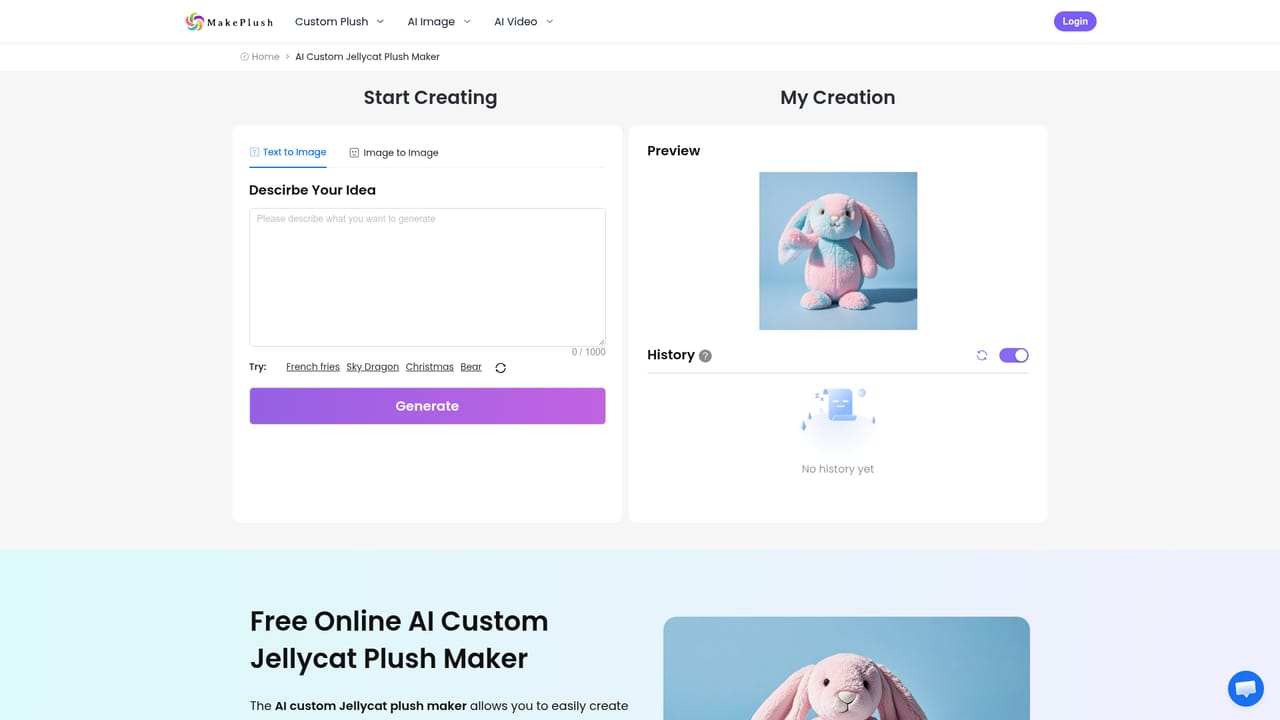
MakePlush is a browser-based AI generator that turns written descriptions into plush toy visuals. You type what you want, whether that is a jellycat-style dragon, a capybara, a croissant, a brand logo or a landmark like the Eiffel Tower, and the tool renders a soft, stuffed rendering of it. The site's promise is literal: everything can be made into plush. There is no design software to learn and no account gate before you can try a generation. The workflow is deliberately short. You describe the plush idea, click a generate button, and within seconds you get a rendered plush. From there you can download the image or share it with friends and followers. The FAQ confirms that colors, style and animal type can all be customized inside the text prompt, and that if a result misses the mark you can retry with a more detailed description. The output is a 2D image of a plush concept, not a physical toy or a manufacturing file. It suits casual users who want a quick visual joke or gift concept, plush hobbyists prototyping a character, and small brands exploring a mascot before committing to a real sample. Because it runs in the browser and needs no sign-up, it also works well for classrooms, streamers and social media creators who want a fast visual asset without installing anything. Among AI image tools, MakePlush is narrowly scoped: it is not a general-purpose image generator, so it does not compete with Midjourney or DALL-E on breadth. Its edge is that it is free to start, requires no account, and is tuned toward one aesthetic, plush toys. If you need physical production, licensing checks, or precise vector-ready artwork, this is a concepting step rather than a finished pipeline.
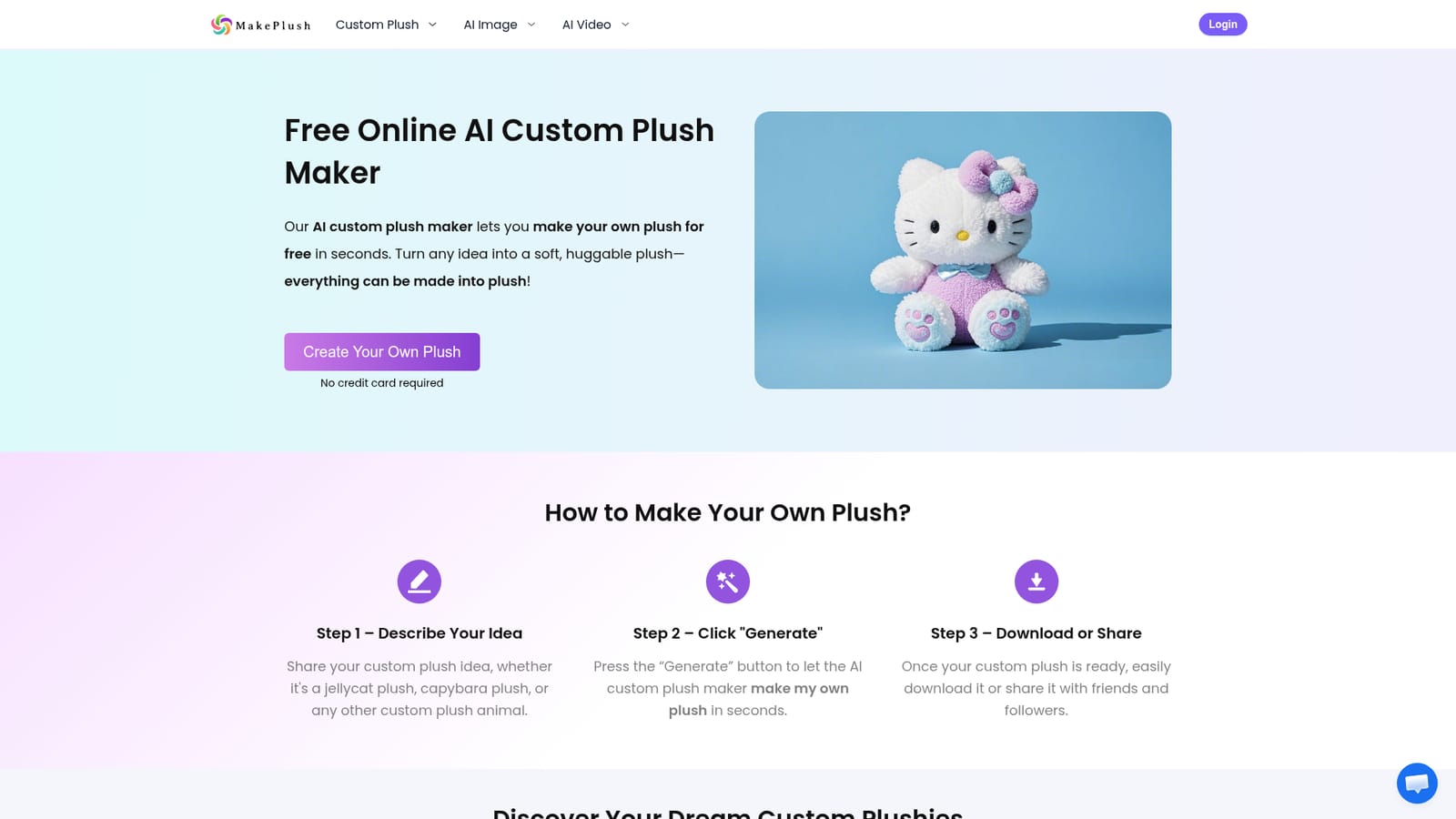
The free tier is the main entry point: the site advertises making your own plush for free with no sign-up. No separate trial period is described on the homepage.
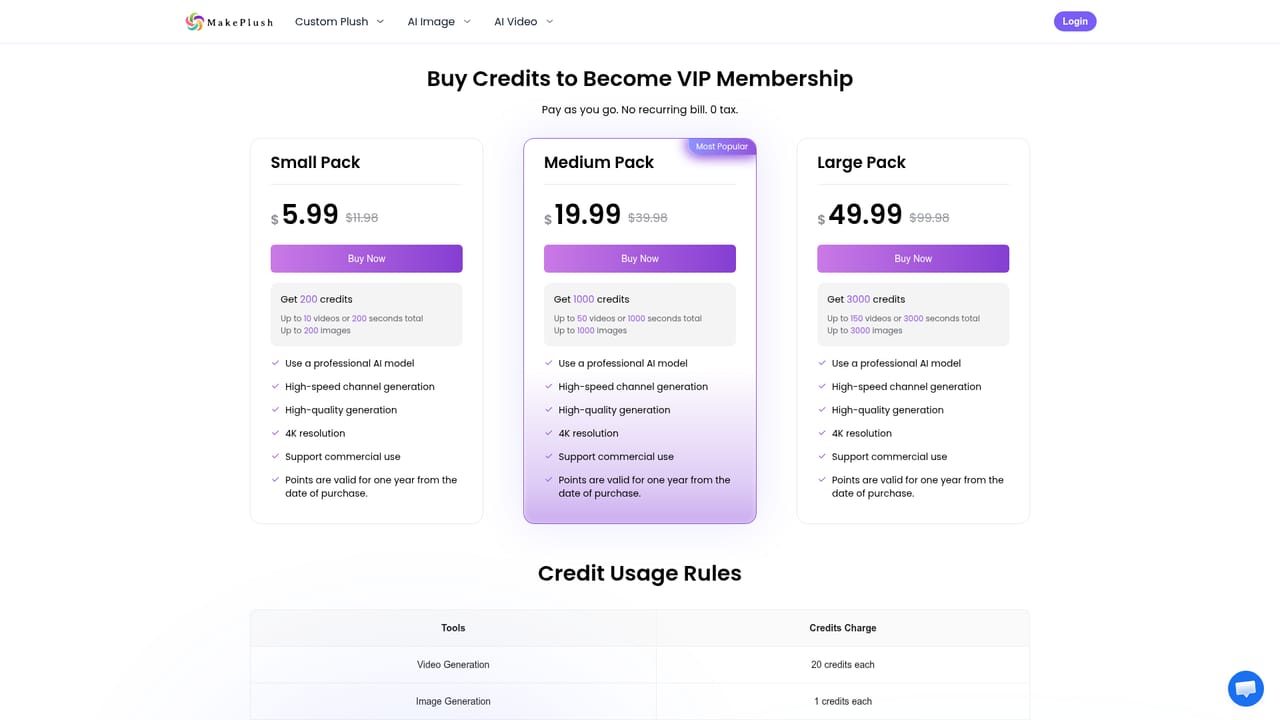
Learn moreThe homepage promotes free generation with no sign-up and no credit card required. A pricing page exists and currently shows a limited-time 50% off offer, but the homepage does not list plan tiers or prices in detail.
Learn moreSupport is limited to an FAQ section on the homepage that covers how to make a plush, what designs are possible, customization, retrying unsatisfactory results and general plush pricing. No dedicated help center or contact channel is listed on the homepage.
Text-to-plush image generation with a three-step flow: describe, generate, download or share. Supports a wide range of subjects including animals, plants, food, logos and landmarks. Customization covers colors, style and animal type through the prompt, and users can retry with more detailed descriptions. No design skills or sign-up are required.
Learn more AI Angels400+ customizable AI girlfriends for NSFW chat, voice calls, and roleplay
 Candy AIExperience the future of companionship with AI friends who chat, role-play, and connect with you on a human level.
 ourdream.aiA vast AI roleplay platform with millions of characters for chat, images, video and voiceAI Angels400+ customizable AI girlfriends for NSFW chat, voice calls, and roleplayCandy AIExperience the future of companionship with AI friends who chat, role-play, and connect with you on a human level.ourdream.aiA vast AI roleplay platform with millions of characters for chat, images, video and voice