Free trial
Signing up grants 250 free credits without a credit card, which covers initial mailbox connection, warmup and test campaigns.
Learn moreUnlimited mailboxes and contacts with pay-as-you-go cold email sending

Manyreach is a lead generation tool. Cold email platform with no per-mailbox, per-contact or per-seat charges. Unlimited sending accounts, built in warmup and sender rotation, a unified reply inbox, CRM, sequencing, webhooks, API and MCP access, billed through non-expiring sending credits.
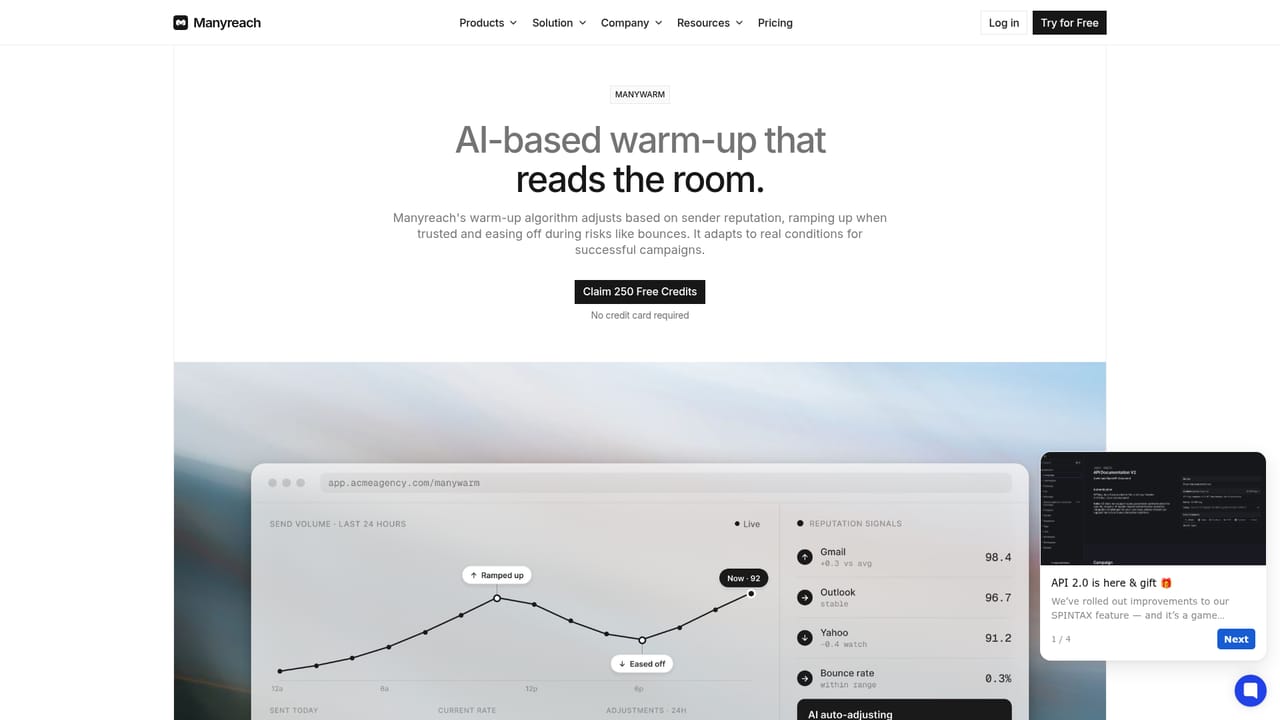
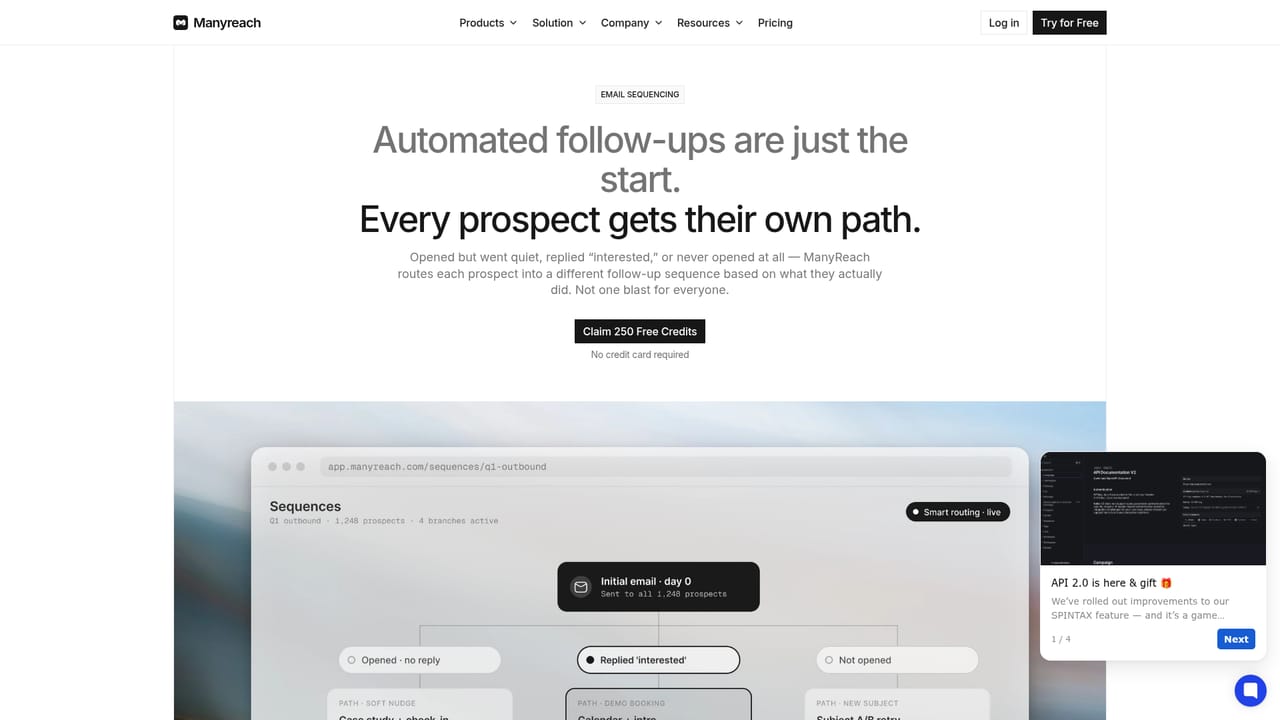
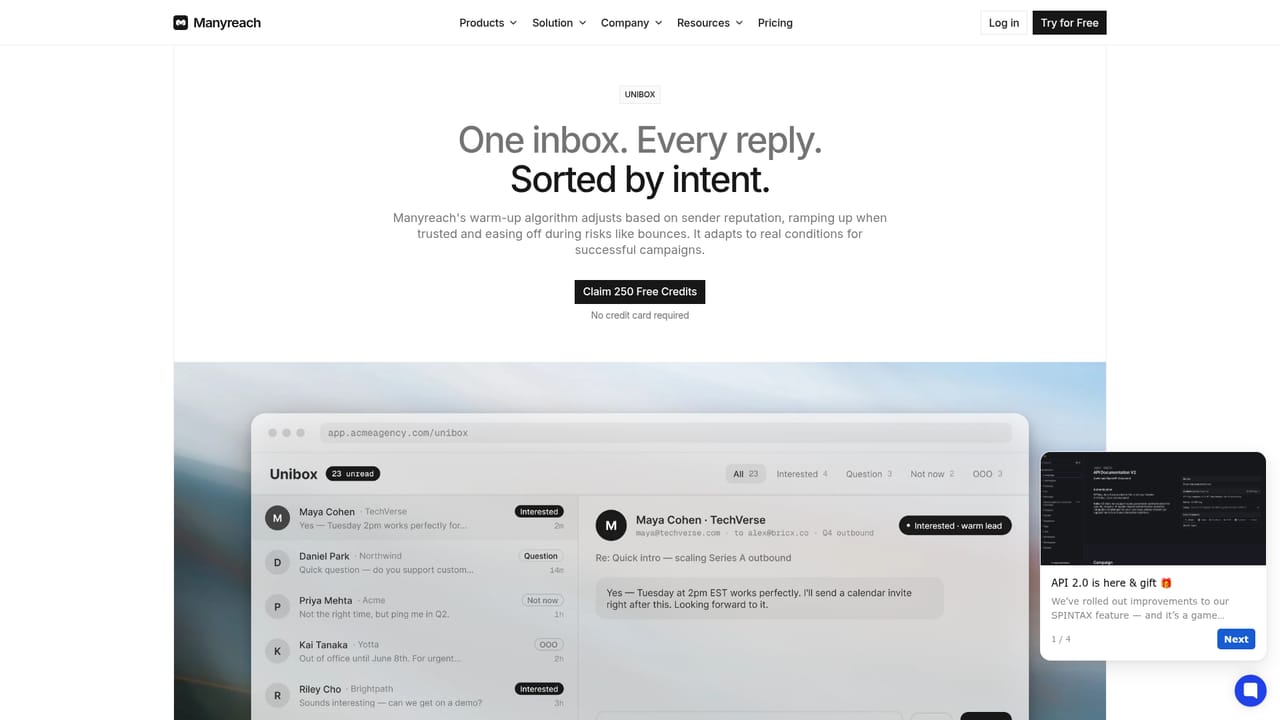
Manyreach is a cold email platform built around a simple proposition: most outbound tools charge per mailbox, per contact, per seat or per workspace, and Manyreach charges none of those. One workspace can hold as many sending accounts, uploaded leads and team members as an operation needs, and billing runs on credits tied to what is actually sent. The company positions this as billing without per-unit tax, with credits that do not expire. Deliverability is treated as infrastructure rather than an upsell. Every connected mailbox gets a warmup sequence that mimics human conversation patterns, sending is rotated across domains, and reputation is monitored continuously with alerts when performance drifts. DNS configuration is handled inside the platform, so a mailbox can be connected and put to work without a separate technical setup pass. Around that core sit the usual campaign tools: email sequencing, a unified inbox for replies, and a built in CRM for contacts and follow-ups. The tool suits agencies running several client workspaces, sales teams pushing volume across many inboxes, recruiters building candidate pipelines, and founders testing outbound before committing to a monthly plan. Integration coverage includes Gmail and Outlook mailboxes, HubSpot, Slack, Zapier, Make, Google Calendar, Zoom and Microsoft Teams, plus webhooks, an open API and MCP access so AI assistants such as Claude, ChatGPT and Cursor can read and write to the account. Against Instantly or Smartlead, the differentiator is the pricing model and the absence of usage ceilings on contacts and seats, not a wider feature set. The tradeoff is a credit system that takes some getting used to, and the published proof rests largely on vendor testimonials and a single named case study.
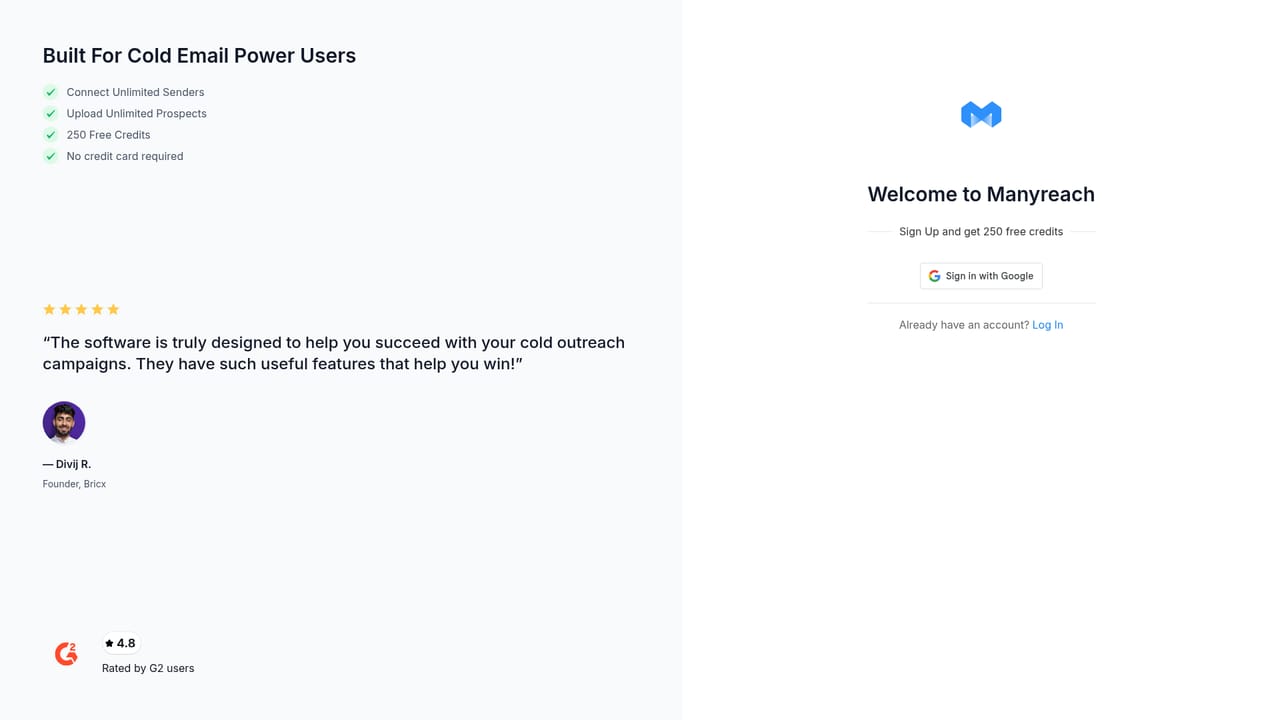
Signing up grants 250 free credits without a credit card, which covers initial mailbox connection, warmup and test campaigns.
Learn moreCredit based pay-as-you-go pricing rather than monthly subscriptions. The homepage states that credits never expire and that there are no charges per mailbox, contact, seat or workspace. A 250 credit allowance is offered at signup with no card required. Exact credit rates per email are not listed on the homepage.
Learn moreGmail, Outlook, HubSpot, Slack, Microsoft Teams, Zapier, Make, Google Calendar, Drive and Zoom, plus webhooks, an open API and MCP access for Claude, ChatGPT and Cursor.
Learn moreUnlimited mailboxes, contacts, workspaces and users; automated warmup with sender rotation and reputation monitoring; DNS setup handled in platform; email sequencing; unified reply inbox; built in CRM; whitelabel option; dedicated servers; webhooks, open API and MCP access; native connectors for Gmail, Outlook, HubSpot, Slack, Zapier, Make, Google Calendar, Zoom and Microsoft Teams.
Learn more AI Angels400+ customizable AI girlfriends for NSFW chat, voice calls, and roleplay
 Candy AIExperience the future of companionship with AI friends who chat, role-play, and connect with you on a human level.
 ourdream.aiA vast AI roleplay platform with millions of characters for chat, images, video and voiceAI Angels400+ customizable AI girlfriends for NSFW chat, voice calls, and roleplayCandy AIExperience the future of companionship with AI friends who chat, role-play, and connect with you on a human level.ourdream.aiA vast AI roleplay platform with millions of characters for chat, images, video and voice


