Free trial
None. The site states plainly that there is no free plan or free trial, so evaluation requires a paid subscription.
Learn moreA weekly meal planner built around your goal, diet and macros
Own Meal Planner Pro? Verify ownership to get a dofollow link

Meal Planner Pro generates a personalised 7-day meal plan from a short quiz covering goal, diet, allergies and health conditions, with recipes, daily calorie and macro targets, meal swapping and an automatic grocery list. It runs in the browser and requires a paid plan.
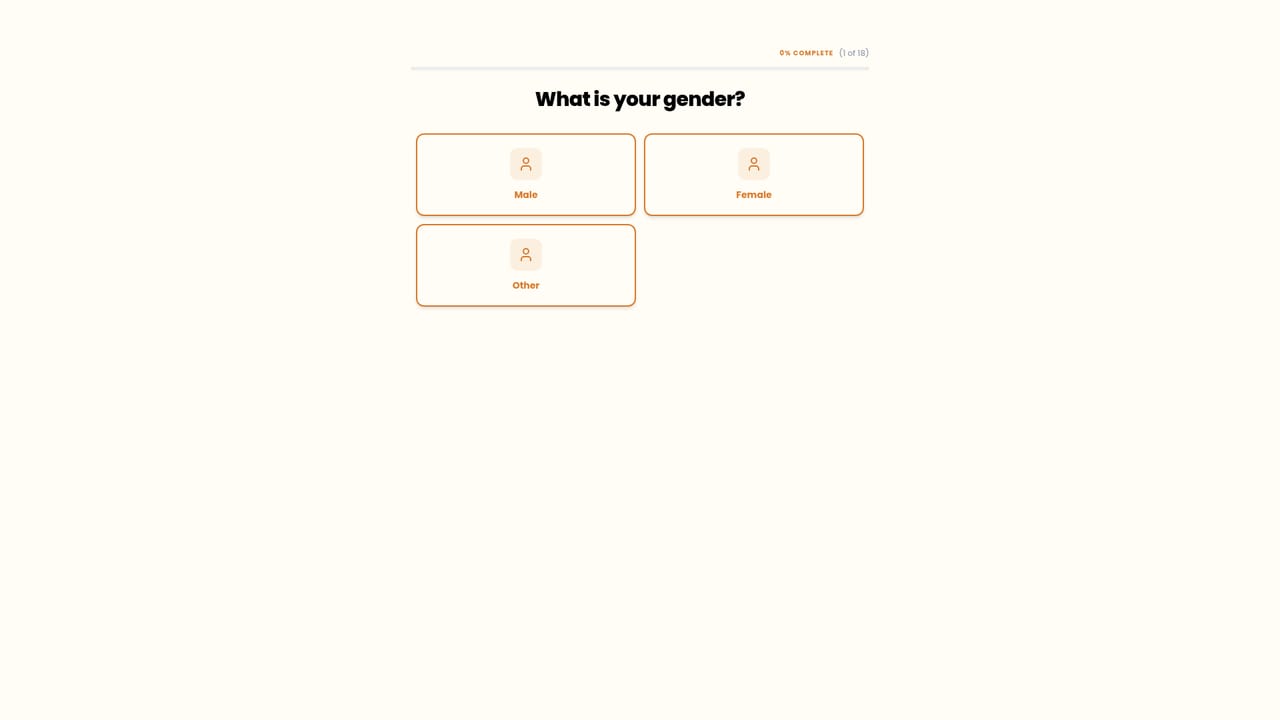
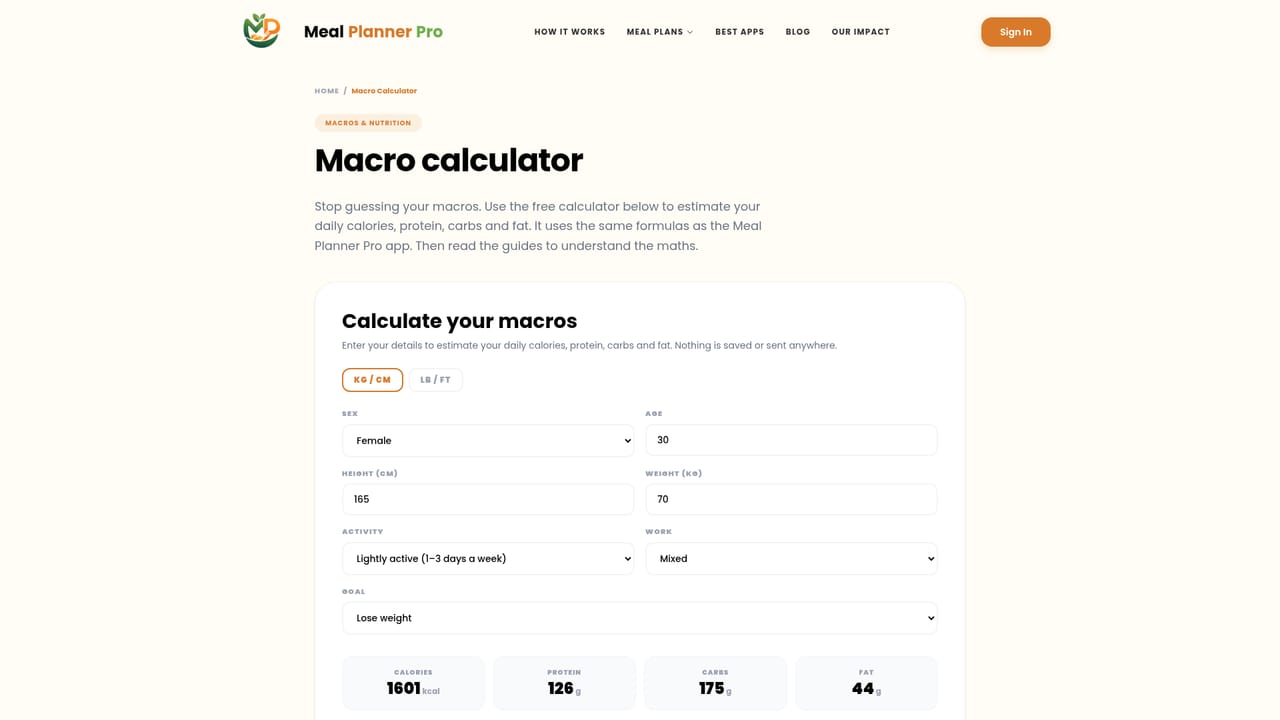
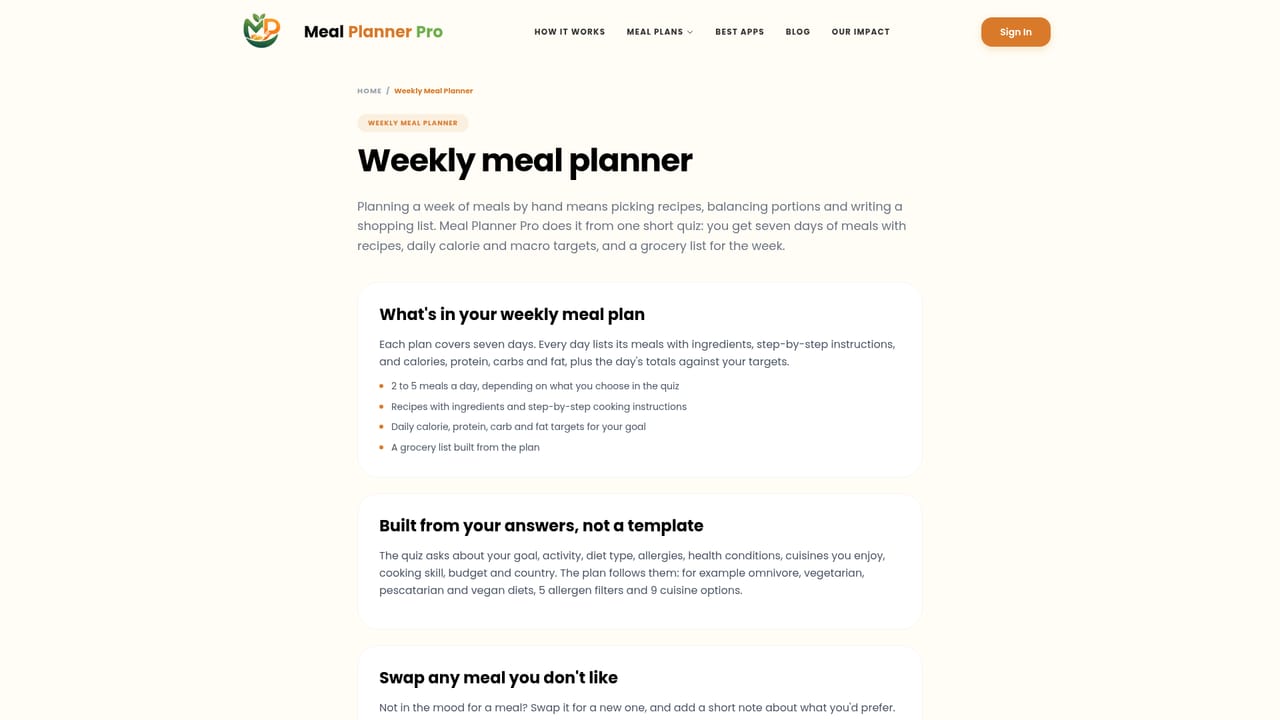
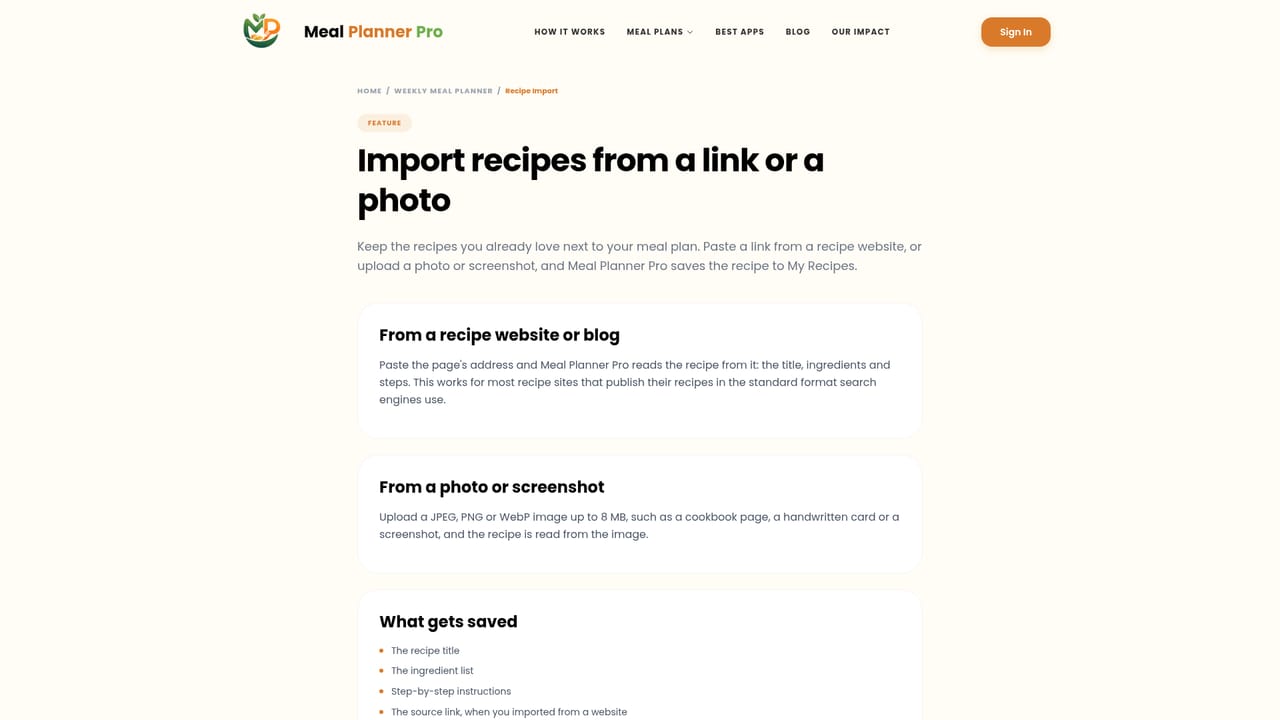
Meal Planner Pro is a browser-based meal planning tool that turns a short onboarding quiz into a full seven-day eating schedule. The quiz collects your goal, activity level, diet type, allergies, health conditions, cooking skill and budget, then produces breakfasts, lunches and dinners for the week with recipes attached to each slot. The stated aim is to remove the manual work of deciding what to eat and counting macros by hand. Daily calorie, protein, carbohydrate and fat targets are calculated with the Mifflin-St Jeor equation adjusted for activity level, so the plan shifts if you are cutting, bulking or holding steady. Diet profiles cover omnivore, vegetarian, pescatarian and vegan, and the planner can exclude nuts, dairy, gluten, shellfish and soy. Health condition options include diabetes, PCOS, thyroid conditions and hypertension, though the site is explicit that these follow general dietary guidelines and are not medical advice. The recipe library is listed at 200k dishes across 30 or more cuisines, and you can import your own recipes from a website link or a photo. In practice the workflow is three stages: answer the quiz, review the generated week and swap any meal you dislike (optionally noting what you would rather have), then shop from an automatic grocery list grouped by category. Cooking follows step-by-step instructions inside the plan. A progress page logs weight and cooked meals so you can see history over time. Plans are designed to adapt to local ingredients across the 50 or more countries the site names. The tool sits in the same bracket as Mealime and Eat This Much, and the site publishes its own comparison page against those names. It is aimed at people who want structure without a nutritionist: home cooks, gym-goers tracking macros, and households managing a dietary restriction. The major caveat is cost, since there is no free tier, and the absence of native iOS and Android apps means phone use runs through the mobile browser.
None. The site states plainly that there is no free plan or free trial, so evaluation requires a paid subscription.
Learn moreNo free tier and no trial. The site lists three paid options: $8.99 per week, $18.99 per month, or $38.99 for 3 months.
Learn moreSeven-day personalised plans from a single quiz, daily calorie and macro targets via the Mifflin-St Jeor equation, 30+ diet profiles, allergen exclusions for nuts, dairy, gluten, shellfish and soy, recipe import by link or photo, meal swapping, an automatic category-grouped grocery list, and a progress page for weight and cooked meals.
Learn more AI Angels400+ customizable AI girlfriends for NSFW chat, voice calls, and roleplay
 Candy AIExperience the future of companionship with AI friends who chat, role-play, and connect with you on a human level.
 ourdream.aiA vast AI roleplay platform with millions of characters for chat, images, video and voiceAI Angels400+ customizable AI girlfriends for NSFW chat, voice calls, and roleplayCandy AIExperience the future of companionship with AI friends who chat, role-play, and connect with you on a human level.ourdream.aiA vast AI roleplay platform with millions of characters for chat, images, video and voice


