Integrations
The homepage and changelog mention calendar integration and a Claude connector, letting outside tools feed the same memory. No broader integration catalog is listed.
Learn moreA self-organizing workspace with an AI agent that remembers so you do not have to.

Mem is a workspace with an AI agent that automatically organizes notes, meetings and web clips into a living memory, then uses that context to recall details, draft follow-ups and surface timely nudges without manual filing.
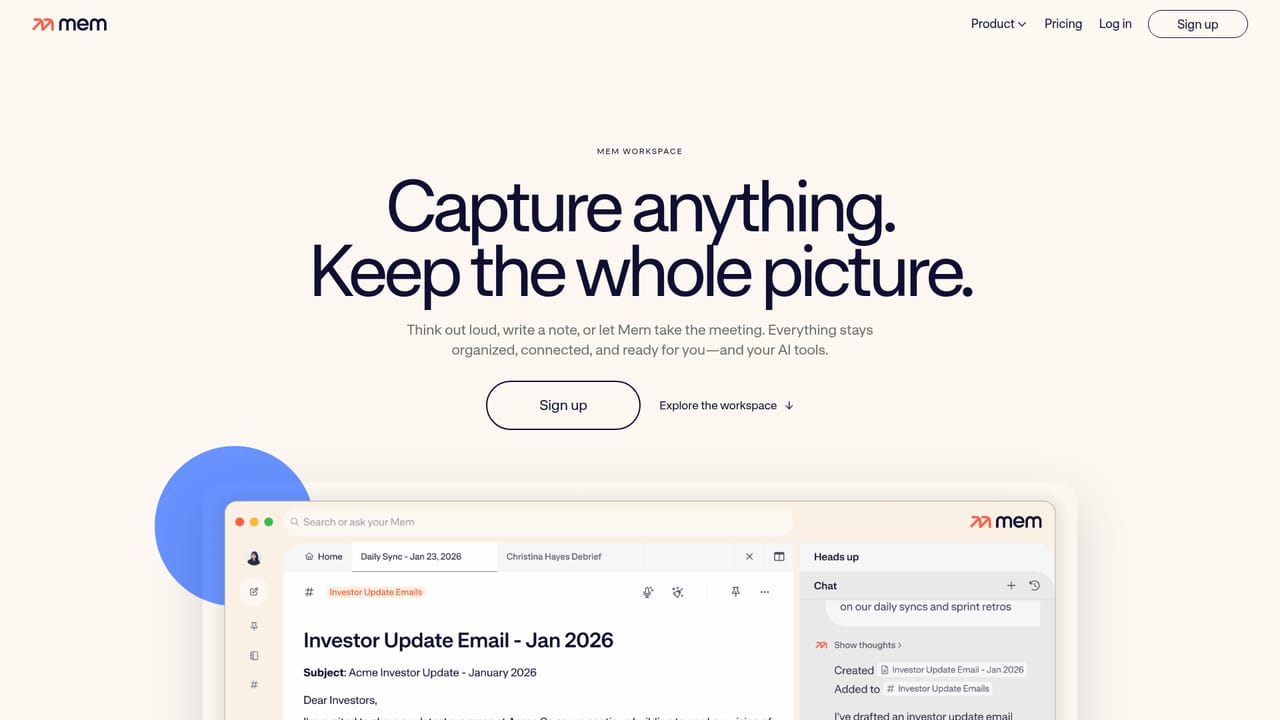
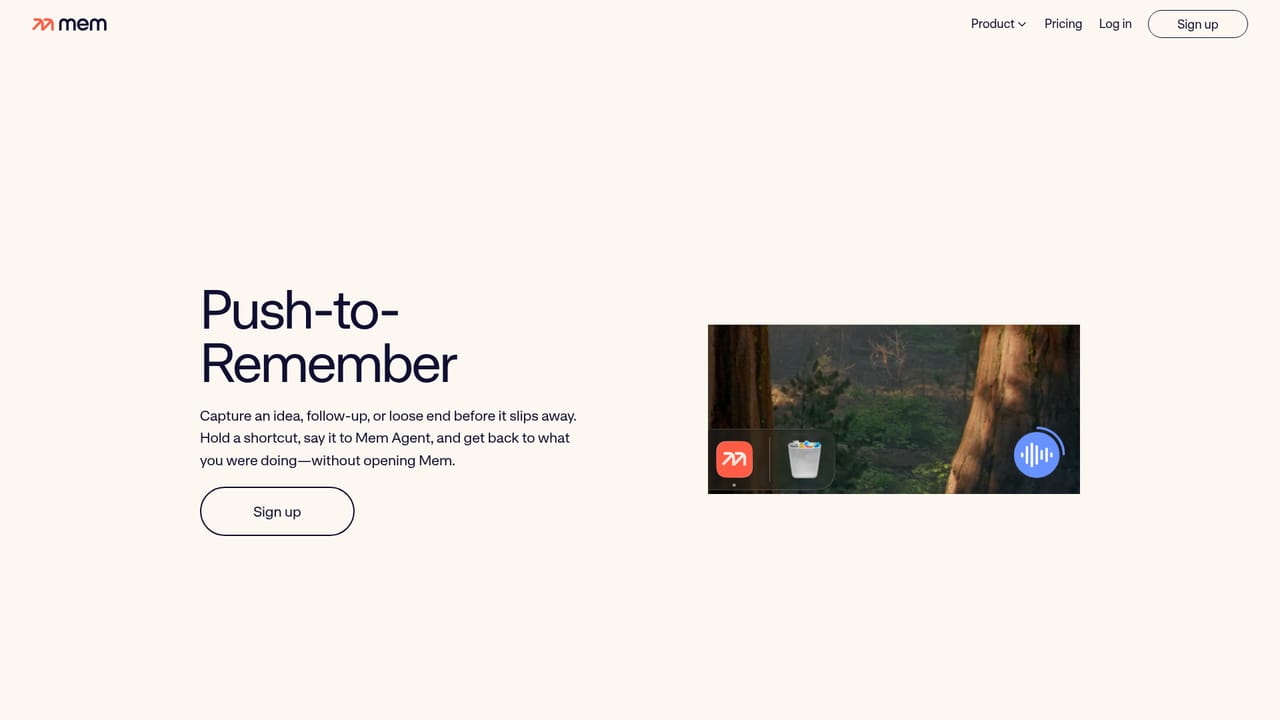
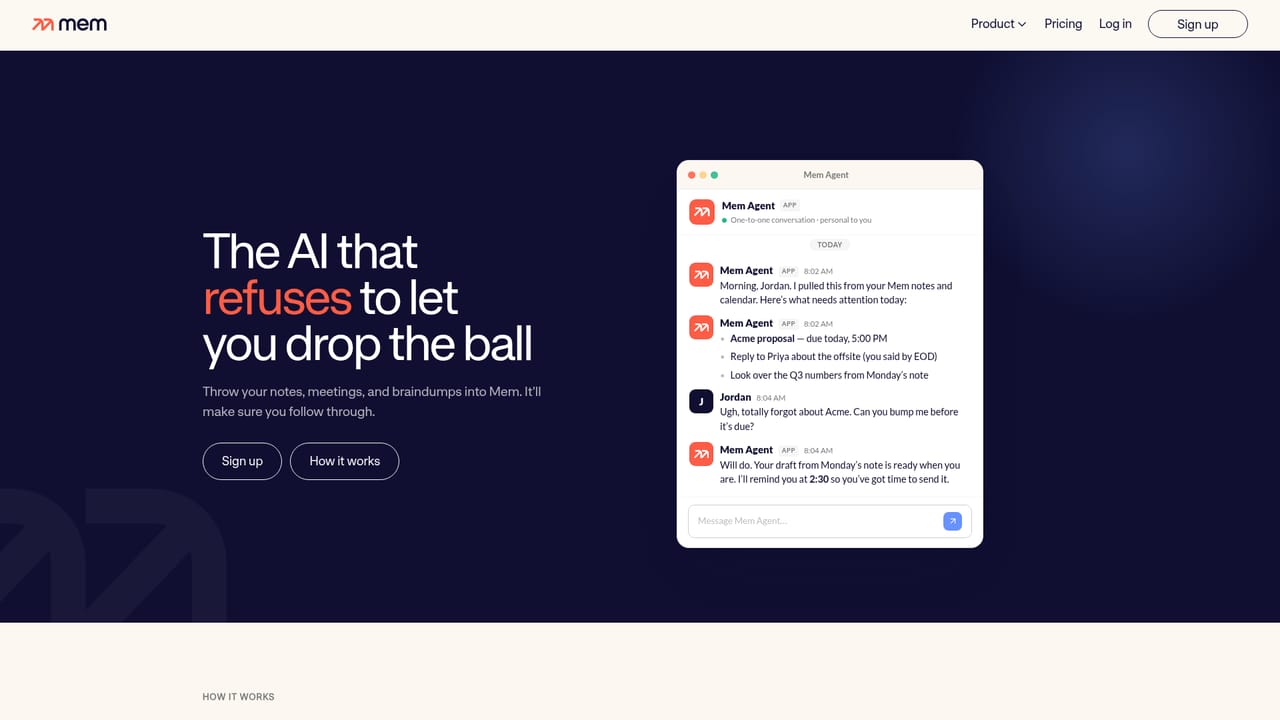
Mem pairs a self-organizing workspace with an agent that keeps a running model of your tasks, projects and goals. The premise is simple: most note tools hand the filing work to you, and most chat assistants start every conversation with amnesia. Mem reverses both. Notes, meetings, ideas and research go in without folders or tags, and the system turns them into a durable, visible memory that the agent reads, updates and reasons over in the background. Capture happens through several routes. You can type a thought out loud, clip a page from the web in one click, or record a meeting; Mem writes the notes without injecting a meeting bot into the call, then tracks decisions and follow-ups. Push-to-Remember adds a desktop shortcut on Mac and Windows: hold the key combination, speak whatever is on your mind, and the agent works out where the item belongs and when to resurface it. Because the memory lives in ordinary notes rather than an opaque chat log, you can read it, edit it and correct it directly. The agent is positioned as a chief of staff rather than a chatbot. It reviews incoming context, connects people, decisions and priorities, and reaches out when a nudge would genuinely help, for example flagging that a follow-up message should go out before an investor update. You can also query it cold: describe a half-remembered detail and it searches notes, meetings and connected sources by meaning, then drafts, summarizes or plans with the context already loaded. Calendar and a Claude connector appear in the changelog, so outside tools can feed the same memory. The fit is clearest for founders, operators, consultants and researchers whose value depends on holding a lot of loose threads. Compared with rigid wikis, Mem removes maintenance; compared with ChatGPT-style assistants, it removes the re-briefing ritual. Heavier project management suites still win on structured task tracking and reporting, and anyone who wants explicit control over every folder may find the automatic organization disorienting.
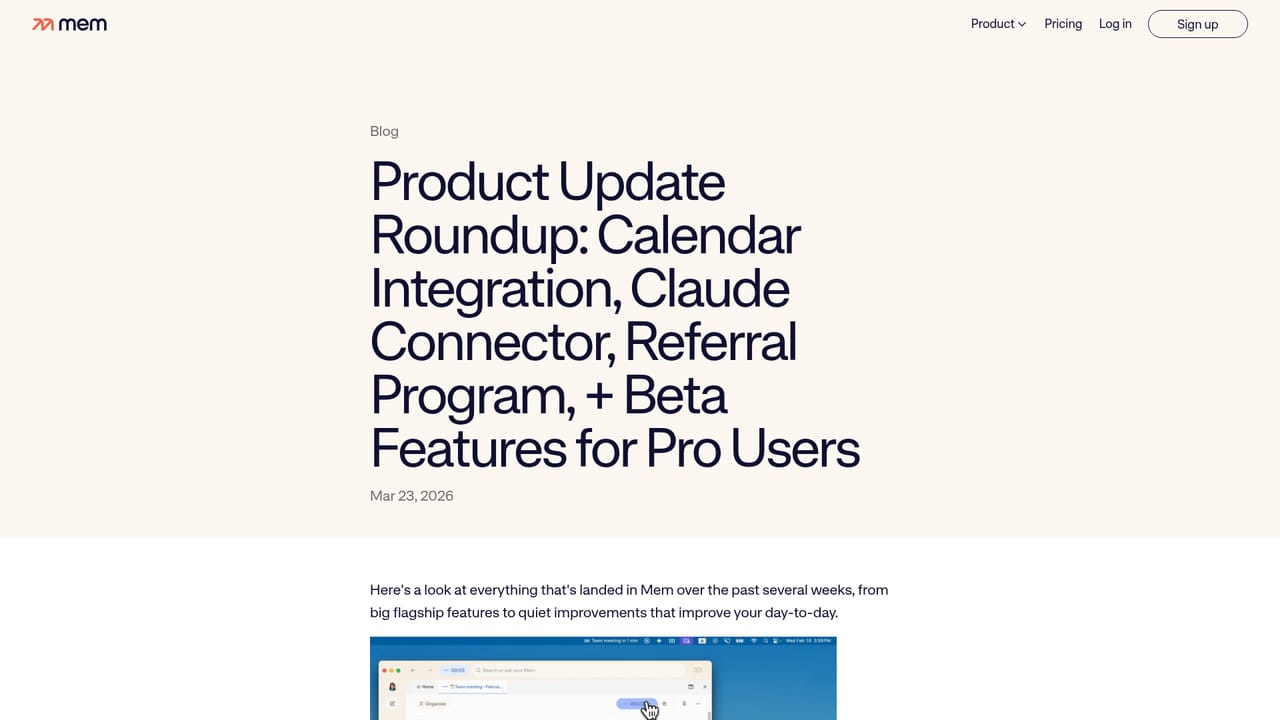
The homepage and changelog mention calendar integration and a Claude connector, letting outside tools feed the same memory. No broader integration catalog is listed.
Learn moreWorkspace with automatic organization of notes, meetings, ideas and web clips; an agent that maintains a live model of tasks, projects and goals; meaning-based recall across notes, meetings and connected sources; meeting notes written without a meeting bot; Push-to-Remember desktop capture on Mac and Windows; proactive nudges with suggested next steps; drafting, summarizing and planning from stored context.
Learn more AI Angels400+ customizable AI girlfriends for NSFW chat, voice calls, and roleplay
 Candy AIExperience the future of companionship with AI friends who chat, role-play, and connect with you on a human level.
 ourdream.aiA vast AI roleplay platform with millions of characters for chat, images, video and voiceAI Angels400+ customizable AI girlfriends for NSFW chat, voice calls, and roleplayCandy AIExperience the future of companionship with AI friends who chat, role-play, and connect with you on a human level.ourdream.aiA vast AI roleplay platform with millions of characters for chat, images, video and voice


