Free trial
A free start with 20 credits is available to anyone. Organisations with enterprise requirements can request a separate free trial by contacting contact@mexty.ai.
Learn moreDescribe a lesson, get an interactive course you can also deliver and track.

Mexty is an AI-native learning platform that turns conversational prompts into interactive courses, simulations and quizzes, then delivers and tracks them through built-in LMS features or SCORM export, with a Source of Truth layer for governance.
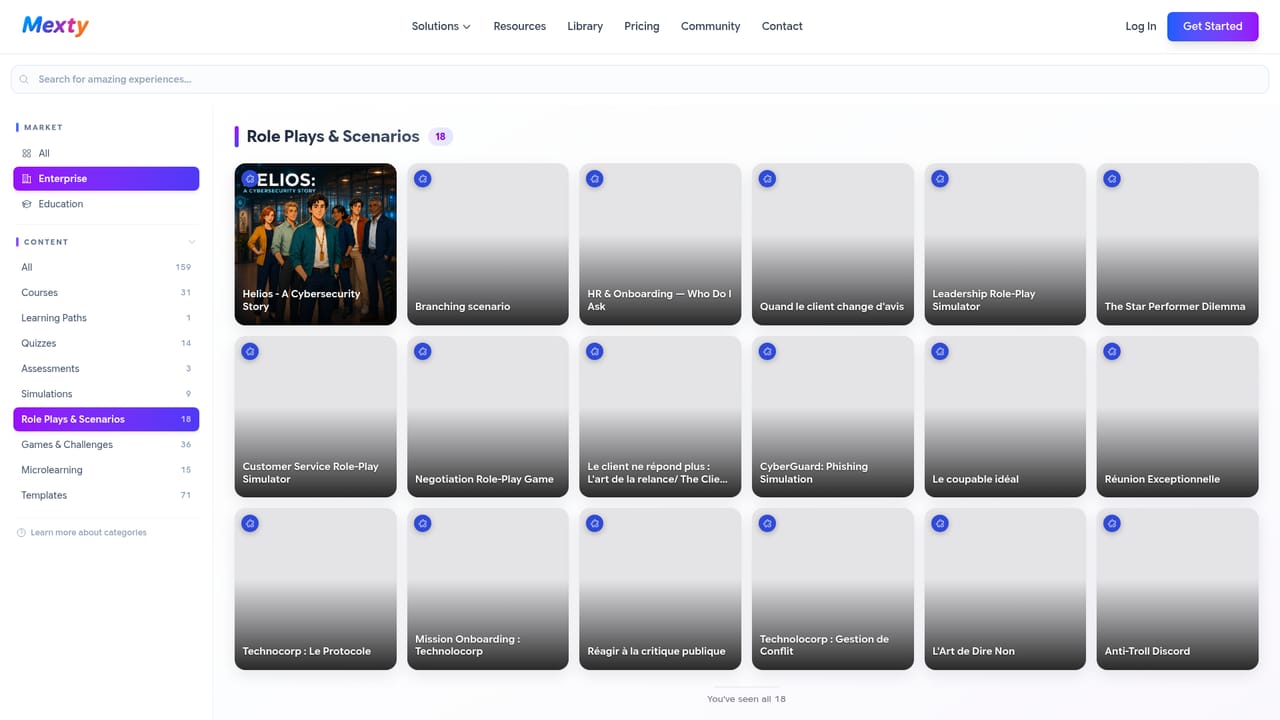
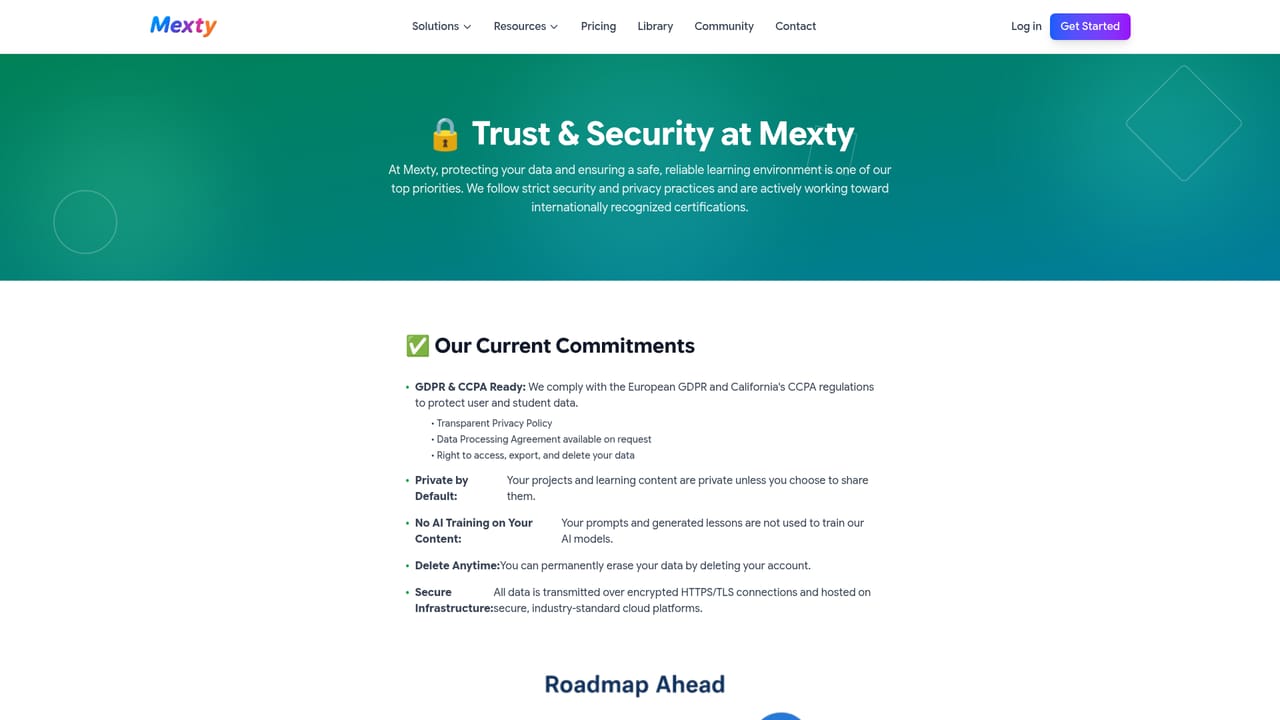
Mexty is an AI-native learning platform that combines course authoring, an LMS, and content governance in a single browser-based workspace. The starting point is a chat prompt: an instructional designer, teacher or subject matter expert types a request such as a cybersecurity simulation, a branching onboarding scenario or an adaptive math activity, and the platform returns a working interactive experience. The result is not a fixed template. Every generated element, from text and visuals to interactions, feedback, layouts and assessments, stays editable, either by hand or through further conversation. Mexty calls this approach vibe coding for learning and positions it as no-code with a very low learning curve. The product goes beyond authoring. After a module or a series of activities is built, Mexty can host it through its own LMS capabilities or export it as SCORM for an existing learning environment. Creators can assemble microlearning units, quizzes, simulations, mini-games, conversational activities and adaptive paths into longer learning journeys tied to objectives, competencies or skill gaps. Learner analytics cover engagement and progress, so the same platform handles creation, delivery and measurement rather than forcing a handoff between tools. A Source of Truth framework is the answer to AI reliability concerns. Organisations can constrain generation with validated inputs such as internal documentation, official programs, policies, academic references or knowledge bases, which keeps output aligned with approved material instead of generic training data. Media can be generated inside Mexty or imported from existing assets, brand files and course materials, so approved resources and AI output coexist in the same course. Mexty is aimed at universities, schools, corporate learning teams, training providers, workforce development organisations and independent instructional designers. It competes with traditional authoring suites on workflow simplicity and with standalone AI course generators on scope, since those tools typically stop at content production. Compliance is part of the pitch: GDPR and RGPD aligned practices, AI Act readiness, European hosting options, ISO/IEC 27001 certification and SOC 2 in progress. Independent creators can also publish and sell courses through the platform, and a shared library lets anyone fork and customise community-built activities.
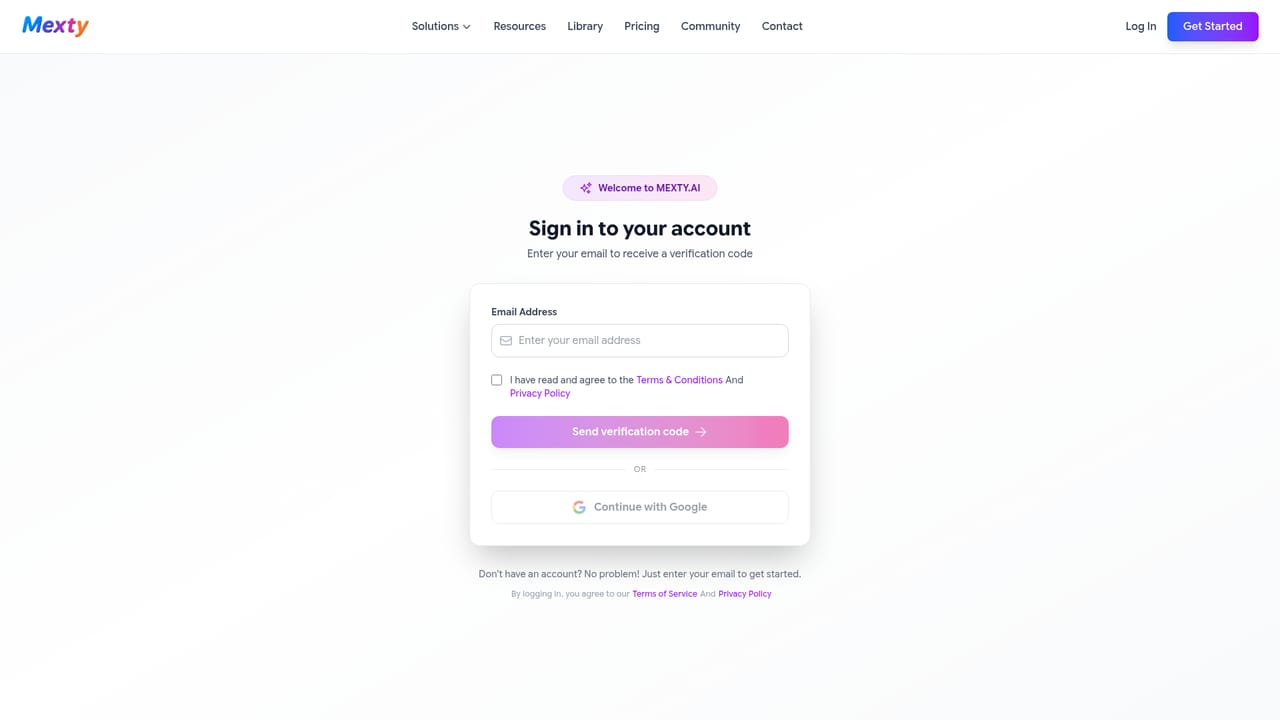
A free start with 20 credits is available to anyone. Organisations with enterprise requirements can request a separate free trial by contacting contact@mexty.ai.
Learn moreThe homepage lists a free starting point with 20 credits, described as enough to create interactive activities or courses. Paid plan tiers, subscription details and seat limits are not stated on the homepage and sit behind the pricing page. Enterprise buyers are pointed to a separate trial arrangement.
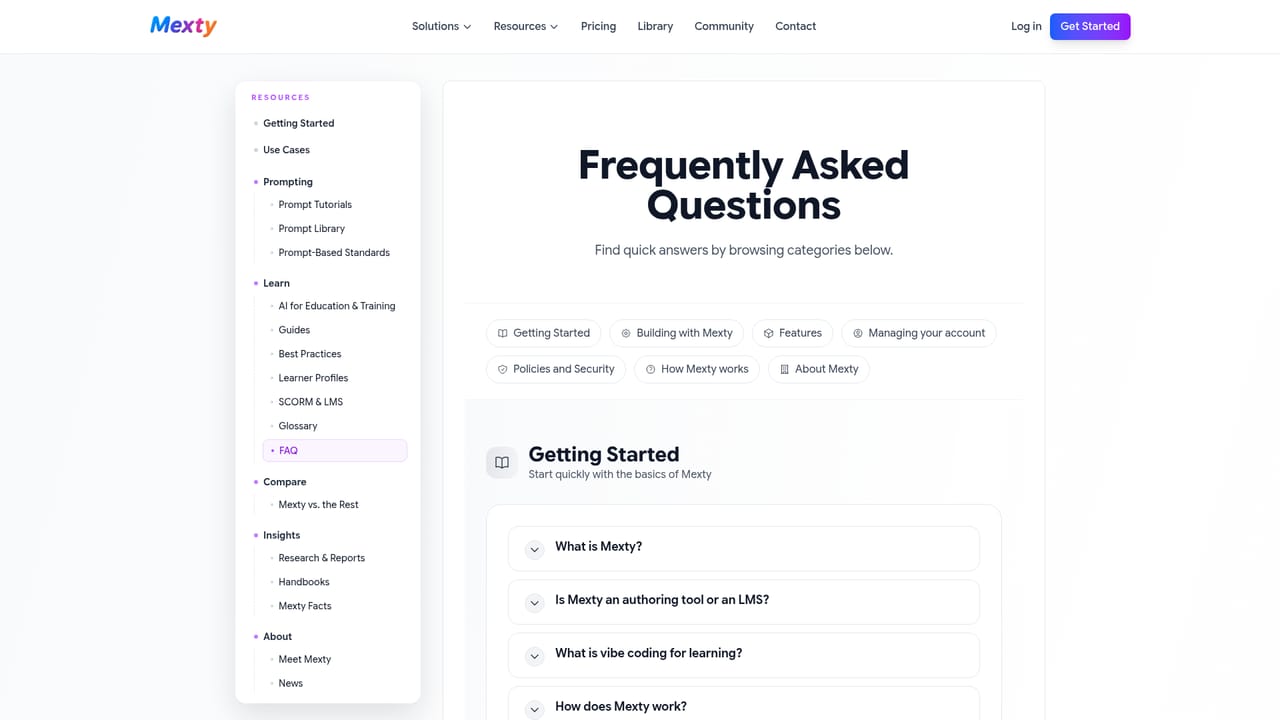
Learn moreSupport requests go through the contact page. Resources include an FAQ, a documentation hub, a Google data usage explainer, a trust and security roadmap, and a community forum and Discord.
Learn moreSCORM export and HTML output connect courses to existing LMS platforms. Optional Google connections let the AI work with Drive, Calendar and Gmail, and Google OAuth handles sign-in.
Learn moreAI-native authoring from chat prompts, vibe coding for interactive activities, assessments and quizzes, branching scenarios, simulations and mini-games, adaptive learning paths, built-in LMS delivery, SCORM export, learner analytics, a Source of Truth governance layer, AI media generation and import, a community template library, AI tutor and coaching support, and GDPR and AI Act aligned security with ISO/IEC 27001 certification.
Learn more AI Angels400+ customizable AI girlfriends for NSFW chat, voice calls, and roleplay
 Candy AIExperience the future of companionship with AI friends who chat, role-play, and connect with you on a human level.
 ourdream.aiA vast AI roleplay platform with millions of characters for chat, images, video and voiceAI Angels400+ customizable AI girlfriends for NSFW chat, voice calls, and roleplayCandy AIExperience the future of companionship with AI friends who chat, role-play, and connect with you on a human level.ourdream.aiA vast AI roleplay platform with millions of characters for chat, images, video and voice


