Miros

Product discovery that reads shopper behaviour instead of keywords

Intermediate API
Screenshot of Miros, Product discovery that reads shopper behaviour instead of keywords

What is Miros?

Miros is a behavioural product discovery layer for visual retailers. It builds a real-time intent profile from scroll, click and dwell signals, then feeds that profile to search, browse and recommendations. Vendor tests report 7 to 19 percent GMV gains and a two week deployment using JS widgets or a GraphQL API.

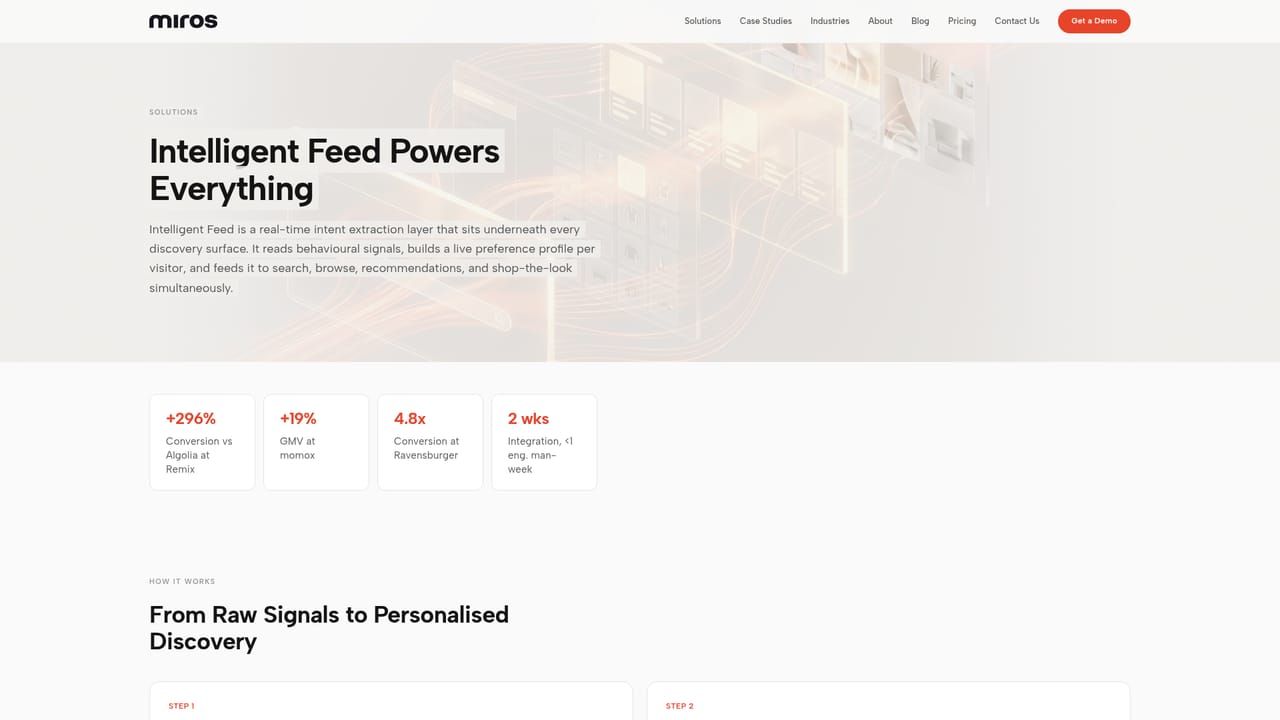
Miros is a product discovery layer for online retailers whose catalogues resist text search. The company argues that shoppers in fashion, furniture, footwear and decor largely cannot articulate what they want, so keyword boxes, filters and chatbots leave most of that intent unserved. Miros replaces the prompt with observation: it watches how a visitor scrolls, clicks, dwells and skips, then turns those signals into a live preference profile for that individual. The mechanics run in four stages. The AI first extracts thousands of visual and semantic attributes from each product image, which removes manual tagging from the setup. It then interprets behavioural signals in real time, including scroll velocity, clicks, dwell time and deliberately ignored items. Contradictory signals are reconciled into one coherent profile, and that single profile is pushed to every discovery surface at once: search, browse, recommendations and shop-the-look. Products are surfaced in under 60 seconds according to the vendor, with response times quoted between 50 and 300ms across catalogues of a billion items and above. The fit is mid-market to enterprise commerce teams in visually driven categories, plus marketplaces and second-hand platforms with large, messy inventories. Miros is positioned as a layer rather than a replacement, and the company states it works alongside Algolia, Elasticsearch or an existing stack. Published results come from randomised A/B splits across six retailers: GMV gains of 7 to 19 percent, conversion up 296 percent against Algolia in a 100K session test, and repeat purchase lifts of 30 to 56 percent. Named users include Revolve, Ravensburger, Carousell, momox fashion and PERCENTIL. The build sits between custom in-house personalisation work and prompt-based search tools such as Algolia or Google Vertex. Deployment is quoted at two weeks, with JS widgets or a GraphQL API for headless and traditional storefronts, and the vendor says the integration costs under one engineering man-week on the client side. Modules can be adopted one at a time. A working demo on your own catalogue is built before any commitment, and the average sales cycle from demo to production is given as 36 days.

How do you use Miros?

  1. 1Request a demo on your own catalogue
    Contact the team with your store details and category. Miros builds a working demo against your product catalogue rather than a generic sample set, so the evaluation happens on your inventory.
    Miros — Request a demo on your own catalogue
  2. 2Review the head-to-head comparison
    Assess relevance and conversion side by side with your current search. The vendor positions this as a direct comparison against tools such as Algolia or Google Vertex before any contract is signed.
    Miros — Review the head-to-head comparison
  3. 3Check the industry benchmarks
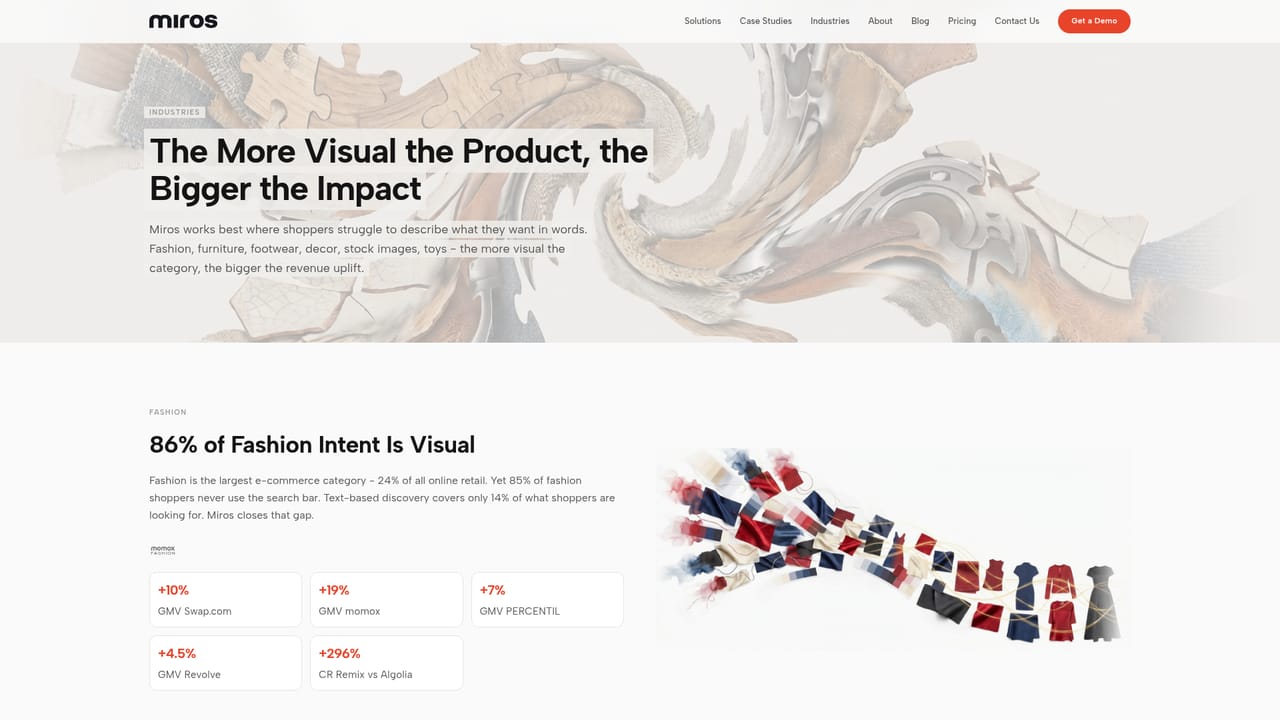
    Read the fit for your vertical. Fashion and decor show the highest visual intent share, while footwear, stock images and furniture have their own published metrics.
    Miros — Check the industry benchmarks
  4. 4Validate the numbers in case studies
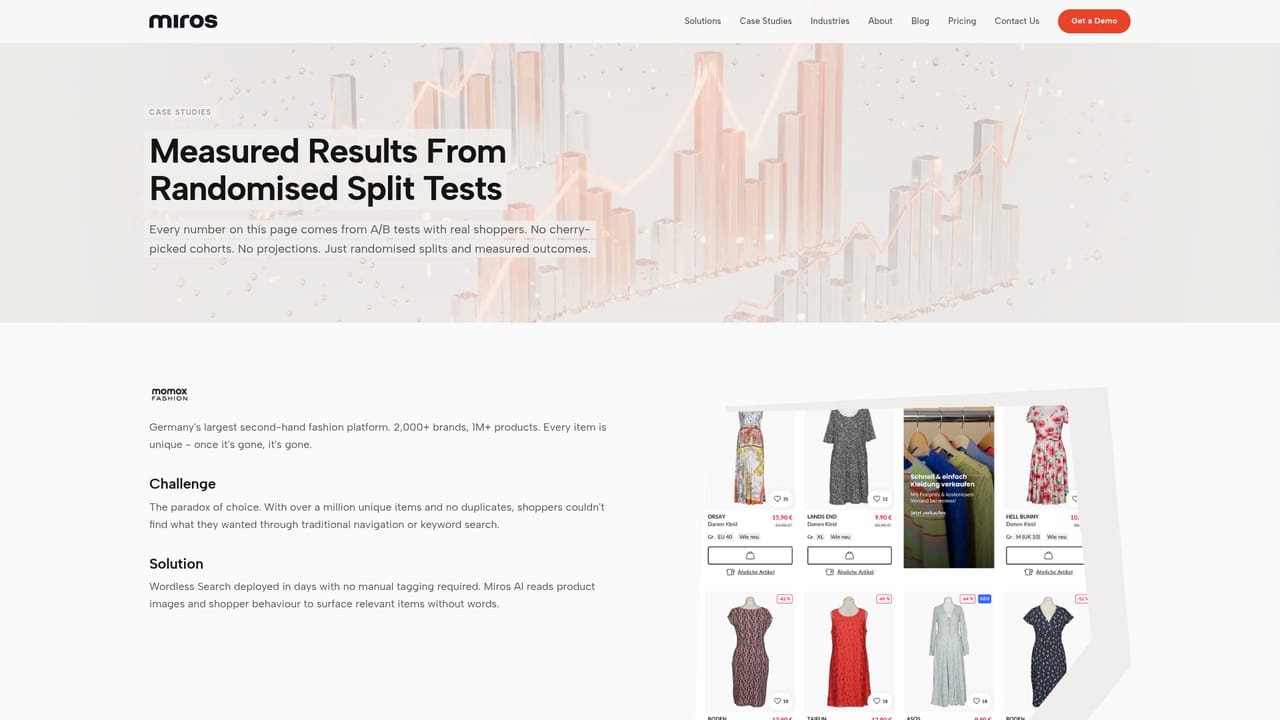
    Look at retailers of comparable size and catalogue complexity. The case studies list GMV, AOV and repeat purchase movement per brand, with test sizes where disclosed.
    Miros — Validate the numbers in case studies
  5. 5Integrate via JS widgets or GraphQL
    Choose the widget route for a traditional storefront or the GraphQL API for a headless build. The vendor quotes under one engineering man-week on the client side.
  6. 6Start with one module and expand
    Launch a single discovery surface, measure it against a control split, then extend the same intent profile to search, browse, recommendations and shop-the-look.

Pros and cons

Pros

  • Reads intent from behaviour rather than requiring shoppers to type or prompt anythingAI
  • No manual product tagging: the AI extracts visual and semantic attributes from imagesAI
  • Runs alongside existing search infrastructure such as Algolia or Elasticsearch instead of forcing a rip and replaceAI
  • Performance claims come from randomised A/B splits across six retailers, not from modelled estimatesAI
  • Modular rollout with a working demo built on your own catalogue before commitmentAI

Cons

  • No public pricing, and enterprise discovery deals of this kind are usually quoted per contractAI
  • Value concentrates in visual categories; text-heavy catalogues have less to gain from intent inferenceAI
  • Results rest on a small sample of six named retailers, several with vendor-published case studiesAI
  • Behavioural profiling depends on consent handling, which the site flags as affecting some featuresAI
  • Requires engineering time for widget or API work and analytics access for meaningful measurementAI

How much does Miros cost?

Integrations

Miros is built to sit alongside existing search infrastructure, with the site stating it works with Algolia, Elasticsearch or a current stack. Delivery options are JS widgets or a GraphQL API, covering headless and traditional storefronts.

Learn more

Features

The core product is an Intelligent Feed that builds a real-time preference profile per visitor from scroll velocity, clicks, dwell time and ignored items, then resolves conflicting signals into one profile. That profile drives search, browse, recommendations and shop-the-look together. Product attribute extraction is automatic from images with no tagging. Delivery is through JS widgets or a GraphQL API for headless and traditional stacks, with quoted response times of 50 to 300ms.

Learn more

Frequently asked questions about Miros

  • Does Miros have an API?
    Yes, Miros offers an API.
  • How do you use Miros?
    The walkthrough on this page covers 6 steps: 1. Request a demo on your own catalogue 2. Review the head-to-head comparison 3. Check the industry benchmarks 4. Validate the numbers in case studies 5. Integrate via JS widgets or GraphQL 6. Start with one module and expand.
  • What platforms does Miros support?
    Miros is available on Web App.
  • What does Miros integrate with?
    Miros is built to sit alongside existing search infrastructure, with the site stating it works with Algolia, Elasticsearch or a current stack. Delivery options are JS widgets or a GraphQL API, covering headless and traditional storefronts.
  • What are the limitations of Miros?
    No public pricing, and enterprise discovery deals of this kind are usually quoted per contract. Value concentrates in visual categories; text-heavy catalogues have less to gain from intent inference. Results rest on a small sample of six named retailers, several with vendor-published case studies.

Status

StatusActive
Views0
Outbound clicks0
Added10/21/2026

Platforms

Web App

Pricing

Paid