Free trial
Three free previews per day without an account, and a free account with starter credits that converts a preview into a saved full PRD. No card required.
Learn moreTurn customer feedback into PRDs, guardrails, and evidence-gated releases

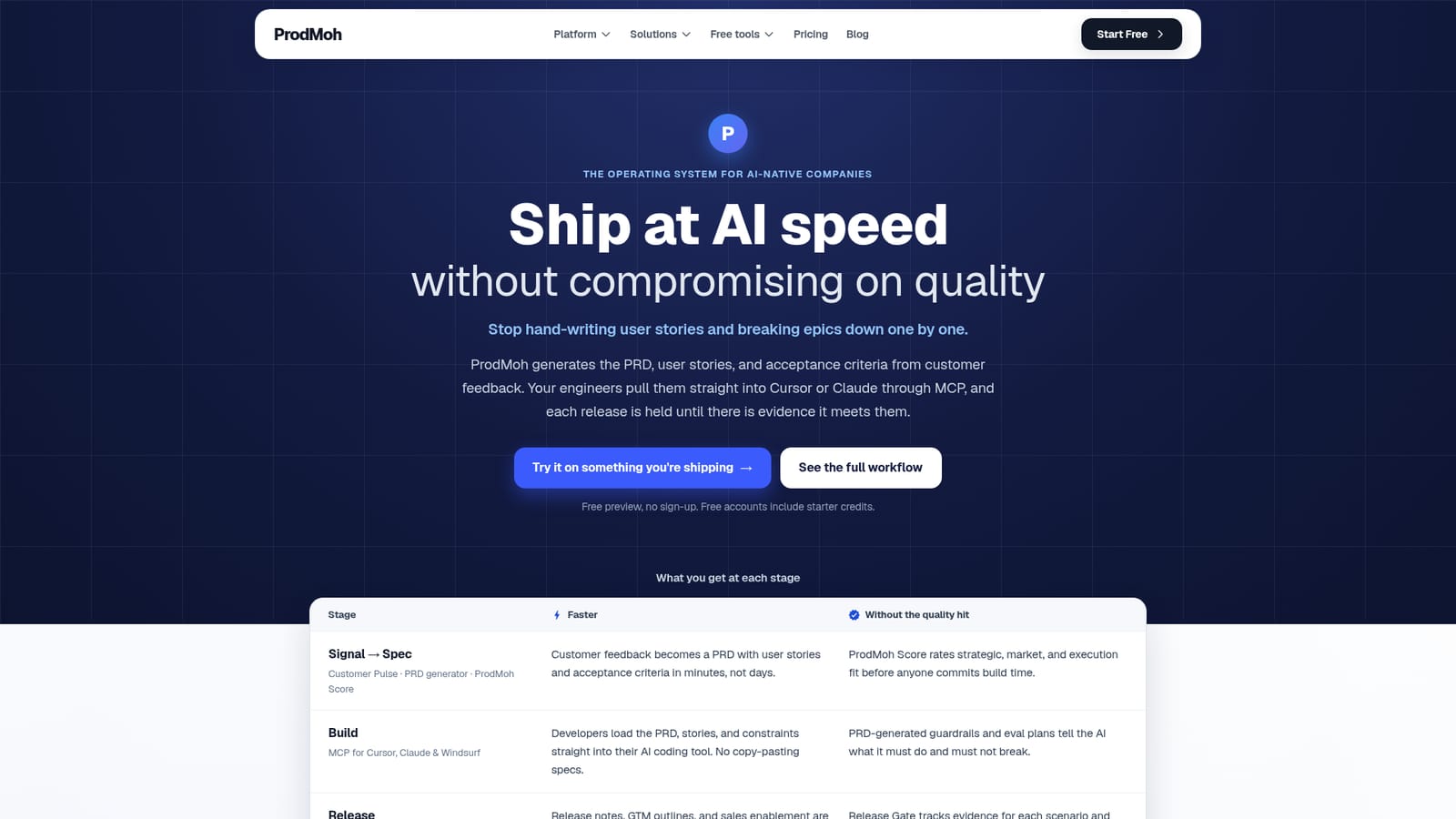
ProdMoh AI is an AI project builder tool that turns customer feedback into PRDs, guardrails, and evidence-gated releases. ProdMoh connects customer feedback to PRDs, acceptance criteria and coding guardrails, pushes them into Cursor or Claude via MCP, then gates releases on tracked evidence.
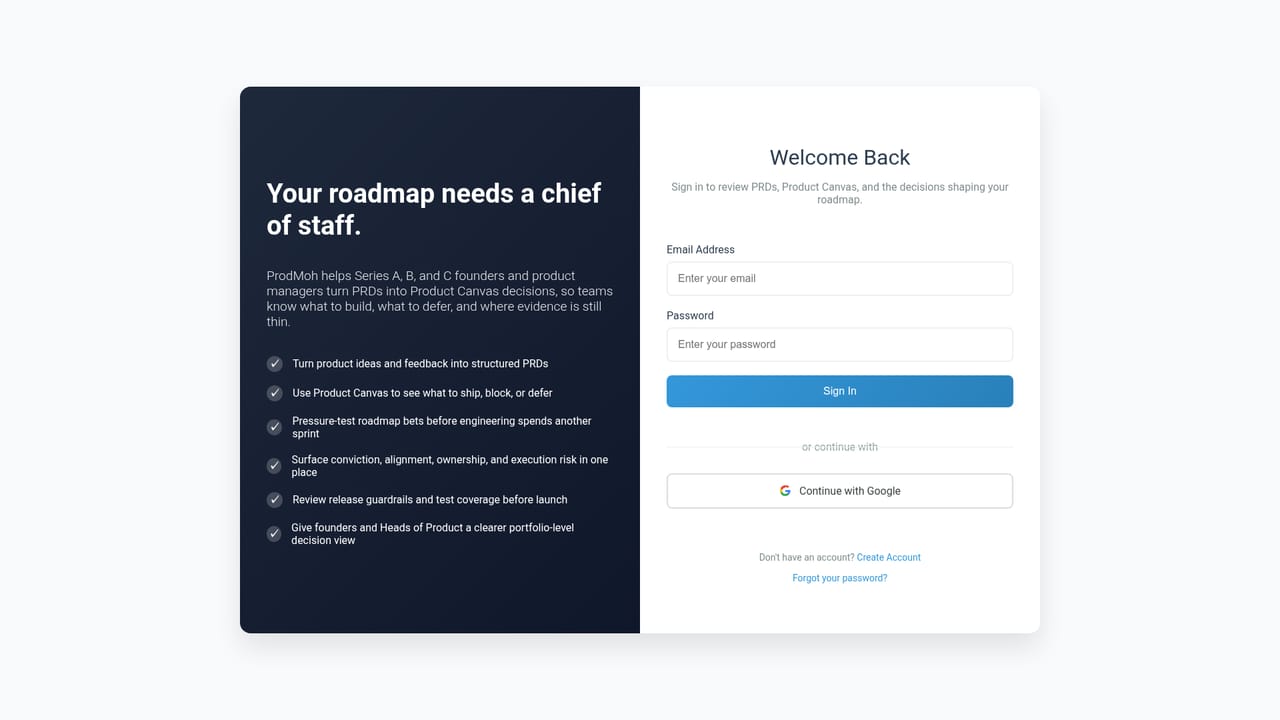
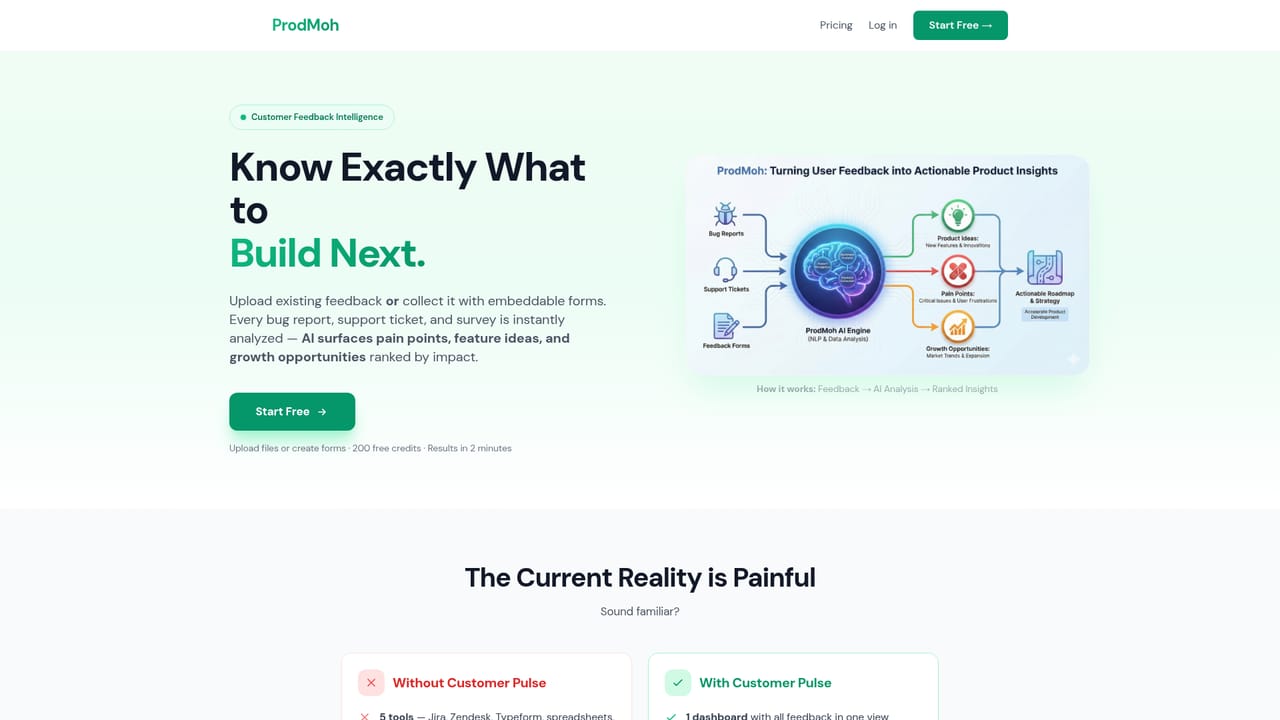
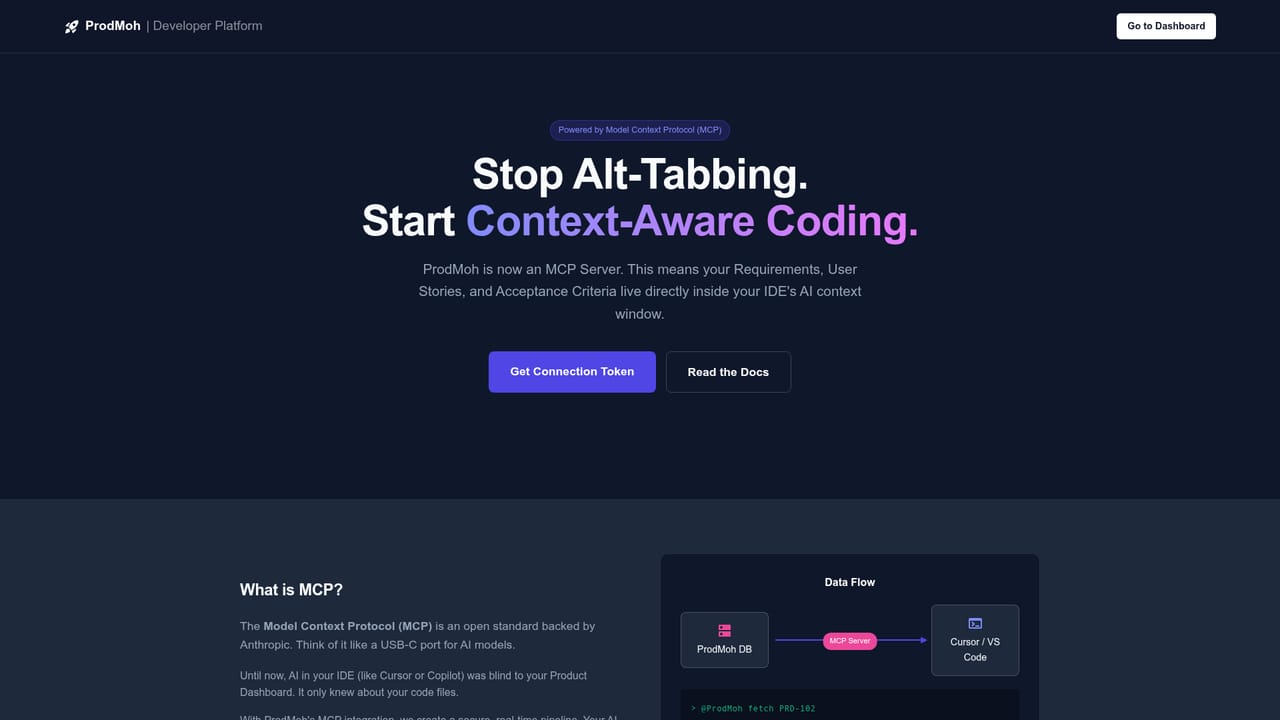
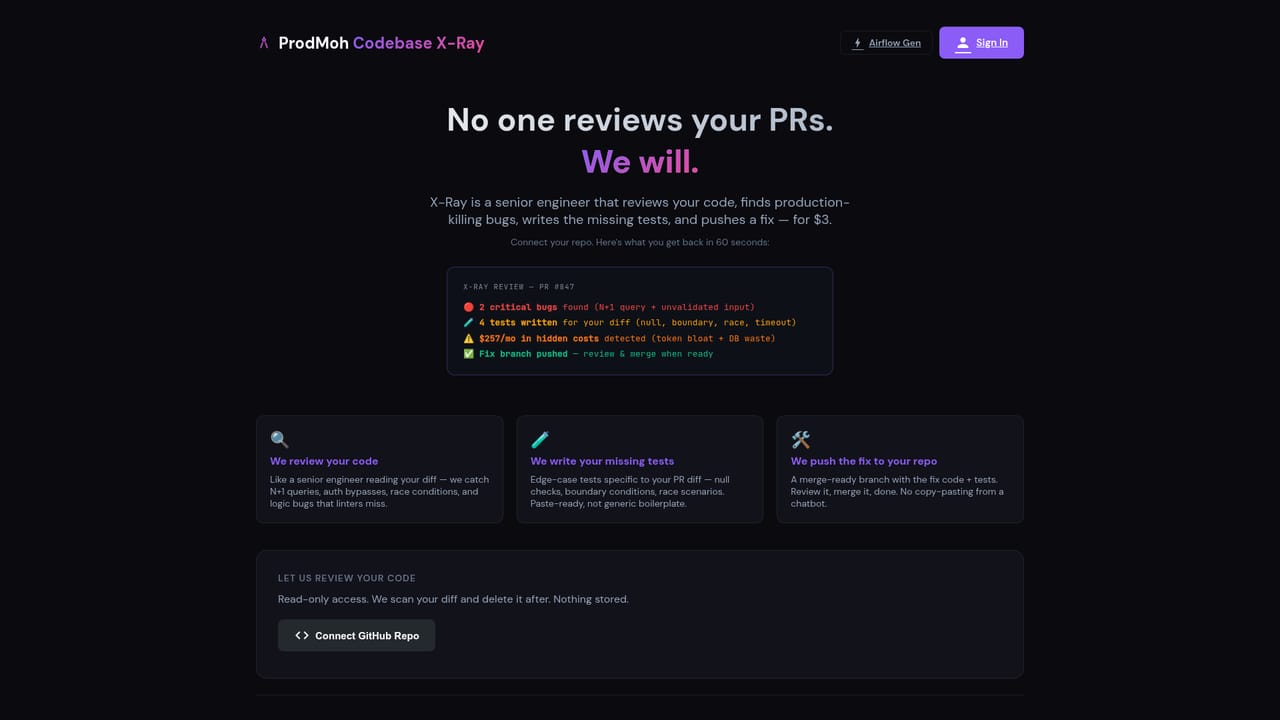
ProdMoh is a product development workspace built for teams that use AI coding assistants and want to keep a quality bar around them. The premise is straightforward: customer feedback enters as raw signal, and ProdMoh turns it into a PRD with user stories, acceptance criteria, implementation constraints and evaluation plans. Those artifacts then travel into the engineering toolchain instead of sitting in a document nobody opens. The workflow is organized in four stages. Customer Pulse groups collected feedback into themes, ideas and opportunities, and ProdMoh Score rates each proposed initiative on strategic, market and execution fit before build time is committed. From there the PRD generator produces development-ready scope with guardrails. Developers connect through MCP to Cursor, Claude Desktop or Windsurf and pull the saved PRD context directly into their assistant. On the release side, Code X-Ray flags risky diffs and Release Gate tracks evidence against each acceptance scenario, producing an approve, block or defer call. Leadership gets Product Canvas, Strategic Brief and Decision Queue for portfolio concentration, goal alignment and pending decisions. The product suits product managers, engineering leads and operations teams at companies already shipping with AI assistants. Business users can run the whole flow in the interface, while engineers can go deeper through MCP and code review. ProdMoh does not replace the coding assistant. It sits above the delivery chain as the place where intent, constraints and release evidence live, which positions it closer to product operations and requirements management than to code generation. A free preview needs no account and returns a likely decision, rationale, missing evidence and next move in roughly ten seconds. Three previews per day are available without signing up, and a free account converts a preview into a full saved PRD with acceptance criteria and guardrails.
Three free previews per day without an account, and a free account with starter credits that converts a preview into a saved full PRD. No card required.
Learn moreNo public price list is shown. The homepage describes a free account with starter credits and no card required, plus three free previews a day without an account. Paid terms are not stated.
Learn moreMCP connections for Cursor, Windsurf and Claude Desktop, with Code X-Ray for diff risk analysis. Other integrations are not named on the homepage.
Learn moreCustomer Pulse for feedback themes, ProdMoh Score for strategic, market and execution fit, PRD generation with user stories, acceptance criteria and guardrails, MCP context for coding assistants, Code X-Ray diff risk review, Release Gate evidence tracking, Launch Generator and AI Deck Builder, and Product Canvas with Strategic Brief and Decision Queue for leadership.
Learn more AI Angels400+ customizable AI girlfriends for NSFW chat, voice calls, and roleplay
 Candy AIExperience the future of companionship with AI friends who chat, role-play, and connect with you on a human level.
 ourdream.aiA vast AI roleplay platform with millions of characters for chat, images, video and voiceAI Angels400+ customizable AI girlfriends for NSFW chat, voice calls, and roleplayCandy AIExperience the future of companionship with AI friends who chat, role-play, and connect with you on a human level.ourdream.aiA vast AI roleplay platform with millions of characters for chat, images, video and voice


