MkAnime AI

Turn one premise into an anime episode, storyboard and dub included

Beginner
Screenshot of MkAnime AI, Turn one premise into an anime episode, storyboard and dub included

What is MkAnime AI?

MkAnime AI is an anime tool that turns one premise into an anime episode, storyboard and dub included. MkAnime AI is a browser studio that takes an anime premise through outline, script, character sheets, storyboard, voice, lip sync and export, with a quicker prompt-to-video path for single shots.

MkAnime AI is a browser based studio built around a single idea: story planning and anime video generation belong in the same place. Instead of writing a script in one app, boarding it in another, and stitching clips together in a third, the platform keeps writing, character design, storyboard shots, voice, lip sync and export attached to one project. The result is a workflow shaped for serialized content rather than one-off clips. Two creation paths cover different levels of ambition. Quick Anime Video is the leaner route: describe the character, action, setting and camera direction, pick a model, aspect ratio, resolution, duration and whether audio is generated, then submit. Seedance 2.5 is the model currently offered, with 16:9 and 9:16 formats and durations in the short 5 to 30 second range. The second path, the anime project, starts from a story premise and expands it into an outline, script, cast, scenes and storyboard before any final rendering, so pacing and shot order can be reviewed and individual shots regenerated. Character work is treated as infrastructure rather than a side effect. Reference sheets lock a look so the same cast stays recognizable across scenes, moods and later episodes, which is the usual failure point for indie series built from scattered prompts. Voice profiles can be assigned per character, dialogue tracks generated for multiple language releases, and lines synced back into their scenes with preview before export. The tool suits short-form creators producing vertical shorts, solo creators and small teams attempting weekly episodes, and dubbing groups preparing multilingual versions of the same footage. It competes with general text-to-video services on continuity and finishing steps, and with traditional animation pipelines on speed and cost. Its advantage is breadth inside one workspace; the tradeoff is that deep frame-level control and pipeline interoperability remain limited compared with dedicated animation software. Pricing details are not published on the homepage, so cost expectations should be checked directly before committing a series to the platform.

How do you use MkAnime AI?

  1. 1Try a single shot first
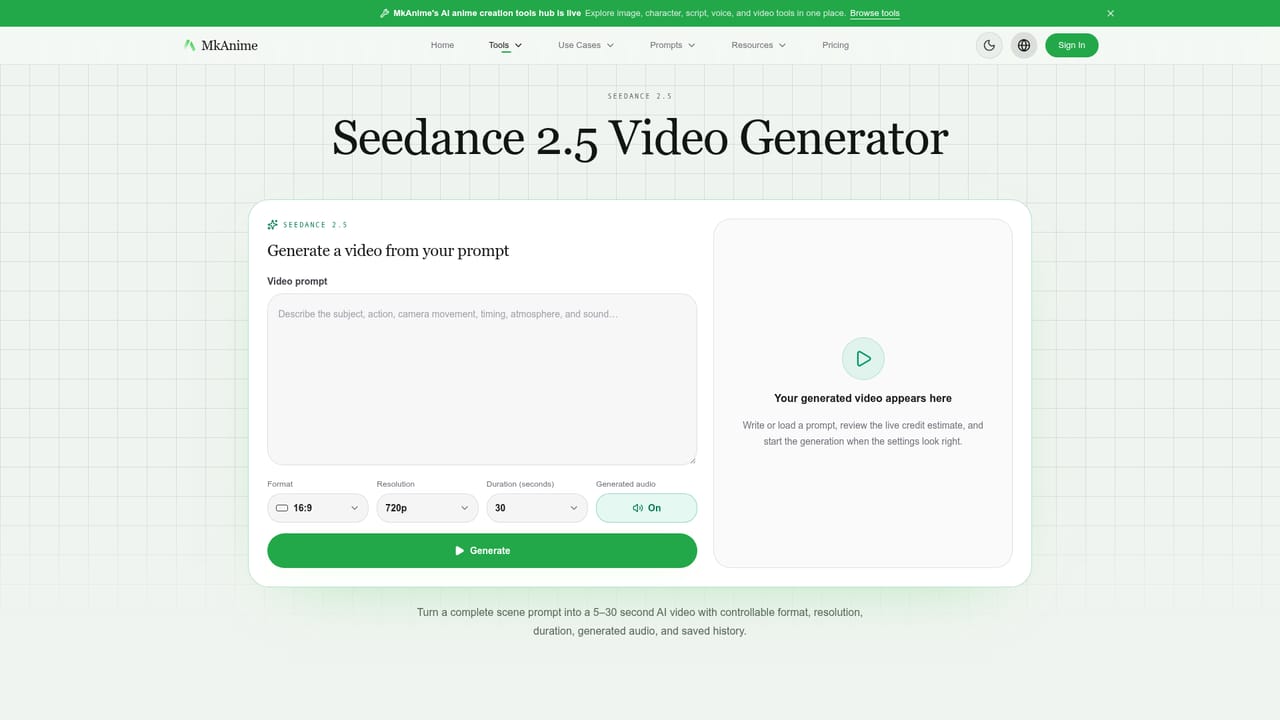
    Open the Seedance 2.5 generator and write a prompt that names the character, the action, the setting and the camera direction. Set the format, resolution, duration and audio option, then submit.
    MkAnime AI — Try a single shot first
  2. 2Review finished renders in the task view
    After submission the job continues on its detail page. Preview the completed video there and note which prompts produced usable motion before scaling up to a full project.
  3. 3Build the cast as reusable sheets
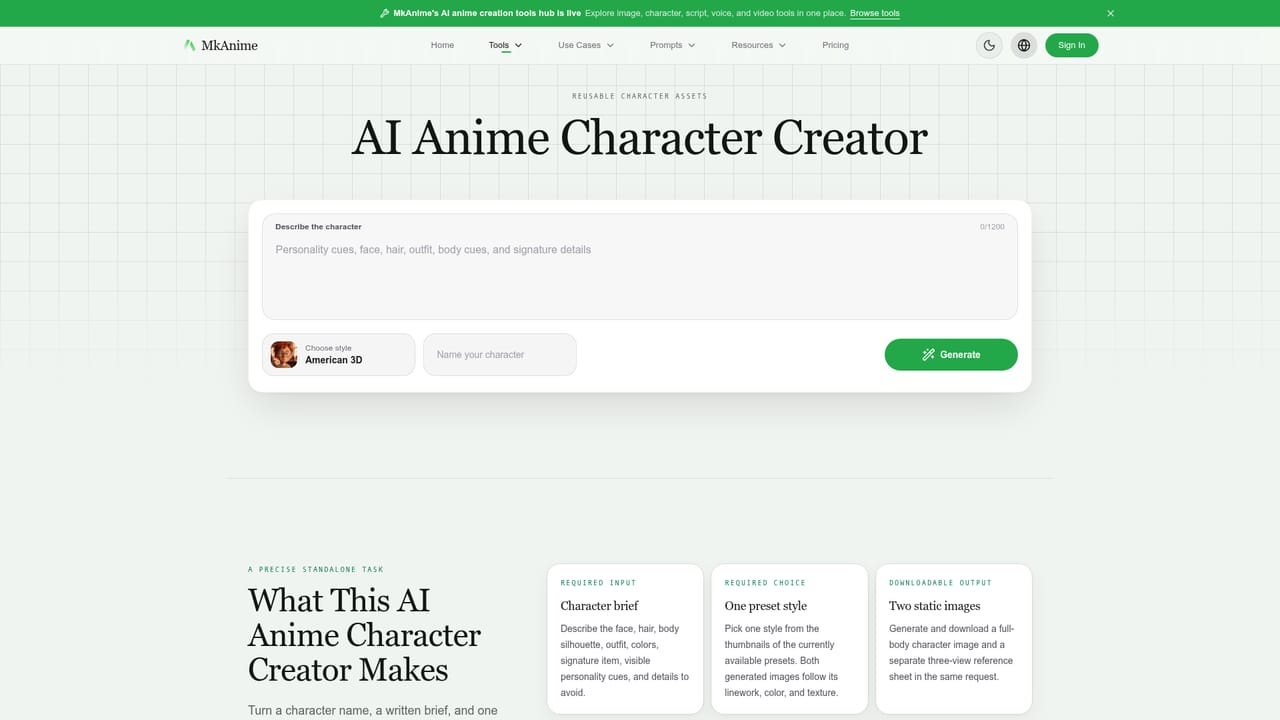
    Use the character creator to lock looks for each recurring character, capturing front and profile views so the same design can be reused across scenes and later episodes.
    MkAnime AI — Build the cast as reusable sheets
  4. 4Draft the script and outline
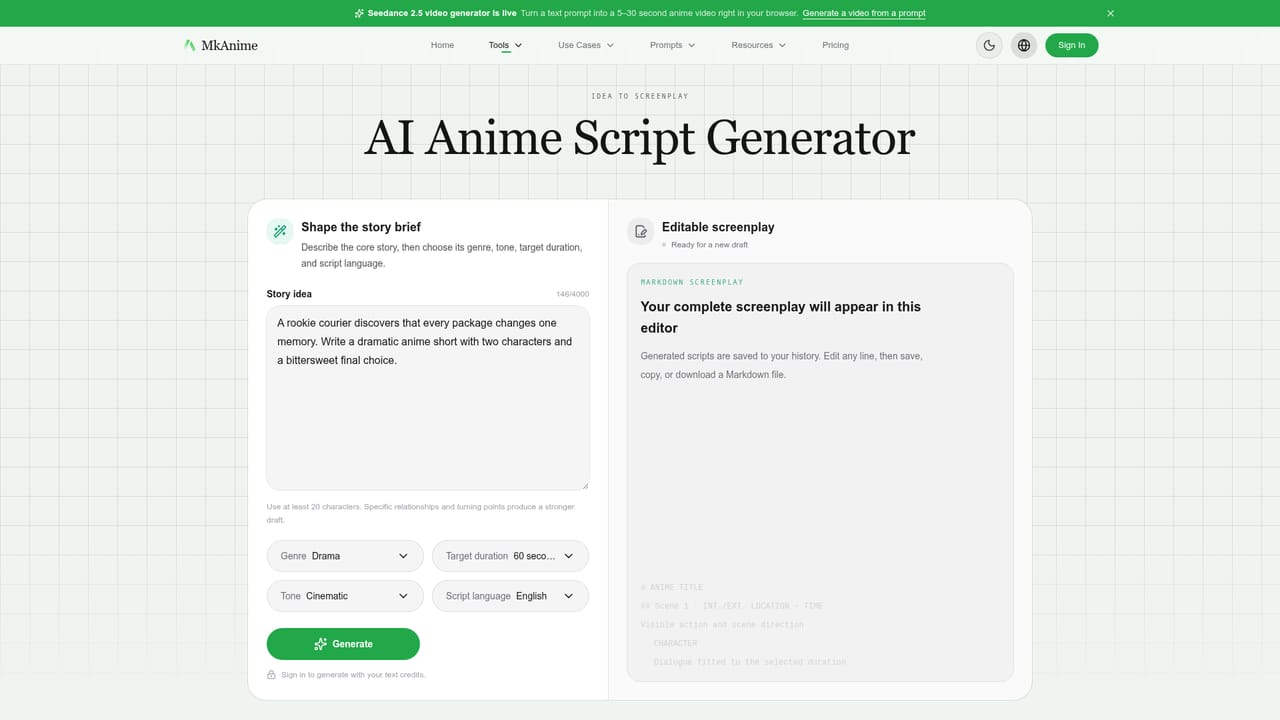
    Feed the premise into the anime script generator to get scene setup, dialogue intent and beats, then shape the outline so weekly episodes have a structure to follow.
    MkAnime AI — Draft the script and outline
  5. 5Board and adjust shots
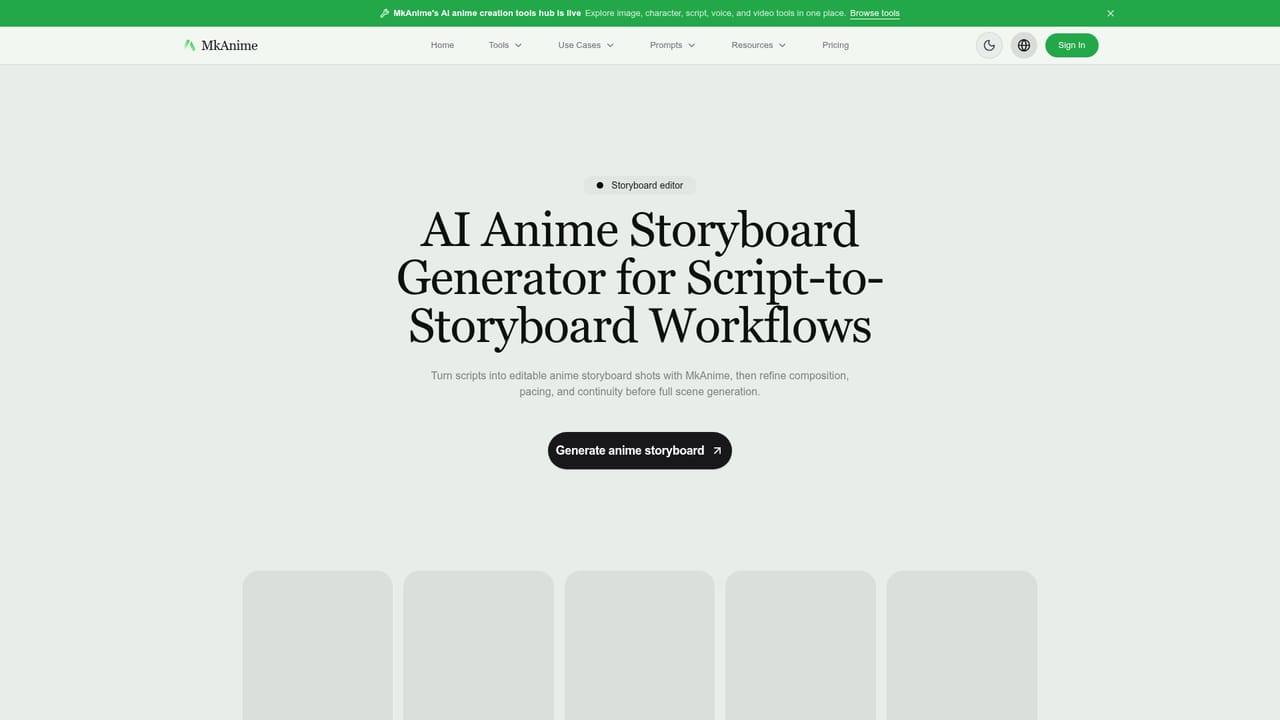
    Convert the script into storyboard shots and review framing, hook timing and beat order. Regenerate individual shots that miss before committing to full scene generation.
    MkAnime AI — Board and adjust shots
  6. 6Dub, sync and export
    Assign voice profiles to characters, generate dialogue for each language release, sync lines into their scenes and preview the dubbed result before exporting the finished episode.

Pros and cons

Pros

  • Keeps script, characters, storyboard, voice and export inside one project instead of splitting a series across separate toolsAI
  • Editable storyboard lets you judge pacing and shot order before spending time on full scene generationAI
  • Single-shot regeneration means a weak shot can be fixed without rebuilding the whole boardAI
  • Reusable character reference sheets target the consistency problem that usually breaks serialized AI animeAI
  • Multilingual dubbing plus scene-by-scene lip sync and preview make release variants practical for small teamsAI

Cons

  • No pricing information on the homepage, so plan tiers, credit costs and limits must be confirmed before budgeting a seriesAI
  • The quick video path tops out at 30 seconds, and only one video model (Seedance 2.5) is named as availableAI
  • No documented API, so teams cannot script generation or wire the studio into an existing production pipelineAI
  • Claims about character consistency and lip sync accuracy are supported by marketing copy and testimonials rather than published benchmarksAI
  • Browser-only delivery means no desktop app or offline workflow for artists who prefer local toolsAI

How much does MkAnime AI cost?

Features

Anime project workflow covering premise to outline, script, cast, scenes, storyboard and export, plus Quick Anime Video for standalone clips. Includes reusable character reference sheets, editable storyboard shots with single-shot regeneration, character voice profiles, multilingual dubbing and scene-by-scene lip sync with pre-export preview. Seedance 2.5 handles video generation with 16:9 and 9:16 formats, up to 30 second durations and optional generated audio.

Learn more

Frequently asked questions about MkAnime AI

  • How do you use MkAnime AI?
    The walkthrough on this page covers 6 steps: 1. Try a single shot first 2. Review finished renders in the task view 3. Build the cast as reusable sheets 4. Draft the script and outline 5. Board and adjust shots 6. Dub, sync and export.
  • What platforms does MkAnime AI support?
    MkAnime AI is available on Web App.
  • What are the limitations of MkAnime AI?
    No pricing information on the homepage, so plan tiers, credit costs and limits must be confirmed before budgeting a series. The quick video path tops out at 30 seconds, and only one video model (Seedance 2.5) is named as available. No documented API, so teams cannot script generation or wire the studio into an existing production pipeline.

Status

StatusActive
Views0
Outbound clicks0
Added10/21/2026

Platforms

Web App

Pricing

Freemium