Free trial
The site promotes free access and its page title references a free trial, but no trial length, credit allowance or card requirement is stated.
Learn moreTurn flat-lay product shots into on-model fashion photos and video

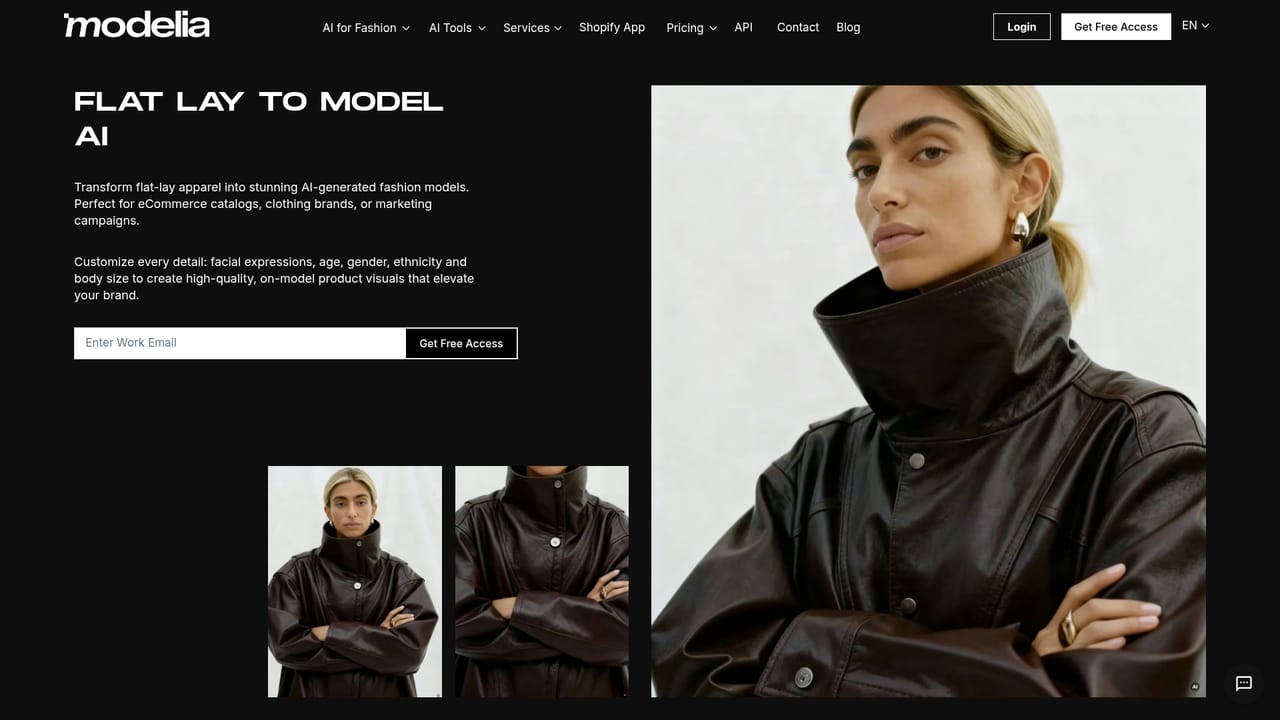
Modelia is a background tool that turns flat-lay product shots into on-model fashion photos and video. Modelia converts flat-lay, mannequin and model photos into on-model fashion imagery, adds pose, accessory and background tools, and generates short videos from stills.
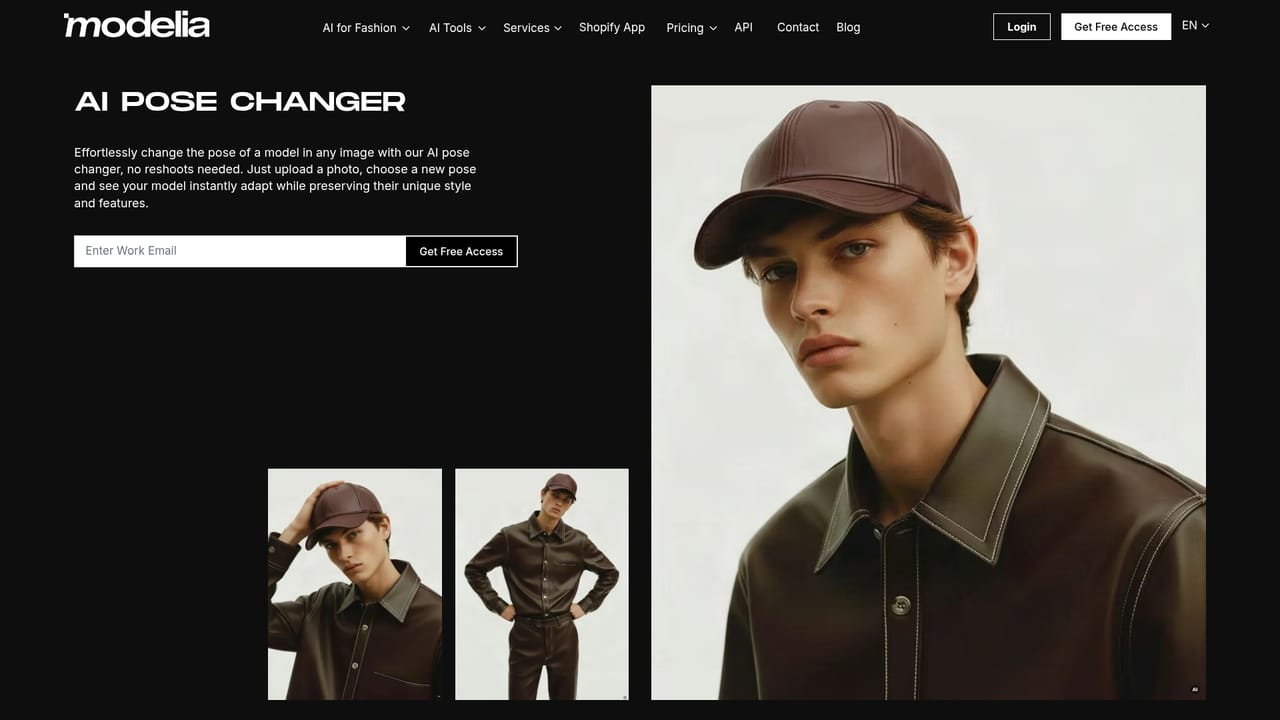
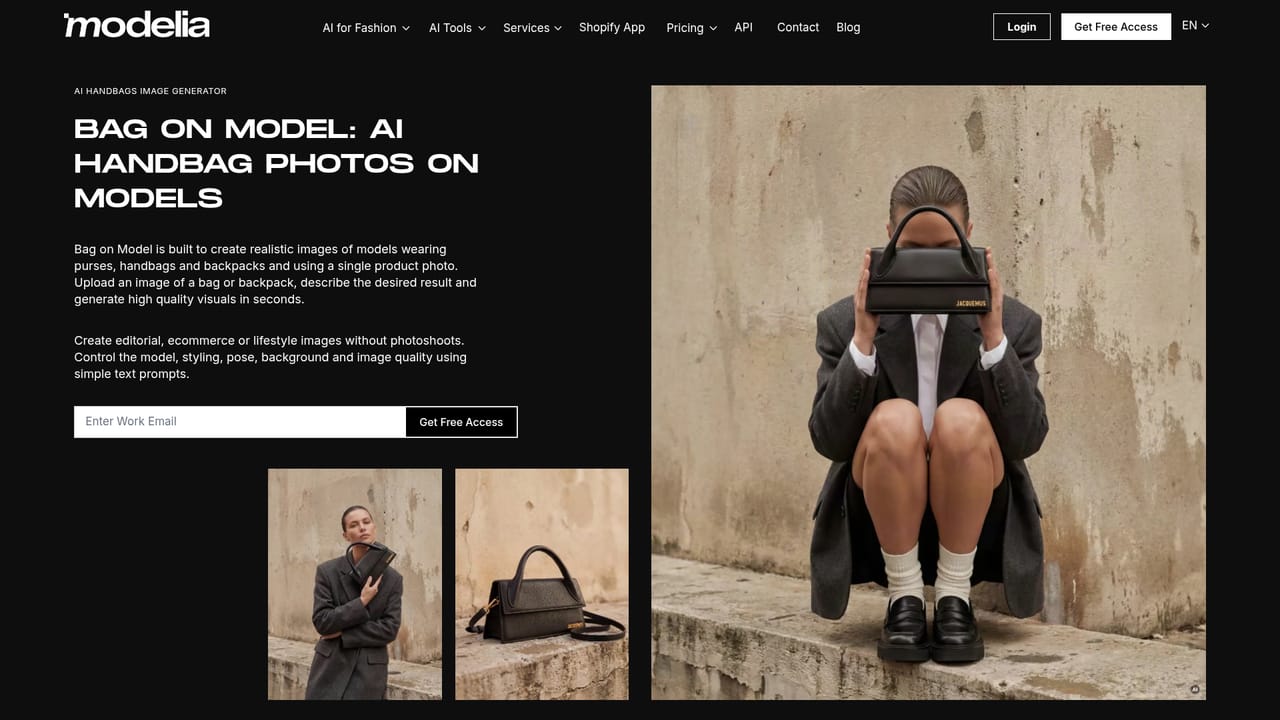
Modelia is an AI fashion imagery platform built around a single practical promise: take the product photos a brand already owns and turn them into polished on-model visuals without booking a studio, a photographer or a model. The core workflow starts with a flat-lay, a mannequin shot or an existing model image and produces clothing worn on a generated model with natural fit, drape and flow. From there the platform extends into poses, backgrounds, accessories and short video, so a catalog shoot can be assembled almost entirely from assets that already sit in the product database. The toolset is broad for a single product. Flatlay To Model, Mannequin To Model and Model To Model cover the main conversion paths, while Repose generates new poses from one image while holding the outfit and styling constant. Accessory modules handle hats, sneakers, handbags and eyewear with fitting logic tuned to each item type. Supporting utilities handle the cleanup work around a shoot: background removal and swapping, inpainting, outpainting, color changes, upscaling and facial expression adjustments. An outfit generator mixes pieces into complete looks, a virtual try-on places products on models, and the video generator animates a still image from a text prompt describing motion, camera or mood. Modelia is aimed at fashion ecommerce teams, marketplace sellers, agencies and independent labels that need volume. The published client roster includes names such as Desigual, Reebok and Forever 21 alongside smaller retailers, which suggests the product is positioned for commercial catalogs rather than casual experimentation. In practice a merchandiser uploads product imagery, selects a tool, reviews generated options and exports the results for product pages, paid social or campaign assets. Governance is a stated differentiator. Generations carry signed C2PA Content Credentials, the platform says it is prepared for EU AI Act Article 50 marking requirements, and it commits that uploads and prompts are never used to train its own or third-party models. That matters for brands with legal review around synthetic media. Compared with general image generators, Modelia trades creative breadth for fashion-specific controls and repeatable commercial output.
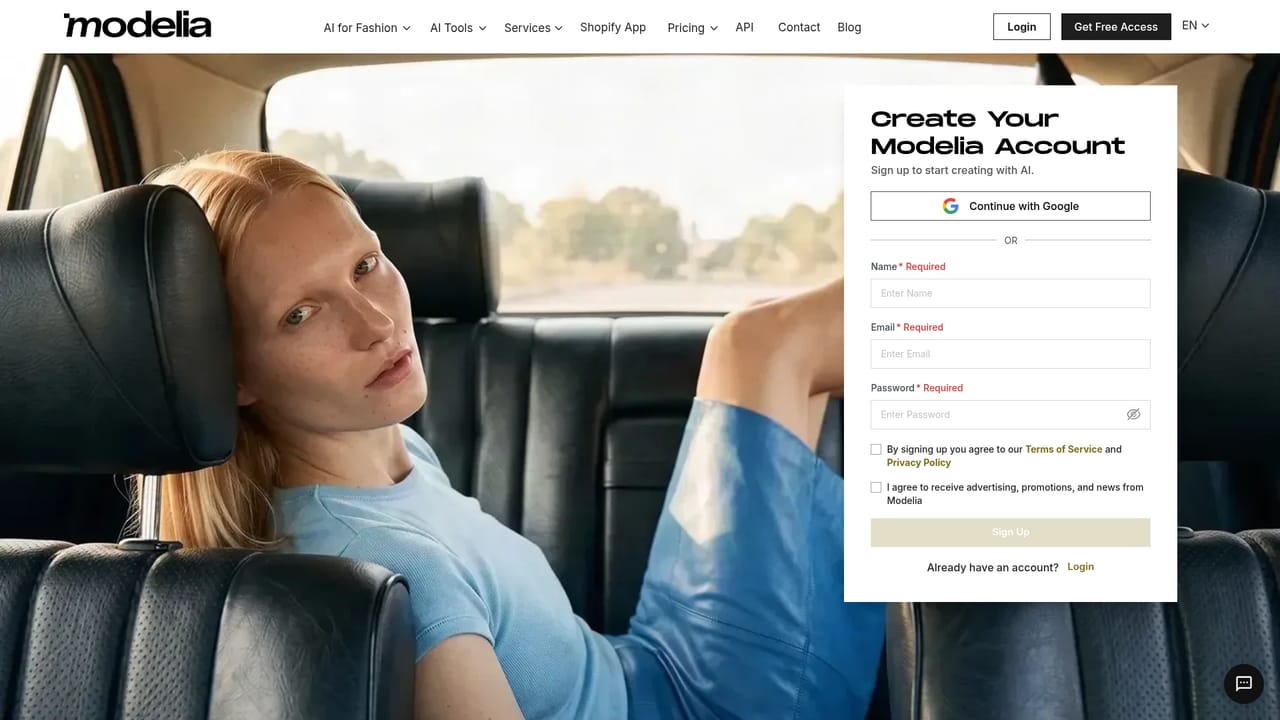
The site promotes free access and its page title references a free trial, but no trial length, credit allowance or card requirement is stated.
Learn moreA contact page is available and a demo can be booked through a scheduling link; no help centre or documentation portal is listed on the homepage.
Learn moreCore conversions cover flat-lay, mannequin and model-to-model plus pose changes. Accessory modules handle hats, sneakers, bags and glasses. Supporting tools include outfit generation, virtual try-on, background change and removal, inpainting, outpainting, upscaling, color change, sketch to image, consistent character and image description, plus a prompt-driven video generator.
 AI Angels400+ customizable AI girlfriends for NSFW chat, voice calls, and roleplay
 Candy AIExperience the future of companionship with AI friends who chat, role-play, and connect with you on a human level.
 ourdream.aiA vast AI roleplay platform with millions of characters for chat, images, video and voiceAI Angels400+ customizable AI girlfriends for NSFW chat, voice calls, and roleplayCandy AIExperience the future of companionship with AI friends who chat, role-play, and connect with you on a human level.ourdream.aiA vast AI roleplay platform with millions of characters for chat, images, video and voice