Mootion

Turn a prompt, script, image or audio file into a finished cinematic video.

Beginner
Screenshot of Mootion, Turn a prompt, script, image or audio file into a finished cinematic video

What is Mootion?

Mootion is an audio to video tool that turns a prompt, script, image or audio file into a finished cinematic video. Mootion turns prompts, scripts, images, audio and links into finished cinematic videos, with storyboard control, 3D camera moves, synced voice and music, and export of the full project for external editing.

Mootion is an AI video generator built around the idea that a single input can become a complete, watchable video. Feed it a text prompt, a full script, a still image, an audio recording, a file or a link, and the system plans the story structure, pacing, visuals and sound on its own. The homepage credits Seedance 2.5 and MiniMax H3 among the models behind it, and the company claims more than 100 million videos created by over 5 million creators across 50+ countries. The workflow is aimed at people who want scene-level control without learning a timeline editor. You can generate a storyboard first and then regenerate individual frames that miss the mark, adjust the flow, and use 3D camera controls to give shots depth. Templates are organised around real use cases rather than generic styles: marketing and social clips, education, bedtime and bilingual stories, religious and history content for kids, fitness shorts and more. Audio is treated as part of the package, with voice, music and effects arranged to match the rhythm of the edit rather than bolted on afterwards. Output is designed for mainstream platforms. Mootion produces the extras that publishing requires, including a summary you can paste into a YouTube description and generated hashtags, and it renders for desktop, tablet and mobile viewing. When a project is done you can download the final video, or export the whole story (scripts, images and clips) as a zip for editing elsewhere. Output languages cover German, English, Spanish, French, Portuguese, Japanese, Chinese, Korean, Arabic, Malay, Vietnamese, Indonesian, Thai, Russian, Italian, Greek and Kazakh. Compared with clip-level generators that return a few seconds of footage per prompt, Mootion competes on end-to-end assembly: long-form video, storyboards and exportable assets in one place. The trade-off is that it is now a paid product, and the strongest features (longer videos, watermark removal, advanced styles, priority during peak hours) sit behind a subscription.

How do you use Mootion?

  1. 1Create an account
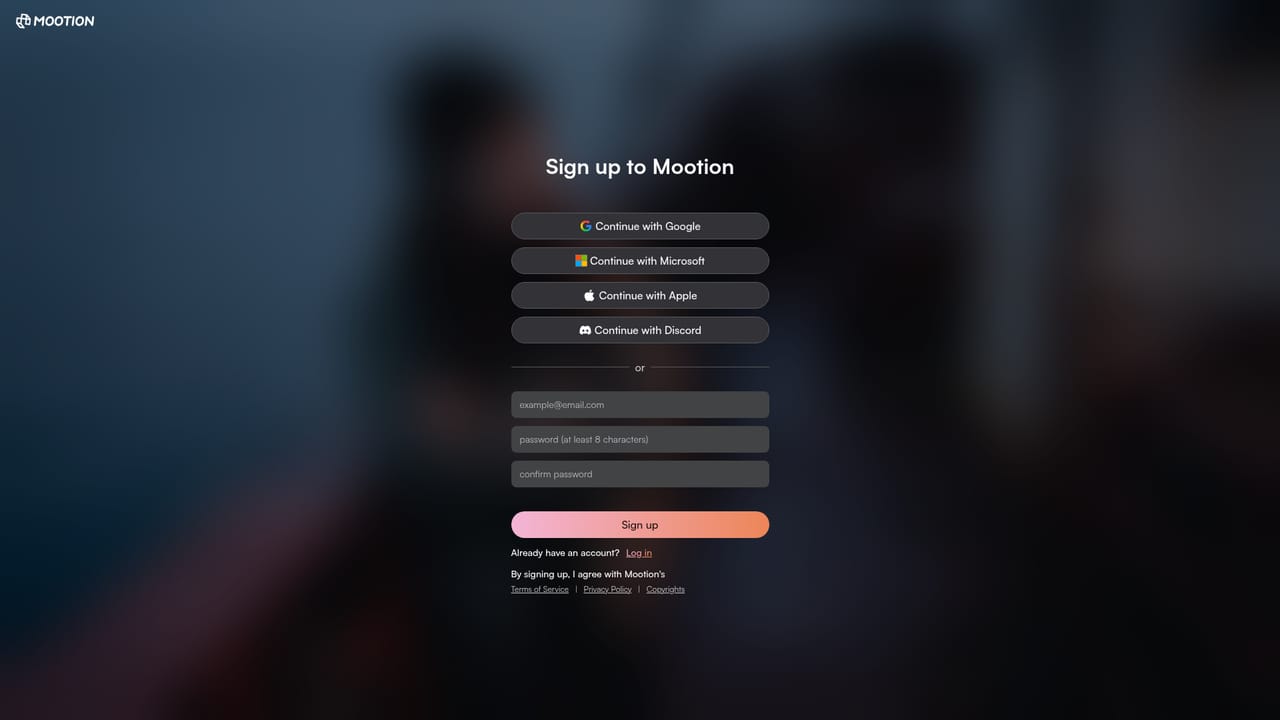
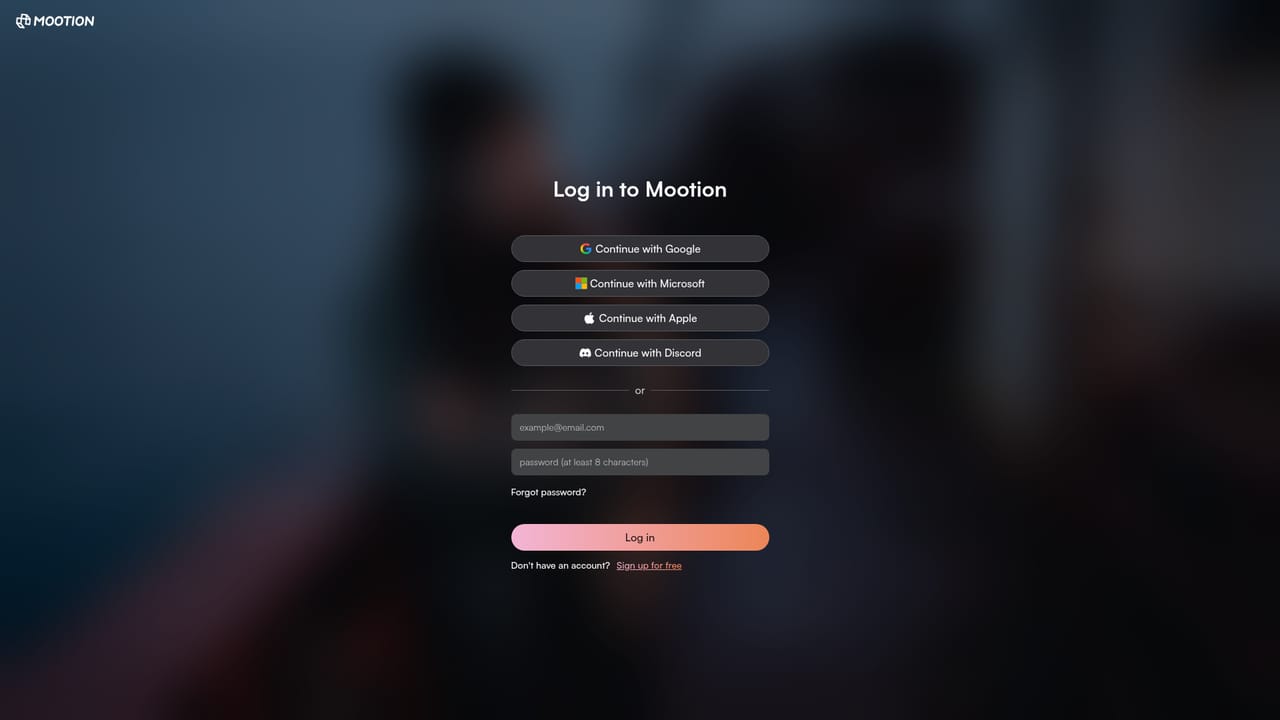
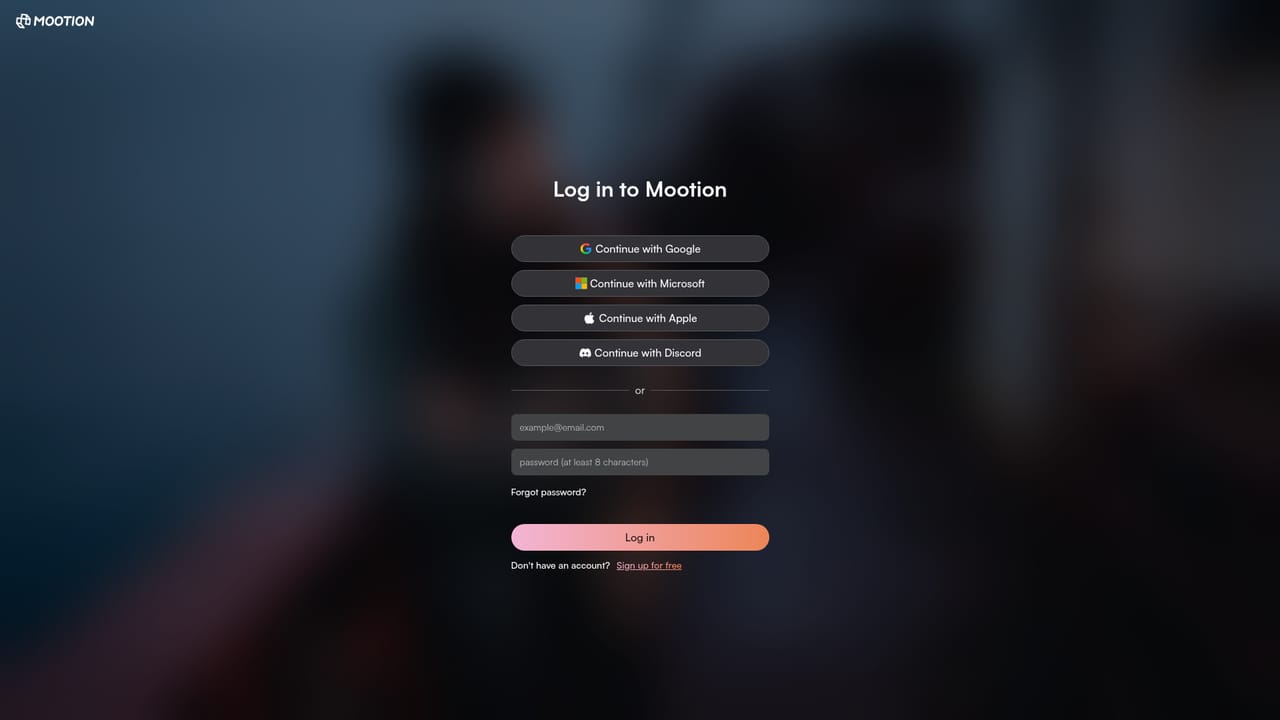
    Sign up with the Mootion storyteller app to open a workspace. Video creation and downloads require a paid plan, so sort out billing before starting a long project.
    Mootion — Create an account
  2. 2Choose a template or start from a prompt
    Pick a template from the general creation set or one tied to your use case (education, shorts, stories), then enter your idea as text, script, image, audio or link.
    Mootion — Choose a template or start from a prompt
  3. 3Review the storyboard and regenerate weak frames
    The AI returns a storyboard with cinematic images. Regenerate any frame that misses the brief before committing to full video generation.
  4. 4Adjust the edit and audio
    Use the in-product controls to refine pacing and camera movement, and check that voice, music and effects line up with the scenes.
  5. 5Export the video and project files
    Download the finished video, and optionally the whole story (scripts, images and clips) as a zip for third party editing.
  6. 6Upgrade for longer videos and watermark removal
    If you hit limits on length or styling, move to a higher plan from the workspace plan page to unlock premium features and more credits.
    Mootion — Upgrade for longer videos and watermark removal

Pros and cons

Pros

  • Handles long-form output rather than isolated clips, planning structure, pacing, visuals and sound from one inputAI
  • Scene-level control with storyboard regeneration lets you fix individual frames instead of rerolling the whole videoAI
  • Downloads include the full story (scripts, images, clips) as a zip, which keeps you free to finish in another editorAI
  • Publishing extras such as descriptions and hashtags come prebuilt, cutting the post-production adminAI
  • Template library is unusually specific, covering teaching, bedtime, bilingual, religious and fitness formatsAI

Cons

  • Mootion is a paid product: creating and downloading videos requires a paid plan, so there is no usable free tierAI
  • The homepage does not publish prices, credit allowances or video length limits, so you have to open the pricing page to judge costAI
  • No API is documented on the site, which rules it out for teams wanting to automate video generation in their own pipelineAI
  • Quality is model-dependent (Seedance, MiniMax and others), and the site gives no detail on how outputs differ between themAI
  • Free-form control is limited compared with a dedicated timeline editor, so precise cuts and compositing still need another toolAI

How much does Mootion cost?

Pricing

Mootion is a paid product: creating and downloading videos requires a paid plan. Paid tiers add more credits, longer videos, watermark removal, advanced styles and priority access during peak hours. The homepage does not list prices or credit amounts.

Learn more

Support

Support is reachable by email at support@mootion.com, with an FAQ, tutorial library, blog, Discord community, YouTube channel and a feature request route linked from the site.

Learn more

Features

One prompt can generate a full-length video, with story planning, pacing, visuals and sound handled end to end. Inputs include prompts, scripts, audio, video, files and links. Hundreds of use-case templates, storyboard generation with frame regeneration, 3D camera control, synced voice and music, output in 17 languages, and zip export of scripts and clips.

Learn more

Frequently asked questions about Mootion

  • How much does Mootion cost?
    Mootion is a paid product: creating and downloading videos requires a paid plan. Paid tiers add more credits, longer videos, watermark removal, advanced styles and priority access during peak hours. The homepage does not list prices or credit amounts.
  • How do you use Mootion?
    The walkthrough on this page covers 6 steps: 1. Create an account 2. Choose a template or start from a prompt 3. Review the storyboard and regenerate weak frames 4. Adjust the edit and audio 5. Export the video and project files 6. Upgrade for longer videos and watermark removal.
  • What platforms does Mootion support?
    Mootion is available on Web App.
  • What are the limitations of Mootion?
    Mootion is a paid product: creating and downloading videos requires a paid plan, so there is no usable free tier. The homepage does not publish prices, credit allowances or video length limits, so you have to open the pricing page to judge cost. No API is documented on the site, which rules it out for teams wanting to automate video generation in their own pipeline.

Status

StatusActive
Views0
Outbound clicks0
Added10/21/2026

Platforms

Web App

Pricing

PaidSubscription