Free trial
A free tier provides 6 one-time credits for one watermarked preview up to 10 seconds long. No credit card is required to start, but export needs a credit pack or subscription.
Learn moreTurn any website into an on-brand marketing video

Motionflare is a generative video tool that turns any website into an on-brand marketing video. An AI video generator that reads a public URL or a one sentence brief and returns an on-brand marketing video: motion graphics built from real screenshots, logo and colors, or a 5 to 45 second live action commercial with voiceover and music.
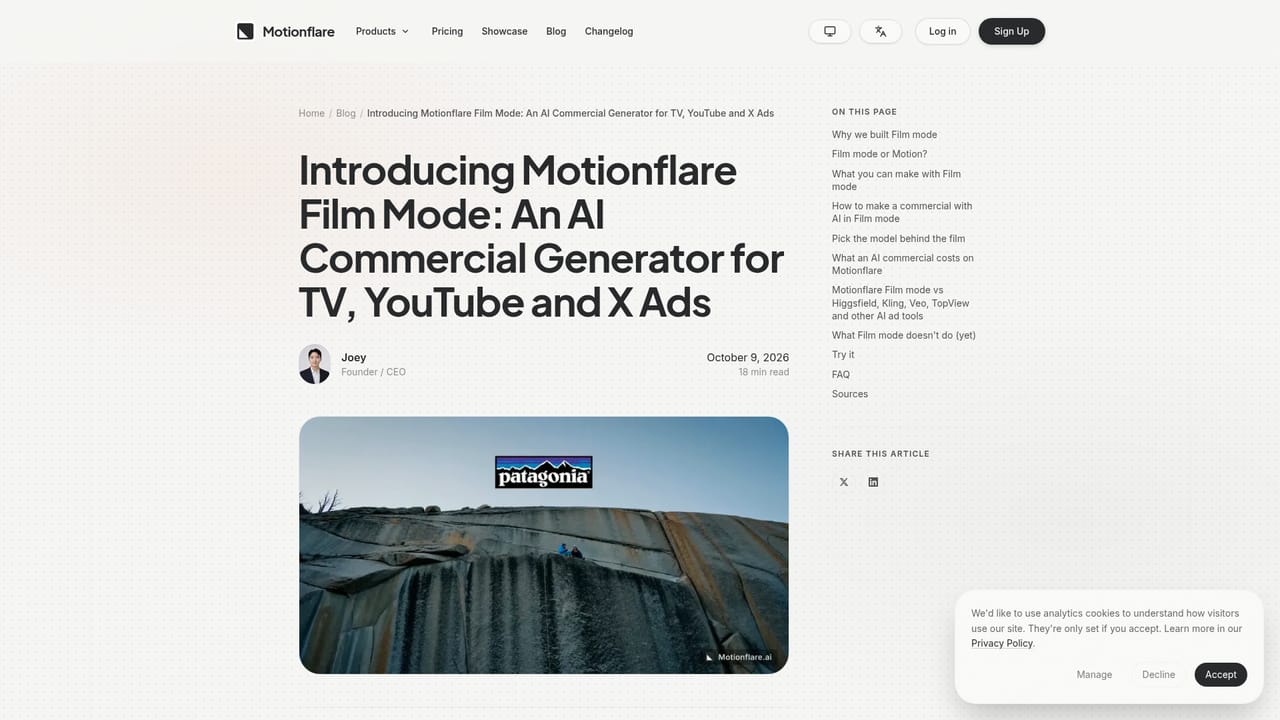
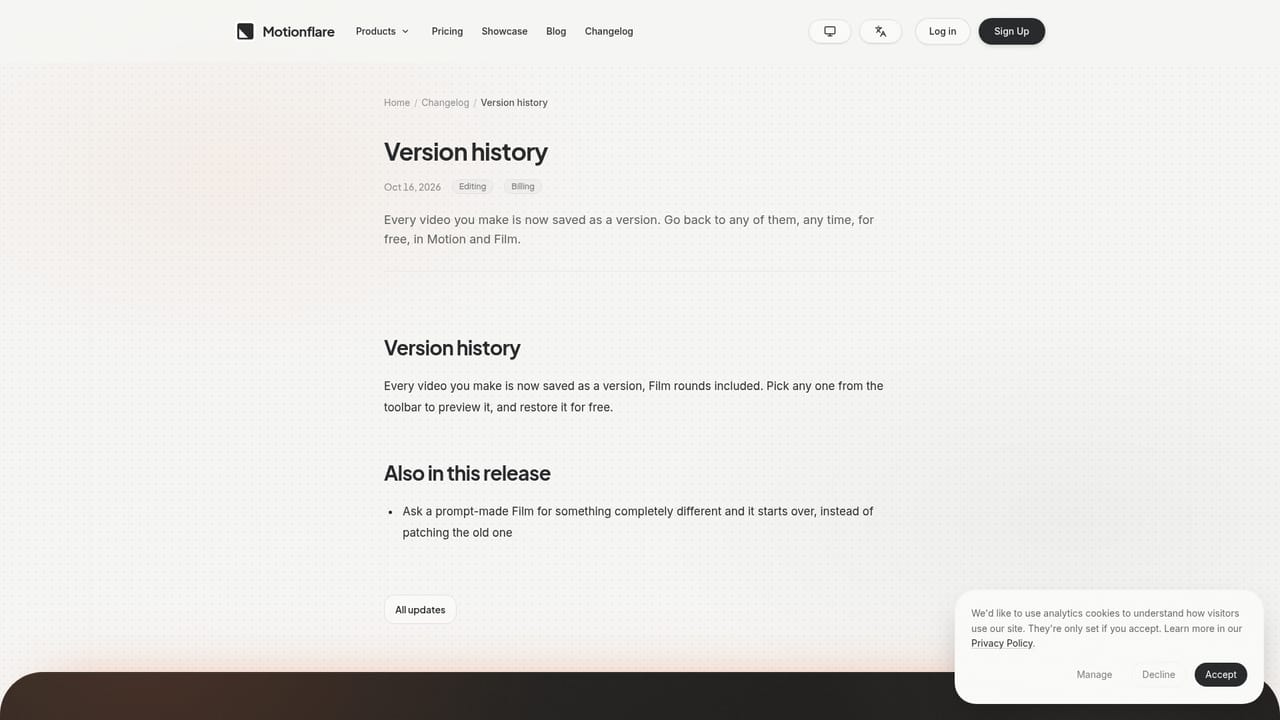
Motionflare is an AI video generator built for one specific job: giving a product or website a marketing video without a motion design team. A public URL or a single written sentence is the entire input. The system reads the page, pulls the real logo, colors, copy and interface screenshots, and assembles a finished video with a soundtrack written for that cut. Narration can be added or left out. The output looks like brand material because the brand assets are the source, not a generic template. Two production modes cover different needs. Motion mode produces motion graphics videos rendered frame by frame from real type and product imagery, which is where the genuine UI screenshots appear. Film mode produces live action style commercials of 5 to 45 seconds in 16:9 or 9:16, up to 4K, with believable people, voiceover, sound effects and music generated in the same pass. Film mode is the right pick for TV, YouTube and X ad placements; Motion mode suits product demos and launch clips where viewers need to see the actual app. The practical audience is founders and small marketing teams shipping a launch under time pressure. Showcase examples run from short fifteen second product clips to brand commercials for recognizable companies. Credits govern generation and export: creating and previewing stays free, and every video is stored as a version that can be reopened later at no cost. Arabic with Modern Standard Arabic voiceover and right to left interface support is available. Against text to video tools that invent footage, Motionflare's differentiator is fidelity to an existing brand: real UI, real logo, real copy. The tradeoff is scope. Software products, landing pages and consumer brands fit naturally. Anything without a public web page relies on the sentence prompt alone, and the strongest results depend on a clean, well structured site for the crawler to read.
A free tier provides 6 one-time credits for one watermarked preview up to 10 seconds long. No credit card is required to start, but export needs a credit pack or subscription.
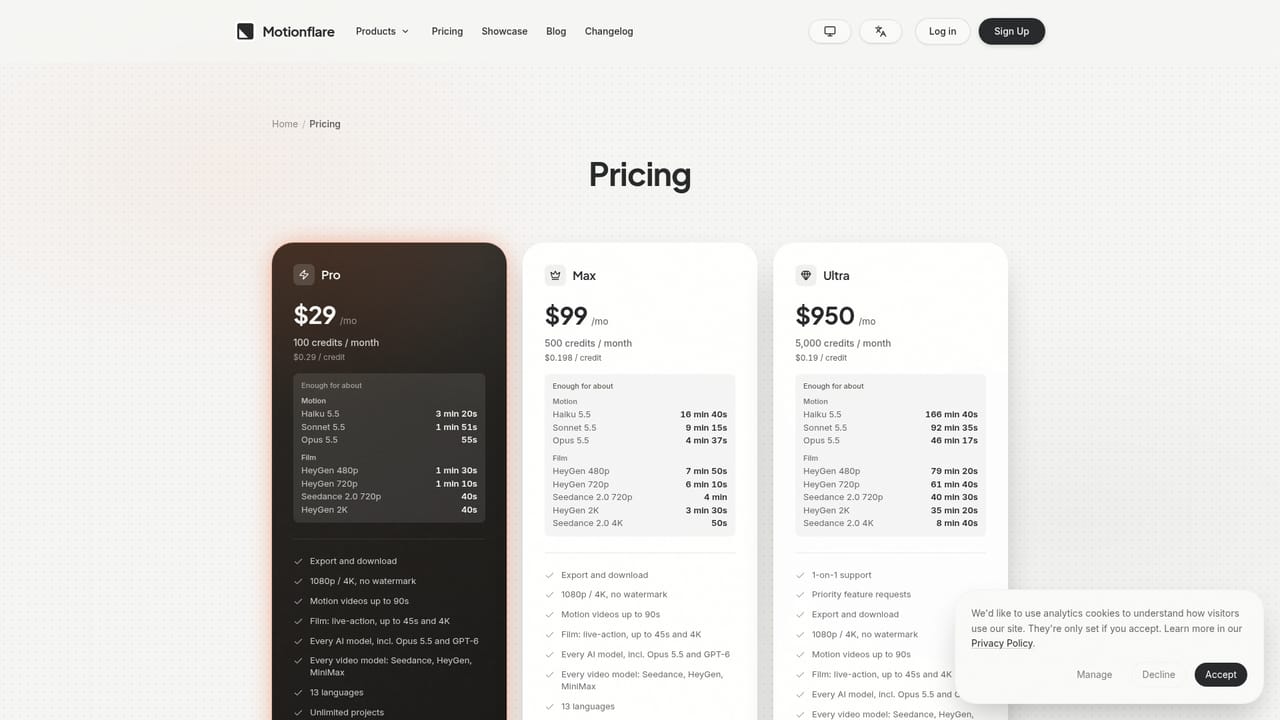
Learn moreFree plan includes 6 one-time credits, enough for one watermarked preview of up to 10 seconds viewed in the browser. Credit packs start at $15 for 40 credits and unlock watermark free 1080p and 4K export, with bonus credits of up to 20% on packs from $60. Subscriptions start at $29 per month. Creating and previewing stay free.
Learn moreURL or sentence to video generation, Motion mode motion graphics rendered from real UI screenshots, Film mode live action commercials of 5 to 45 seconds in 16:9 or 9:16 up to 4K, automatic brand asset extraction, optional voiceover, generated sound effects and a music library grown to 46 tracks, Modern Standard Arabic voiceover with right to left interface, and free version history on every video.
Learn more AI Angels400+ customizable AI girlfriends for NSFW chat, voice calls, and roleplay
 Candy AIExperience the future of companionship with AI friends who chat, role-play, and connect with you on a human level.
 ourdream.aiA vast AI roleplay platform with millions of characters for chat, images, video and voiceAI Angels400+ customizable AI girlfriends for NSFW chat, voice calls, and roleplayCandy AIExperience the future of companionship with AI friends who chat, role-play, and connect with you on a human level.ourdream.aiA vast AI roleplay platform with millions of characters for chat, images, video and voice





