Muke AI Girlfriend

A browser based AI companion site pitched at chat and virtual dating.

Beginner

What is Muke AI Girlfriend?

Muke AI Girlfriend is an AI character chat tool. A browser based AI companion site with a sparse homepage. The public page advertises chat and image related keywords such as ai image generator and ai art creator, but publishes no pricing, feature documentation or support details, so buyers should verify everything inside the product.

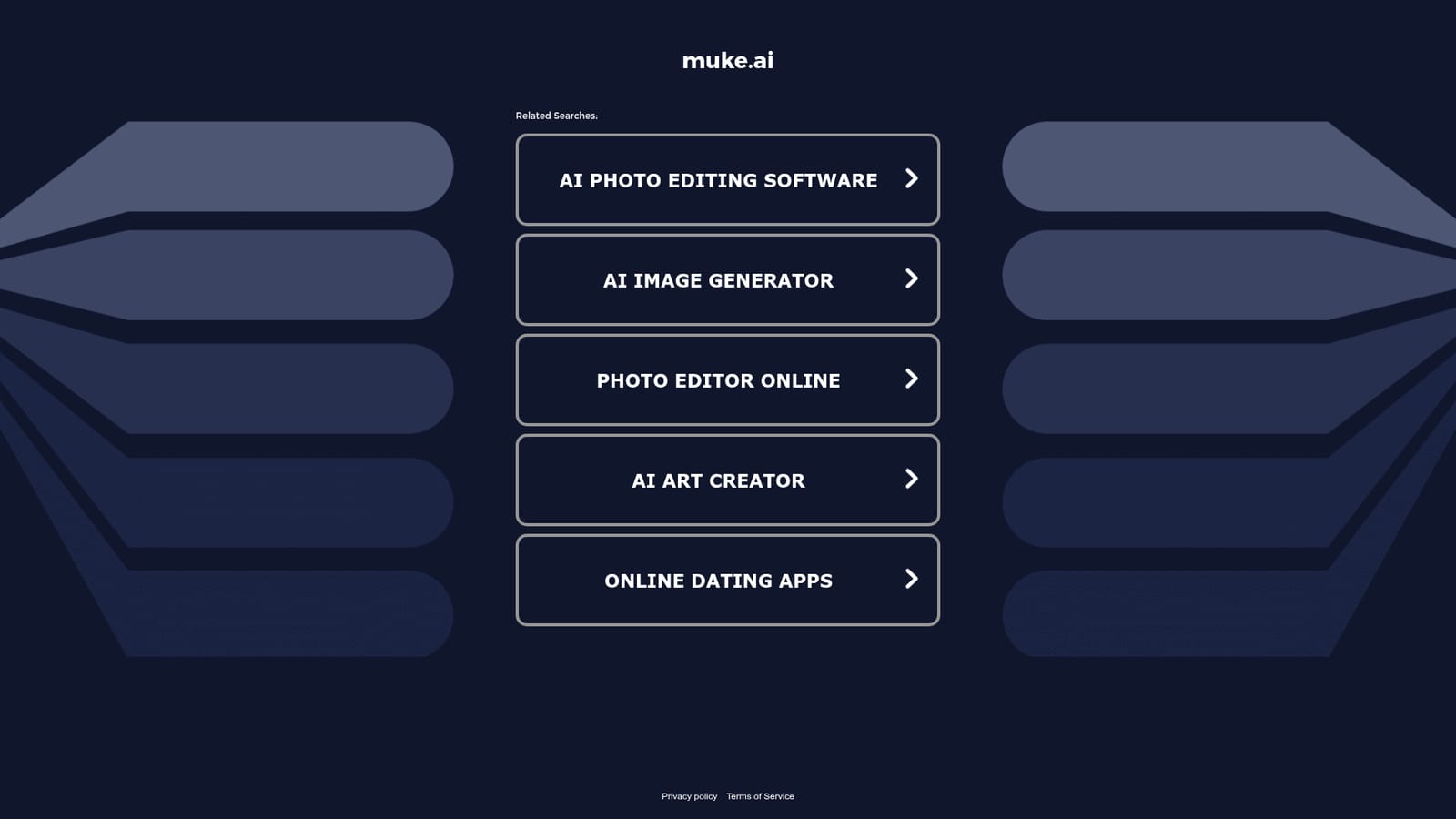
Muke AI Girlfriend is a web based AI companion product that presents itself under the muke.ai domain. The public homepage is deliberately thin: it carries a brand title, a navigation entry, and a list of related searches such as ai photo editing software, ai image generator, photo editor online, ai art creator and online dating apps. Those search terms suggest the site sits in a broad consumer space that mixes chatbot companionship with image generation and photo tooling, rather than serving a single narrow professional workflow. In practice, a visitor lands on the site through a direct link or a keyword landing page and is pointed toward the main product. The related search list on the homepage implies that users are expected to arrive from searches about virtual partners, photo editing or AI art, so the tool is likely used casually and on impulse rather than as part of a daily work routine. Anyone evaluating it should expect a chat interface and image related features rather than project management, documentation or team collaboration. Who it suits: adults looking for a lightweight conversational companion in the browser, and people who want to experiment with AI generated imagery alongside chat. It is not aimed at companies, researchers or teams that need audited outputs, shared workspaces or exportable records, because nothing on the public page describes those capabilities. Where it fits among alternatives is the crowded consumer end of the market, next to other web based AI companion and AI art services. Competitors in that bracket usually publish detailed feature and pricing pages, while muke.ai publishes almost nothing publicly beyond the landing content. The practical advice for a prospective user is to sign in, inspect what the chat and any image features actually do, and check the billing terms inside the account before committing money, since the external page does not state them.

How do you use Muke AI Girlfriend?

  1. 1Open the site through the provided link
    Follow the tracked URL to reach the muke.ai landing page. The homepage is short, so you will move on to the product quickly.
  2. 2Read the landing page and related searches
    The landing content is limited to the brand title, a navigation link and a list of related search topics. Use it to gauge whether the tool matches what you are looking for before registering.
  3. 3Check the keyword landing page
    The site exposes a separate keyword entry page that routes visitors arriving from search. Visit it to see whether it presents any extra context about the service.
  4. 4Create an account and inspect the interface
    No sign up terms appear on the public page, so register inside the product and look over the chat and any image options before doing anything else.
  5. 5Confirm billing terms before paying
    Because pricing is not published on the homepage, review plan costs, renewal rules and cancellation terms inside the account area prior to any purchase.

Pros and cons

Pros

  • Accessible in a browser with no software installation describedAI
  • Homepage positioning spans both companion chat and AI image keywordsAI
  • Points to photo editing and AI art topics alongside virtual dating themesAI
  • Low barrier for casual, exploratory use of an AI companionAI
  • Simple landing structure that is quick to load and scanAI

Cons

  • Homepage publishes no pricing, plan tiers or billing termsAI
  • No feature documentation, help centre or support information is publicAI
  • No stated platform support beyond the generic web linkAI
  • Related search list is generic and reveals little about actual capabilitiesAI
  • Adults only subject matter with no stated safeguards on the public pageAI

How much does Muke AI Girlfriend cost?

Features

The public homepage lists only a brand title, a navigation link and related searches covering AI photo editing, AI image generation, online photo editing, AI art creation and online dating apps. No feature list, conversation limits, image options or model details are published, so the concrete capabilities have to be checked after signing in.

Frequently asked questions about Muke AI Girlfriend

  • How do you use Muke AI Girlfriend?
    The walkthrough on this page covers 5 steps: 1. Open the site through the provided link 2. Read the landing page and related searches 3. Check the keyword landing page 4. Create an account and inspect the interface 5. Confirm billing terms before paying.
  • What platforms does Muke AI Girlfriend support?
    Muke AI Girlfriend is available on Web App.
  • What are the limitations of Muke AI Girlfriend?
    Homepage publishes no pricing, plan tiers or billing terms. No feature documentation, help centre or support information is public. No stated platform support beyond the generic web link.

Status

StatusActive
Views0
Outbound clicks0
Added11/3/2026

Platforms

Web App

Pricing

Freemium