Pricing
Plans are listed on a dedicated pricing page. The homepage itself does not state prices or tiers.
Learn moreAI that plans and produces your social posts from your website
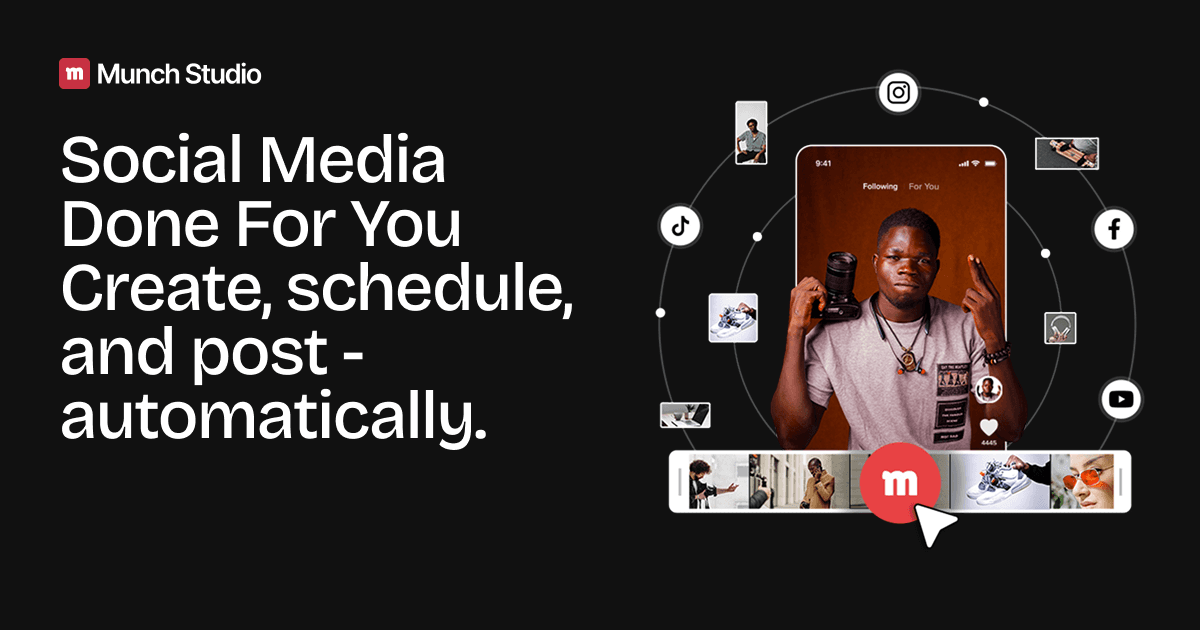
Munch Studio is a marketing tool. Munch Studio reads your business website and any videos, photos or call recordings you add, then generates on-brand social posts and a custom content strategy, aiming to cut weekly effort to about ten minutes.
Munch Studio is a social media content service for businesses that want a steady posting presence without hiring a team or spending hours in a scheduler. The user starts by entering a business website, and the system studies that material to understand what the company sells, how it sounds and what it looks like. From there it produces ready-to-publish posts along with a content strategy built around the business, rather than a generic stream of captions. The workflow is meant to be short. Onboarding asks for the website and lets the user add extra source material such as videos, photos and even recordings of Zoom calls, which gives the AI real company content to work from. The user then chooses where the business should appear, with Instagram, Facebook and LinkedIn shown as options, or leaves that decision to the tool. Munch Studio then generates a large batch of posts in minutes, and the stated goal is that a business can keep its channels running with roughly ten minutes of attention per week. Businesses without a website can still sign up and proceed from the account flow. The audience is small companies, consultants, solo creators and lean marketing teams. The site's success stories include a consultant building a first real social presence, a solo video editor turning long-form footage into a repeatable social operation, and a fragrance brand keeping its calendar full without a dedicated social team. Those cases suggest the sweet spot: people who know their business but lack the time or staff to feed several feeds. Among alternatives, Munch Studio sits closer to a managed, done-for-you service than to a general scheduling dashboard or a blank-page caption writer. Tools like those leave strategy and creative decisions with the user, while this one tries to carry them, trading some manual control for speed. Buyers who want to hand-craft every post may prefer a conventional editor, whereas those who want output on a schedule with minimal effort are the intended fit. Pricing details are published on a separate pricing page.
Plans are listed on a dedicated pricing page. The homepage itself does not state prices or tiers.
Learn moreBuilds posts from a business website, videos, photos and Zoom recordings. Generates a custom content strategy and many posts within minutes. Targets Instagram, Facebook and LinkedIn, with an option to let the tool choose platforms. Aims for about ten minutes of weekly effort.
 AI Angels400+ customizable AI girlfriends for NSFW chat, voice calls, and roleplay
 Candy AIExperience the future of companionship with AI friends who chat, role-play, and connect with you on a human level.
 ourdream.aiA vast AI roleplay platform with millions of characters for chat, images, video and voiceAI Angels400+ customizable AI girlfriends for NSFW chat, voice calls, and roleplayCandy AIExperience the future of companionship with AI friends who chat, role-play, and connect with you on a human level.ourdream.aiA vast AI roleplay platform with millions of characters for chat, images, video and voice