Support
Self-serve resources include a knowledge base, an academy, a blog, API docs and a product updates page. Direct support channels are not described on the homepage.
Learn moreAI avatar video maker for ads, explainers and social clips
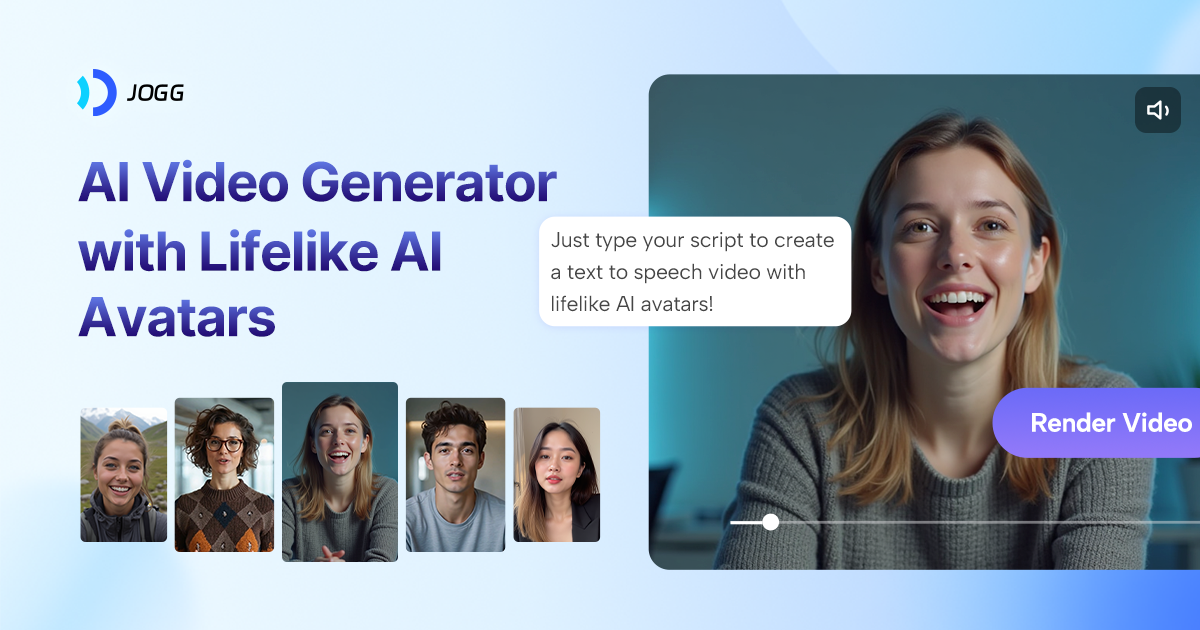
JoggAI generates videos with realistic AI avatars, offering 450+ stock presenters, custom avatars, voice cloning and translation. Its ad tools turn product pages and photos into marketing clips for e-commerce, social media and sales teams.
JoggAI is a web-based video generator built around AI avatars. The homepage promotes a library of more than 450 realistic presenters, along with the option to build a custom avatar, so a talking-head video can be produced without a camera, studio or on-screen talent. The product spans several formats: explainer videos, animated presentations, podcast videos, talking photos, lip sync clips and translated videos. The feature menu is split into groups. The video group covers an explainer maker, a video agent, a general AI video generator, PPT to video conversion, an AI script writer and avatar effects. The avatar and voice group covers photo to avatar, custom avatars, stock avatars, voice cloning, an AI twin and face swap. A separate ads group targets commerce: product photo shoots, product video shoots, product avatars and URL to video, which turns a web page into a clip. Pages organised by role (marketers, podcasters, learning and development teams, sales outreach) and by use case (social media, corporate training, e-commerce, video ads) show who the tool is aimed at. In practice, a user picks or creates an avatar, supplies a script (written by hand or drafted with the script writer) or source material such as a URL, slides or podcast audio, and generates the video in the browser. Voice cloning and translation extend one recording into other voices and languages. For teams that want to automate production, the site lists an API with documentation, an MCP integration and a ChatGPT plugin, plus a template library, a blog and an academy for learning the workflow. Among alternatives, JoggAI sits in the avatar-video segment alongside other presenter-style generators, but leans harder into advertising and e-commerce than tools focused mainly on corporate training. It suits marketers, small brands, course creators and social media teams who need many short videos quickly. The homepage does not state pricing, so plan details need to be confirmed on the vendor site before committing.
Self-serve resources include a knowledge base, an academy, a blog, API docs and a product updates page. Direct support channels are not described on the homepage.
Learn moreThe site lists a public API with documentation, a JoggAI MCP integration and a ChatGPT plugin, plus a template library and an OpenClaw lip sync skill.
AI avatars (450+ stock, custom, photo to avatar, AI twin), voice cloning, talking photos, lip sync, face swap, AI script writer, explainer and podcast video makers, PPT to video, video translator, video agent, and ad tools including URL to video and product video shoots.
Learn more AI Angels400+ customizable AI girlfriends for NSFW chat, voice calls, and roleplay
 Candy AIExperience the future of companionship with AI friends who chat, role-play, and connect with you on a human level.
 ourdream.aiA vast AI roleplay platform with millions of characters for chat, images, video and voiceAI Angels400+ customizable AI girlfriends for NSFW chat, voice calls, and roleplayCandy AIExperience the future of companionship with AI friends who chat, role-play, and connect with you on a human level.ourdream.aiA vast AI roleplay platform with millions of characters for chat, images, video and voice