Free trial
Signing up gives 24 free credits with no credit card required, but the site notes free credits are unavailable in some regions because of abuse.
Learn moreType a description, pick a style, get a finished song in about a minute.
Own MusicGeneratorAI? Verify ownership to get a dofollow link

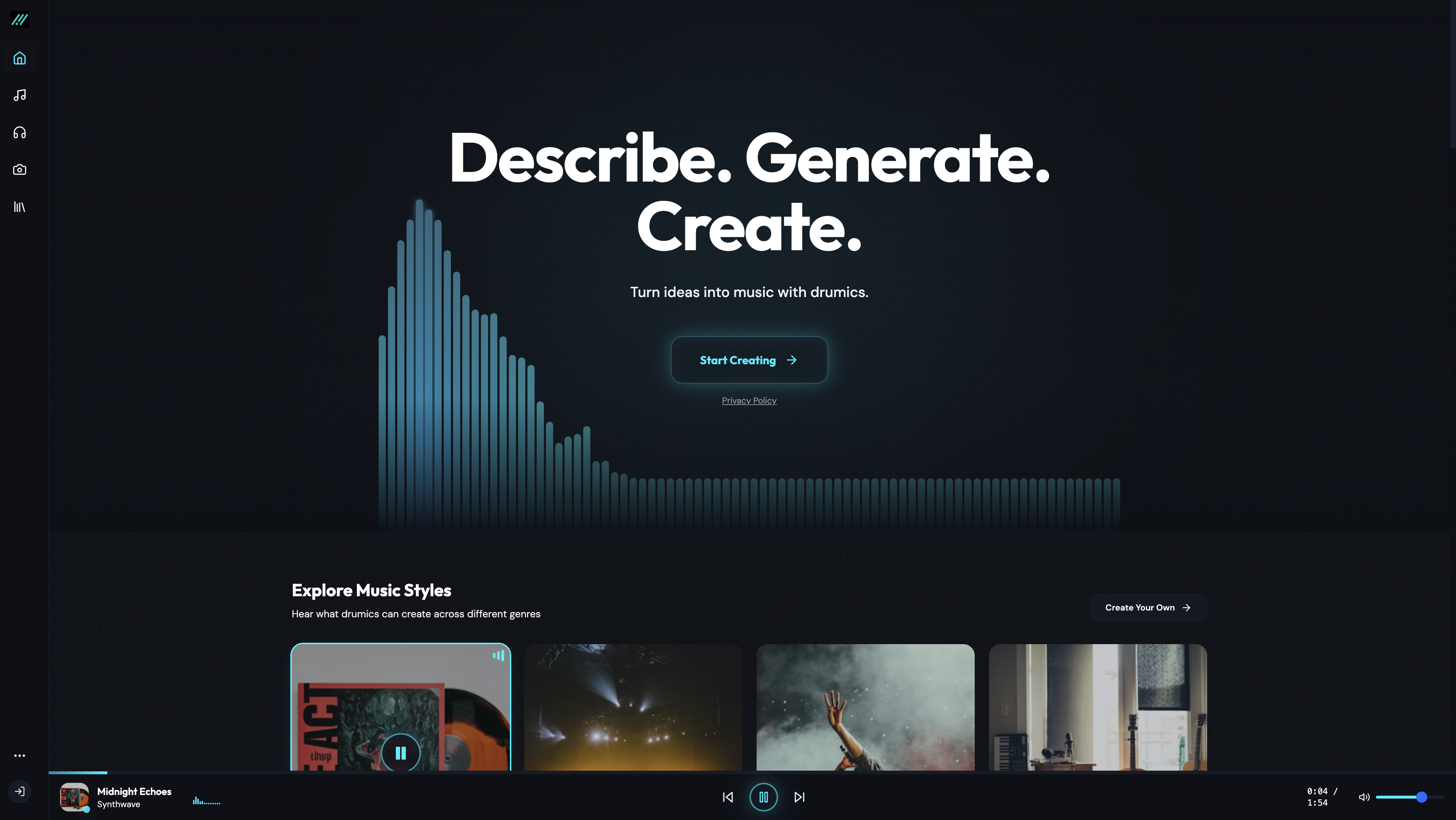
MusicGeneratorAI is a death metal generator tool. A browser based text to music generator that composes full songs, with or without vocals, in under a minute. It offers 50 plus styles, genre blending, WAV, MP3 and MIDI export, and royalty free commercial licensing on paid plans.
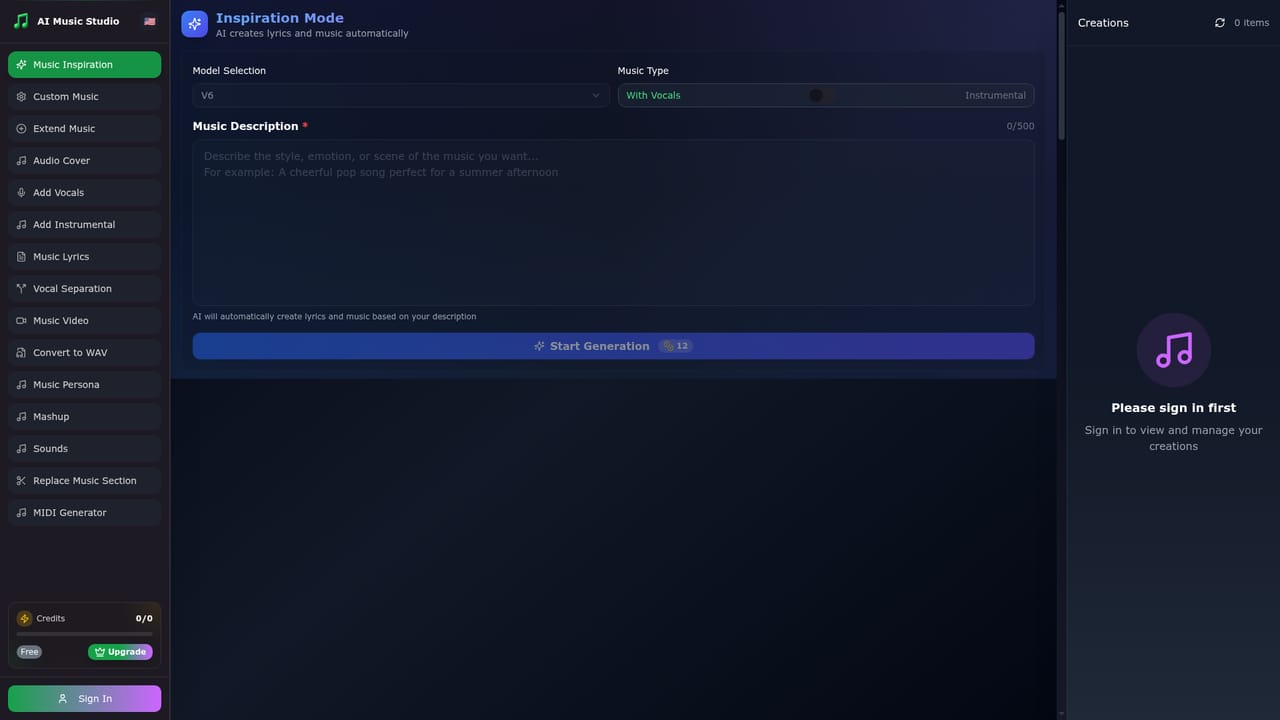
MusicGeneratorAI is a browser based text to music tool that turns written descriptions into complete songs. A user chooses a music type (vocals or instrumental), writes up to 500 characters describing mood, instruments and genre, and lets the engine compose the track. The site advertises generation in under 60 seconds and positions the output as broadcast ready, with downloads in WAV, MP3 and MIDI and a commercial license attached to paid plans. A template generator builds lyrics automatically from the same description when vocals are selected, so no separate songwriting step is needed. The audience spans people with no musical training and working producers. Podcasters can produce custom intro themes, filmmakers can draft score sketches, marketers can spin up jingles, and event planners can order personalized soundtracks. The gallery of example tracks leans heavily on genre fusion prompts (orchestral pop, jazz fusion, synthwave, ambient electronic), which fits the site's claim of more than 50 styles and the ability to blend several of them in one prompt. Users who want fine control get sliders described as precision tools for tempo, key, instruments and song structure, plus a regeneration loop for endless variations until a take lands. The workflow is deliberately shallow: select a genre, write the description, generate, then download or share. Nothing is installed and projects live in the cloud, so the same account works on desktop, tablet and mobile. The company also advertises an enhancement feature that layers additional instruments or reworks an existing idea while keeping its core. Compared with heavier production suites, MusicGeneratorAI trades depth for speed and simplicity. It sits alongside other prompt to song services such as Suno, whose branding appears on some gallery artwork, rather than replacing a DAW. Buyers should read the pricing page carefully: plans are credit based, credits reset monthly, and the advertised half price yearly rate changes the effective monthly cost.
Signing up gives 24 free credits with no credit card required, but the site notes free credits are unavailable in some regions because of abuse.
Learn moreThree monthly subscription tiers: Basic at $25 per month (or $12.50 billed yearly) with 600 credits, Standard at $50 (or $25 yearly) with 1500 credits, and Pro at $100 (or $50 yearly) with 4000 credits. Credits reset each month; separate credit packages are also offered. All paid plans include a commercial license.
Learn moreEmail technical support is listed on all paid plans, with priority technical support added on the Pro tier.
Text to music generation with vocals or instrumental output, model V6 plus Chirp V5 and V4.5+ on paid plans, over 50 styles with genre blending and mood based prompts, automatic lyrics, precision control over tempo, key, instruments and structure, enhancement of existing ideas, 44.1kHz 16-bit audio, and export to WAV, MP3 and MIDI.
 AI Angels400+ customizable AI girlfriends for NSFW chat, voice calls, and roleplay
 Candy AIExperience the future of companionship with AI friends who chat, role-play, and connect with you on a human level.
 ourdream.aiA vast AI roleplay platform with millions of characters for chat, images, video and voiceAI Angels400+ customizable AI girlfriends for NSFW chat, voice calls, and roleplayCandy AIExperience the future of companionship with AI friends who chat, role-play, and connect with you on a human level.ourdream.aiA vast AI roleplay platform with millions of characters for chat, images, video and voice