Musiv

Turn any track into a scene-based music video built around its rhythm.

Intermediate
Screenshot of Musiv, Turn any track into a scene-based music video built around its rhythm

What is Musiv?

Musiv is an AI mashup maker tool that turns any track into a scene-based music video built around its rhythm. Musiv analyzes a song's rhythm, structure and mood, then proposes a storyboard of beat-aware scenes you can edit, regenerate and export as an MP4 with the original music and optional subtitles, in 16:9 or 9:16.

Musiv is an AI music video generator built around one idea: the song decides the visuals, not the other way round. You upload a track or audio file, pick the section you want to develop, choose an aspect ratio (16:9 or 9:16), and optionally add lyrics. Before generating anything, the platform analyzes the rhythm, mood, energy and section structure of your audio. That analysis becomes the basis for a proposed visual direction, a storyboard and a sequence of scenes timed to the music. The workflow is deliberately scene-level rather than one-shot. Once the first storyboard appears, you can rewrite scene descriptions, adjust lyrics timing, refine first frames and video prompts, or regenerate a single scene without rebuilding the whole video. Style direction is open-ended: the site lists cinematic noir, dreamlike color, abstract motion and user-defined worlds as starting points. Beat-aware cutting keeps transitions tied to musical momentum, and the finished sequence previews with the original track, optional subtitles and an MP4 export. Musiv suits independent artists, small labels and content teams who need a visual for a single, a lyric video, a vertical social clip or a campaign asset but do not want to open a traditional editor or commission a production. The site is candid that a full song demands more scenes, review passes and recovery work than a short teaser, and it suggests validating a direction at 15 or 30 seconds first. That framing puts it closer to a guided production workspace than to a push-button generator, and closer to music-aware tools than to general text-to-video models. Around the core workspace sits a free public toolkit: album, song title, artist, band and K-pop group name generators, a browser-based tap tempo tool for estimating BPM without uploading audio, plus explainer pages for the audio-to-video and song-to-video workflows. A showcase of 14 films, split across narrative, performance, fantasy, abstract and vertical categories, gives a realistic sense of the output style before you commit a track.

How do you use Musiv?

  1. 1Open the music video workspace
    Go to the create page and start a project. Beginning from your own track avoids an empty timeline and anchors every later decision to the song.
    Musiv — Open the music video workspace
  2. 2Add the track and set the scope
    Upload the song or audio file, select the range you want to develop, choose 16:9 or 9:16 and switch on synced lyrics if the video needs them.
  3. 3Review the analysis and visual direction
    Musiv reads rhythm, mood and section structure, then proposes a visual world. Check that the proposed storyboard maps sensibly to intro, verse, drop and outro.
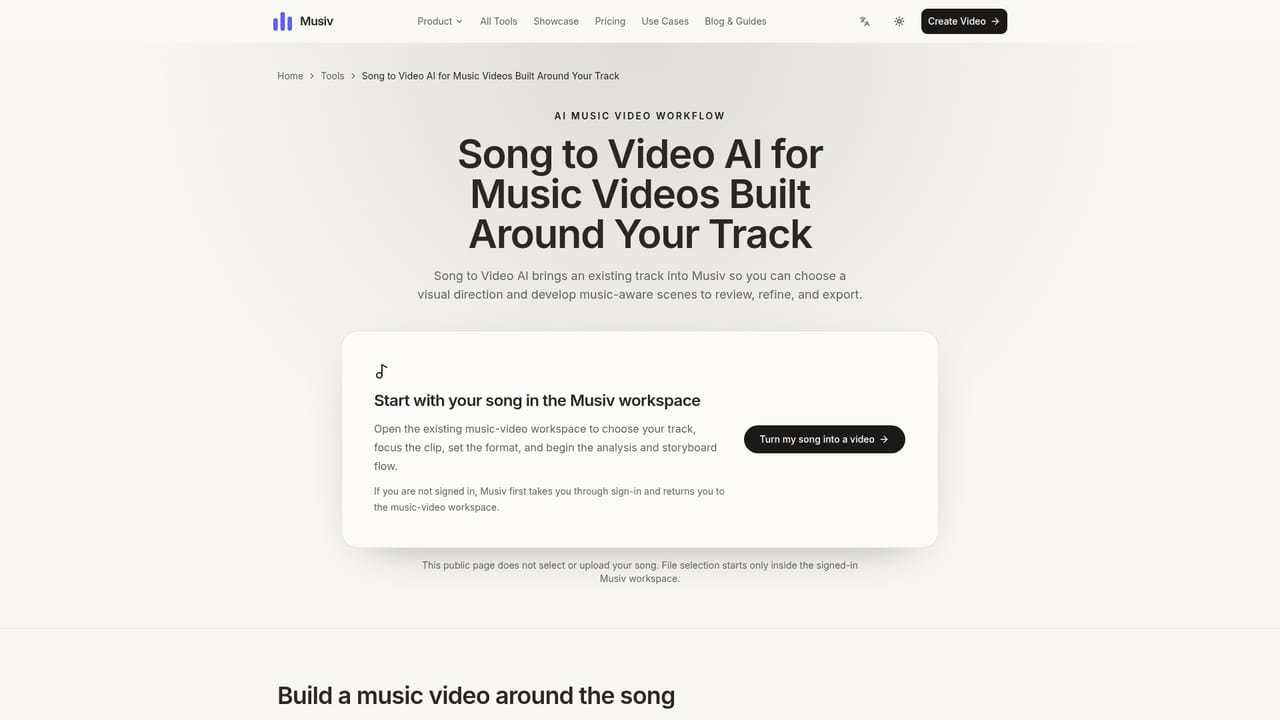
    Musiv — Review the analysis and visual direction
  4. 4Direct individual scenes
    Edit lyrics and scene descriptions, refine first frames and video prompts, and regenerate only the scenes that need another take.
  5. 5Preview and export the cut
    Review rhythm, lyric sync and transitions in sequence, then export an MP4 with the original music and optional subtitles.
  6. 6Study reference films first
    Browse the showcase to calibrate the style, pacing and framing you want before spending generations on a full track.
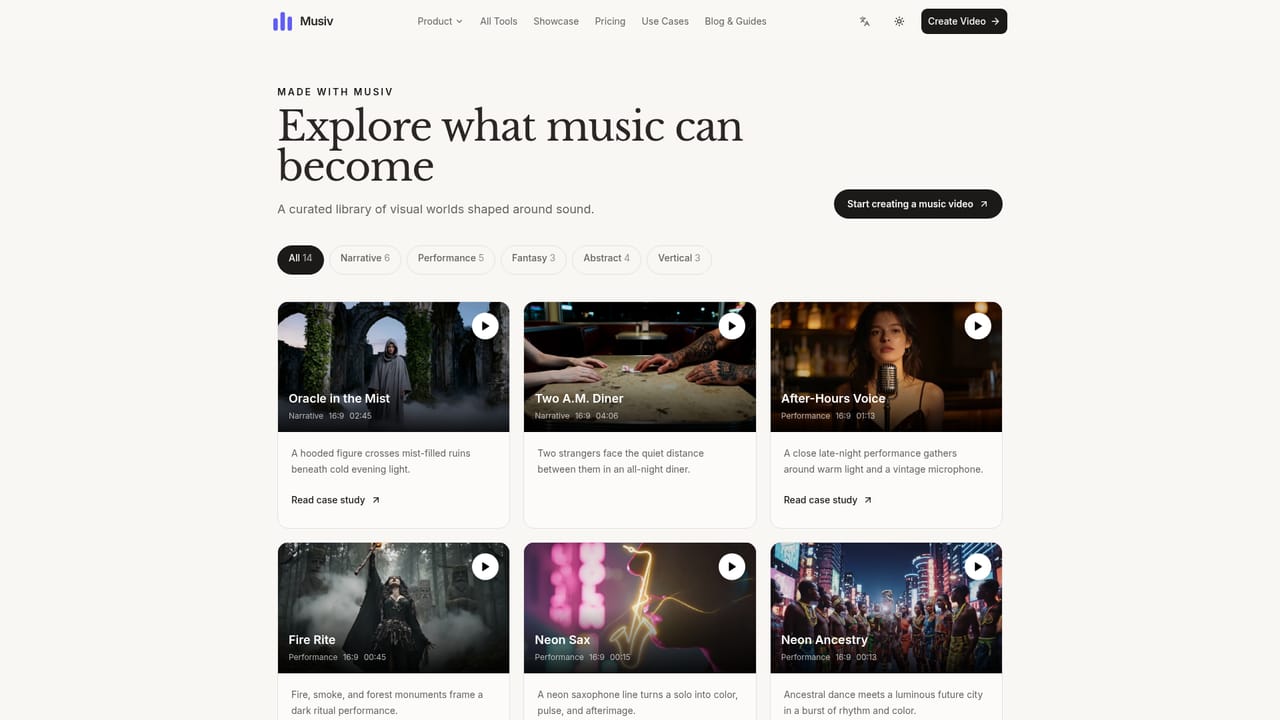
    Musiv — Study reference films first

Pros and cons

Pros

  • Audio analysis drives the storyboard, so scene changes follow the track's real structure rather than a fixed templateAI
  • Scene-level regeneration means one weak shot does not force a full rebuildAI
  • Native aspect ratio options (16:9 and 9:16) cover both release videos and vertical social clipsAI
  • Lyric timing, first frames and video prompts stay editable inside the same workspaceAI
  • Public name generators and a local tap tempo tool add release planning value at no costAI

Cons

  • No published pricing tiers or plan limits on the homepage, so cost has to be confirmed before committing a full songAI
  • The site itself warns that full-length tracks need substantially more scenes, credits, review and recovery work than short teasersAI
  • Output is MP4 only, with no mention of project files or hand-off to conventional editing softwareAI
  • No stated integrations, API or team collaboration features for labels and agenciesAI
  • Quality depends on how well you write direction and prompts, which undercuts the promise of a hands-off generatorAI

How much does Musiv cost?

Features

Music structure and mood analysis, AI storyboard and scene generation, editable lyrics and scene descriptions, first-frame and video prompt refinement, single-scene regeneration, beat-aware sequencing, 16:9 and 9:16 output, MP4 export with the original track and optional subtitles, plus free public tools for album names, song titles, artist and band names, tap tempo BPM and workflow guides.

Frequently asked questions about Musiv

  • How do you use Musiv?
    The walkthrough on this page covers 6 steps: 1. Open the music video workspace 2. Add the track and set the scope 3. Review the analysis and visual direction 4. Direct individual scenes 5. Preview and export the cut 6. Study reference films first.
  • What platforms does Musiv support?
    Musiv is available on Web App.
  • What are the limitations of Musiv?
    No published pricing tiers or plan limits on the homepage, so cost has to be confirmed before committing a full song. The site itself warns that full-length tracks need substantially more scenes, credits, review and recovery work than short teasers. Output is MP4 only, with no mention of project files or hand-off to conventional editing software.

Status

StatusActive
Views0
Outbound clicks0
Added10/21/2026

Platforms

Web App

Pricing

Freemium